Articles / Guidesupdated for DaVinci Resolve 21.0 (June 2026)
Editing, Color, or Audio: What to Learn First in DaVinci Resolve
Quick answer
Learn editing first, always: cutting on Media, Cut/Edit, and Deliver produces a finished project with nothing to grade or mix yet. After that, learn audio before deep color if you want fast, watchable results, since bad sound drives viewers away faster than a rough grade. Learn color first only if a specific look or colorist career is the actual goal.
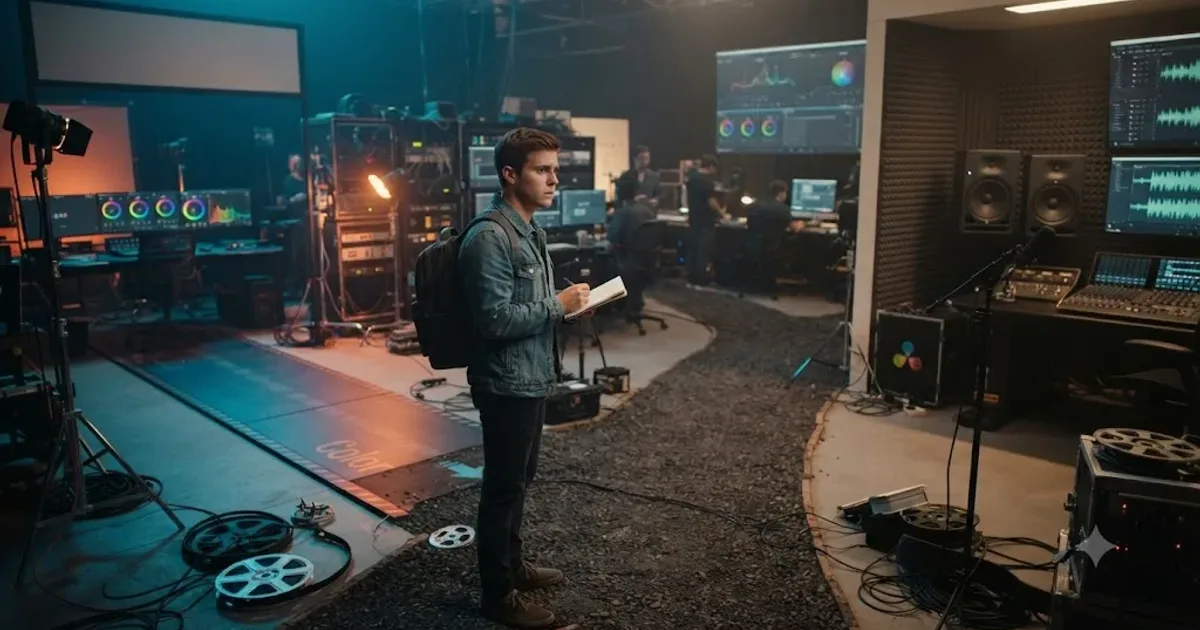
I get asked some version of this every week: cutting feels manageable, but Color and Fairlight both look like their own apps bolted onto the one I already know, and there's only so much practice time in an evening. Which one first?
The honest answer has two parts, and most explanations only give you one of them. Editing comes first, no exceptions, because color and audio both need something already cut to work on. But the second question, color or audio, doesn't have one right answer. It depends on what you're actually trying to finish.
What should you learn first in DaVinci Resolve: editing, color, or audio?
Editing first, every time, then color or audio depending on your goal. That's the whole framework, and everything below this section is just the reasoning and the exceptions.
The Media, Cut or Edit, and Deliver pages are the floor. Import footage, trim it into a sequence, and export a file that plays, and you've made a complete, finished thing with zero color grading and zero audio mixing. Nothing else in Resolve works without that floor in place, because Color and Fairlight both operate on clips that are already positioned, trimmed, and locked into a timeline. Grade or mix a clip before the cut is settled and there's a real chance you're correcting footage that gets trimmed differently, or replaced, an hour later.
Editing always comes first in DaVinci Resolve, because color and audio both need a locked cut to work on. That sentence is the one non-negotiable part of this whole post. Everything past it is a real decision, not a rule.
Once cutting is comfortable, and comfortable doesn't mean expert, just "I can finish a rough sequence without hunting for buttons," the second question opens up. Color and audio are separate crafts wearing the same interface, and they reward different priorities depending on what you're making. A wedding videographer's second skill is not a colorist's second skill, and pretending one order fits every reader is where most generic advice on this topic goes wrong. The next several sections walk through why each side has a real case, and a table further down sorts it by the kind of project you're actually building.
| Stage | What you learn | Depends on |
|---|---|---|
| Always first | Editing: Media, Cut or Edit, Deliver | Nothing, this is the floor for every project |
| Second, if speed and watchability matter most | Fairlight audio basics | Levels, a light EQ pass, ducking music under dialogue |
| Second, if a look or a colorist track matters most | Color page basics | Reading a waveform, one-node exposure and white balance correction |
| Last | Fusion | Editing being automatic, and a real project asking for a composite |
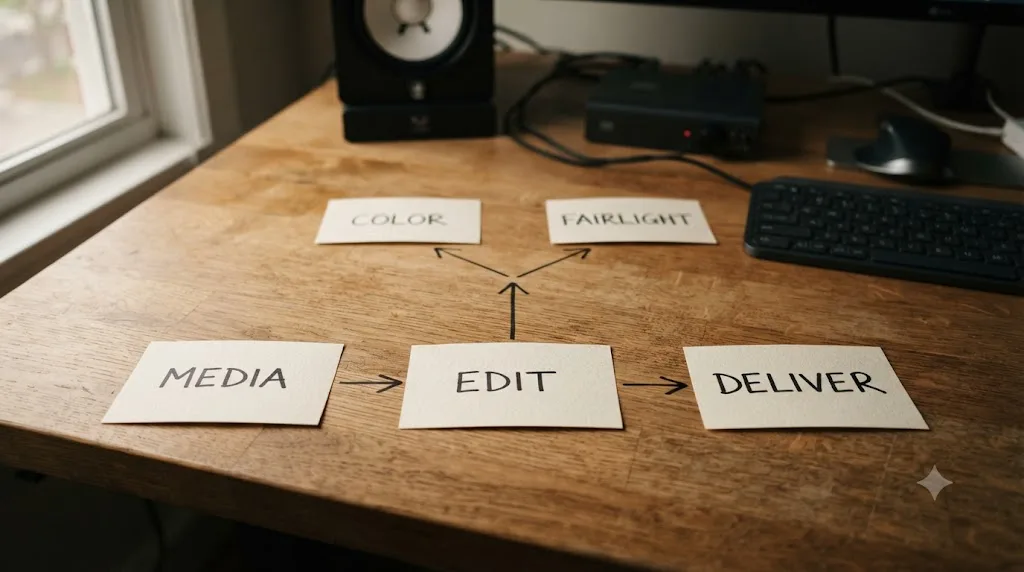
Why does editing always come first, no matter your goal?
Because it's the only one of the three that produces a finished, shareable thing on its own. A cut with no grade and no mix is still a video. A grade with no cut isn't anything, it's a corrected clip sitting in a bin. A mix with no cut is a set of level-matched audio files with nowhere to live.
That asymmetry isn't a technicality, it's the actual reason mechanics-first sequencing shows up in every serious curriculum on this site and off it. Our full DaVinci Resolve tutorial walks the page-by-page order a real project demands, Media, Edit, Color, Fairlight, Fusion, Deliver, and editing sits at the front of that list for the same structural reason it sits at the front of this one.
There's a second, quieter reason editing comes first: it's genuinely the fastest of the three to reach "good enough." Trimming, ordering clips, adding a basic title, and exporting a working file are skills most people can produce a real result with inside a single afternoon, especially if they've used any other editing software before. Color and audio both take a few weeks of regular practice before a beginner stops feeling lost, according to the timelines in our guide to how long DaVinci Resolve takes to learn. Front-loading the fast win keeps momentum going into the slower skills that follow.
And there's a practical cost to skipping this order that beginners discover the hard way. Grade a clip, then decide the cut needs a different in point, and the correction you built for the old framing doesn't always carry cleanly to the new one, especially if a power window or a qualifier was tracking something specific in the shot. Mix a dialogue track's levels against a music bed, then swap that dialogue clip for a better take, and the ducking keyframes you built now sit against the wrong waveform. Neither mistake is fatal. Both cost you time you didn't need to spend, and both are entirely avoidable by locking the cut, even a rough one, before either page opens.
Editing always comes first in DaVinci Resolve, because color and audio both need a locked cut to work on. If you remember one sentence from this whole post, that's the one.
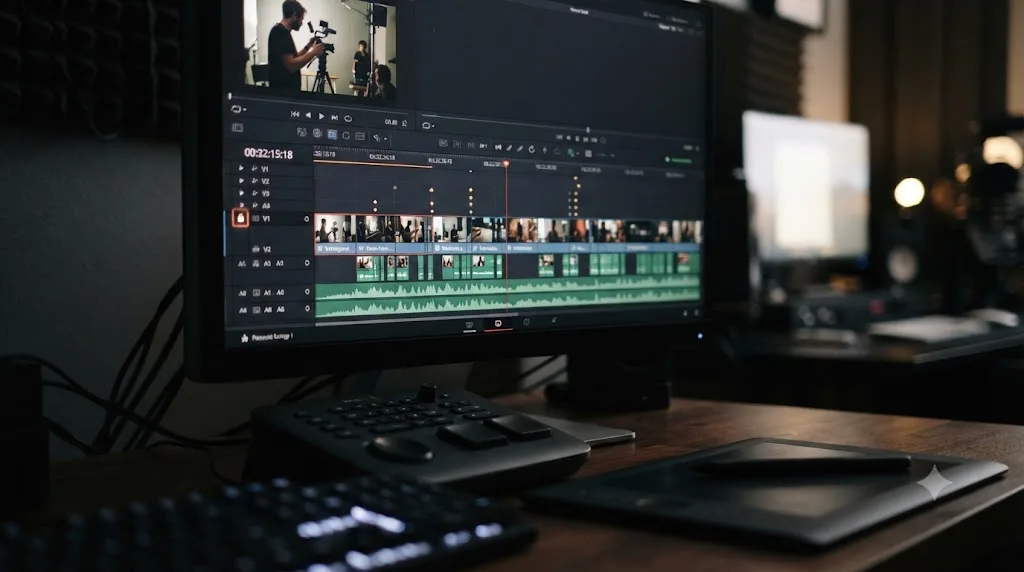
Once you can cut, should color or audio come next?
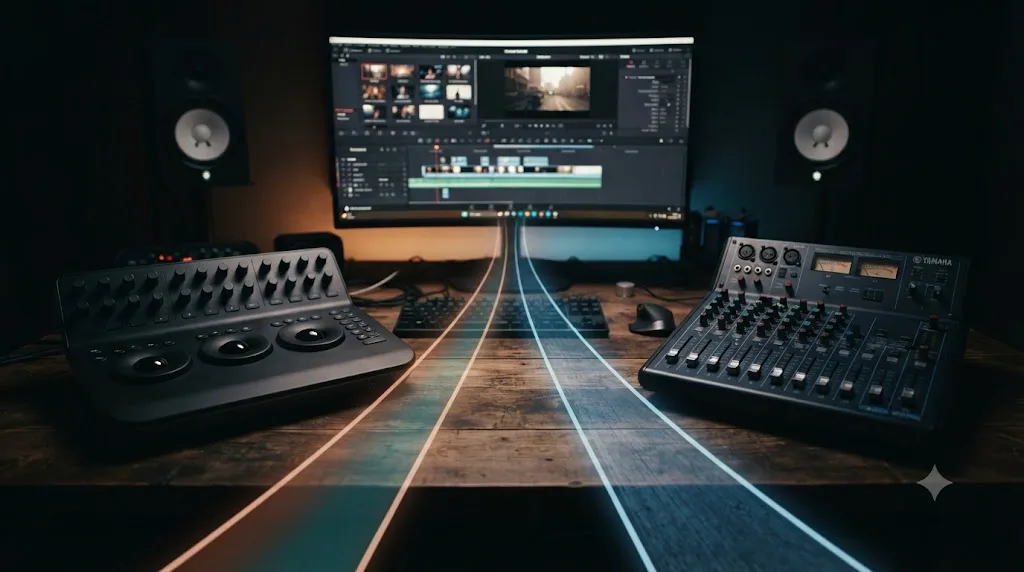
This is the real question behind the query that brought you here, and it doesn't have a universal answer, whatever a thumbnail promising "the ONE right order" wants you to believe. It has a goal-dependent answer, and naming your goal honestly is most of the work.
Here's the shape of the actual tradeoff, stated plainly before the next two sections make each side's case in full. Audio is the faster skill to get functional, and it's the one that costs you viewers fastest when it's missing. A dialogue track sitting at the wrong level, or music burying speech, is the single most common reason a viewer clicks away from an otherwise decent video, and fixing it takes a few focused sessions with levels, a light EQ pass, and a ducker. Color is the deeper craft, the one with real career weight behind it if you're aiming at professional work, and it rewards months of practice in a way audio's basics simply don't ask for.
Neither of those facts cancels the other out. They're both true, and they point in different directions depending on what "finished project" means to you. A YouTuber optimizing for watch time cares more about the first fact. Someone chasing a colorist credit cares more about the second. The rest of this post is built to help you tell which one describes you, because generic advice that skips this fork is the kind of advice that sends a wedding videographer down a three-month color-matching rabbit hole they didn't actually need yet, or leaves an aspiring colorist stuck on levels and ducking for a month before they ever open a node.
Why do some editors say learn audio before color?
Because bad audio loses viewers faster than bad picture does, and that's not a hunch, it's close to a founding principle of the entire film and broadcast industry. George Lucas, inducted into the TEC Hall of Fame at AES San Francisco, put it about as plainly as it gets in an interview with Mix Magazine:
"I feel that sound is half the experience... That's where you really make or break a movie."
That's not a throwaway line from someone outside the craft. It's a filmmaker known specifically for building sound design into the identity of his work, saying that half of what an audience experiences is coming through their ears, not their eyes. If sound carries that much weight for feature filmmakers with unlimited budgets and full post teams, it carries at least as much weight for a beginner working alone with limited hours, where every mistake is unmasked instead of buried under a professional mix.
The practical version of this shows up constantly in how audiences actually behave. A viewer will sit through a slightly soft grade, a shot that's a touch too warm, a cut that's not perfectly color-matched between two cameras. What they won't sit through is dialogue they have to lean in to understand, or a music bed that swells over someone's voice at exactly the wrong moment. A viewer forgives a soft grade far more easily than they forgive audio they have to strain to hear. That asymmetry is the whole argument for audio second.
There's also a speed argument that matters specifically for a beginner's limited practice hours. Fairlight's basics, gain-staging a clip so nothing clips, a light EQ pass on dialogue, and a ducker that automatically pulls music down under speech, are learnable inside a couple of weeks of real practice, per the timelines in our Fairlight mixing guide and how long it takes to learn. A basic mix that sounds clean, level, and intentional is a realistic goal for someone's second or third month with the software. A basic color grade that looks intentional rather than accidental takes about the same amount of time to reach the same floor, but the ceiling above that floor is dramatically higher, and higher ceilings pull at your attention in ways a floor-level skill doesn't.
The version of "learn audio second" worth internalizing isn't "audio matters more than color as a craft." It's narrower and more useful than that: for a finished, watchable project on a beginner's timeline, a clean mix does more work per hour of practice than a polished grade does. If your goal this month is finishing things people actually watch all the way through, that's the math that should decide your next few weeks.
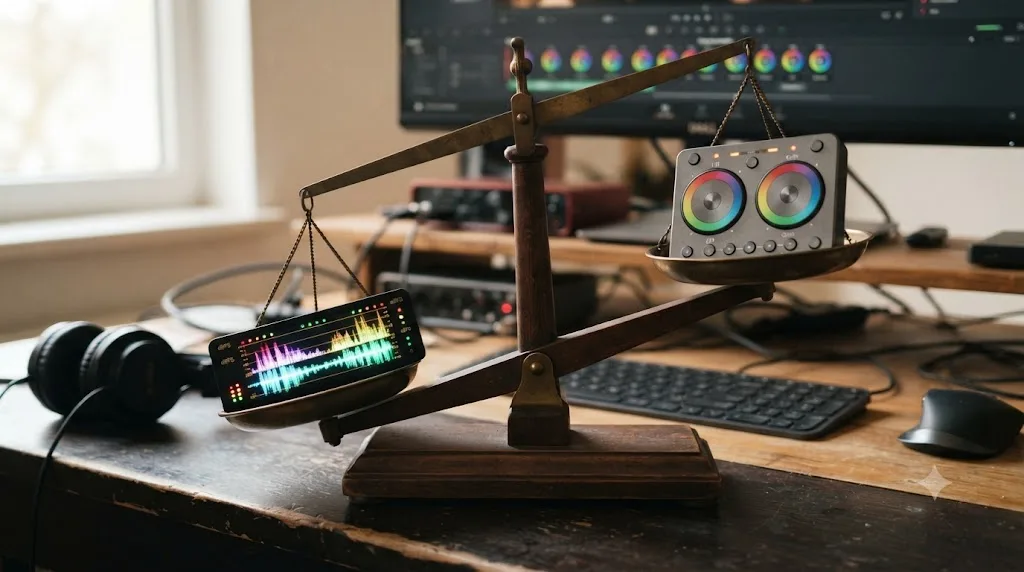
Why do other editors say color deserves the second slot?
Because color grading is a genuinely deeper craft, and depth is exactly what pays off if the direction you're heading actually rewards it. The case for color second isn't "audio doesn't matter." It's "if you're building toward a specific look, a client's brand, or a colorist career, the sooner you start the slow parts of color, the sooner they stop being slow."
Ollie Kenchington, lead colorist at Korro Films and a Blackmagic Certified Trainer, put the volume-driven nature of the craft simply when asked how to actually improve, in an interview with CineD:
"I would say the best thing to do is just grade everything and anything you can!"
That's the whole argument for starting early, compressed into one sentence from someone who trains other colorists for a living. Color grading judgment, matching two shots from the same scene until a stranger can't tell where the cut is, knowing when a grade is finished instead of over-processed, reading a waveform fast enough that it stops feeling like translation, is built entirely through volume. Our own guide to how long DaVinci Resolve takes to learn puts shot-to-shot color matching and secondary grading squarely in its "slow" tier, the skills that take months regardless of how efficiently you practice, because they're judgment, not mechanics. If that's the tier your actual goal lives in, waiting to start it doesn't make it arrive faster later. It just delays the clock.
There's a mechanical case too, separate from the career case. Color grading in Resolve runs on a node system, a visible chain of steps you connect and reorder, and that structure is genuinely unlike anything in a stacked-slider color panel from another editor. Our color grading basics guide covers the Lift, Gamma, and Gain wheels and how a serial node chain actually behaves, and that mental model, thinking in a graph instead of a stack, benefits from early, repeated exposure the same way any unfamiliar notation does. Kenchington's own paid course, "Color Correction with DaVinci Resolve" on MZed, exists specifically because that notation shift is where working editors most often get stuck.
Color grading is the deeper craft, and depth is exactly what a beginner's first month doesn't need, unless depth is actually the goal. That qualifier matters more than the sentence around it. If you're cutting family videos or a weekly YouTube upload, color's ceiling is mostly irrelevant to you, and audio's faster payoff wins. If a specific look, a client's brand consistency, or a colorist credit is the actual destination, color's ceiling is the entire point, and starting the slow climb now beats starting it in six months.
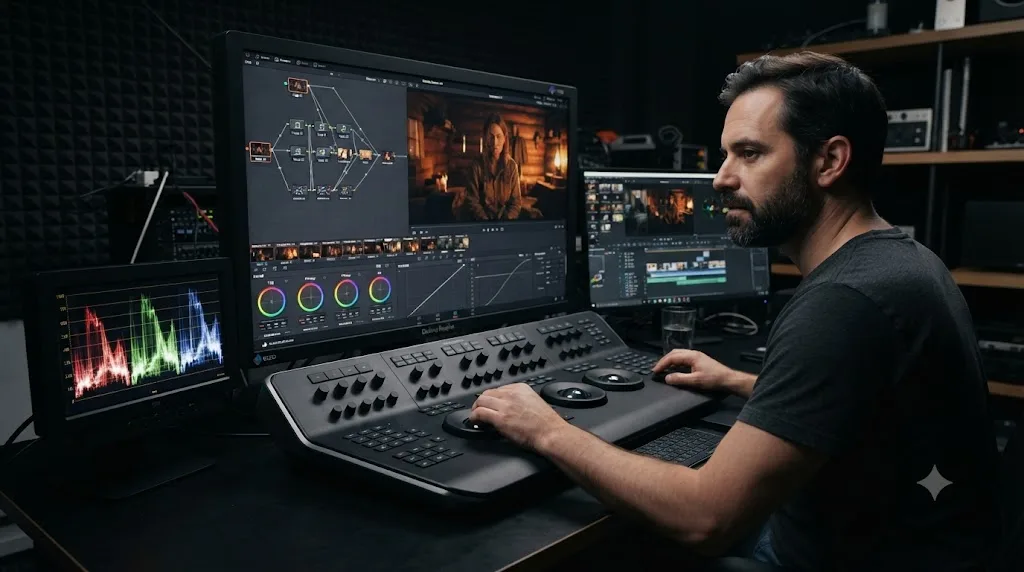
Does your goal actually change the order? A decision table by project type
Yes, and this is the part most "editing vs color vs audio" content skips entirely in favor of a single universal answer. Here's the order that actually fits eight common goals, based on what each one demands most from a finished project.
| Your goal | Learn second | Why |
|---|---|---|
| YouTube or social video | Audio | Retention lives and dies on clear dialogue and a music bed that doesn't fight it; color needs are usually a basic look, not a deep grade |
| Wedding or event videography | Audio | Vows and toasts have to be intelligible from imperfect ceremony audio; color matching across venues and lighting can develop over your first few paid jobs |
| Corporate or marketing video | Audio | Clients notice muddy voiceover before they notice a slightly flat grade; brand color consistency matters, but usually arrives as a locked LUT you apply, not a skill you build from scratch |
| Podcast video | Audio | The entire product is spoken word; a podcast with clean levels and a rough grade still works, a podcast with a beautiful grade and unintelligible audio doesn't |
| Documentary or interview-heavy work | Audio | Interview audio quality varies wildly by location and gear, and cleaning it up is a constant, immediate need; color often gets unified in a final pass |
| Narrative short film | Color | A specific look is part of the storytelling itself, and shot-to-shot matching across multiple setups is a real, early requirement, not a later polish step |
| Music video | Color | Look and style usually are the product; audio is typically a pre-mixed track you're syncing to, not building from raw dialogue |
| Colorist career track | Color | The whole destination is color mastery, so Kenchington's "grade everything you can" advice applies from week one, not once other skills feel comfortable |
Two goals sit outside this table on purpose. If you genuinely don't know your goal yet, that's not a gap in the table, it's real information: default to audio second, since a clean mix protects more projects across more genres than an early color emphasis does, and revisit the decision once a direction becomes clearer. And if your goal is simply "finish more projects, faster, regardless of subject," treat this table as informative rather than binding, and let whichever skill you personally find less frustrating go second, since sustained practice beats a theoretically optimal order you abandon in week two.
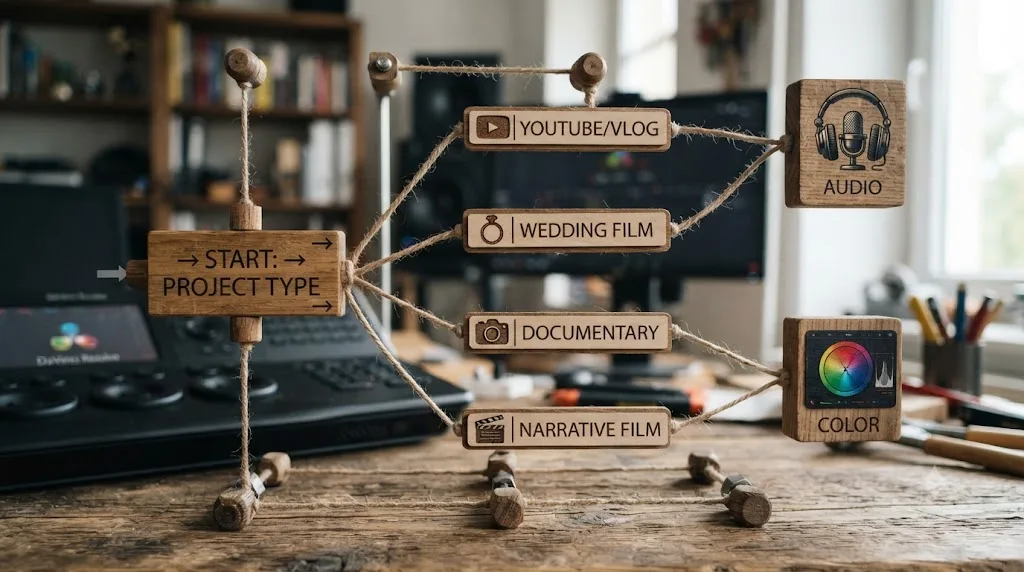
What does Blackmagic's own training curriculum teach first?
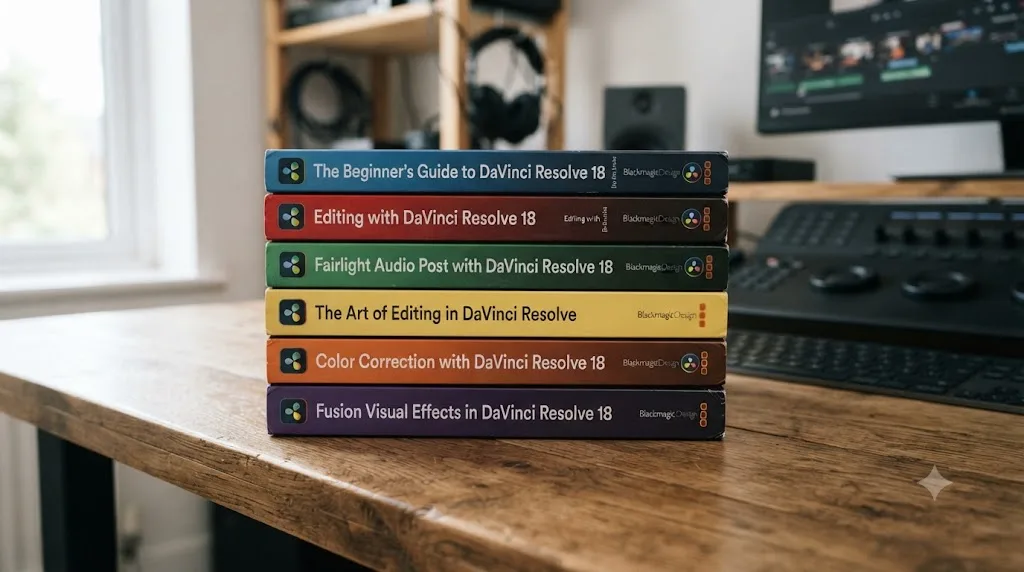
Editing, then audio, then color, and it's worth knowing that before you assume this post is picking a side arbitrarily. Blackmagic Design's own free training program, according to its official training page, publishes its guides in a specific sequence: the Beginner's Guide first, which covers editing fundamentals alongside a light introduction to color and audio, then the Editor's Guide, then the Fairlight Audio Guide, then the Colorist Guide, then the two Visual Effects guides covering Fusion.
Read that order again. The company that builds DaVinci Resolve puts its dedicated audio guide ahead of its dedicated color guide, in its own official curriculum. That's a real, citable data point, not just this post's opinion, and it lines up with the audio-second argument made two sections back: for a general audience learning the whole app, audio's basics come before color's deep end.
It's worth being precise about what this fact does and doesn't prove, since overstating it would undercut the honest thread running through this whole post. Blackmagic's book order isn't a ranking of which skill matters more. It's a curriculum sequence built for the broadest possible audience of new users, most of whom are cutting general-purpose video rather than chasing a specific colorist career. If your goal sits in the narrative-film or colorist-track rows of the table above, Blackmagic's own sequence is a reasonable default to deviate from on purpose, the same way this post's table already recommends.
| Order | Guide | What it covers |
|---|---|---|
| 1 | Beginner's Guide to DaVinci Resolve 20 | Editing fundamentals, plus a light pass on scopes and audio normalization |
| 2 | Editor's Guide to DaVinci Resolve 20 | Advanced trimming, multicam editing, metadata-driven project management |
| 3 | Fairlight Audio Guide to DaVinci Resolve 20 | Sound editing, sweetening, recording, mixing, mastering |
| 4 | Colorist Guide to DaVinci Resolve 20 | Grading tools, scopes, object tracking, roundtrip workflows |
| 5-6 | Visual Effects Guides to DaVinci Resolve 20 | Fusion compositing, keying, tracking, advanced particle and 3D work |
Every one of these books is free, downloadable directly from Blackmagic's training page, with its own lesson files and a certification exam at the end. If you want a full, sequenced curriculum built by the company that makes the software, and you're not already sure your goal points at color first, this is the order to actually follow rather than improvising your own.
What does DaVinci Resolve's own page layout suggest about the order?
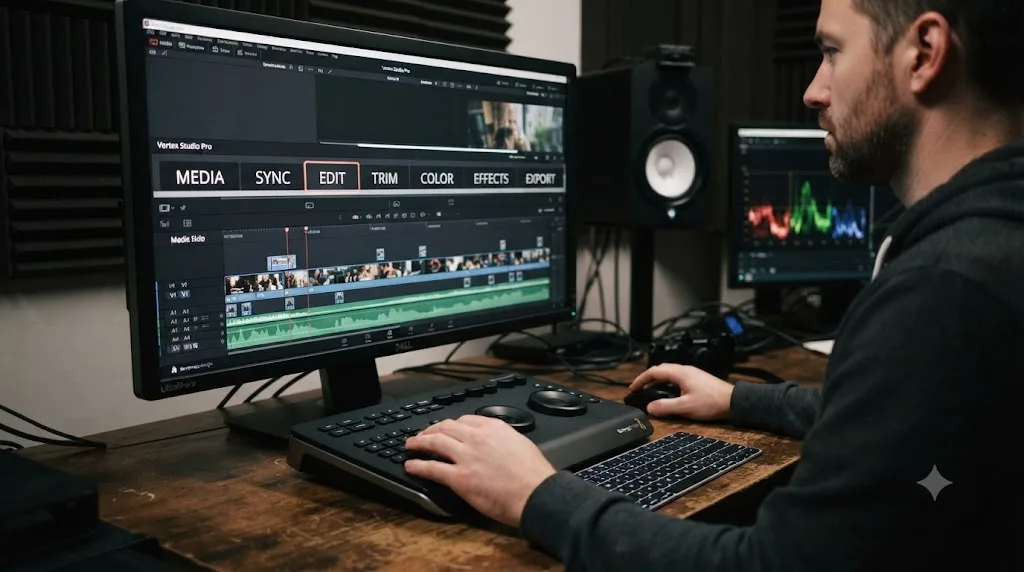
Less than you'd think, and it's worth clearing up a piece of folk logic before it misleads anyone. The tabs across the top of DaVinci Resolve run Media, Cut, Edit, Fusion, Color, Fairlight, Deliver. Notice where Fusion sits: physically between Edit and Color, ahead of both Color and Fairlight in the tab order. Nobody, including this post, is arguing you should learn Fusion third.
That single detail is the whole point of this section. The page tabs across the top of DaVinci Resolve are not a learning order, they're a workflow order for a single finished project, the sequence a professional editor might actually click through while finishing one piece of work: assemble on Cut or Edit, drop into Fusion for a specific composite shot, grade on Color, mix on Fairlight, export on Deliver. That's a real, useful sequence for working on one project. It's a bad map for deciding what to spend your first two months of practice on, because it assumes you already know all five skills well enough to move between them in minutes, which is exactly the thing you're trying to build.
The tab layout does confirm one thing worth keeping: Media and Cut or Edit sit at the front, and Deliver sits at the back, which matches the editing-first, export-last framing this whole post is built around. Everything in between, Fusion, Color, Fairlight, is genuinely interchangeable in terms of when you personally learn it, and the interface's left-to-right order isn't secretly ranking them by importance or difficulty. Treat the tabs as a workflow map for later, once you're fluent, not a syllabus for now.
How long does each skill take before it's "good enough"?
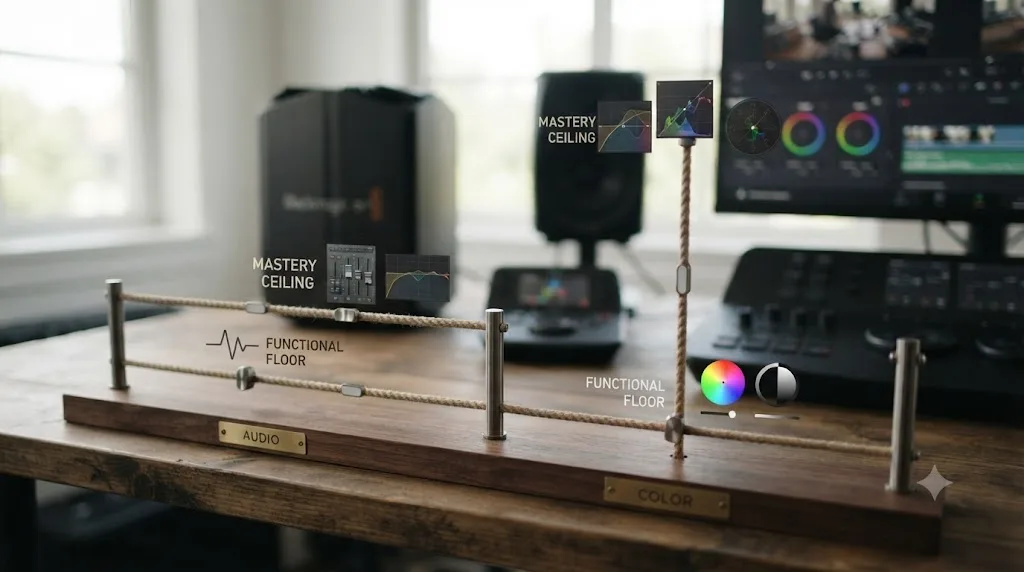
Faster than most beginners expect for the basics of either one, and slower than most expect for real mastery of color specifically. Here's the honest range, pulled from the fuller breakdown in our guide to how long DaVinci Resolve takes to learn, applied specifically to the editing-color-audio decision this post is about.
| Skill | Functional floor | Real ceiling |
|---|---|---|
| Editing basics (trim, order, export) | An afternoon to a few days | Weeks, for speed and polish |
| Audio basics (levels, light EQ, ducking) | A couple of weeks of real practice | One to two months for a genuinely clean, consistent mix |
| Color basics (one-node exposure and white balance) | A couple of weeks of real practice | Months to years for shot-matching, secondary grading, and a professional eye |
Look at the middle column before the last one, since that's the column that matters most for this post's actual question. The functional floor for audio and color basics lands in roughly the same place, a couple of weeks of regular practice, which is why "which one is faster to learn" isn't actually the deciding factor between them. The ceilings diverge sharply, though, and that divergence is exactly the case made in the two sections above: audio's ceiling is close enough to its floor that reaching "good enough" is realistic inside a beginner's first couple of months, while color's ceiling keeps climbing for years, which only matters if you're actually climbing toward it.
One more number worth knowing, because it changes how you should read the whole table: our timelines assume roughly four to six hours of practice a week, which is the pace our full learning-timeline guide uses throughout. Under two hours a week roughly doubles every range in this table. If your actual practice time sits closer to that end, plan on a slower climb through both skills, and don't read a stalled month as evidence you picked the wrong order.
What happens if you try to learn color and audio at the same time?
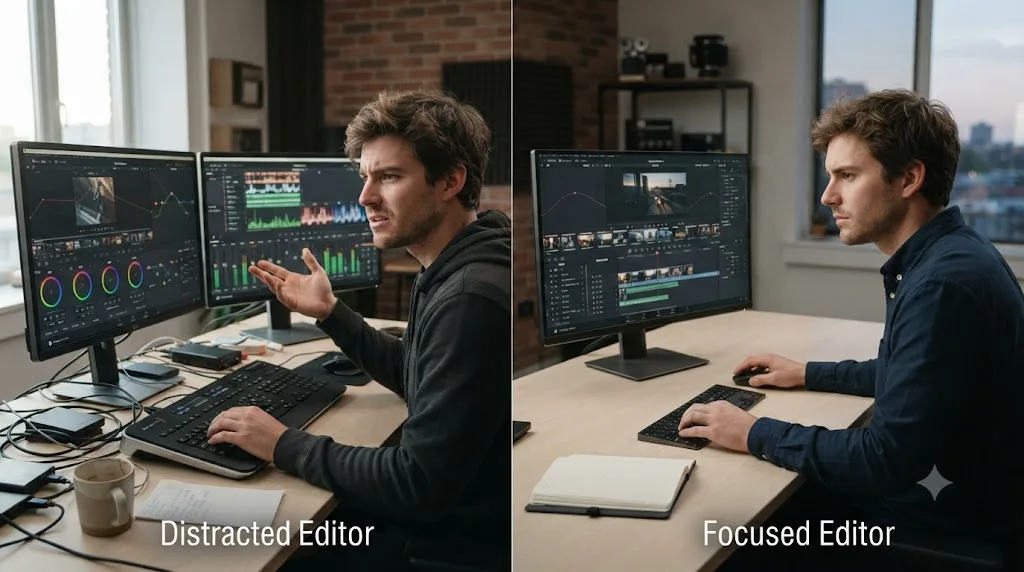
Usually less progress on both than focusing on either one alone, and it's worth naming why before you decide splitting your practice time evenly sounds efficient. Color and Fairlight are structurally unrelated crafts. One is a visual, graph-based correction system judged against a waveform and a vectorscope. The other is a signal-processing console judged against a meter and your own ears. Switching between them mid-session asks your brain to reload two completely different mental models in the same sitting, and that reload cost isn't free.
The practical failure mode looks like this: a beginner splits a 45-minute evening session into 20 minutes of color and 20 minutes of audio, and neither block is long enough to get past the "re-finding the interface" phase before it ends. Two weeks of that produces a beginner who's mediocre at both instead of solid at one, because neither skill ever got the sustained repetition that actually builds it. Compare that to two weeks spent entirely on audio, or entirely on color: by the end of it, one of those two skills has crossed from "unfamiliar" to "functional," which is a real, usable milestone. Splitting time evenly usually means neither skill crosses that line on schedule.
That doesn't mean audio and color never coexist inside the same project or the same week. A finished piece needs both eventually, and once one of them is comfortable, working on both in the same session stops costing you the reload penalty, since you're applying a skill instead of building one. The sequencing advice in this post is about the learning phase specifically, not about every session for the rest of your editing life. Learn one, get it functional, then bring the other one in, rather than running both as beginner-level skills in parallel indefinitely.
If you genuinely can't choose and keep bouncing between both without progress on either, that's the specific symptom this post's decision table exists to fix. Go back two sections, name your actual goal honestly, and commit to whichever one it points at for at least two to three full weeks before switching. Two to three weeks of focus beats two months of splitting attention evenly.
A worked example: the same 90-second clip, finished three ways
Abstract advice is easy to nod along with and hard to actually apply. Here's the same short project, a 90-second talking-head clip with a music bed under it, carried through three different second-skill choices, so you can see exactly what each path costs and produces.
Path one: edit only, no color or audio pass. The cut is trimmed, ordered, and exported straight off the raw footage. It plays. The dialogue is audible but sits at whatever level the camera's built-in mic happened to record, probably a little quiet under the music, which was dropped in at a rough guess. The picture looks like unprocessed camera footage, correct exposure if you got lucky on the shoot, off if you didn't. This is a real, finished project, and it's genuinely fine for a private family clip or a personal archive. It's not fine for anything you're asking a stranger to watch.
Path two: edit, then audio. Same cut, same footage, but now the dialogue clip is gain-staged to a consistent level, a light EQ pass cuts some low-end rumble and reduces boxiness, and a ducker pulls the music down automatically whenever the voice is speaking. The picture is untouched, still whatever the camera captured. Play this back and the difference is immediate: every word is intelligible, the music supports instead of competes, and the whole thing feels intentional even though the image itself hasn't changed at all. This is the version that keeps a YouTube viewer watching past the first ten seconds, the version a client accepts without a "can you fix the audio" email.
Path three: edit, then color. Same cut, same raw audio levels, but now the shot has a one-node exposure and white balance correction, maybe a light look on top. The picture reads noticeably more polished, contrast is controlled, skin tones sit where they should. The audio is untouched, still whatever level the camera happened to record at, still uneven against the music. Play this back and the visual improvement is real, but a viewer straining to hear the dialogue over an unducked music bed is going to notice that struggle before they notice how nice the shadows look.
Set those three side by side and the case for audio-second on a general-purpose project becomes concrete instead of theoretical. Path two produces something a stranger would call finished. Path three produces something that looks better and sounds like path one, which is a strange, lopsided result for the same amount of practice time. That comparison changes, of course, the moment the project itself is color-driven, a music video, a narrative short with a specific look, where path three's improvement is closer to the actual point of the piece and the audio track might already be a finished, pre-mixed file you're just syncing to.
A finished project needs both eventually, but between two half-finished skills, the one that fixes intelligibility usually beats the one that fixes appearance. That's the worked-example version of the audio-second argument, and it's worth running against your own actual footage before you commit to an order, not just taking this post's word for it.
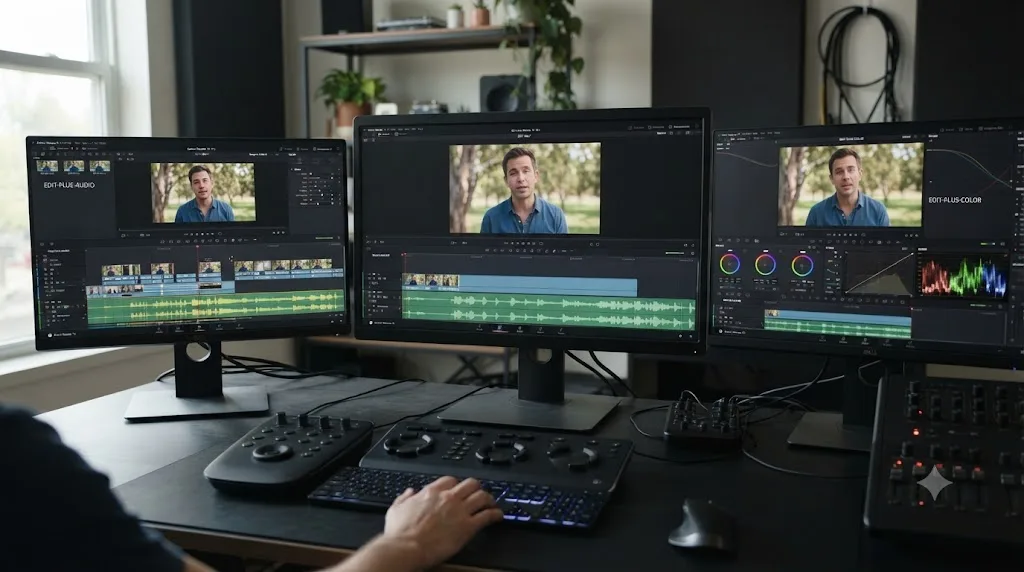
What does a first-month plan look like that sequences this correctly?
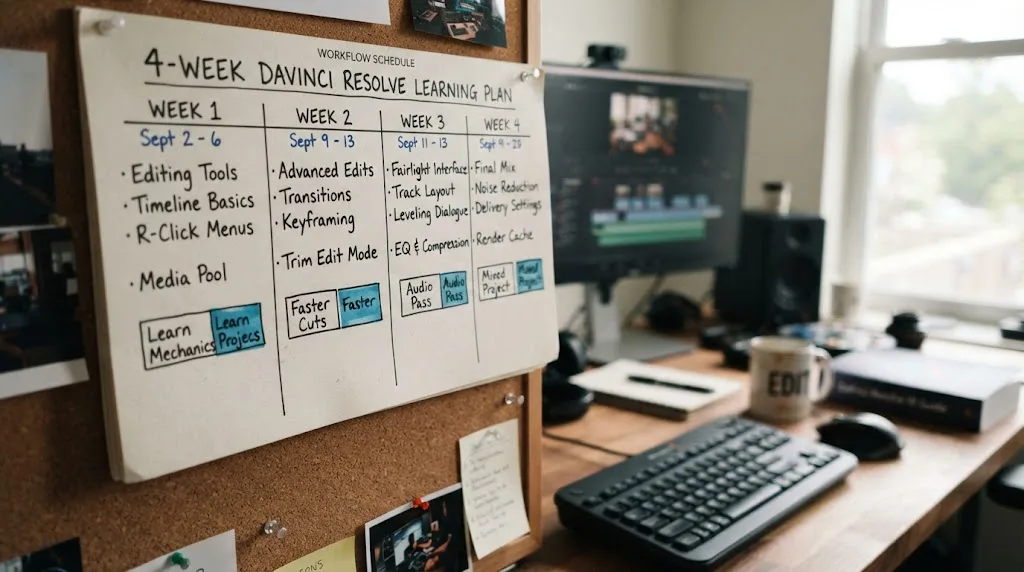
Here's a concrete four-week plan that puts editing first and defaults to audio second, the right starting point for most readers based on the decision table above. If your goal genuinely points at color instead, swap weeks 3 and 4 for a one-node exposure and white balance pass instead of the audio steps described, and everything else in the plan holds.
Week 1: one finished cut, nothing else. Import 60 to 90 seconds of your own footage, drag it onto a timeline on Cut or Edit, trim it into order, and export from Deliver. No color, no audio processing beyond whatever the camera captured. The goal is proving to yourself the mechanical pipeline works end to end.
Week 2: repeat the cut, faster. Cut a second short piece, and this time notice every moment you reach for the mouse instead of a keyboard shortcut. Fix one habit at a time rather than trying to relearn every shortcut at once. By the end of week two, cutting should stop feeling like the hard part of the project.
Week 3: gain-stage and level your dialogue. Take last week's cut into Fairlight, and get the dialogue clip to a consistent, clean level using the channel strip's gain and a basic compressor. Don't add music yet. The goal this week is just intelligible, level dialogue on its own.
Week 4: add music and a ducker. Drop a music track under the dialogue, and build a simple ducking setup so the music automatically drops under speech and comes back up in the gaps. Export the finished piece and watch it back start to finish. This is the first project in the plan that a stranger would call genuinely finished, not just complete.
That's a realistic month for someone practicing three to five hours a week, which lines up with the pace our full learning-plan guide for a busy schedule uses throughout. Once week four is behind you, month two is the natural place to bring in the skill you deferred, color, using the same one-node exposure and white balance approach our color grading basics guide walks through, now applied to a cut you already know sounds clean.
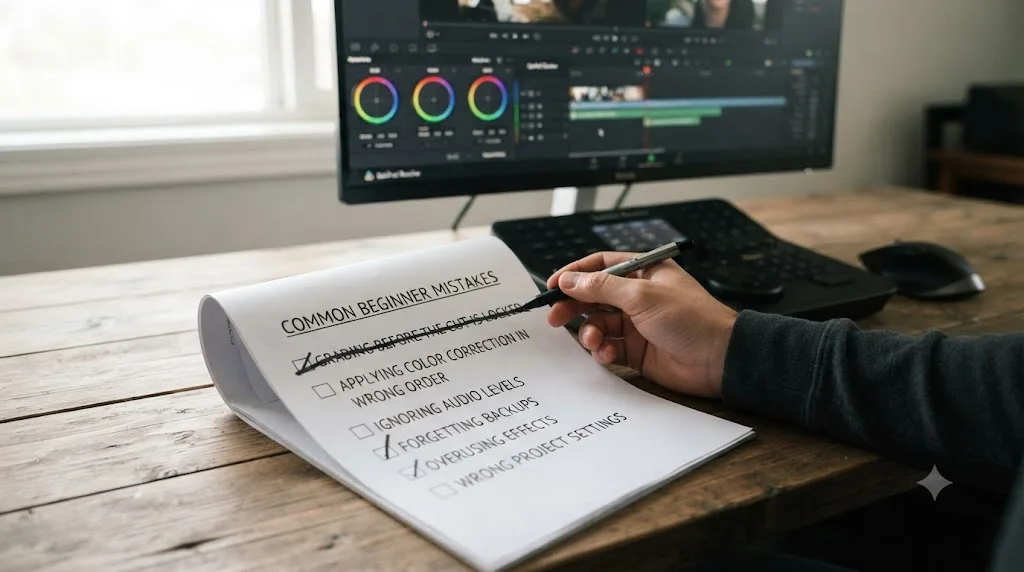
What mistakes do beginners make with this order?
A specific, repeating handful, and most of them come from skipping the "name your actual goal" step this post keeps circling back to.
Grading before the cut is locked. Covered earlier in this post, and still the single most common version of this mistake: a beginner opens the Color page on a rough assembly, builds a careful correction, then trims or replaces the clip an hour later and has to redo work that never needed doing twice.
Picking color second because it looks more impressive in a tutorial thumbnail. Color grading demos are visually dramatic in a way an audio ducking demo simply isn't, and that visibility bias pulls beginners toward color even when their actual project, a podcast, a corporate explainer, a wedding recap, would benefit more from clean audio first. Match the skill to the project, not to which one makes a better screenshot.
Skipping audio because picture problems get noticed first. The opposite mistake, and just as common: picture issues are visible the instant you open a clip, while audio issues only reveal themselves on playback with sound on, which some beginners forget to check before calling a project done. That's exactly backwards from what a viewer actually experiences, since the audio problem is the one more likely to make them leave.
Trying to master color and audio simultaneously, covered in its own section above. Worth repeating here as a mistake in its own right: splitting practice time evenly between two beginner-level skills usually delivers slower progress on both than committing to one for a few focused weeks.
Assuming the interface's tab order is a learning order. Also covered above, and worth flagging again specifically as a mistake, since Fusion's position between Edit and Color in the tab bar has genuinely confused beginners into thinking it belongs in this decision at all. It doesn't. Fusion is a separate question, covered in the next section.
Chasing a colorist-level grade on a project that never needed one. If your actual goal sits in the YouTube, wedding, or corporate rows of the earlier decision table, spending a month perfecting shot-to-shot color matching before your audio is even clean is solving a problem your audience was never going to notice, at the cost of one they definitely will.
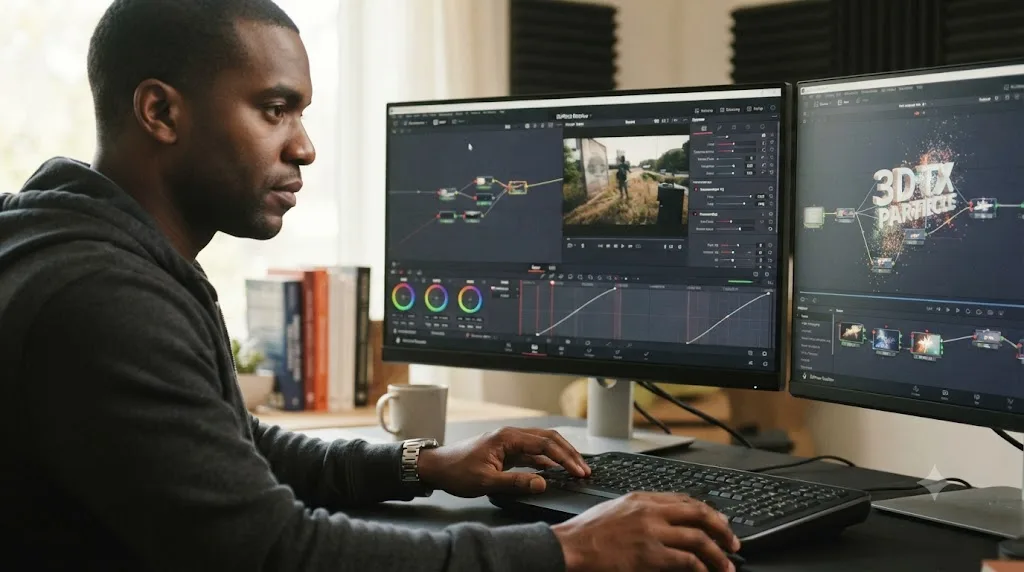
Where does Fusion fit if it's not editing, color, or audio?
Last, and deliberately outside this entire decision. Fusion is DaVinci Resolve's node-based compositing and visual effects page, and it's a genuinely different kind of skill from editing, color, or audio: flowchart-style logic instead of a timeline, a waveform, or a mixer. Our guide to how long DaVinci Resolve takes to learn puts Fusion at one to three months before it stops feeling like a separate application bolted onto your editor, longer than either color or audio's functional floor.
The practical guidance is simple: don't let Fusion compete with the editing-color-audio decision this post is about. Learn it once cutting is automatic and you've made real progress on whichever of color or audio your goal pointed you toward, and even then, learn it only when an actual project asks for a composite effect, not as a checklist item to clear preemptively. A simple animated title, built from a Text+ node, a Transform node, and a Merge node, is a realistic first Fusion project and covers what most working editors actually need from the page for a long time.
Plenty of professional editors ship client work for years without going deeper than that simple title. Fusion's reputation for intimidation is real on day one and mostly irrelevant to whether you're proficient in DaVinci Resolve overall. Skipping it early isn't cutting a corner. It's correctly recognizing that a fourth major skill isn't what a beginner juggling editing, and then color or audio, actually needs on their plate yet.
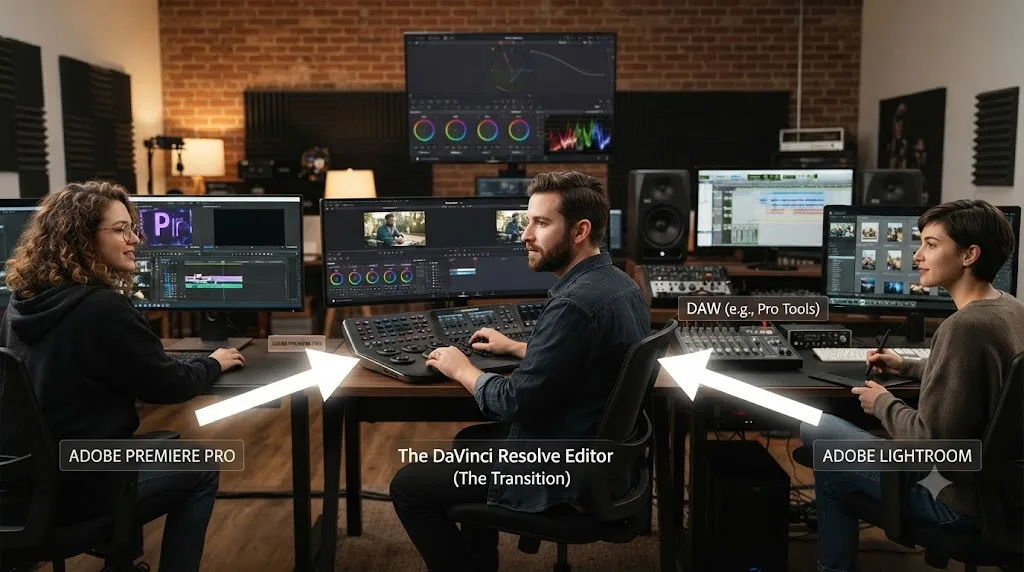
Does switching from Premiere Pro or a DAW change this order?
Yes, and in a way that's genuinely useful to know before you plan your first month. Prior experience shifts which of the two second-skill options is already partway learned, and the honest move is to lean into whichever head start you actually have rather than following the generic default.
Editors switching from Premiere Pro or Final Cut already have trimming, playback controls, and timeline logic, which transfer almost directly to Resolve's Edit page. That head start doesn't extend to Color or Fairlight, though: neither app has a node-based color system or a full Fairlight-style mixing console built in, so a ten-year Premiere veteran and a total beginner start both of Resolve's second-skill options from close to the same place. For this group, the goal-based decision table above still applies at full strength, since prior NLE experience doesn't tilt the audio-versus-color choice either way.
Musicians and podcasters who already know a DAW like Logic or Pro Tools have the opposite advantage, and it's specific to audio. Buses, sends, EQ, compression, and automation all behave close to how they expect inside Fairlight, since Fairlight genuinely is a full digital audio workstation living inside an editor, per Blackmagic's own Fairlight product page. For this group, audio second is close to a formality rather than a real learning curve, and the honest recommendation flips: since audio is already mostly there, spend your second-skill weeks on color instead, even if your project type would otherwise point at audio, because you're not actually choosing between two unlearned skills anymore.
Photographers fluent in Lightroom get a mirrored version of the same effect, aimed at color instead of audio. Reading a histogram, correcting white balance, and thinking in exposure and contrast all transfer to the Color page's wheels and scopes, so color's functional floor arrives faster for this group than it does for a total beginner. If you're coming from stills work, lean toward color second on the strength of that head start, independent of what the project-type table above would otherwise suggest.
| Background | Head start applies to | Recommendation |
|---|---|---|
| Premiere Pro or Final Cut switcher | Editing only | Follow the goal-based table above; no tilt toward color or audio |
| Musician or podcaster with DAW experience | Audio | Lean toward color second, since audio's floor is mostly already covered |
| Photographer fluent in Lightroom | Color | Lean toward color second, since the grading eye already transfers |
| Total beginner, no prior creative software | Neither | Follow the goal-based table above exactly as written |
Which courses and communities teach this in a sequence you can actually follow?
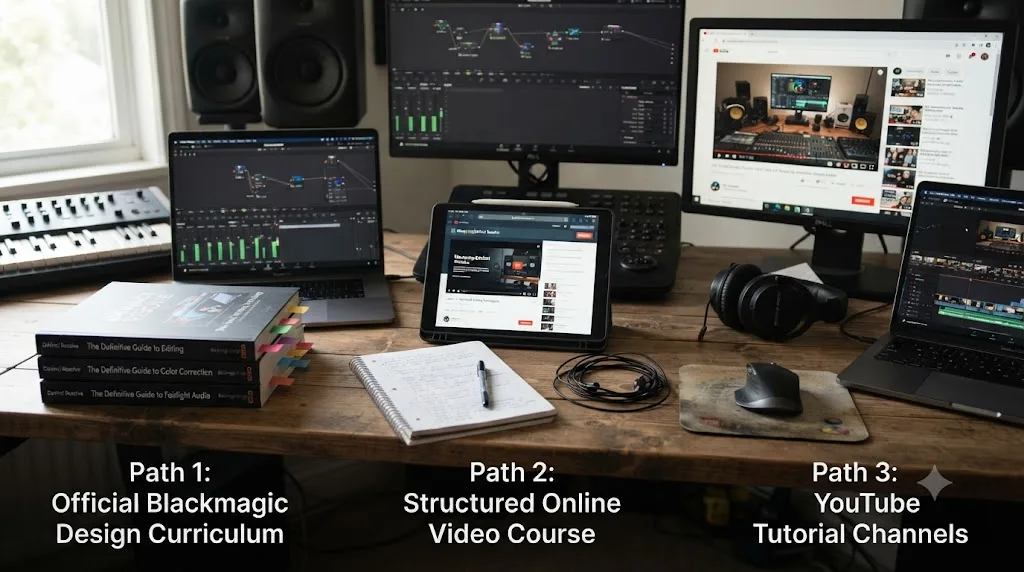
A handful, and they land on genuinely different orders worth knowing about before you pick one, since following a course means adopting its sequence, not just its content.
Blackmagic's own free training, covered in detail earlier in this post, runs editing, then audio, then color, then Fusion, and it's free, thorough, and built by the company that makes the software. LinkedIn Learning's "DaVinci Resolve Fundamentals" course, taught by colorist Patrick Inhofer, runs 6 hours 50 minutes across setup, media organization, editing, color, Fairlight, and delivery, a slightly different order that puts color ahead of audio, which is worth knowing if you're weighing that specific course against this post's default recommendation.
Casey Faris' YouTube channel, with an audience approaching 600,000 subscribers per vidIQ's channel statistics, doesn't run one fixed sequence the way a structured course does. It publishes whatever topic is trending or requested, which makes it excellent for filling a specific gap once you already know which gap you have, and a weaker fit if you're relying on it to decide your order for you. Treat it as a reference to search once your own plan tells you what to look up, not as the plan itself.
If sequencing is genuinely your bottleneck, meaning you keep bouncing between color tutorials and audio tutorials without finishing either, the fix isn't finding a better tutorial, it's picking one of the sequences above and following it for a full month before reconsidering. Our comparison of the best DaVinci Resolve courses breaks down more paid and free options if none of these three fits your budget or learning style.
Which AI tools help you learn editing, color, and audio without breaking your sequence?
A specific category worth understanding honestly, because most of what shows up when you search for an AI tool to learn DaVinci Resolve automates the edit itself rather than teaching you the sequence this post is about, and picking the wrong kind can quietly undercut the exact skill-building this whole post argues for.
CutAgent is built specifically inside DaVinci Resolve: you describe an edit in plain language, and it executes the corresponding operation directly on your timeline, running on both the free and Studio versions on macOS, per its own site. Eddie, at heyeddie.ai, works before you touch Resolve at all, importing interviews and building a rough cut you then bring in to finish, trusted by more than 40,000 video professionals according to its own site, with plans starting around $25 a month. PremiereCopilot bundles silence cuts, captions, and AI editing tools starting at $7.99 a month, but it's built for Adobe Premiere Pro specifically, per its own site, so it's not actually a same-category option for Resolve editors reading this.
TryUncle is an AI tutor for DaVinci Resolve on macOS: ask in plain words and Uncle points at the exact control on your screen. That's a genuinely different job from any of the tools above. It doesn't build the rough cut, doesn't execute the edit for you, and doesn't decide your learning order the way this post's decision table does. What it does is close the specific gap this whole post keeps naming as the fastest-growing frustration in the hunting plateau: the moment you know what you're trying to do and can't find the control that does it, on the Edit, Color, and Fusion pages specifically.
That last qualifier matters more here than in almost any other post on this site, because this post is directly about deciding between color and audio. TryUncle currently covers Edit, Color, and Fusion, but not Fairlight, per its own FAQ. If your goal from the decision table above points you toward audio second, TryUncle won't be watching your screen for that part of the work yet, and Blackmagic's own documentation, or a Fairlight-specific community, is the honest fallback for the audio side until that changes. If your goal points toward color second, TryUncle covers exactly the page where the hunting plateau tends to hit hardest.
| Tool | What it does | Covers | Platform |
|---|---|---|---|
| CutAgent | Executes plain-language edit commands directly on your Resolve timeline | Editing operations, free and Studio | macOS |
| heyeddie.ai (Eddie) | Builds a rough cut from interviews before you open Resolve | Pre-editing rough assembly | Exports to Resolve, Premiere, FCP |
| PremiereCopilot | AI editing tools for a different NLE entirely | Adobe Premiere Pro only | Premiere Pro plugin |
| TryUncle | Watches your screen and points at the control you're asking about | Edit, Color, Fusion (not yet Fairlight) | macOS |
An AI tool that points at a color control is only half the tutor you need if your real gap is audio. That's the honest limit worth naming before you lean on any single tool to carry this post's whole sequencing decision for you. TryUncle is currently in founder pricing for its first 100 seats, macOS only, and worth checking the current rate on before you commit, since a price like that doesn't hold forever. Whether you use it or not, the actual sequencing decision, editing first, then color or audio based on your goal, is the part no tool makes for you.
So what should you actually learn first?
Editing, without a single exception, because color and audio both need a locked cut before either one makes sense to start. That part of this post was never actually in question, whatever your Google search history looks like.
The real decision, color or audio second, comes down to one honest question: what are you actually trying to finish? If the answer is fast, watchable projects, YouTube uploads, wedding recaps, client explainers, podcasts, learn audio second and let a clean, level mix carry more of the finished quality than a rough grade ever could. If the answer is a specific look, a narrative project, or a colorist career, learn color second and treat Kenchington's advice, grade everything you can, as your actual month-two assignment.
Sequencing beats speed: the fastest path to a finished project is still editing, then audio or color, never both at once. Pick the one your goal actually points at, give it two to three focused weeks before switching, and circle back for the skill you deferred once the first one stops feeling foreign. That's the whole answer, and it was never going to be one word.
Frequently asked questions
- Should I learn editing, color, or audio first in DaVinci Resolve?
- Editing first, without exception. Import, trim, and export on the Media, Cut or Edit, and Deliver pages before touching Color or Fairlight, because both of those pages work on a cut that already exists. After that, learn audio next if your priority is finishing watchable projects fast, since viewers tolerate a rough grade far more than they tolerate audio they can't understand. Learn color next only if a specific look, or a colorist career, is the actual goal.
- Is it a mistake to learn color grading before you can edit?
- Not a mistake exactly, but a common source of wasted work. Grading a shot that later gets trimmed, replaced, or re-ordered throws away the grading time, since a new in and out point or a swapped clip usually needs its own correction. Lock the cut first, even a rough one, so the color work you do actually survives to the export.
- Does Blackmagic teach editing before color and audio in its own training?
- Yes. Blackmagic Design's own free training books run Beginner's Guide, then Editor's Guide, then Fairlight Audio Guide, then Colorist Guide, then the two Visual Effects guides, according to its official training page. That's the company that builds DaVinci Resolve putting audio ahead of deep color in its own official sequence, for whatever that's worth to your decision.
- What's the fastest way to learn DaVinci Resolve if I only have a few hours a week?
- Finish one small project end to end before splitting time between color and audio. A three-clip cut, exported, teaches you more in an hour than a half-finished grade and a half-finished mix combined. Once cutting feels routine, pick audio or color based on your goal from this post's decision table, and give it a few focused weeks before switching to the other.
- Is there an AI tool to learn DaVinci Resolve that helps with sequencing, not just answers?
- Not exactly, and it's worth being honest about the gap. TryUncle is an AI tutor for DaVinci Resolve on macOS that watches your screen and points at the exact control you're asking about, on the Edit, Color, and Fusion pages, but it doesn't currently cover Fairlight. It answers the moment you're stuck; it doesn't decide your learning order for you. This post, or a written plan like Blackmagic's own training sequence, is what handles sequencing.
- What app actually helps you while you're using DaVinci Resolve, not before or after?
- A small category of tools does this, and they split into two jobs. CutAgent executes plain-language edit commands directly on your Resolve timeline. TryUncle watches your screen and points at the control for you to click yourself, on Edit, Color, and Fusion. Both work live, inside the app, while you're editing, which is different from a course you pause to watch or a rough cut a tool builds for you elsewhere.
- Should podcasters and YouTubers learn audio or color first?
- Audio, in almost every case. A podcast video lives or dies on whether the voices are clear and level, and a YouTube video's typical color needs, exposure, white balance, maybe a look, are a fraction of what a narrative short or a client grading job demands. Learn a clean dialogue and music mix before you spend real time on multi-node color matching.
- Do you need Fusion before you're considered proficient in DaVinci Resolve?
- No. Fusion sits outside this whole editing-color-audio decision, and plenty of working editors ship professional projects without touching it beyond a simple animated title. Learn Fusion last, after editing is automatic and you've picked a direction on color or audio, and only when a project actually asks for a composite effect.
Sources
- DaVinci Resolve - Training (Blackmagic Design)
- Mix Magazine: George Lucas interview, TEC Hall of Fame induction
- CineD: How to Become a Colorist, interview with Ollie Kenchington
- MZed - Color Correction with DaVinci Resolve (Ollie Kenchington)
- DaVinci Resolve product page (free vs Studio)
- DaVinci Resolve - Fairlight product page (Blackmagic Design)
- CG Channel: Blackmagic Design releases DaVinci Resolve 21.0
- Casey Faris - YouTube channel
- vidIQ - Casey Faris channel statistics
- LinkedIn Learning: DaVinci Resolve Fundamentals (Patrick Inhofer)
- TryUncle (product site: how Uncle works, pricing, setup)
- TryUncle FAQ
- CutAgent (AI video editing agent for DaVinci Resolve)
- Eddie AI (heyeddie.ai, assistant video editor)
- PremiereCopilot (AI plugin for Adobe Premiere Pro)
Put this guide to work with TryUncle.
Ask about the step you’re on. TryUncle sees your screen and points at the control you need, so you can keep learning in your own project.
Get TryUncle for Mac or WindowsKeep reading
Guides · Jul 7, 2026 · 36 min
DaVinci Resolve Tutorial: The Complete Guide to Every Page
Learn DaVinci Resolve step by step: which page to start on, how to cut, grade, mix, and export your first project, plus shortcuts and free training.

Guides · Jul 7, 2026 · 35 min
How to Color Grade in DaVinci Resolve: The Basics
Learn how to color grade in DaVinci Resolve: build a node chain, balance shadows and highlights with Lift, Gamma, and Gain, and read the scopes.
Guides · Jul 11, 2026 · 31 min
How to Mix Audio in DaVinci Resolve Using Fairlight
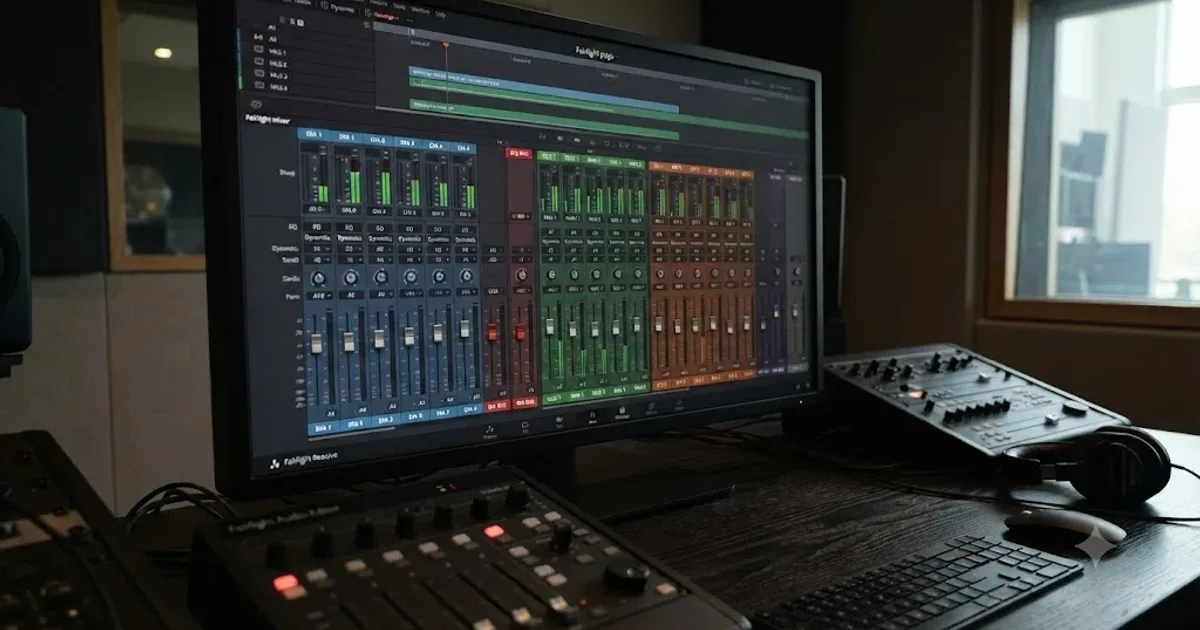
Mix audio in DaVinci Resolve's Fairlight page: build a dialogue/music/effects bus structure, gain-stage your clips, EQ and compress dialogue, then duck music under it.