Articles / Comparisonsupdated for DaVinci Resolve 21.0.2 (July 2026)
Best AI Video Editing Assistant for DaVinci Resolve, Compared
Quick answer
Sottocut and CutAgent are the strongest AI assistants that edit natively inside DaVinci Resolve today, from about $15 to $99 a month, automating cuts, captions, and rough assembly with your approval. DavinciClaude adds a free chat-based option. Eddie AI and Wideframe touch Resolve only through import and export. None of them teach you the app; that's a different job.
Type "AI video editing assistant for DaVinci Resolve" into a search bar and you get a pile of names that don't actually mean the same thing. Some of them edit inside your Resolve timeline. Some of them edit somewhere else and hand you a file. At least one of them doesn't edit anything at all, it generates talking-head clips from a text prompt, and has nothing to do with Resolve whatsoever.
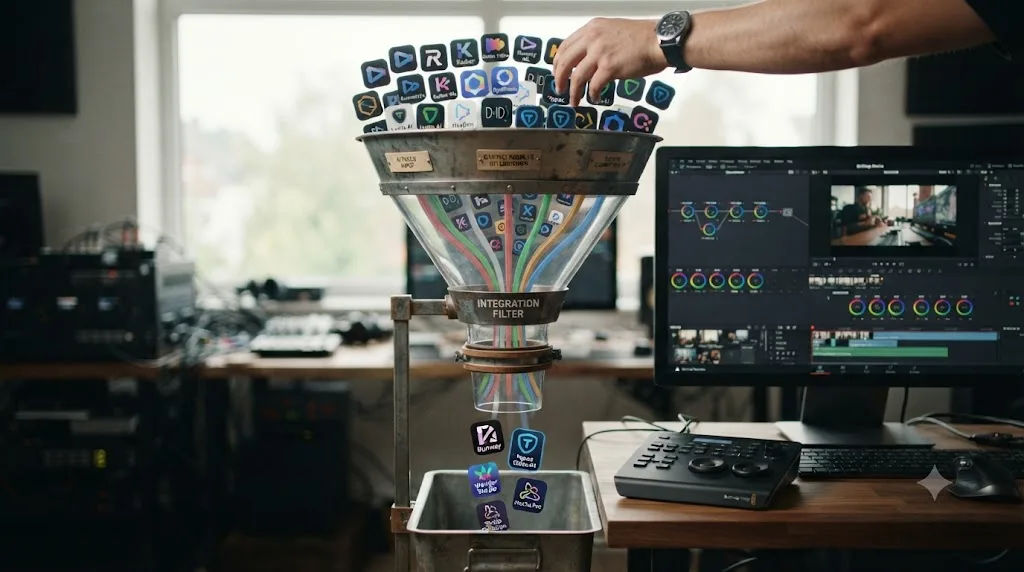
I went and looked at every tool actually showing up for this query, tested what each one claims about itself against its own site, and sorted the real from the adjacent. Five tools genuinely touch a DaVinci Resolve project today: Sottocut, CutAgent, DavinciClaude, Eddie AI, and Wideframe. Two more, Digen AI and Massive.io, show up in the results but aren't Resolve editing tools at all, and I'll explain exactly why below instead of pretending they belong in this comparison.
What's the quick verdict?
If you want a tool that opens inside DaVinci Resolve, proposes an edit, and waits for your approval before touching your timeline, your real choices are Sottocut, CutAgent, and DavinciClaude. Eddie AI gets close, with a genuine free Resolve extension, but the actual editing decisions happen in a separate desktop app. Wideframe doesn't touch Resolve at all yet; it's a Premiere Pro tool that reaches Resolve only through file interchange.
| Tool | Lives inside Resolve? | Starting price | Platform | Best for |
|---|---|---|---|---|
| Sottocut | Yes, native extension | $15/mo (bring your own key) | macOS (Apple Silicon), Resolve Studio 21 | Privacy-first automation, on-device processing |
| CutAgent | Yes, native extension | €29/mo | macOS, Resolve Free or Studio 20+ | Broadest scope: edit, color, Fairlight, Fusion |
| DavinciClaude | Yes, native extension | Free (daily limits), $76/yr Pro+ | macOS and Windows, Resolve 18+ | Cheapest entry point, cross-platform |
| Eddie AI | Partial, separate app + extension | Free (2 exports/mo), $167/mo Pro | macOS and Windows | Rough cuts and multicam logging outside Resolve |
| Wideframe | No, Premiere Pro only | $100/mo, no lower tier | macOS (Apple Silicon) | Footage prep before an edit, not a Resolve tool |
None of these five tools teaches you DaVinci Resolve. Every one of them, without exception, is built to do the editing instead of you. That single fact is the dividing line worth understanding before you spend a dollar on any of them, and it's why a sixth tool, TryUncle, sits in a different category entirely and gets its own section further down.
What actually counts as an "AI video editing assistant for DaVinci Resolve"?
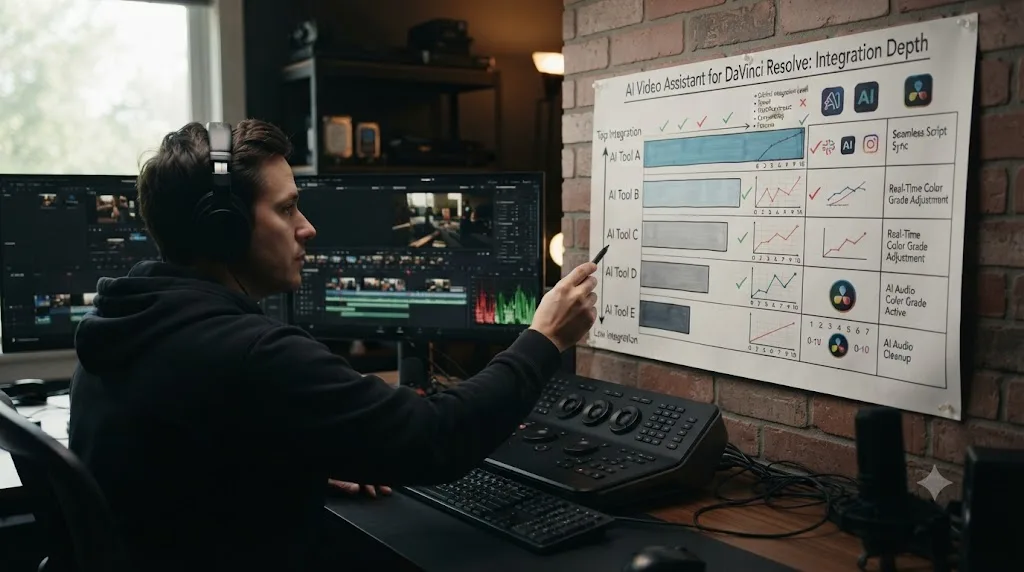
Before comparing anything, it's worth drawing the line the search results themselves don't draw. A real AI video editing assistant for DaVinci Resolve has to do at least one of two things: run as a script or extension inside Resolve itself, using Resolve's own Python and Lua scripting API to read and write your timeline directly, or run as a separate app that explicitly imports from and exports back to a Resolve project, with Resolve named as a supported destination, not just "any NLE."
That definition rules out a lot of what turns up in a broad search. An AI video generator that makes clips from a text prompt isn't an editing assistant, it's a content source, even if you could theoretically drag its output into a Resolve timeline afterward. A file transfer service isn't an editing assistant just because it publishes a blog post ranking editing tools. A tool that only exports to Premiere Pro isn't a Resolve assistant just because you could, in theory, run its output through an XML conversion.
A search result ranking for "AI editing assistant for DaVinci Resolve" is not the same claim as a product actually being one. That gap is exactly where two of the names in this category, Digen AI and Massive.io, sit, and I'll walk through precisely why later in this piece rather than skip past it.
Five tools clear the actual bar: Sottocut, CutAgent, and DavinciClaude run as native Resolve extensions today. Eddie AI has a real, documented DaVinci Resolve extension, even though its core editing decisions happen in a separate desktop app. Wideframe is the borderline case, a tool built for Premiere Pro that reaches Resolve only through file interchange, by its own blog's admission, not native integration. I'm including it because it shows up prominently in this search and deserves an honest explanation of what it does and doesn't do, not because it's actually a Resolve tool in the same sense as the other four.
How does Sottocut work inside DaVinci Resolve?
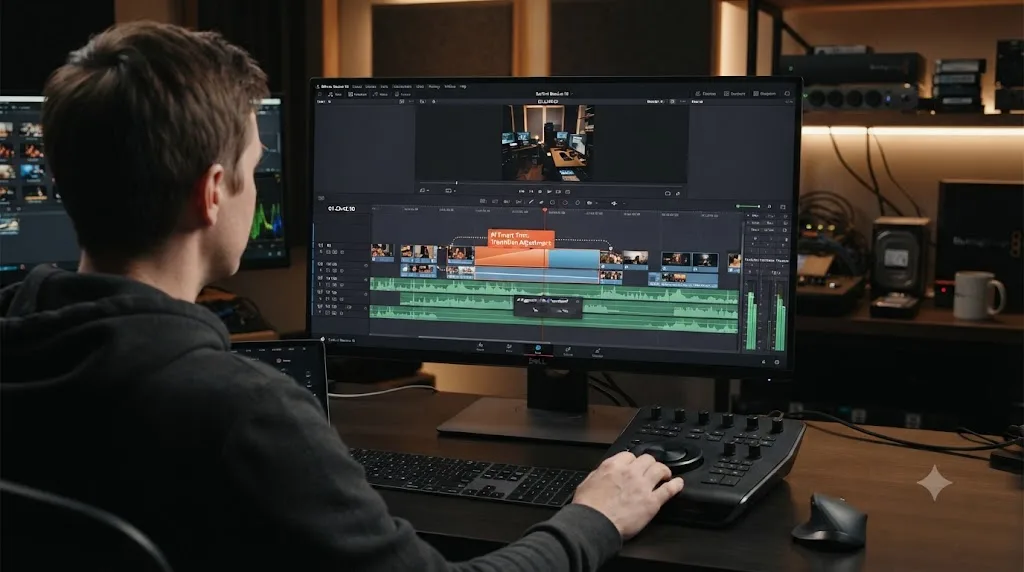
Sottocut describes itself plainly, per its own site: it "scores your footage, proposes the cut, and verifies every change it makes, by reading it back from the timeline." That last part is the operating principle worth understanding before anything else. Sottocut doesn't just execute an edit and hope it landed correctly. It reads the timeline state after each change and confirms the result matches the plan, then shows you the difference before you commit to the next step.
The workflow runs in three stages. Sottocut transcribes your footage on-device, identifies candidate moments, interview soundbites, bad takes, natural pause points, and proposes a cut. You review the proposal. Nothing executes on your actual timeline until you approve it. Per Sottocut's own framing, it's "proposal-gated": "you see the plan and approve it before anything happens." That's a meaningfully different design than a tool that silently rewrites your sequence and expects you to catch mistakes afterward in the undo history.
Privacy is the other pillar of Sottocut's pitch, and it's specific rather than a vague promise. Transcription happens on-device, and per the product's own language, "your footage never leaves your machine." That's a real architectural claim, not just a policy statement, since running the transcription model locally instead of routing your media through a cloud API is a genuinely different, and more expensive to build, approach than most AI editing tools take.
| Sottocut plan | Price | What you get |
|---|---|---|
| BYO Monthly | $15/month | Unlimited use, with your own Anthropic API key |
| BYO Lifetime | $129 once | Permanent access, with your own Anthropic API key |
| Starter (managed) | $29/month | 8 projects/month, no API key needed |
| Pro (managed) | $59/month | 18 projects/month |
| Studio (managed) | $119/month | 35 projects/month |
A "project" in Sottocut's pricing is one editing session, up to 24 hours, with every turn inside that window free. Run past the 24-hour mark and the next session counts as a new project. There's a 7-day free trial with no card required, per Sottocut's own pricing page.
The real limitation: Sottocut requires an Apple Silicon Mac and DaVinci Resolve Studio 21 specifically, not the free version and not an Intel Mac. If you're on the free tier of Resolve or running an older Intel machine, Sottocut simply isn't available to you today, regardless of budget.
How does CutAgent work inside DaVinci Resolve?
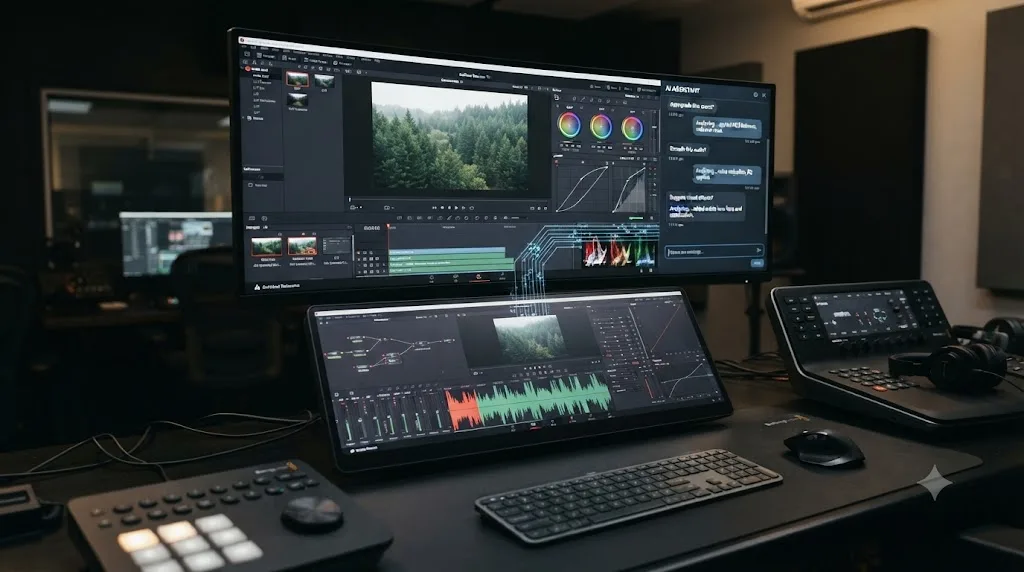
CutAgent takes a broader swing at the same problem. Where Sottocut focuses tightly on cuts and captions, CutAgent's own site describes handling "editing, color grading, multicam, Fairlight, and Fusion work" through natural language instructions, connected to Resolve via a local bridge on macOS.
The mechanism: you describe an editing request in plain language, CutAgent reads your active timeline, selected clips, transcripts, and markers for context, then coordinates the actual DaVinci Resolve operations needed to execute it. It works with DaVinci Resolve Free or Studio, version 20 and later, which is a real advantage over Sottocut's Studio-21-only requirement if you're not running the paid version. Before anything exports, CutAgent provides a summary of changes for you to review.
One feature worth calling out specifically: CutAgent supports "Custom Skills," reusable AI workflows you build once for a recurring task, like a specific multicam sync pattern or a caption style you always apply, and then trigger again without re-describing it every time. It's also compatible with Claude Code and other coding agents via a command-line interface, which is a different audience signal than the other tools in this comparison; CutAgent is positioning itself partly toward editors comfortable working alongside developer-style AI tooling, not just a chat box inside Resolve.
| CutAgent plan | Price | What you get |
|---|---|---|
| Hobby | €29/month | Base usage |
| Creator | €99/month | 5x more usage than Hobby |
| Studio | €299/month | 20x more usage, priority support |
| Enterprise | Custom | Dedicated support |
CutAgent is macOS-only today, though its own materials describe Windows support as "already on our roadmap and planned for the future," which is a specific, checkable claim worth revisiting if you're on Windows and considering waiting for it rather than switching platforms.
CutAgent reaches further across DaVinci Resolve's pages than any other tool in this comparison, touching color and Fairlight, not just cuts and captions. That breadth is also the honest tradeoff: a tool that touches your color grade through natural language carries more risk if a prompt is ambiguous than one that only touches silence removal, so the review-before-export step matters more here than anywhere else in this comparison.
How does DavinciClaude work, and why is it the cheapest option?
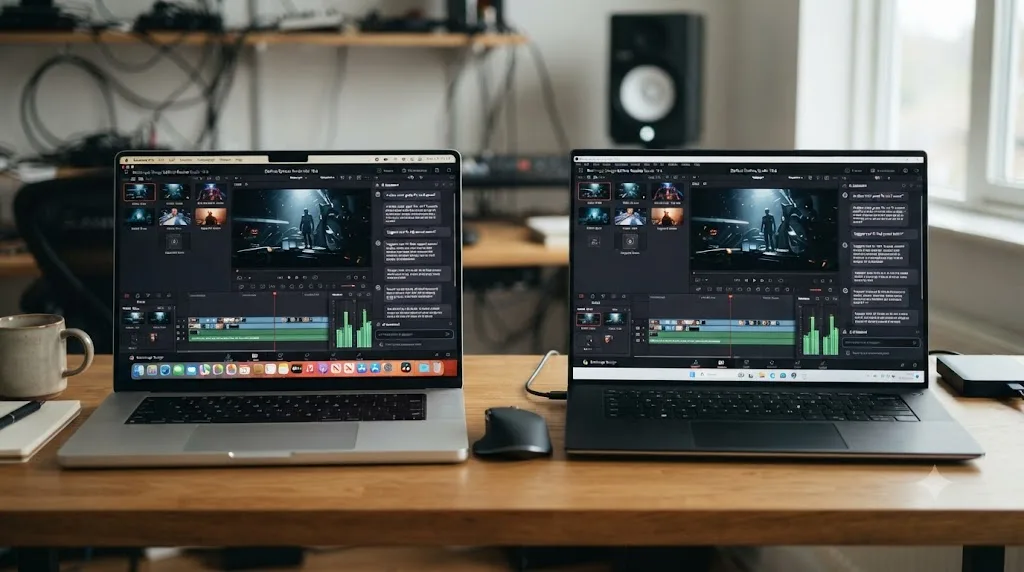
DavinciClaude is the DaVinci Resolve product from the team behind PremiereCopilot, and per its own site it's "the only plugin that lets you edit your DaVinci Resolve timeline by chatting with Claude." Type a compound instruction, something like "cut every silence over 0.5 seconds, remove filler words, then add word-by-word captions," and DavinciClaude executes all three steps in sequence as native, undoable Resolve operations, according to PremiereCopilot's own blog post covering DaVinci Resolve AI plugins.
The tool bundles twelve functions into one plugin: silence removal, a bad-take detector it calls "Claude Cut," animated captions, 99-language subtitles, multicam auto-cut, viral clip extraction, AI-generated B-roll, motion design from a text prompt, speaker diarization, auto-zoom, YouTube chapter generation, and the core chat interface itself. That's the widest feature list of any tool in this comparison, on paper.
Two facts separate DavinciClaude from the rest of the field. First, it's genuinely cross-platform: it runs on both macOS (Apple Silicon or Intel) and Windows 10/11, per its own system requirements, which none of Sottocut, CutAgent, or TryUncle can currently claim. Second, its free tier is real, not a time-limited trial. It "covers most of the core tools indefinitely," with daily usage limits rather than a countdown clock, which makes it the lowest-risk way to try a Resolve AI assistant before spending anything.
| DavinciClaude plan | Price | What you get |
|---|---|---|
| Free | $0 | All core tools, daily usage limits |
| Pro+ | $76/year | Extended limits |
| Lifetime bundles | One-time | Individual feature bundles (Podcast or GenAI tools) |
| Studio team | Multi-seat subscription | 4 seats per invoice |
DavinciClaude requires DaVinci Resolve 18 or later (both free and Studio editions), which is the most permissive version requirement in this comparison. If you're running an older Resolve install and don't want to upgrade just to try an AI assistant, this is the one that doesn't force the question.
How does Eddie AI's DaVinci Resolve extension actually work?
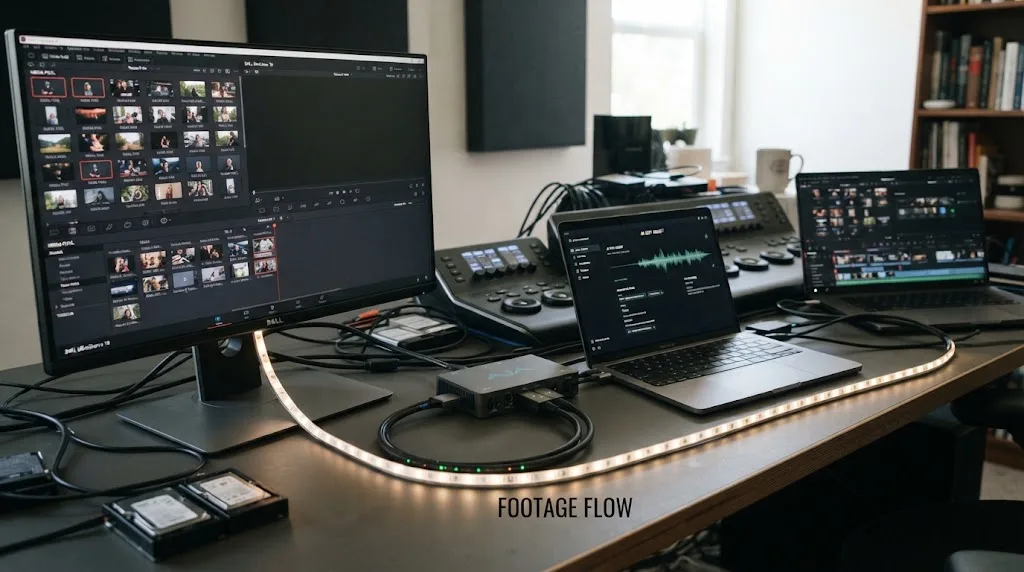
Eddie AI is a different shape of tool than the three above, and it's worth being precise about where the line sits. Eddie is, per its own homepage, an "AI assistant video editor," used by more than 40,000 video professionals, that describes itself as "ChatGPT for video editing." The core product is a standalone desktop app for Mac and Windows where you import footage and chat with Eddie to produce rough cuts, multicam sync, interview logging, and soundbite selection.
The DaVinci Resolve piece is a native extension, installed via Workspace > Scripts > Eddie AI inside Resolve, that acts as a bridge, per CineD's coverage of the launch. It lets Eddie pull clips directly from your Resolve media pool bins to work with, and sends finished edits back into those same bins once you're done. Timecode, frame rate, and resolution carry through the round trip, and the extension supports professional codecs including BRAW and R3D along with proxy workflows.
Here's the distinction that matters: the actual AI decision-making, which soundbite to use, how to sync six cameras, which take is the good one, happens inside the separate Eddie desktop app, not inside DaVinci Resolve's own interface. The extension is the delivery mechanism, not the brain. Eddie edits before Resolve, not inside it, then hands you a sequence to finish. That's a meaningfully different workflow than Sottocut or CutAgent, where the AI operates directly on your live Resolve timeline. Eddie also explicitly stays out of your finishing work: it doesn't do color grading or sound design, leaving that entirely to Resolve.
| Eddie AI plan | Price | What you get |
|---|---|---|
| Pay As You Go | Free to start | $15 per credit, no subscription required |
| Pro | $167/month, billed yearly | 120 exports/year, multicam, BRAW/R3D support |
| Pro+ | $333/month, billed yearly | 300 exports/year, larger projects, premium AI models |
| Ultra | $1,250/month, billed yearly | 1,200 exports/year, 5 seats, most advanced models |
| Enterprise | Custom | Centralized admin, SSO, dedicated security |
Those Pro-tier prices are the highest in this entire comparison, by a wide margin, once you're past the credit-based free tier. Eddie is priced like a tool for production teams with a real budget for logging and rough-cutting interview-heavy footage at scale, weddings, documentaries, multicam podcasts, not a solo creator's monthly subscription. If your actual need is occasional silence removal and captions, Eddie's pricing tier structure is built for a heavier workload than that.
Does Wideframe actually work with DaVinci Resolve?
Not natively, and this is the one place in this comparison where the honest answer runs against what a first search result implies. Wideframe's own homepage doesn't mention DaVinci Resolve at all. It describes itself as an "AI coworker for video editors" that ingests and indexes footage libraries by transcript, scene detection, and semantic search, then assembles a timeline from a natural-language request, outputting a native Adobe Premiere Pro .prproj file.
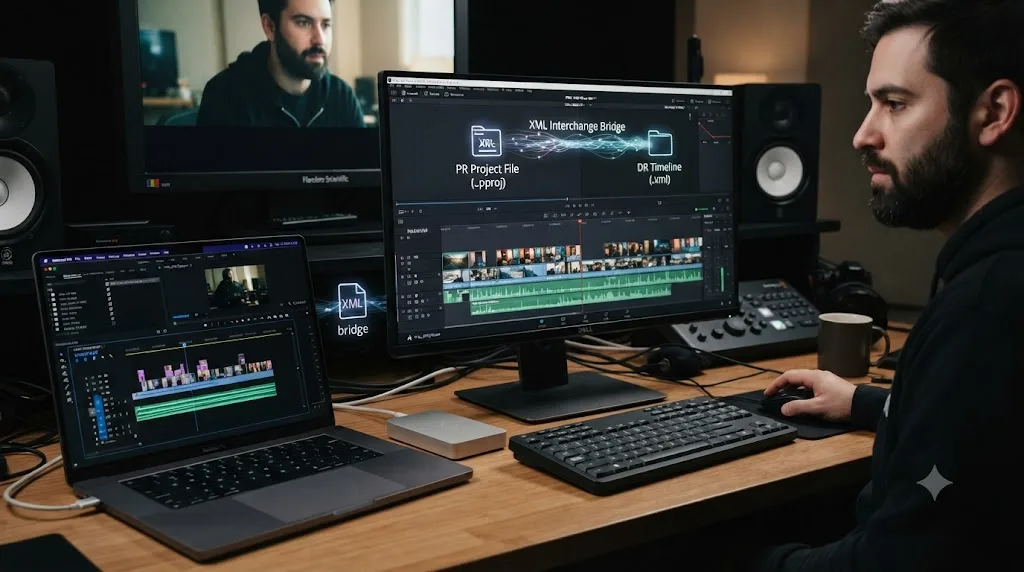
Some of Wideframe's own blog content, aimed at ranking for exactly this kind of "AI tools for DaVinci Resolve" search, states that its Resolve path runs through interchange rather than native support. Per Wideframe's own blog post on DaVinci Resolve alternatives with AI agents: "The output is currently .prproj (Premiere Pro format), which can be imported into Resolve via XML/AAF interchange or used with Premiere Pro for the editing phase before color grading in Resolve." That's Wideframe's own words describing the gap, not a critique I'm inventing.
Practically, that means a Resolve-only editor gets a two-step workflow if they want to use Wideframe at all: let Wideframe assemble a rough cut as a Premiere project, then bring that assembly into Resolve through an XML or AAF export, which is a lossy, occasionally fiddly conversion that can drop effects, transitions, or color metadata depending on what the rough cut contains. That's not the same experience as CutAgent or Sottocut operating directly on a live Resolve project.
Wideframe's founder, Matthew Gattozzi, Founder at Goodo Studios, is quoted on the company's Y Combinator page describing the time savings from the tool, verbatim: "Wideframe will save each of our editors 2 hours per day. They will have more time to focus on the quality of their work and doing more without the stress." That's a real result for Wideframe's actual use case, footage prep and rough assembly ahead of an edit, and it's worth taking seriously on its own terms. It's just not evidence of a DaVinci Resolve integration, because that's not what the product does.
| Wideframe fact | Detail |
|---|---|
| Native Resolve support | None, per Wideframe's own product page |
| Output format | Adobe Premiere Pro .prproj |
| Resolve path | XML/AAF interchange only, per Wideframe's own blog |
| Price | $100/month after a 7-day free trial, no lower tier |
| Platform | macOS, Apple Silicon required |
If your workflow is entirely inside DaVinci Resolve, Wideframe is the wrong tool to reach for first, no matter how it ranks for this search. It's a strong product for Premiere-based teams doing heavy footage prep. It isn't, today, a DaVinci Resolve editing assistant in the sense this comparison is actually about.
Why do digen.ai and massive.io show up in this search at all?
Because search engines and AI answer engines index by keyword adjacency, not by category correctness, and both of these sites happen to publish a lot of content near the words "AI," "video," and "editing." Neither one is a DaVinci Resolve editing assistant, and it's worth being specific about what each actually is instead of leaving that vague.
Digen AI is a text-to-video and image-to-video generation platform, per its own pricing page. It builds clips from prompts using models like Veo and Seedance, including talking-avatar and lip-sync generation, output capped at 1080p. There's no timeline to edit, no footage import in the sense an editing assistant needs, and no DaVinci Resolve integration mentioned anywhere on its site. It's a content generator, closer in category to a stock footage or AI-avatar tool than to anything in this comparison. You could theoretically drag a Digen AI clip into a Resolve project afterward, the same way you could drag in any stock clip, but that doesn't make Digen AI an "AI video editing assistant for DaVinci Resolve" any more than a camera manufacturer is one.
Massive.io, doing business as MASV, is a large file transfer service, full stop. Per MASV's own description of itself, it "moves file packages of any size anywhere in the world with speed and relentless reliability," aimed at editors who need to send massive raw footage or finished masters without hitting cloud storage limits. The page that ranks for this category is a blog post MASV published comparing ten other companies' AI video editors, DaVinci Resolve included as one of the ten tools reviewed, not a product MASV itself builds. Citing MASV's own review of DaVinci Resolve as though MASV were a competing AI assistant is a category error, and it's one search engines make constantly with content-marketing blog posts from companies whose actual product is something else entirely.
A blog post ranking AI video editors is not the same thing as being an AI video editor. That distinction sounds obvious written out plainly, and it's exactly the kind of mismatch that happens when a search engine ranks by keyword density instead of by what a company actually sells.

How do the real DaVinci Resolve AI assistants actually compare side by side?
Here's every fact from the five sections above, collapsed into one table, so you can compare across the dimensions that actually decide which one fits your work.
| Dimension | Sottocut | CutAgent | DavinciClaude | Eddie AI | Wideframe |
|---|---|---|---|---|---|
| Runs natively in Resolve | Yes | Yes | Yes | Extension only, editing happens elsewhere | No |
| Minimum Resolve version | Studio 21 | Free or Studio 20+ | Free or Studio 18+ | Any (via bin import/export) | N/A |
| Platform | macOS (Apple Silicon) | macOS | macOS + Windows | macOS + Windows | macOS (Apple Silicon) |
| Free tier | 7-day trial | None listed | Yes, daily limits | Pay-as-you-go credits | 7-day trial |
| Cheapest paid tier | $15/mo (BYOK) | €29/mo | $76/year | $167/mo billed yearly | $100/mo flat |
| Approval step before changes commit | Yes, proposal-gated | Yes, change summary before export | Yes, undoable native operations | N/A, edits happen in separate app | N/A, no Resolve integration |
| Where processing happens | On-device (transcription) | Cloud-connected via local bridge | Cloud (Claude API) | Cloud, local app | Cloud (footage indexing) |
| Touches color grading | No | Yes | Limited | No | No |
| Touches Fairlight audio | No | Yes | Via silence/diarization tools | No | No |
Every real DaVinci Resolve AI assistant in this comparison charges monthly, and every single one requires you to review its output before you can trust it on paid work. That's not a knock on any individual tool, it's the honest state of AI-assisted editing in 2026: fast enough to be worth the price for the right workflow, not yet reliable enough that any of them recommend skipping the review step, and none of them do either.
What does a real session actually look like? Two plausible walkthroughs
Descriptions like "it proposes a cut" or "it reads your timeline" stay abstract until you picture the actual moment an editor sits down with one of these tools. Here are two, built from how each company describes its own product and workflow, not a stopwatch test I ran myself. Read them as "here's the shape of the interaction," not "here's proof it works exactly this way every time."
Scenario one: a wedding editor cleaning up a 45-minute vow-and-toast interview with Sottocut. Picture an editor who just imported a raw, single-camera interview: forty-five minutes of a father-of-the-bride toast, full of pauses, "um"s, and a phone that rang once in the background. She opens Sottocut inside Resolve Studio 21 on her M-series Mac and asks it to find the strongest thirty seconds for a highlight reel and remove dead air from the rest. Per how Sottocut describes its own flow, it transcribes the clip on-device, scores candidate moments against the request, and proposes a cut, a list of in and out points with the reasoning attached, not a silent rewrite of her timeline. She reviews the list, rejects two proposed cuts that would have trimmed a genuinely emotional pause, approves the rest, and Sottocut executes only the approved changes, then reads the timeline back to confirm each one landed where it said it would. Total review time: a few minutes of scanning a proposal list, instead of scrubbing forty-five minutes of raw footage by hand to find the same thirty seconds.
Scenario two: a podcast editor syncing three cameras and cleaning audio with CutAgent. Picture an editor who just imported three camera angles and two microphone feeds from a weekly podcast recording into a fresh Resolve timeline, still unsynced. Per how CutAgent describes its own capabilities across Resolve's pages, she types a single instruction: sync the three cameras to the host's mic track, cut to whoever's speaking, and apply a six-band EQ preset to clean up room tone on both mics. CutAgent reads the active timeline and the available audio tracks for context, then coordinates the underlying Resolve operations, multicam sync, an angle-switching edit driven by the audio, and a Fairlight EQ pass, and returns a summary of what changed before anything exports. She skims the summary, notices one camera-switch cut lands a half-second late on a laugh, nudges it by hand, and moves on to the rest of the episode instead of building the multicam sync and switching pass manually from scratch.
Neither scenario is a benchmark, and neither editor exists outside this paragraph. They're plausible walkthroughs built from how Sottocut and CutAgent themselves describe what their tools look for and how DaVinci Resolve's own mechanics actually work, the same honest framing this site uses for every product it hasn't independently timed with a stopwatch.
What do all five of these tools have in common?
Set the pricing and platform differences aside and a single shared design shows up in every one of them: they all exist to do the editing task for you, faster than you'd do it by hand, and then hand back a result you check and finish. That's the entire category, whether the task is silence removal, multicam sync, caption generation, or footage indexing.
None of them assume you don't know DaVinci Resolve. Quite the opposite: Sottocut's proposal-gating, CutAgent's change summaries, and DavinciClaude's undoable native operations all assume you're competent enough to review an AI's proposed edit and catch it if something's wrong. That's a reasonable assumption for an automation tool. It also means none of these five products is built to teach a beginner what a node is, why a serial node differs from a parallel one, or where the qualifier panel lives on the Color page. They automate tasks you already understand, they don't build the understanding itself.
That's not a flaw in any of them specifically. Automation and teaching are different jobs, built by different tools, for different moments in an editor's growth. A silence-removal tool doesn't need to explain what silence removal is. But if the actual gap in your workflow is "I don't know how to build a power window that tracks a face," none of Sottocut, CutAgent, DavinciClaude, Eddie AI, or Wideframe is built to close that gap, because closing it isn't what any of them are trying to do.
What happens when the AI gets it wrong, and can you get your timeline back?
This is the practical question that matters more than any feature list, and the honest answer depends on where each tool actually executes its changes.
Sottocut, CutAgent, and DavinciClaude all operate as native Resolve extensions, which means the changes they make are ordinary Resolve timeline operations under the hood, cuts, trims, added clips, node adjustments. That matters because it means Resolve's own undo history (Cmd+Z on Mac, Ctrl+Z on Windows) applies to their changes the same way it applies to anything you'd do by hand. DavinciClaude's own materials specifically describe its operations as "native, undoable Resolve operations," which is the clearest statement of this among the three. The practical catch: an AI tool that makes twenty changes in one pass means twenty undo steps to fully reverse, not one, so a single "undo everything" click doesn't exist unless the tool builds a dedicated rollback feature of its own, and none of the three publicly advertises one beyond standard undo.
Sottocut and CutAgent both add a layer in front of that risk: nothing executes until you approve a proposal or review a change summary, so the "can I undo this" question mostly resolves itself by never letting the wrong change happen in the first place. That's a meaningfully safer default than a tool that acts first and shows you the result after.
Eddie AI and Wideframe carry a different kind of safety net, structural rather than a feature: neither one touches your live Resolve project until you explicitly choose to import its output. Eddie's edits happen in its own separate desktop app; nothing lands in your Resolve timeline until you pull the finished sequence into your bins yourself. Wideframe never touches a Resolve project at all. The risk with both isn't a corrupted timeline, it's wasted time on an assembly you end up not using.
The safest habit across every tool in this comparison, regardless of what each one claims about undo, is duplicating your project or timeline before running an AI assistant on anything you can't afford to lose. Resolve's own Save As and Project Server duplication features protect you independent of any third-party tool's own safeguards, and it costs thirty seconds. Treat every AI assistant's proposal-review step as a second layer of protection, not a replacement for that first one.
Do these tools survive a DaVinci Resolve point release?
Worth asking, because Resolve ships frequent point updates, 21.0, 21.0.1, 21.0.2, and each one can shift internal behavior that a third-party script or extension depends on. Every tool in this comparison that runs natively inside Resolve does so through Resolve's own Python and Lua scripting API, and that API is the actual surface Blackmagic can change between releases, deliberately or as a side effect of a bigger feature.
The version requirements each vendor publishes are a rough proxy for how tightly a tool is tied to a specific Resolve build. Sottocut's requirement, Resolve Studio 21 specifically, is the narrowest in this comparison, which cuts both ways: it likely means the tool is built and tested against the current release's exact behavior, but it also means Sottocut is first in line to need an update if Blackmagic ships a significant internal change in a future 21.x point release. CutAgent's Free-or-Studio-20+ requirement and DavinciClaude's Free-or-Studio-18+ requirement both span more versions, which suggests broader backward-compatibility testing, though it doesn't guarantee either one has caught up with every feature in the newest release.
Eddie AI's extension is structurally less exposed to this risk than the other three, since it mostly reads from and writes to your media pool bins rather than manipulating deep timeline or node state, a narrower surface that's less likely to break when Blackmagic changes something unrelated elsewhere in the app.
None of these vendors publish a public compatibility changelog as detailed as, say, a browser extension store would require, so the practical move is the same one this site recommends for any third-party plugin: after installing a DaVinci Resolve point release, especially a numbered jump like 21.0 to 21.1, check the AI tool vendor's own site or changelog before running it on a deadline project, rather than assuming last month's compatibility still holds. If it's a workday you can't afford to lose to a broken extension, update Resolve and the AI tool together, on a test project, before you touch anything billable.
Is there an AI tool that teaches DaVinci Resolve instead of editing it for you?
Yes, and it's worth naming directly here because every other tool in this comparison automates the work, which leaves an entirely different question unanswered: what do you do the moment you're the one who's stuck, not the footage?
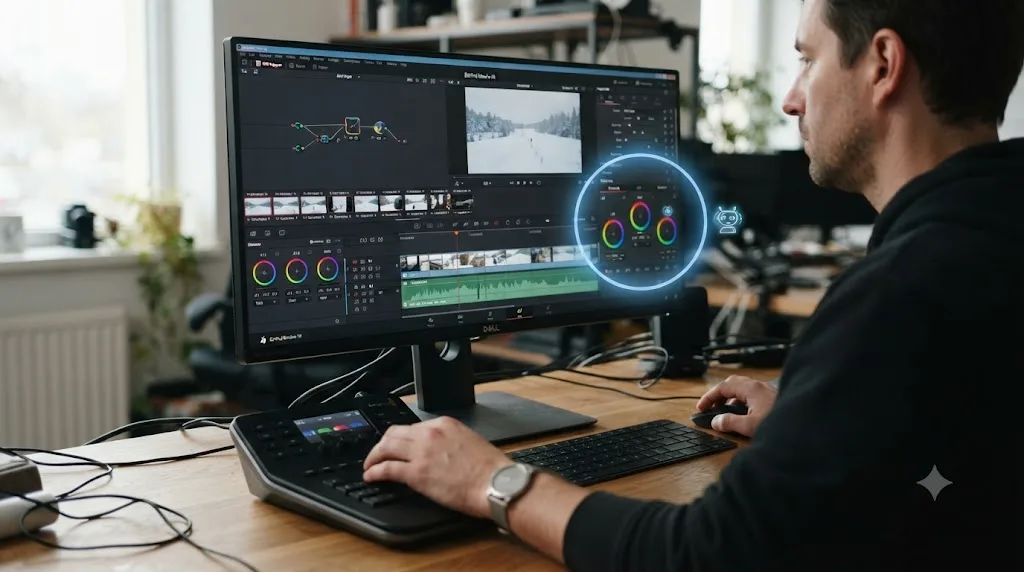
TryUncle is an AI tutor for DaVinci Resolve on macOS, ask in plain words and Uncle points at the exact control on your screen. That's a structurally different job than anything above. It doesn't remove silences, generate captions, or touch your Fairlight mix. It watches your actual open project on the Edit, Color, and Fusion pages, and when you ask a question, by voice, by typing, or with a generic "what's next" shortcut, it draws a circle around the exact control you need, live, on your own screen. You still make the click. Uncle doesn't touch your timeline the way the five automation tools above do.
The distinction matters more than it might sound like at first. If you already know exactly what a node-based color correction workflow requires and you just want the silences gone in the next twenty interview clips, Sottocut or CutAgent saves you real time. If you're staring at a node tree that's grading the whole frame instead of just a face, and you don't yet know why, none of those five tools helps you understand the mistake, they'd just make a different mistake for you slightly faster. TryUncle is built for exactly that second moment, the one where the problem isn't the footage, it's the gap in what you know.
TryUncle runs on macOS only, at founder pricing of $29.99 a month for the first 100 subscribers, and it's a paid subscription from day one, not a free tool with a paid upsell. It works with both the free and Studio editions of DaVinci Resolve, per TryUncle's own FAQ, though Studio-exclusive tools like Magic Mask obviously aren't there for Uncle to point at if you're on the free version. Check TryUncle directly for the current founder-rate seat count before subscribing, and read our full TryUncle review for the pricing, privacy model, and honest limitations in depth.
| Category | What it optimizes for |
|---|---|
| Sottocut, CutAgent, DavinciClaude, Eddie AI | Speed on a task you already know how to do |
| TryUncle | Understanding, in the moment you're stuck on a task you don't yet know how to do |
The honest sequencing, if your budget allows testing more than one tool: if you're regularly stuck on "how do I even do this," that's a knowledge gap, and an automation tool won't close it, no matter how good its AI is. If you already know Resolve well and just want repetitive tasks off your plate faster, that's exactly what the five tools above were built for, and TryUncle isn't trying to compete on that specific job.
Does DaVinci Resolve's own built-in AI already do this job?
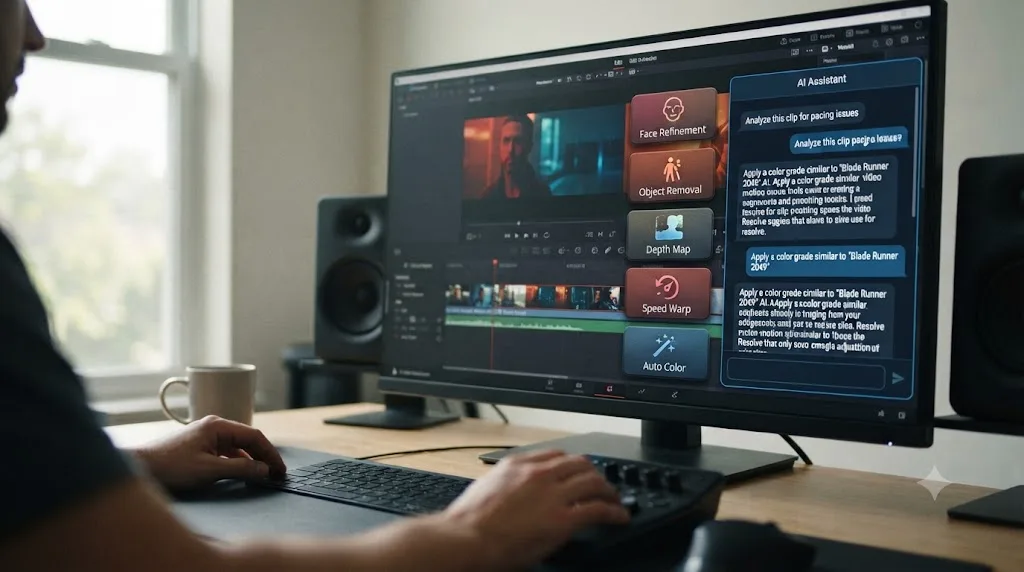
Partially, and it's worth checking before you pay for a third-party tool that duplicates something Blackmagic already ships. DaVinci Resolve 21 runs on what Blackmagic calls the DaVinci Neural Engine, and Studio's Neural Engine feature set includes IntelliSearch, which finds clips using plain-language description instead of scrolling a media pool; CineFocus, which adjusts focal emphasis on footage that's already shot; Smart Reframe, which auto-tracks a subject when converting horizontal footage to vertical; and Magic Mask, which isolates a person or object from a single brush stroke, per Blackmagic's own Studio feature list. Our Magic Mask guide walks through that specific tool in full if you're weighing it against a third-party mask or roto workflow.
Announcing Resolve 21 at NAB 2026, Blackmagic Design CEO Grant Petty framed the company's own push into AI-assisted tools this way, quoted verbatim from the official release: "Professional colorists and photographers now have access to the full DaVinci color toolset and are able to build complex grades in a node based workflow that goes far beyond the layer based approach. They can also use all the DaVinci AI tools, ResolveFX and FusionFX and collaborate globally in real time."
Here's the actual gap between Blackmagic's own Neural Engine and the five third-party tools above: Resolve's built-in AI tools are task-specific buttons, not a conversational interface. IntelliSearch answers a search query about your media pool. It doesn't take an instruction like "cut every silence over half a second and add captions" the way Sottocut or DavinciClaude does. Magic Mask isolates a subject you point at. It doesn't propose an edit for you to review. Blackmagic built powerful, narrow AI tools; the third-party assistants in this comparison built a chat layer on top of Resolve's scripting API to string those kinds of operations together from a single typed instruction.
DaVinci Resolve's own AI tools do specific jobs well; none of them takes a typed instruction and executes a multi-step edit the way a third-party assistant does. That's the real reason a market for third-party Resolve AI assistants exists at all, despite Blackmagic shipping nine Neural Engine tools of its own in Resolve 21: the automation layer these tools add sits on top of Resolve's native capability, not in competition with replacing it outright. And every Neural Engine tool listed above is Studio-only; the free version of Resolve doesn't have the palette at all, which our free vs Studio breakdown covers if you're not sure which side of that line you're on.
Are these AI editing assistants safe for client footage?
This is the question worth asking before you install anything on a machine that touches an NDA-covered project, and the honest answer is that it varies by architecture, not by which tool has the friendliest marketing copy.
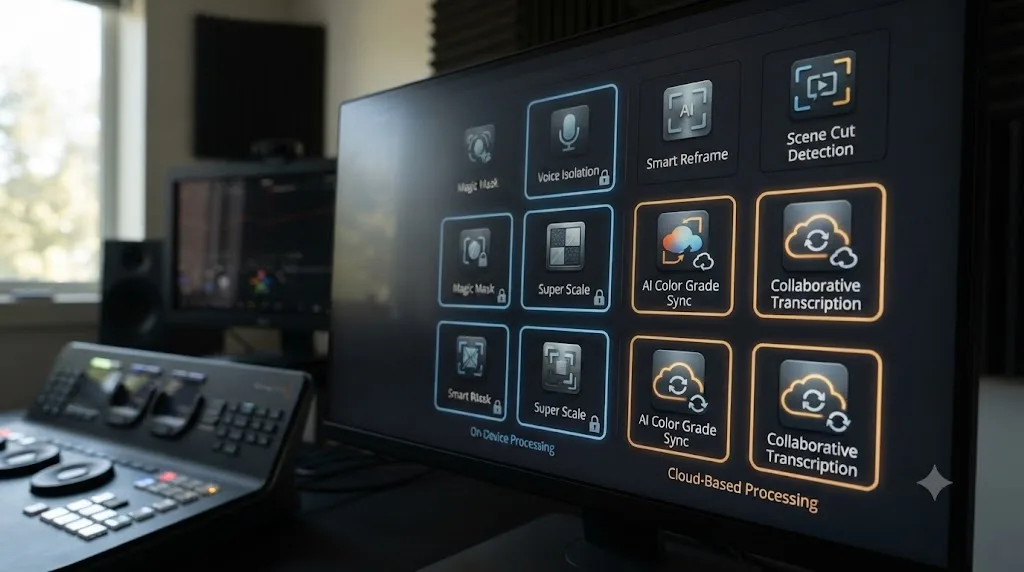
Sottocut is the clearest case: transcription happens on-device, and per its own description, footage never leaves the machine. That's the strongest privacy posture of any tool in this comparison, and it's a real architectural choice, not just a policy line, since on-device processing is genuinely harder and more expensive to build than routing everything through a cloud API.
CutAgent, DavinciClaude, and Eddie AI all depend on cloud connectivity to run their core AI reasoning, whether that's a hosted model, the Claude API, or Eddie's own processing pipeline. That doesn't automatically mean your raw footage uploads somewhere; it depends on exactly what data each tool sends off-device to do its job, a screenshot, a transcript, a clip reference, versus the actual media file itself. None of these tools' public marketing pages spell out that distinction as precisely as Sottocut's does, which is itself a useful signal: read each tool's actual privacy or FAQ page directly before trusting it on client work, rather than assuming "runs inside Resolve" automatically means "nothing leaves your machine."
Wideframe indexes and analyzes your footage library to power its natural-language search, which by design means it needs access to more of your raw media than a narrow cut-and-caption tool does, since finding "the shot where she laughs" across a 4TB archive requires actually looking at the footage, not just a transcript.
| Tool | Where the AI actually runs | What's stated to leave your machine |
|---|---|---|
| Sottocut | On-device | Nothing, per its own claim |
| CutAgent | Cloud, via local bridge | Not fully specified publicly; check its own privacy materials before client work |
| DavinciClaude | Cloud (Claude API) | Prompt and relevant timeline data sent to run the chat instruction |
| Eddie AI | Cloud + local desktop app | Imported clips and transcripts processed in Eddie's own pipeline |
| Wideframe | Cloud, footage indexing | Broader footage access needed to power semantic search |
"Runs inside DaVinci Resolve" and "your footage never leaves your machine" are two different claims, and only one of the five tools in this comparison makes the second one explicitly. If you're editing under a strict NDA, that's the specific question to ask the vendor directly before you install anything, not an assumption to make from a product name alone.
What does this actually cost over a year?
Monthly prices hide the real number, so here's what a year of each tool actually runs, at its cheapest realistic paid tier, next to DaVinci Resolve's own cost for context.
| Tool | Cheapest paid tier | Annual cost |
|---|---|---|
| DaVinci Resolve (free version) | $0 | $0 |
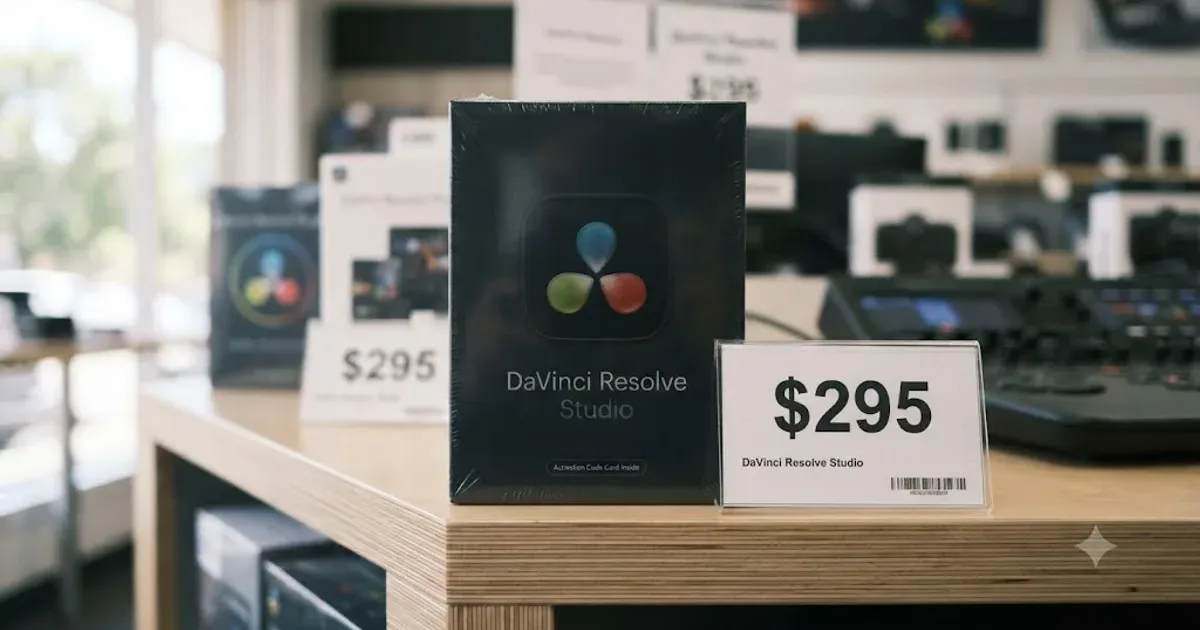
| DaVinci Resolve Studio | $295 once | $295 (one-time, never recurs) |
| DavinciClaude Pro+ | $76/year | $76 |
| Sottocut BYO Monthly | $15/month | $180 (plus your own Anthropic API usage) |
| Sottocut BYO Lifetime | $129 once | $129 (one-time) |
| TryUncle (founder rate) | $29.99/month | $359.88 |
| CutAgent Hobby | €29/month | ~€348 (roughly $375 at typical exchange rates) |
| Eddie AI Pro | $167/month billed yearly | $2,004 |
| Wideframe | $100/month | $1,200 |
Every tool on this list except Sottocut's lifetime option and DavinciClaude's free tier is a recurring cost that keeps billing for as long as you keep the subscription, the same way DaVinci Resolve Studio's one-time $295 never does. Run the numbers against your own actual usage before committing to a year of any of them. A wedding videographer processing forty interview-heavy projects a year gets very different value from CutAgent's €29 Hobby tier than a hobbyist posting once a month, and Eddie AI's cheapest yearly-billed tier, at just over $2,000 a year, only makes sense at genuine production-team scale.
Which one should you actually pick?
Match yourself to a row before you subscribe to anything, since "best" here depends entirely on what you're actually stuck on.
| You are | Pick | Why |
|---|---|---|
| A freelance editor on an NDA-heavy project, Apple Silicon Mac, Resolve Studio 21 | Sottocut | On-device processing, proposal-gated changes, cheapest entry with your own API key |
| An editor who wants one tool touching color, Fairlight, and Fusion, not just cuts | CutAgent | Broadest scope of the three native extensions, works with Free or Studio |
| Budget-conscious, on Windows, or not ready to pay anything yet | DavinciClaude | Real free tier, cross-platform, lowest Resolve version requirement |
| A production team logging heavy multicam interview footage at scale | Eddie AI | Purpose-built for exactly that workload, priced for a team budget, not a hobbyist |
| Already editing in Premiere Pro, occasionally finishing in Resolve | Wideframe | Strong footage-prep tool for its actual category, just don't expect native Resolve support |
| Stuck on understanding Resolve itself, not on repetitive tasks | TryUncle | The only tool here built to teach, not automate |
| A total beginner who's never opened DaVinci Resolve | None of these yet | Every tool above assumes baseline competence with the app first |
| Coming from Premiere Pro or Final Cut, weighing whether AI tools change the calculus | Either NLE, then match a tool from this table | Our Resolve vs Premiere Pro comparison covers the underlying editor decision separately from any AI layer on top |
That last row matters more than it might look at first glance. None of the tools in this comparison are a reason to switch editors on their own. CutAgent and Sottocut exist because DaVinci Resolve's scripting API makes this kind of automation possible; similar tools exist for Premiere Pro too, PremiereCopilot's own bundle being the most direct example. Pick your editor for the editor. Pick an AI assistant, if you need one at all, for the specific gap in your actual workflow.

What are the common mistakes people make picking one of these?
A handful of avoidable mistakes account for most of the regret I'd expect from someone subscribing to the wrong tool in this category.
Assuming a tool that ranks for "AI editing assistant for DaVinci Resolve" is actually one. Digen AI and Massive.io both show up in that search and neither is a Resolve editing tool. Check what a product actually does, not just where it ranks, before you sign up for a trial.
Subscribing to Eddie AI's yearly-billed Pro tier for occasional, light editing needs. At $167 a month billed yearly, Eddie's cheapest real subscription assumes production-team-scale usage. A creator doing occasional silence removal and captions gets far more value from DavinciClaude's free tier or Sottocut's $15 bring-your-own-key plan.
Buying Sottocut before confirming you're on an Apple Silicon Mac running Resolve Studio 21 specifically. The requirement is narrow, not "any recent Mac with any recent Resolve." Check your exact setup against the tool's stated requirements before paying for the lifetime tier.
Expecting Wideframe to touch your Resolve timeline directly because a search result implied it does. By Wideframe's own admission, the only path into Resolve is XML/AAF interchange from a Premiere Pro project file. If your entire workflow is Resolve-native, that's real friction, not a minor asterisk.
Buying an automation tool to solve a knowledge gap. If you don't yet understand why your node tree is grading the whole frame instead of an isolated area, a faster automated silence cut doesn't touch that problem at all. That's the moment a teaching tool like TryUncle, or a structured course, actually helps, and none of the five automation tools in this piece are built to.
Not checking a tool's actual privacy architecture before running it on client footage. "Runs inside DaVinci Resolve" doesn't automatically mean your footage stays on your machine. Only Sottocut makes that specific claim explicitly. Read each tool's own privacy page directly for anything covered by an NDA.
Skipping the version-compatibility check after a DaVinci Resolve point release. These are third-party extensions built against Resolve's scripting API, not features Blackmagic ships and maintains itself. Confirm a tool still works on a test project after any Resolve update before you trust it with billable work.
So which should you actually open today?
If you already know DaVinci Resolve and you're drowning in repetitive tasks, silence cuts, captions, multicam sync, pick based on your platform and privacy needs first, then scope. Sottocut if you're on Apple Silicon, Resolve Studio 21, and privacy is non-negotiable. CutAgent if you want one assistant touching more of the app than just the Edit page. DavinciClaude if you want to try the category for free before spending anything, or you're on Windows. Eddie AI if you're logging serious multicam interview volume at a production team's scale, not a hobbyist's.
If your actual problem is that you don't yet know why the thing you're trying to do isn't working, none of those five tools is the right purchase. TryUncle exists for that different problem specifically, watching your real screen and pointing at the control you need, and it's worth reading the full review before deciding if that gap describes you.
And if what you actually need is footage prep and search across a huge library before an edit even starts, not a Resolve-native assistant at all, Wideframe is a real, capable tool for that job, just understand you're buying a Premiere Pro companion with an XML bridge to Resolve, not a native extension. Match the tool to the actual gap in your workflow, not to whichever name showed up first in your search, and you'll spend your first month's subscription on the right problem instead of the wrong one.
Frequently asked questions
- What is the best AI video editing assistant for DaVinci Resolve?
- For editing done inside your own timeline, Sottocut and CutAgent are the strongest picks: both work as native DaVinci Resolve extensions, propose changes, and let you approve or reject them before anything commits. DavinciClaude is the cheapest starting point with a real free tier. Eddie AI and Wideframe are better described as pre-edit tools that hand a rough cut back to Resolve, not assistants that live inside it.
- Does DaVinci Resolve have a built-in AI editing assistant?
- Not a conversational one. DaVinci Resolve 21's Neural Engine ships tools like Magic Mask, IntelliSearch, and CineFocus, all built into Studio, but none of them take a typed instruction like "cut the silences and add captions" the way Sottocut, CutAgent, or DavinciClaude do. Blackmagic's AI is task-specific, not a chat interface.
- Is Sottocut or CutAgent better for DaVinci Resolve?
- Sottocut runs entirely on-device and starts cheaper, at $15 a month with your own Anthropic key. CutAgent starts at €29 a month, includes a hosted plan with no key required, and reaches further into color, Fairlight, and Fusion. If privacy and price matter most, try Sottocut first. If you want one tool to touch every page of Resolve, CutAgent's broader scope is worth the extra cost.
- Can Eddie AI or Wideframe edit directly inside DaVinci Resolve?
- Eddie AI has a real, free DaVinci Resolve extension that pulls clips from your media pool and sends rough cuts back, but the actual cutting decisions happen in Eddie's separate desktop app, not on the Resolve timeline itself. Wideframe doesn't integrate with Resolve at all today; it outputs Premiere Pro project files, and reaches Resolve only through XML or AAF interchange, by its own admission.
- Are digen.ai and massive.io DaVinci Resolve editing tools?
- No, and if either name showed up in your search for this category, that's a mismatch worth correcting. Digen AI is a text-to-video and talking-avatar generator with no editing timeline and no Resolve integration of any kind. Massive.io, known as MASV, is a large file transfer service; the content that ranks for AI editing comparisons is a blog post it published reviewing other companies' tools, DaVinci Resolve among them, not a product MASV itself builds.
- Is there an AI tool that teaches DaVinci Resolve instead of editing it for you?
- Yes. TryUncle is an AI tutor for DaVinci Resolve on macOS, ask in plain words and Uncle points at the exact control on your screen, rather than making the cut for you. It's a different category from every tool in this comparison: they automate the work, Uncle teaches you to do it yourself. Founder pricing is $29.99 a month.
- Are AI editing assistants for DaVinci Resolve safe for client footage?
- It depends entirely on the tool's architecture, not its marketing. Sottocut processes transcription on-device and states footage never leaves your machine. CutAgent, Eddie AI, and DavinciClaude's cloud-dependent features send some data off-device to run their models. Before using any of them on an NDA-covered project, check the specific tool's own privacy page and ask your client whether screenshot- or transcript-level data leaving your machine satisfies the agreement, since that's a narrower bar than uploading raw footage.
- How much do AI video editing assistants for DaVinci Resolve cost?
- From free to over a thousand dollars a month, depending on scope. DavinciClaude's free tier costs nothing with daily limits; Sottocut starts at $15 a month bring-your-own-key; CutAgent starts at €29 a month; Eddie AI's paid tiers start at $167 a month billed yearly; Wideframe is a flat $100 a month with no lower tier. None of these prices include DaVinci Resolve itself, which remains free, or $295 once for Studio.
Sources
- Sottocut (product site: AI Assistant Editor for DaVinci Resolve)
- Sottocut Pricing
- CutAgent (product site: AI video editing for DaVinci Resolve)
- DavinciClaude (product site: the AI plugin for DaVinci Resolve)
- PremiereCopilot Blog: 7 Best AI Plugins for DaVinci Resolve in 2026
- Eddie AI: DaVinci Resolve workflow (native integration)
- Eddie AI Pricing
- CineD: Eddie AI Extension for DaVinci Resolve Released, Virtual Editing Assistant
- Wideframe (product site: AI Coworker for Video Editors)
- Wideframe Blog: DaVinci Resolve Alternatives with AI Agents (2026)
- Wideframe on Y Combinator (Matthew Gattozzi quote, founders, product description)
- Digen AI Pricing (text-to-video and avatar generator)
- MASV (Massive.io): What's The Best AI Video Editor? We Test 10 Popular Tools
- TryUncle (product site: how Uncle works, pricing, and setup)
- TryUncle FAQ
- Blackmagic Design Announces DaVinci Resolve 21 (Grant Petty quote, official release via Business Wire)
- Blackmagic Design: DaVinci Resolve Studio (official Neural Engine feature list)
- DaVinci Resolve - What's New (Blackmagic Design, Resolve 21)
- DaVinci Resolve Scripting API introduction (ResolveDevDoc)
- DaVinci Resolve - Tech Specs (Blackmagic Design)
Put this guide to work with TryUncle.
Ask about the step you’re on. TryUncle sees your screen and points at the control you need, so you can keep learning in your own project.
Get TryUncle for Mac or WindowsKeep reading
Reviews · Jul 19, 2026 · 39 min
TryUncle Review: An AI Tutor for DaVinci Resolve
An honest review of TryUncle: the macOS AI tutor that watches your DaVinci Resolve screen, its founder pricing, and where it actually falls short.
Guides · Jul 7, 2026 · 7 min
How to Use Magic Mask in DaVinci Resolve (Complete Guide)
How Magic Mask in DaVinci Resolve isolates people and objects from one brush stroke, what changed in Resolve 21, and where the AI still needs help.
Comparisons · Jul 7, 2026 · 28 min
DaVinci Resolve Studio Price: Free vs. Studio Cost, Explained
DaVinci Resolve Studio costs $295, paid once, not monthly. Here's exactly what that buys, how it stacks up against Premiere Pro and Final Cut Pro, and who needs it.