Articles / Comparisonsupdated for DaVinci Resolve 21.0 (June 2026) and Premiere Pro Color Mode public beta (April 2026)
DaVinci Resolve vs Premiere Pro in 2026: Which Should You Use?
Quick answer
DaVinci Resolve wins on price (free, or $295 once for Studio) and color grading; Premiere Pro wins on Adobe Creative Cloud integration and Firefly generative AI. Choose Resolve if budget and color control matter most. Choose Premiere Pro if you're already paying for Photoshop, After Effects, or Audition and need those apps to talk to each other.
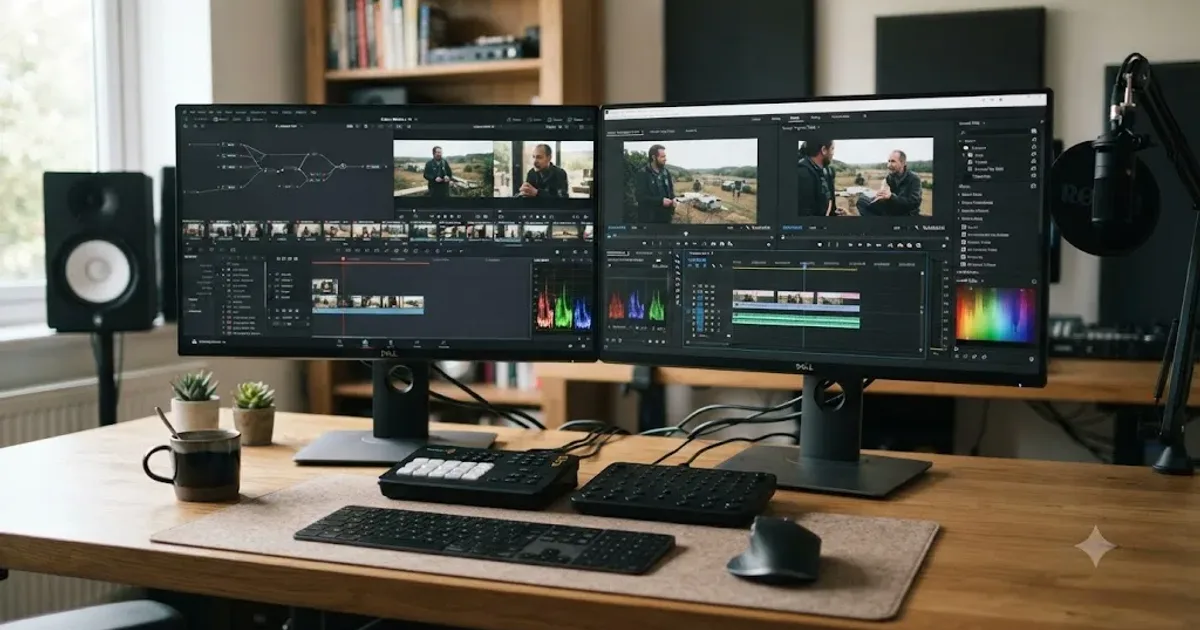
Two editors keep showing up in the same conversation, and they solve the same problem in almost opposite ways. DaVinci Resolve is free until you need it not to be. Premiere Pro is a subscription until you cancel it. Both cut, both grade, both export a finished video, and neither is the obviously correct choice for everyone reading this.
I'm not going to tell you Resolve is secretly better in every category, because it isn't, and I'm not going to pretend Premiere's subscription is a scam, because it funds real engineering. What I'll do instead is walk through where each one actually wins, with sources you can check yourself, so you can make the call based on your footage and your budget instead of whichever forum thread you read last.
What's the quick verdict?
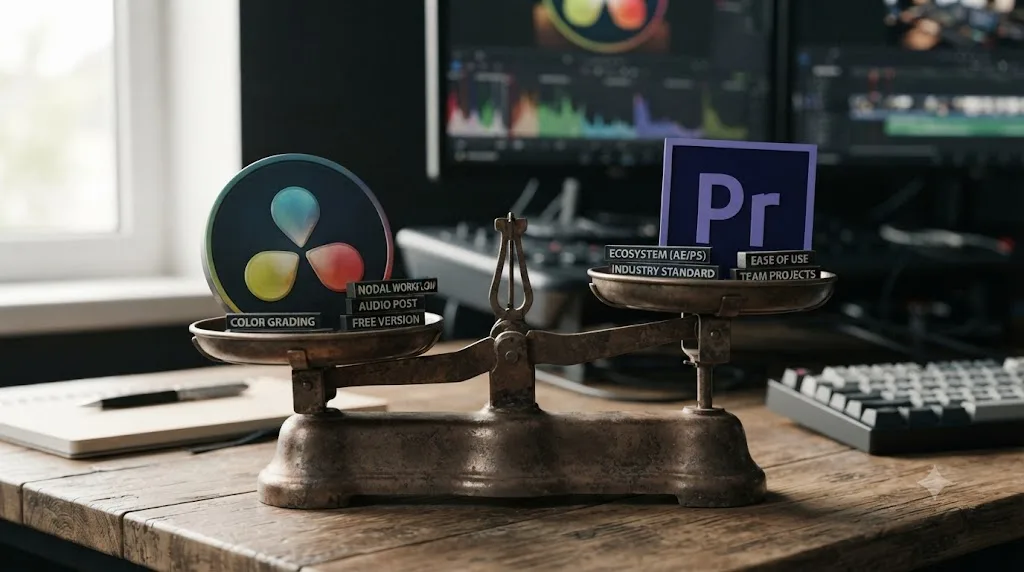
If you had to pick one line: DaVinci Resolve is the better tool, Premiere Pro is the better fit for an existing Adobe workflow. Those are different questions, and conflating them is why this comparison gets argued so badly online.
Resolve wins outright on color grading, on audio finishing through Fairlight, on price, and increasingly on built-in motion graphics through Fusion's Krokodove library. Premiere wins on ecosystem, because if your studio already lives inside Photoshop, After Effects, and Audition, Premiere Pro is the thread that ties them together with Dynamic Link and shared Creative Cloud libraries, a level of integration Resolve was never built to offer.
| Category | Winner |
|---|---|
| Price | DaVinci Resolve |
| Color grading | DaVinci Resolve |
| Audio finishing | DaVinci Resolve (Fairlight) |
| Built-in motion graphics / VFX | DaVinci Resolve (Fusion) |
| Adobe app integration | Premiere Pro |
| Generative AI video tools | Premiere Pro (Firefly) |
| Editing speed for fast turnarounds | Roughly tied |
| Learning resources and tutorials | Premiere Pro (larger base) |
| Collaboration on a single project | DaVinci Resolve |
| Third-party plugin ecosystem | Premiere Pro (larger, older) |
DaVinci Resolve and Premiere Pro solve overlapping problems with almost opposite business models, and that difference matters more than any single feature on either spec sheet. One is free software funded by camera sales. The other is a subscription funded by recurring revenue. Everything downstream, from how often each one ships updates to how aggressively each one chases AI features, traces back to that one structural fact.
How much does each one cost in 2026?
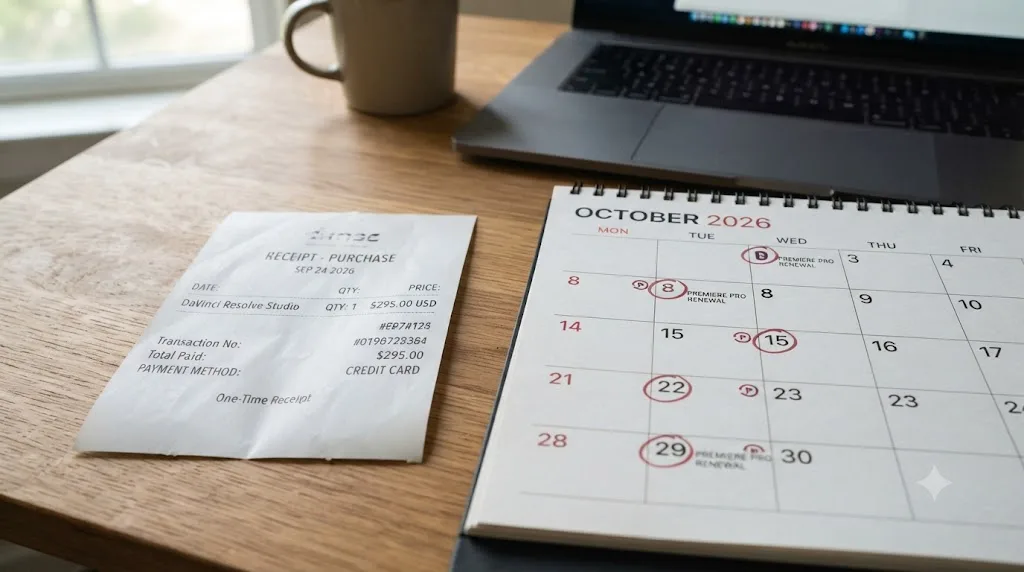
This is where the comparison gets lopsided fastest, so let's put the numbers on the table before anything else.
| Editor | Plan | Price | Billing |
|---|---|---|---|
| DaVinci Resolve | Free | $0 | None, no time limit, no watermark |
| DaVinci Resolve Studio | One license | $295 | One-time, per Blackmagic's Studio page |
| Premiere Pro | Single App, monthly | $34.49/month | No commitment |
| Premiere Pro | Single App, annual (paid monthly) | $22.99/month | 12-month commitment |
| Premiere Pro | Single App, student | $19.99/month | Requires eligibility |
| Creative Cloud | Standard (bundle) | $54.99/month | Annual, billed monthly, per Adobe's plans page |
| Creative Cloud | Pro (bundle) | $69.99/month | Annual, billed monthly |
Premiere Pro's cheapest annual plan passes the price of a lifetime DaVinci Resolve Studio license before the first year of payments is even over. Do the math: $22.99 a month times twelve comes to $275.88, already within striking distance of $295, and every month after that is pure additional cost on Premiere's side while Resolve Studio owes nothing more, ever.
That's not a knock on Adobe's pricing model on its own terms. A subscription buys continuous updates, cloud storage, and a company with a much larger AI research budget behind it. But if the question is purely "which one costs less to own," DaVinci Resolve wins by a wide enough margin that it's barely a contest, especially once you factor in that Resolve's free tier costs nothing at all and still ships a genuinely complete editor. Our free vs Studio breakdown goes deeper into exactly what that $295 buys if you want the full feature-by-feature list.
Which has better color grading?
DaVinci Resolve, and this is the one category where almost nobody seriously argues the other side.
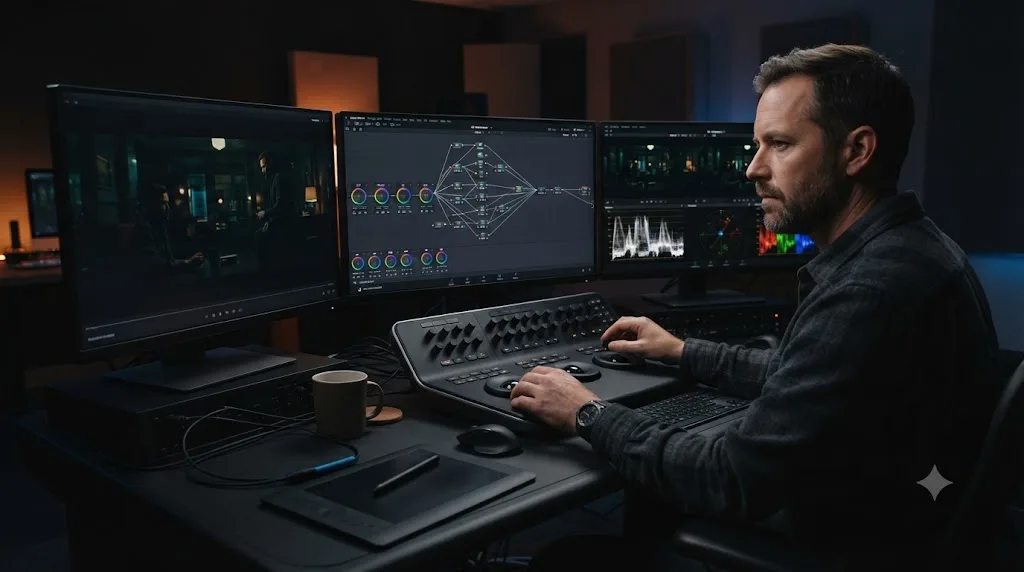
Resolve's Color page is built on a node-based pipeline, the same lineage that traces back to the original daVinci Systems hardware suites Blackmagic acquired in 2009, machines that graded Hollywood features long before Resolve was a piece of consumer-facing software at all, according to Forbes' profile of Blackmagic founder Grant Petty. Nodes let you chain, branch, and layer corrections in a way that mirrors how a colorist actually thinks about an image: primary correction on one node, a power window isolating a face on the next, a parallel node handling a sky replacement, all visible and re-orderable at a glance.
Premiere Pro's answer has always been the Lumetri Color panel, a stack of sliders and curves applied per-clip or per-adjustment-layer. It's genuinely capable for corrective work and quick stylistic looks. But it was never a node graph, and it shows the moment a grade gets complex: isolating three separate elements in one shot with independent tracking and separate secondary corrections is native, expected behavior in Resolve's Color page and a workaround-heavy exercise in Lumetri.
Adobe knows this gap exists, which is why Premiere's newest addition matters. Premiere Pro's Color Mode, in public beta since April 2026, is Adobe's clearest acknowledgment yet that grading inside the edit needed a real rebuild, not just another slider. According to Adobe's own announcement, Color Mode is "a first-of-its-kind color grading experience built from the ground up specifically for editors," with full project-wide visibility into how color flows through a timeline. General availability is planned for later in 2026, which means as of this writing it's still a beta feature editors are testing, not a finished replacement for anything.
Here's the honest read: Color Mode is aimed at editors who want better grading without leaving Premiere, not at colorists who already think in nodes. If your grading work stops at matching shots and applying a look, Color Mode may close the gap enough that you never need Resolve. If your work involves the kind of layered, tracked, multi-element grading that professional colorists do daily, Resolve's node system remains the deeper tool, and nothing in Color Mode's public description suggests Adobe is trying to replicate a node graph rather than build its own editor-first alternative to one.
| Feature | DaVinci Resolve | Premiere Pro |
|---|---|---|
| Grading model | Node-based, unlimited layered nodes | Lumetri panel plus new Color Mode (beta) |
| Scopes | Full suite built into the Color page | Lumetri scopes panel |
| Power windows / tracking | Native, with built-in tracker | Available via effects and masking |
| HDR grading (Dolby Vision, HDR10+) | Included in free version for grading; Studio needed for rendering | Supported, workflow varies by delivery target |
| Industry reputation | Reference tool for feature and broadcast color | Strong for corrective and stylistic work, newer to deep grading |
Which has better editing tools and timeline?
This is closer than the color question, and the honest answer depends on what kind of editing you do.
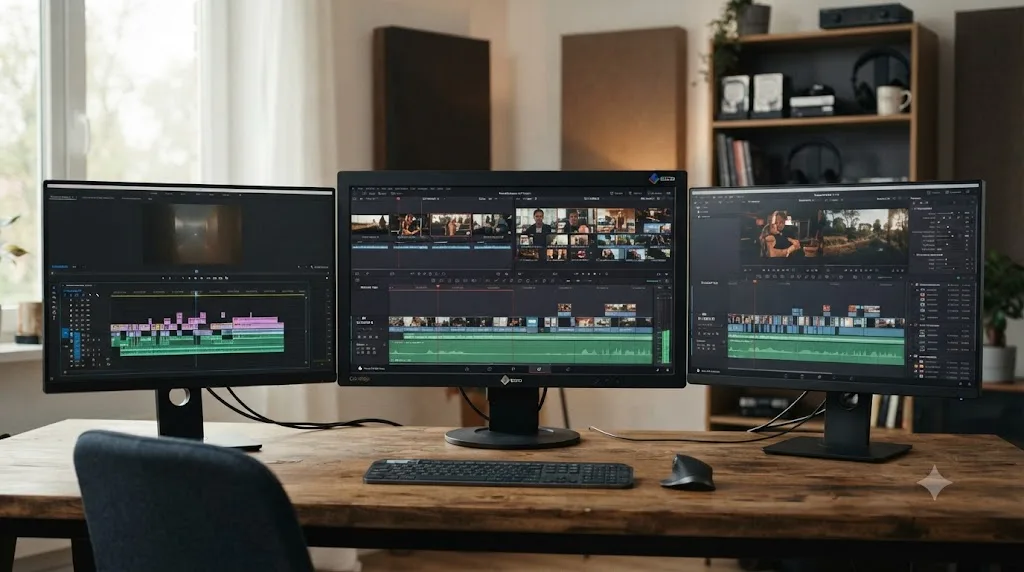
Premiere Pro's timeline is the one most editors already know: a single track-based view, dozens of transitions and effects a click away in the Effects panel, and a workflow that's been refined since the late 1990s. It's fast for straightforward assembly, forgiving of messy project organization, and it's what the overwhelming majority of tutorials, film school courses, and YouTube channels teach as the default.
DaVinci Resolve splits editing across two pages instead of one: Cut, built for speed and fast turnarounds, and Edit, a full track-based timeline closer to what Premiere users already expect. Our deep comparison of Cut vs Edit covers the split in detail, but the short version matters here: Resolve's Edit page gives you seven distinct three and four-point editing modes, a full Inspector panel, and a multicam viewer supporting four, nine, sixteen, twenty-five or more synced camera angles at once, according to Blackmagic's Edit page. Premiere Pro's multicam editing is also mature and widely used in broadcast and live-event workflows, so this isn't a category where one app clearly outguns the other on raw capability.
Where the two genuinely diverge is trim precision versus interface familiarity. Editors who've spent years in Premiere describe Resolve's trim tools, roll, slip, slide, and ripple, as functionally similar once learned, but the keyboard shortcuts and modifier-key conventions don't map one-to-one, which creates a real relearning cost during the switch. Our shortcuts guide covers Resolve's key bindings if you're making that jump and want to shortcut the muscle-memory rebuild.
Neither editor's timeline is objectively faster once an editor is fully trained on it, which means the deciding factor is almost always which one you learned first, not which one is better. That's an uncomfortable answer for a comparison post to give, but it's the honest one, and pretending otherwise does readers a disservice.
How do the AI tools compare in 2026?
This is the category that shifted the most in the last twelve months, and it's genuinely close now, though the two companies are chasing different problems with their AI investment.
Resolve 21, released free on June 3, 2026, shipped nine AI tools built on Blackmagic's DaVinci Neural Engine, according to Blackmagic's official announcement and PetaPixel's coverage of the release. IntelliSearch lets you find clips using plain-language description instead of keyword tags. CineFocus adjusts focal emphasis after a shot is already captured, effectively rescuing a soft focus pull in post. The rest of the lineup, AI UltraSharpen, AI Motion Deblur, AI Face Age Transformer, AI Face Reshaper, AI Blemish Removal, and AI Slate ID, leans toward repair and finishing work rather than generation. Most of these nine tools require the $295 Studio license; the free version doesn't include them.
Adobe's AI push in 2026 points in a different direction entirely: generation, not repair. Generative Extend, Adobe's Firefly-powered tool for adding new frames to the beginning or end of a clip, is the single feature Resolve has no direct equivalent for anywhere in its lineup. According to Adobe's official documentation, Generative Extend can hold a character's reaction for an extra beat, smooth a transition, extend background sound, or paper over an unwanted camera movement, all without a reshoot. Alongside it, Premiere's new Object Masking tool uses AI to identify and isolate people or objects in a shot with one click, and Generate Soundtrack, in public beta, composes original music matched to a video's pacing through Adobe's Firefly Audio Model, per Adobe's April 2026 announcement.
Line the two philosophies up side by side and a pattern appears. Blackmagic is building AI tools that fix problems already present in footage you shot. Adobe is building AI tools that create footage that was never shot at all. Neither approach is wrong, but they serve different anxieties: Resolve's AI answers "how do I save this shot," and Premiere's AI increasingly answers "how do I extend or replace this shot."
| AI capability | DaVinci Resolve 21 | Premiere Pro (2026) |
|---|---|---|
| Clip search by description | IntelliSearch | Not equivalent |
| Post-capture focus adjustment | CineFocus | Not equivalent |
| Generative frame extension | Not available | Generative Extend (Firefly) |
| AI object isolation | Magic Mask (Studio) | Object Masking |
| AI-generated music | Not built in | Generate Soundtrack (beta) |
| Facial/age AI tools | AI Face Age Transformer, AI Face Reshaper | Not equivalent |
| Gated to paid tier | Most Neural Engine tools require Studio ($295 once) | Firefly generations tied to Creative Cloud plan limits |
One practical wrinkle worth flagging on the Adobe side: Firefly-powered generations inside Premiere and the standalone Firefly Video Editor are consumption-metered against your Creative Cloud plan in most configurations, even though Adobe has expanded unlimited generation access on some tiers. Check your specific plan's Firefly allowance before building a workflow around Generative Extend for client deadlines; running out mid-project on a paid subscription is its own kind of frustrating.
Which has better audio tools?
DaVinci Resolve, through Fairlight, and this one surprises editors who've only ever known Resolve as a color tool.
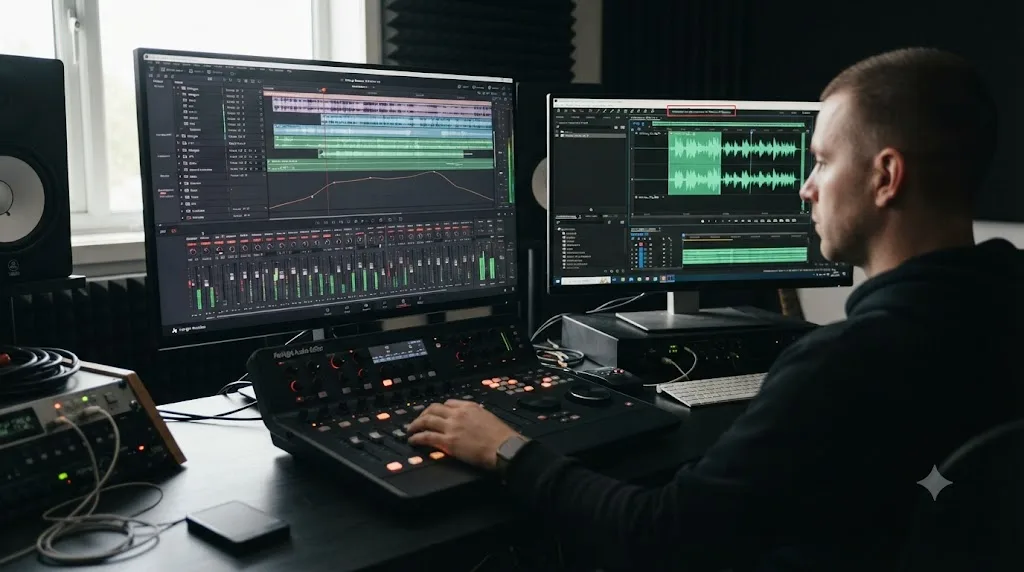
Fairlight isn't a bolted-on afterthought. It's a full digital audio workstation built into the same application as the edit and the color grade, with multi-band EQ, loudness metering to broadcast standards, bus routing, and Dolby Atmos mastering in the Studio version. Resolve 21 added track folders that collapse groups of tracks into a single collapsible row, a six-band clip EQ matching the track EQ's full capability, and Chain FX, which bundles up to six plugins into one reusable, saveable preset, according to Blackmagic's What's New page. For a project with a dozen dialogue tracks, ambient beds, and music, that's real time saved over rebuilding an EQ chain clip by clip.
Premiere Pro's built-in audio tools, the Essential Sound panel chief among them, cover the basics competently: ducking, noise reduction, loudness matching to a target. For anything past that, Adobe's own ecosystem answer is to open Audition, a separate application with its own license inside Creative Cloud, connected to Premiere via Dynamic Link so edits round-trip without a full export and reimport.
That's the real divide. Resolve keeps editing, color, and audio finishing inside one application with one project file, while Premiere Pro's deeper audio work happens in a separate app that has to be licensed and opened on its own. Whether that's a problem depends entirely on your workflow: an editor who already pays for the full Creative Cloud suite barely notices the app switch, since Dynamic Link makes it close to seamless. An editor on Premiere's single-app plan, without Audition, is stuck with Essential Sound's more limited toolset or a separate audio license. If audio problems are already dogging your Resolve projects specifically, our no audio troubleshooting guide covers the most common causes.
Which has better motion graphics and visual effects?
Here again, Resolve's all-in-one design gives it a structural edge, though Premiere's ecosystem answer isn't weak, it's just a different app.
Fusion, Resolve's node-based compositing page, sits inside the same application as the edit and grade, and it's included in the free version, not gated behind Studio. Resolve 21 added Krokodove, a library Blackmagic describes as adding "over 70 new graphics" to Fusion, according to coverage from CG Channel of the release. That's motion titles, lower thirds, and animated graphic templates you can drop onto a timeline and customize without leaving Resolve or touching a separate compositing tool.
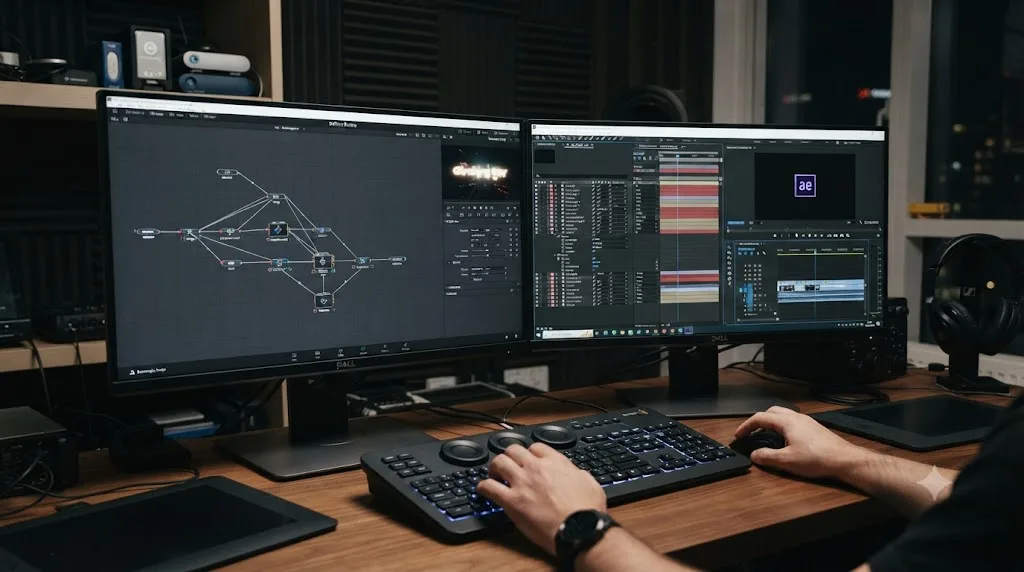
Premiere Pro's answer is Adobe After Effects, a genuinely more powerful standalone compositor for anyone doing serious VFX work, backed by decades of third-party plugin support (Red Giant, Video Copilot, and dozens of others) that Fusion's smaller ecosystem doesn't match yet. Dynamic Link again smooths the round trip between the two apps for Creative Cloud subscribers, letting an After Effects composition update live inside a Premiere timeline.
The tradeoff is licensing and workflow friction, not raw capability. Fusion inside DaVinci Resolve costs nothing extra and never requires leaving the timeline you're editing on, while After Effects is a separate Creative Cloud license and a separate application window even with Dynamic Link smoothing the handoff. For a solo creator or small team building titles, lower thirds, and basic composites, Fusion covers the job without adding a second app to the monthly bill. For VFX-heavy commercial or narrative work leaning on specific After Effects plugins that have no Fusion equivalent, After Effects remains the deeper, more established tool, and no amount of Krokodove changes that for pipelines already built around it.
| Category | DaVinci Resolve (Fusion) | Premiere Pro + After Effects |
|---|---|---|
| Included in editing app | Yes, free version included | No, separate app and license |
| Third-party plugin ecosystem | Smaller, growing | Larger, decades of plugins |
| Motion graphics templates | Krokodove (70+ graphics, Resolve 21) | Extensive Motion Graphics Templates (MOGRT) library |
| Node vs layer compositing | Node-based | Layer-based |
| Round trip to editing timeline | None, same app | Dynamic Link (still a separate app) |
Which integrates better with other creative software?
Premiere Pro, decisively, if your other software is also made by Adobe.
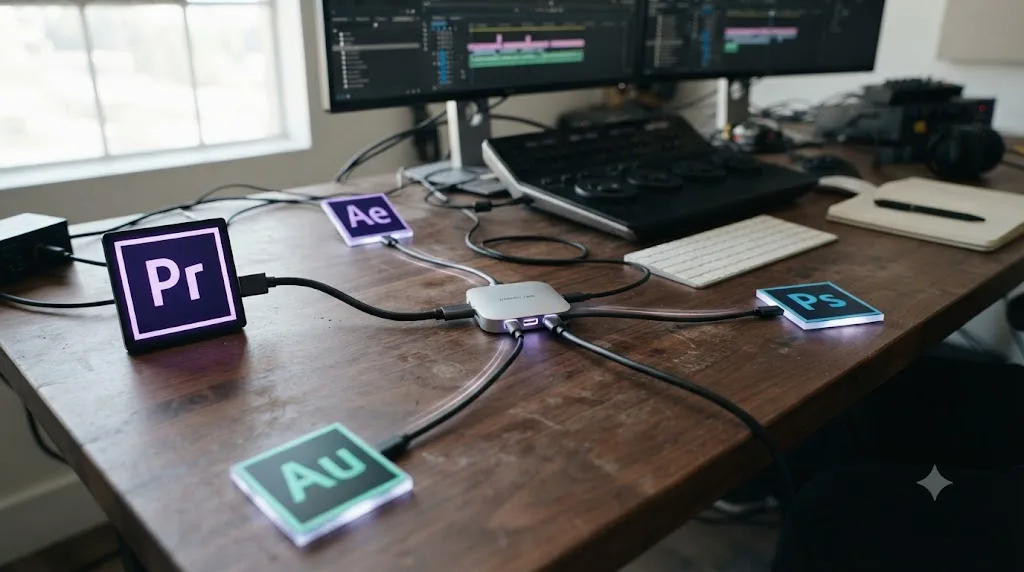
Creative Cloud's whole pitch is that Photoshop, Illustrator, After Effects, Audition, and Premiere Pro share libraries, fonts, and assets, and Dynamic Link lets edits in one app update live inside a Premiere timeline without a manual export step. If your studio's motion graphics artist works in After Effects, your photo retoucher works in Photoshop, and your sound designer works in Audition, Premiere Pro is the hub all of that traffic naturally routes through. That's not a minor convenience for a busy production pipeline. It's the difference between a same-day revision and a next-day one.
DaVinci Resolve takes the opposite approach: instead of integrating with other applications, it tries to replace the need for most of them inside a single program. Edit, Color, Fairlight, Fusion, and now the Photo page, all live in one project file with one save action. There's no Dynamic Link because there's usually no second app to link to. For a solo creator or a small team without an existing Adobe investment, that's a real strength: fewer licenses, fewer app switches, fewer places for a project to break during a handoff.
The place this actually bites is round-tripping with software Resolve doesn't natively speak to as fluently, most commonly a client's existing Adobe-based pipeline. XML and EDL export cover most cross-application handoffs reasonably well, and that's the standard route professionals use to move a rough cut from Premiere into Resolve for color, or a graded master back out. But it's a file exchange, not a live link, and every studio that's done it knows XML round trips occasionally drop a transition, a nested sequence, or a speed ramp that needs manual reconstruction on the other side.
If your production already runs on Creative Cloud, DaVinci Resolve is very likely still worth adding for color and audio, but Premiere Pro stays the hub your other applications plug into. Trying to force Resolve into that hub role, replacing After Effects and Audition and Photoshop links with Resolve-native equivalents, is possible but fights the grain of how most agency and studio pipelines are already built.
Which has a steeper learning curve?
DaVinci Resolve, mostly because of two things: the node-based Color page, which asks you to think in a fundamentally different way than sliders do, and the seven-page layout, which spreads editing, color, audio, and effects across separate workspaces instead of one unified panel set.
Premiere Pro's single-window, panel-based interface is closer to what most beginner tutorials, film school courses, and YouTube channels teach as a starting point, largely because it's been the default professional tool in English-language creative education for over a decade. That head start compounds: more tutorials exist, more forum threads answer specific Premiere questions, more people you know personally already use it and can help when you're stuck.
Resolve counters with a different advantage: for people learning editing for the first time, with no prior software habits to unlearn, its free tier removes the "am I wasting money learning the wrong tool" anxiety entirely. Our beginner's guide walks through the onboarding path from a blank install, and it's worth noting that Resolve's Edit page specifically was built to feel familiar to anyone coming from Premiere, Final Cut, or Avid, which softens the transition for editors switching in either direction.
Where the curve steepens hardest is the Color page, full stop. Understanding primary versus secondary corrections, building a node tree that doesn't turn into spaghetti after twenty nodes, and reading scopes accurately are skills that take real, deliberate practice regardless of which editor you started on. Our color grading basics guide is the place to start that specific climb once the editing fundamentals feel comfortable.
If you're mid-project on either app and stuck on a specific control rather than the whole workflow, TryUncle is an AI tutor built specifically for DaVinci Resolve that points at controls on your actual window instead of sending you hunting through a generic tutorial for a two-minute answer.
Which is better for team collaboration?
DaVinci Resolve, for projects where multiple people need to work inside the same project simultaneously.
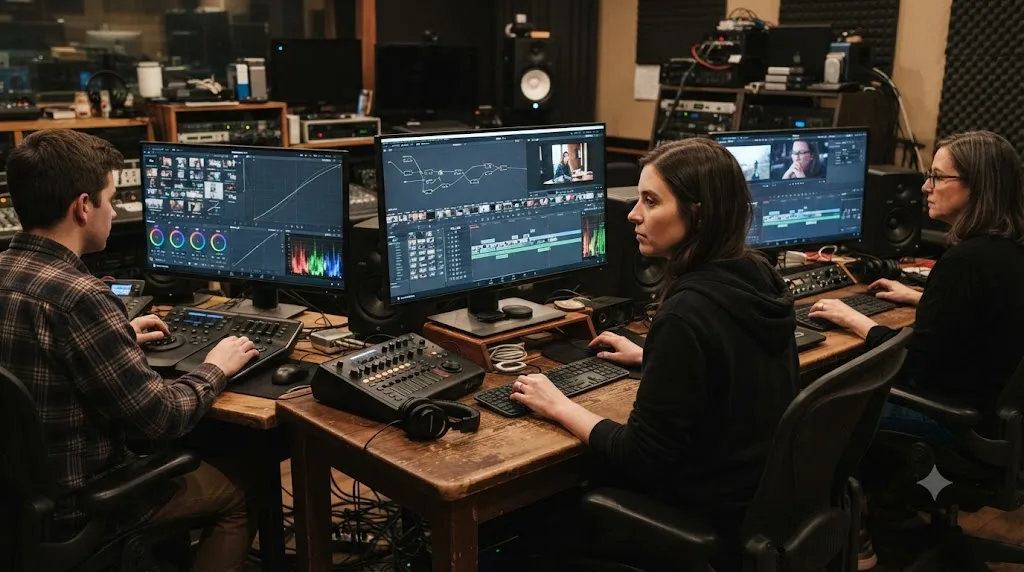
Resolve's collaboration tools let an editor, colorist, and sound mixer work on the same project at the same time, with bin locking and a shared database backing the whole thing, and Blackmagic includes this in the free version, not gated behind Studio, per its own product page. That's a genuinely rare thing to find unlocked in a free tier: real-time multi-user collaboration inside one project file, no server license required beyond the shared database setup.
Premiere Pro's collaboration model runs through Frame.io and cloud-based Team Projects instead, which is a different shape of the same problem. Frame.io handles review and approval workflows, comment threads on specific frames, and version tracking extremely well, arguably better than anything Resolve offers for client-facing review. But true simultaneous multi-user editing of one active timeline isn't Premiere's core strength the way it's baked into Resolve's project architecture from the ground up.
The practical difference: Resolve is built for people editing together in the same project at the same moment, while Premiere Pro is built for people reviewing and approving each other's work asynchronously. Neither approach is wrong, but they solve different collaboration problems. A post house with a colorist, an editor, and an assistant all touching one timeline in the same afternoon leans toward Resolve's model. A distributed team where a director in one city needs to leave timecoded notes on a cut for an editor in another leans toward Premiere's Frame.io-centric approach.
Which needs beefier hardware?
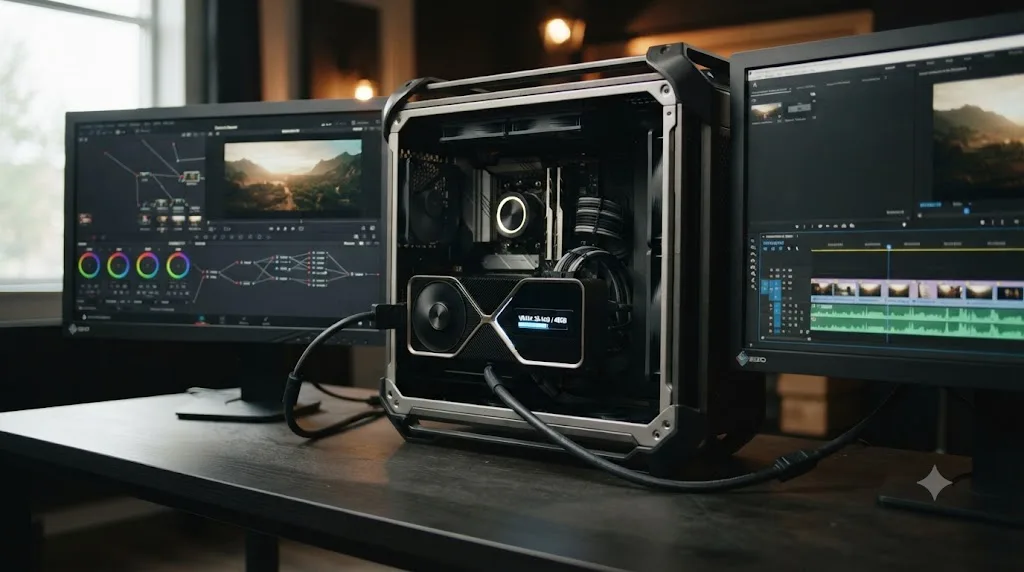
Both editors want a dedicated GPU, but they lean on it differently, and that difference shapes which one runs better on hardware you already own.
Resolve's color and Fusion pages are GPU-first by design. Blackmagic's minimum spec calls for a graphics card with at least 4GB of VRAM running CUDA or OpenCL, according to Blackmagic's tech specs, but that's a floor, not a comfortable working spec. Heavier grading, noise reduction, and Fusion compositing all lean on video memory specifically, not just raw GPU compute, which is why colorists tend to chase VRAM capacity more aggressively than editors shopping for a general-purpose machine.
Premiere Pro's official minimum also calls for a dedicated GPU with at least 4GB of VRAM, per Adobe's technical requirements page, alongside a recommendation of 16GB of system RAM for HD work and 32GB or more once you're cutting 4K and above. Premiere's rendering pipeline distributes work between CPU and GPU more evenly than Resolve's, which is part of why editors doing straightforward assembly work, without heavy color or effects layered on, sometimes find Premiere feels snappier on the same middling hardware.
Neither app publishes numbers detailed enough to declare a universal winner, and I haven't run a controlled head-to-head benchmark on identical hardware myself, so I won't quote a specific speed difference here. What both companies' own specs agree on is the structural point: Resolve's heaviest tools (color, noise reduction, Fusion) are more GPU-VRAM-hungry than Premiere's equivalent effects stack, so a machine bought specifically for Resolve should prioritize graphics memory over almost anything else on the parts list.
| Requirement | DaVinci Resolve | Premiere Pro |
|---|---|---|
| Minimum GPU | 4GB VRAM, CUDA or OpenCL | 4GB VRAM, dedicated card |
| RAM recommendation | Scales heavily with Fusion use | 16GB (HD), 32GB+ (4K and above) |
| Where the GPU load concentrates | Color page, Fusion, noise reduction | General playback, effects rendering |
| CPU vs GPU balance | GPU-first | More evenly balanced |
What do editors who've actually switched say?
Marketing pages tell you what each company wants you to believe. Editors who've lived through the switch tell you something more useful.
Jana Johnston, a Germany-based filmmaker and Blackmagic-certified DaVinci Resolve trainer who co-founded the production studio Mondlicht Film, wrote about her own move away from Premiere Pro after years of using it alongside Resolve for color. Her reasoning wasn't about features on a spec sheet. It was about reliability under deadline pressure:
"In the end, I was tired of getting slowed down by a constantly crashing software and not being able to render without artefacts. I thought the time spent on these issues with Premiere would have been better spent switching, especially since I was already colour grading in Davinci Resolve."
That's from her piece for Digital Production, published in March 2026. It's worth reading her account with the right context: she wasn't a Resolve newcomer weighing two unfamiliar tools. She was already grading in Resolve and editing in Premiere, the exact hybrid workflow described earlier in this guide, and the deciding factor that pushed her to consolidate wasn't a missing feature. It was stability during real, paid work.
That single account isn't proof Premiere Pro is unreliable across the board; plenty of editors run Premiere for years without the crashes she describes, and software stability varies enormously by project complexity, plugin load, and system configuration on either app. But it is a useful reminder that the deciding factor in a real switch is often mundane and specific to a workflow, not a grand feature comparison. The editors who actually switch tools rarely do it because a spec sheet convinced them. They do it because one specific, recurring frustration finally outweighed the cost of relearning muscle memory. Read every comparison post, including this one, with that in mind: your specific bottleneck matters more than any general ranking.
Can you use both together?
Yes, and a lot of working professionals already do, treating the "versus" in this comparison as a false choice for their specific pipeline.
The common pattern: rough-cut and assemble in Premiere Pro, where the editorial team is comfortable and Frame.io review is already set up for client approval, then export an XML or EDL and bring the locked cut into DaVinci Resolve for color grading and Fairlight audio finishing, where Resolve's deeper tools genuinely outperform Premiere's. Once the grade and mix are done, the finished master either exports directly from Resolve or rounds back into Premiere for final delivery formatting.
This costs something real: an extra export step, occasional XML quirks where a nested sequence or a speed ramp doesn't translate cleanly and needs manual rebuilding, and the discipline to lock picture before the color pass starts, since Resolve isn't built to receive picture changes gracefully after grading has begun. It's not a frictionless pipeline.
But for a studio with an editorial team fluent in Premiere and a colorist who lives in Resolve, running both tools in sequence is often the actual optimal setup, not a compromise between two competing products. Neither app has to do everything if you're willing to accept one deliberate handoff point between them. The false premise in most "DaVinci Resolve vs Premiere Pro" arguments is that picking a favorite means abandoning the other entirely. Working post houses picked their winner on that question years ago: use both, each for what it does best.
Which one fits your specific situation?
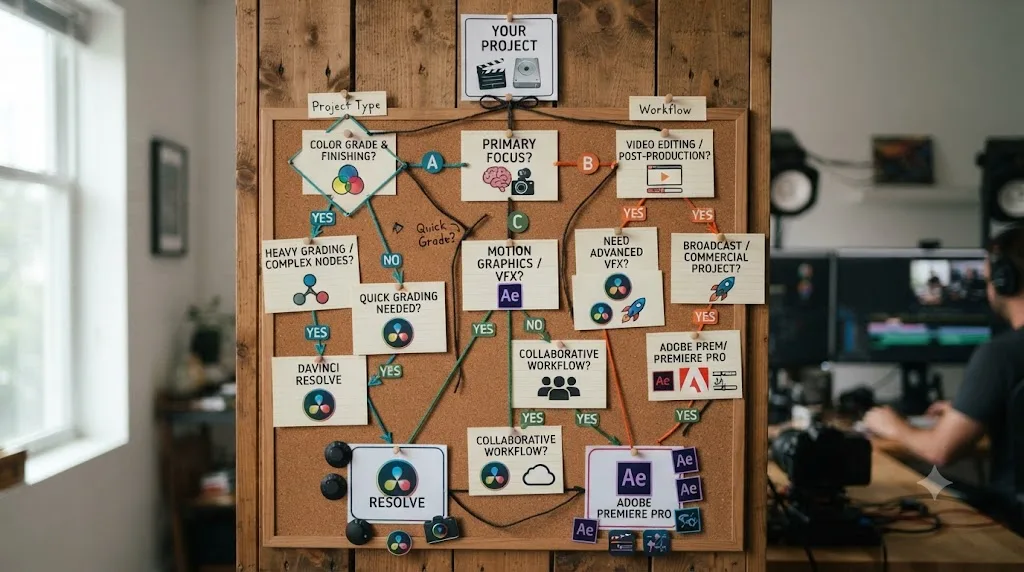
Checklists are more useful than a single verdict, because "better" depends entirely on what you're actually making and who you're making it for.
| You are | Lean toward | Why |
|---|---|---|
| A YouTuber or solo creator on a budget | DaVinci Resolve | Free tier is a complete editor; no recurring cost |
| An agency already paying for Creative Cloud | Premiere Pro | Dynamic Link and shared assets across Adobe apps |
| A colorist or aspiring colorist | DaVinci Resolve | Node-based Color page is the industry reference |
| A social media team needing fast AI-generated b-roll extensions | Premiere Pro | Firefly's Generative Extend has no Resolve equivalent |
| A wedding or event videographer | Either, lean Resolve for noise reduction and grading | Studio's Neural Engine tools handle low-light footage well |
| A student in a film program | Whichever your school teaches | Free version of Resolve if self-teaching; check the lab first |
| A documentary editor with heavy sound design | DaVinci Resolve | Fairlight's built-in DAW beats a bolt-on audio panel |
| A motion graphics-heavy commercial shop | Premiere Pro + After Effects | Larger plugin ecosystem, deeper compositing tools |
| A small team without an Adobe investment | DaVinci Resolve | Fewer licenses, one app instead of three |
| Someone who already knows Premiere from film school | Premiere Pro, unless a specific Resolve feature is worth the relearn | Switching costs real time; only pay it for a real reason |
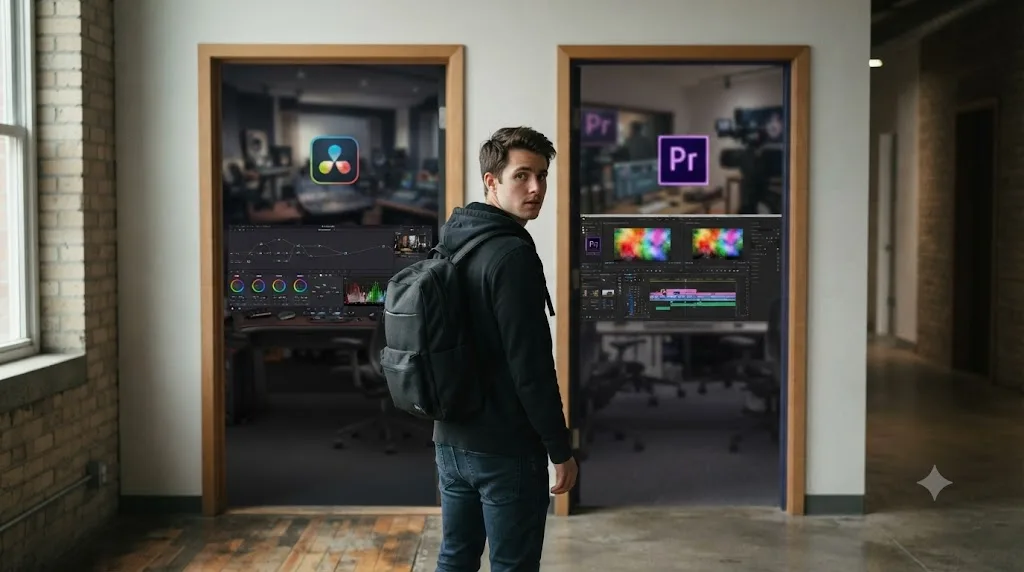
If you're still stuck between the two after reading this whole thing, here's the tiebreaker question worth asking yourself: name the single feature that would actually change your workflow if you had it right now. If the answer is "better color grading" or "I don't want to pay monthly," that's Resolve. If the answer is "seamless handoff with my After Effects work" or "AI generation to extend a shot I'm missing," that's Premiere. Everything else in this comparison is context around that one answer.
What are common mistakes when choosing between them?
A handful of avoidable mistakes account for most of the regret editors report after picking a side too fast.
Picking based on what's "industry standard" without checking which industry. Resolve is the reference tool in color grading and increasingly common in independent film and documentary editorial. Premiere Pro remains dominant in agency, corporate, and social content production, largely because of its Adobe ecosystem ties. "Industry standard" means something different depending on which industry you're actually trying to work in, and copying a workflow from the wrong one wastes real learning time.
Buying DaVinci Resolve Studio before confirming the free version isn't enough. The free tier covers full editing, color, audio, and Fusion with no watermark. Most of what actually stops people is 10-bit camera footage, HDR delivery, or AI noise reduction, not the core editing toolset. Check the free vs Studio guide against your actual camera and delivery specs before spending $295.
Subscribing to full Creative Cloud when Premiere Pro's single-app plan would cover the work. If you don't need After Effects, Photoshop, and Audition on a regular basis, the Single App plan at $22.99 a month (annual, paid monthly) is a fraction of Creative Cloud's $54.99 or $69.99 monthly bundles. Paying for apps you open twice a year is money that could go toward hardware instead.
Assuming a switch is all-or-nothing. As covered above, editing in one app and finishing color and audio in the other is a completely normal professional pipeline, not a failure to commit. Don't let a false binary talk you out of using each tool for what it's actually best at.
Ignoring hardware entirely and blaming the software for slow performance. Both editors will feel sluggish on underpowered GPUs, and the fix in either case is usually more VRAM or optimized media, not switching applications. If Resolve specifically is stuttering on playback, our slow playback troubleshooting guide covers the checklist before you conclude the software itself is the problem.
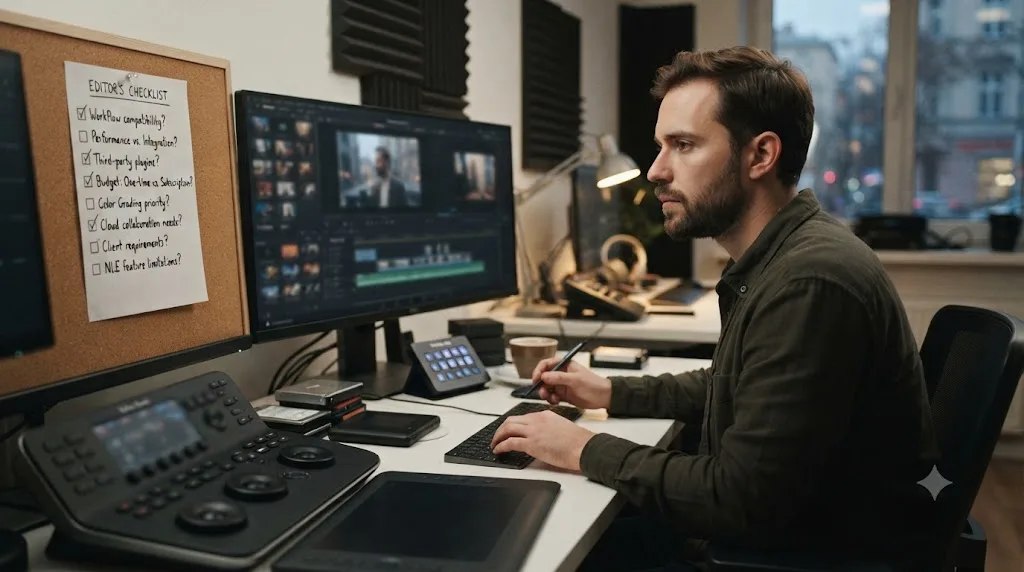
What's changed most in this comparison over the past year?
If you compared these two editors in 2024, you'd have written a noticeably different post than this one, and it's worth understanding what actually moved.
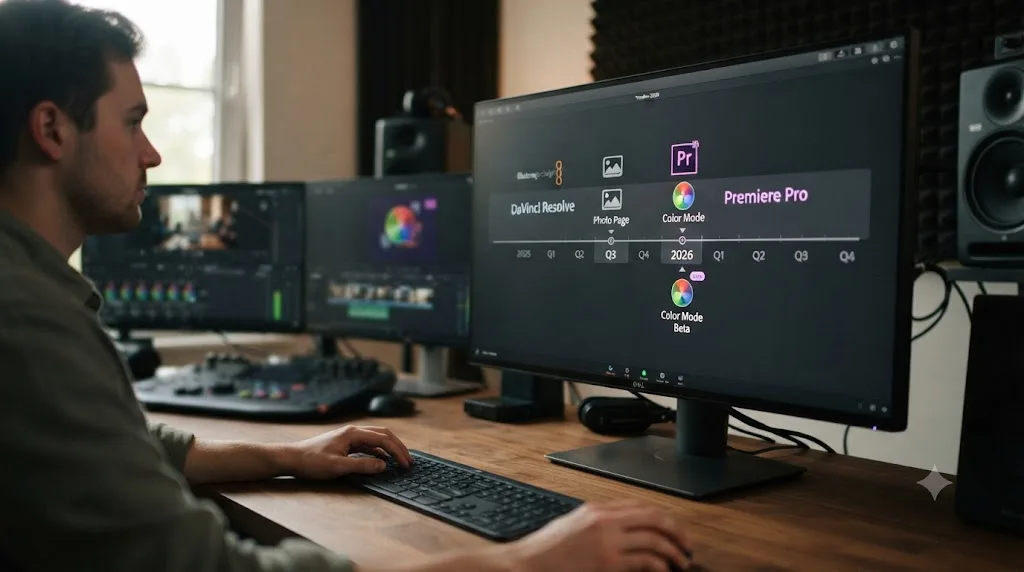
On Resolve's side, the shift is breadth. Resolve 21 didn't just add features to existing pages, it added an entirely new one: the Photo page, which lets you import, organize, tag, and grade still images using the same node-based color tools built for video, included in the free version according to Blackmagic's product page. That's Blackmagic explicitly expanding Resolve's territory beyond video editing entirely, competing for workflow time that used to belong exclusively to Lightroom or Capture One.
On Adobe's side, the shift is depth in AI and a first real attempt at closing the color grading gap. Color Mode's April 2026 beta is Adobe's most direct acknowledgment yet that Lumetri alone wasn't cutting it for editors who wanted real grading control without leaving Premiere. Combined with Generative Extend, Object Masking, and Generate Soundtrack, Adobe spent this cycle betting heavily on AI as the differentiator, while Blackmagic spent it betting on being the single application that replaces the most other software in your stack.
Neither company is copying the other outright, but each shipped its biggest update in the exact area where it was previously weakest, Resolve into stills and Premiere into color, which tells you where each company thinks the next real battle for editors is happening. Watch that pattern going forward more than any single feature announcement: it's a better predictor of where both tools head next than either company's marketing copy.
Is DaVinci Resolve or Premiere Pro better for beginners specifically?
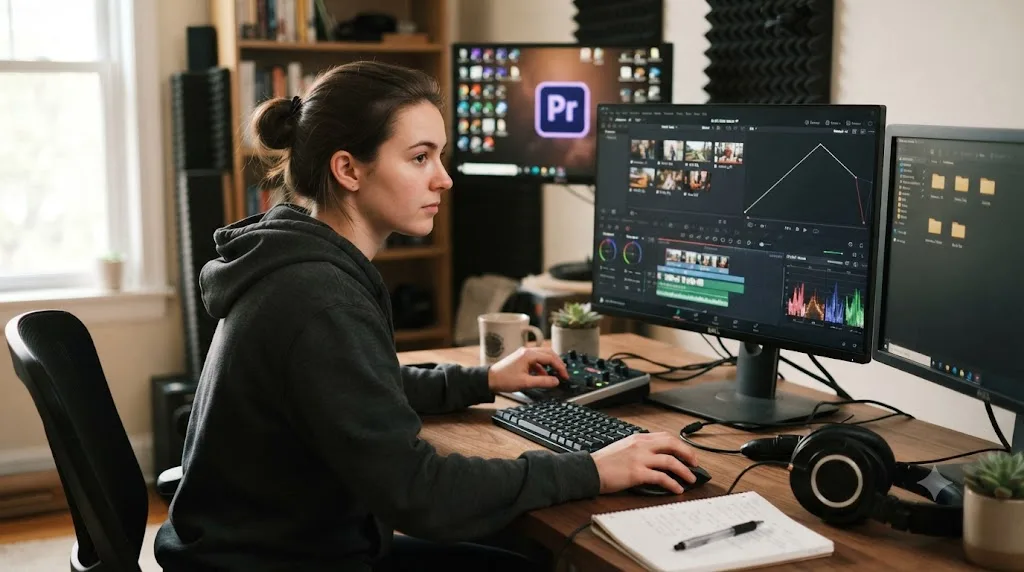
Neither has an inherent beginner advantage baked into its architecture, but the free-vs-trial difference tilts the practical answer toward Resolve for anyone who isn't already committed to a school or workplace standard.
A beginner starting on Premiere Pro gets a 7-day trial, then a subscription clock starts, whether or not you've finished your first project. A beginner starting on Resolve gets the same core toolset, minus a handful of Studio-gated extras, for as long as they want to keep learning, with no countdown pressuring a purchase decision before the fundamentals click. That difference alone changes the emotional experience of learning: Resolve lets you fail slowly and re-try without a meter running.
The counterargument for Premiere as a beginner's first tool is real too: if you already know you're heading toward a career or program that standardizes on Adobe, and you'll eventually need the subscription anyway, learning on the tool you'll actually use professionally avoids a second relearning phase later. Film students in particular should check what their program actually teaches before self-selecting a tool based on this post; institutional standardization is a stronger signal than any general recommendation.
For everyone else, the honest beginner's path looks like this: start on DaVinci Resolve's free tier, because the cost of being wrong is zero, and only add Premiere Pro to your toolkit later if a specific job, client, or team requires it. Our full beginner's guide covers that starting point from a blank install, including the project settings worth locking in before your first edit.
Which is better for professional colorists and film work versus corporate and social content?
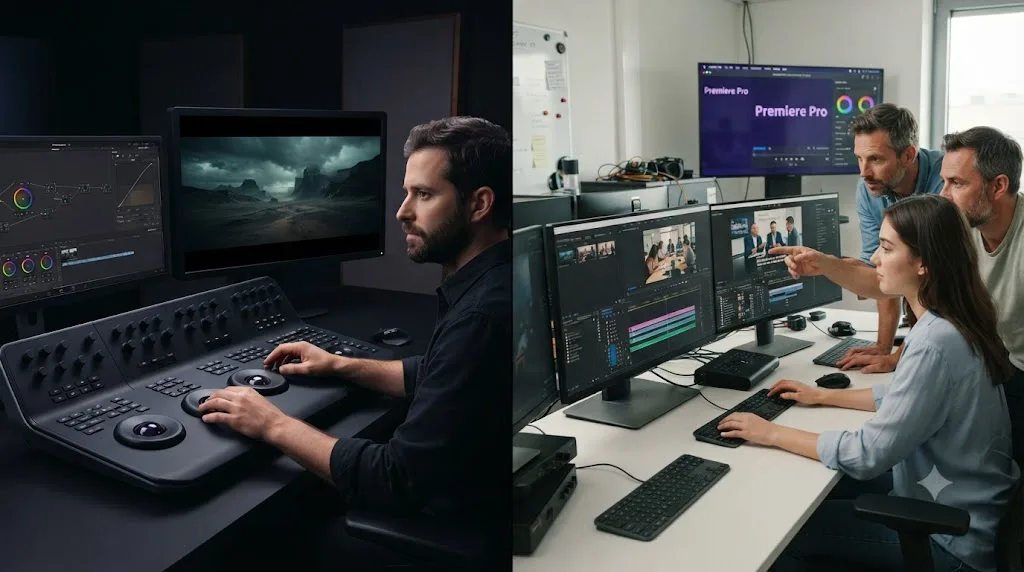
Split this question by output, and the answer stops being close in either direction.
For narrative film, documentary, and broadcast delivery, DaVinci Resolve is the stronger default, and it isn't particularly close. The node-based Color page, DCP and IMF mastering for festival and streaming delivery, and Fairlight's broadcast-grade loudness tools all point at the same audience: people delivering to a screen with strict technical specs and a colorist somewhere in the pipeline who expects Resolve-level control. Studio's HDR grading and rendering tools, covered in more depth in our free vs Studio guide, matter specifically for this kind of delivery.
For corporate video, social content, and marketing work, Premiere Pro holds a real edge, mostly because of speed of iteration and ecosystem fit rather than any single feature. Agencies producing dozens of short-turnaround videos a month benefit from Creative Cloud's shared libraries, Frame.io's client review workflow, and a talent pool where Premiere experience is the more common hiring baseline. The color and audio depth that makes Resolve the film-industry favorite is often more capability than a 60-second social ad actually needs.
Match the tool to the delivery spec, not to which one "feels" more professional, because both labels are doing real work in different rooms of the same industry. A wedding videographer delivering to YouTube and a colorist finishing a feature for theatrical release are nominally in the same profession and need almost entirely different toolsets. Don't let either app's reputation talk you into a workflow your actual deliverables don't require.
So which one should you actually install today?
If you've read this far without a clear pull toward one app, install DaVinci Resolve first. It costs nothing to try, it won't start a subscription clock, and the free version is complete enough that you may never need to open Premiere Pro at all, especially if your delivery specs stay inside SDR web video at 4K/60fps or below.
Install Premiere Pro instead, or alongside Resolve, the moment any of these becomes true for your actual work: your team already runs Creative Cloud and needs Dynamic Link to After Effects or Audition, a client's pipeline is built around Premiere and round-tripping XML files would slow down every revision, or Generative Extend and Firefly's generative tools would solve a specific, recurring production problem that Resolve's repair-focused AI tools don't address.
Neither choice is permanent. Editors move between these two tools constantly, in both directions, and the file formats each one exports make that migration far less painful than it was a decade ago. Pick the one that matches this month's actual deadlines and this month's actual budget. Revisit the decision the day your work outgrows it, not before.
Frequently asked questions
- Which is better in 2026, DaVinci Resolve or Premiere Pro?
- Neither wins outright. DaVinci Resolve is better for color grading, audio finishing, and price, since Studio is a $295 one-time purchase against Premiere Pro's subscription. Premiere Pro is better for editors already inside Adobe Creative Cloud who need tight handoffs with After Effects, Photoshop, and Audition, plus Firefly's generative video tools.
- Is DaVinci Resolve actually free, or is that a trial?
- It's genuinely free, not a trial. The free version of DaVinci Resolve has no watermark and no time limit, and includes full editing, color grading, Fairlight audio, and Fusion visual effects. Premiere Pro has no permanent free tier, only a 7-day trial before the subscription starts.
- Does DaVinci Resolve or Premiere Pro have better color grading?
- DaVinci Resolve, and it isn't close. Resolve's node-based color page, built from the same daVinci Systems lineage that graded Hollywood features, is still the industry reference. Premiere Pro's new Color Mode, in public beta since April 2026, brings grading closer to the timeline but doesn't replicate Resolve's node graph.
- Can DaVinci Resolve replace Premiere Pro and After Effects together?
- For most creators, yes. Resolve's Fusion page handles compositing, motion graphics, and visual effects inside the same application as the edit and the color grade, which is a workflow Premiere Pro can't match without opening After Effects separately. Complex VFX pipelines built around After Effects plugins are the exception.
- Which has a steeper learning curve, DaVinci Resolve or Premiere Pro?
- DaVinci Resolve, mainly because of its node-based color page and seven-page layout. Premiere Pro's single-timeline, panel-based interface is closer to what most tutorials and film schools teach first. Editors coming from Final Cut Pro or Avid often find Resolve's Edit page more familiar than Premiere's.
- Do DaVinci Resolve and Premiere Pro both have AI tools in 2026?
- Yes, and the gap narrowed sharply this year. Resolve 21 shipped nine Neural Engine AI tools including IntelliSearch and CineFocus, most gated to Studio. Premiere Pro added Firefly-powered Generative Extend, Object Masking, and Generate Soundtrack, with unlimited generations rolled out through Adobe's Firefly plans.
- Can I use DaVinci Resolve and Premiere Pro in the same workflow?
- Yes. A common pipeline edits in Premiere Pro, then sends the timeline to DaVinci Resolve for color grading and Fairlight audio finishing via XML or EDL, then returns the graded master to Premiere for final export. It costs an extra round trip but lets each app do what it's actually best at.
- Does DaVinci Resolve run on the same hardware as Premiere Pro?
- Mostly, but Resolve leans harder on the GPU. Both need a dedicated graphics card with at least 4GB of VRAM as a floor, according to Blackmagic and Adobe's own specs, but Resolve's color and Fusion pages push GPU memory usage further than Premiere's more CPU-and-GPU-balanced pipeline, especially on 4K and heavier timelines.
Sources
- DaVinci Resolve Studio product page (Blackmagic Design)
- DaVinci Resolve product page (free version)
- DaVinci Resolve - Tech Specs (Blackmagic Design)
- DaVinci Resolve - What's New (Blackmagic Design, Resolve 21)
- Blackmagic Design Announces DaVinci Resolve 21 (official release)
- PetaPixel: DaVinci Resolve 21 officially released with new photo editing, AI tools, and much more
- Compare Premiere plans (Adobe)
- Adobe Blog: Adobe extends leadership in video, unleashing new AI-powered creation in Firefly, reinventing color for editors in Premiere
- Generative Extend overview in Premiere (Adobe)
- Adobe Premiere technical requirements (Adobe)
- Digital Production: Getting your bearings, switching from Premiere Pro to DaVinci Resolve, by Jana Johnston
- Forbes: How An Aussie From The Housing Projects Became A Billionaire Making Gear For Next-Gen Spielbergs
- Blackmagic Pocket Cinema Camera (includes DaVinci Resolve Studio)
Put this guide to work with TryUncle.
Ask about the step you’re on. TryUncle sees your screen and points at the control you need, so you can keep learning in your own project.
Get TryUncle for Mac or WindowsKeep reading
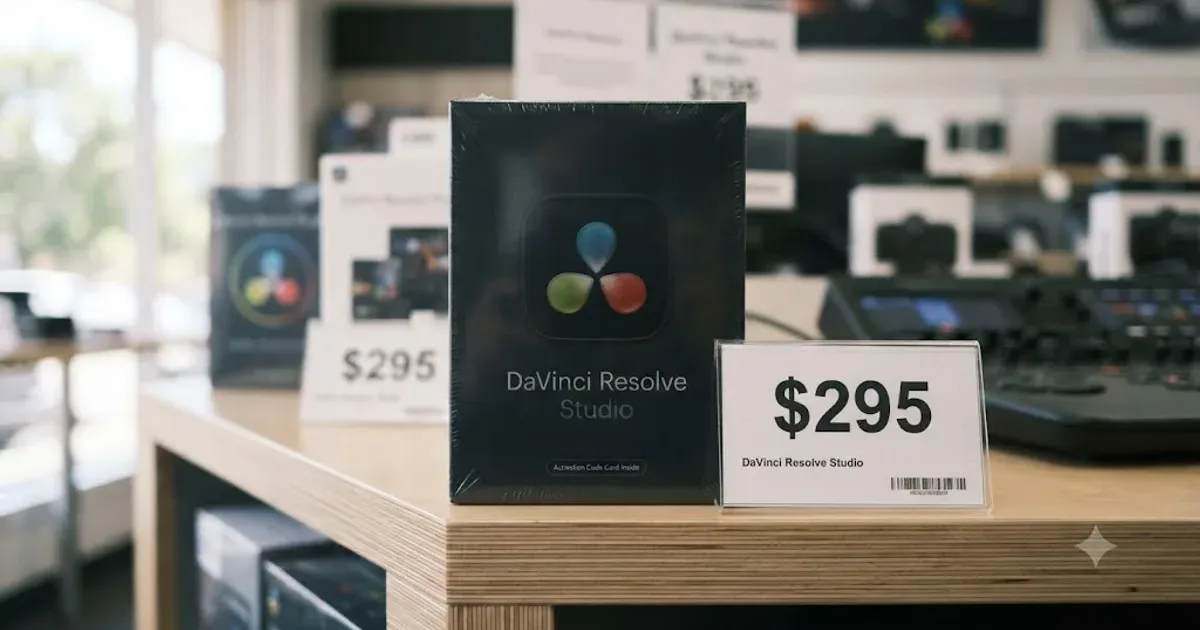
Comparisons · Jul 7, 2026 · 28 min
DaVinci Resolve Studio Price: Free vs. Studio Cost, Explained
DaVinci Resolve Studio costs $295, paid once, not monthly. Here's exactly what that buys, how it stacks up against Premiere Pro and Final Cut Pro, and who needs it.
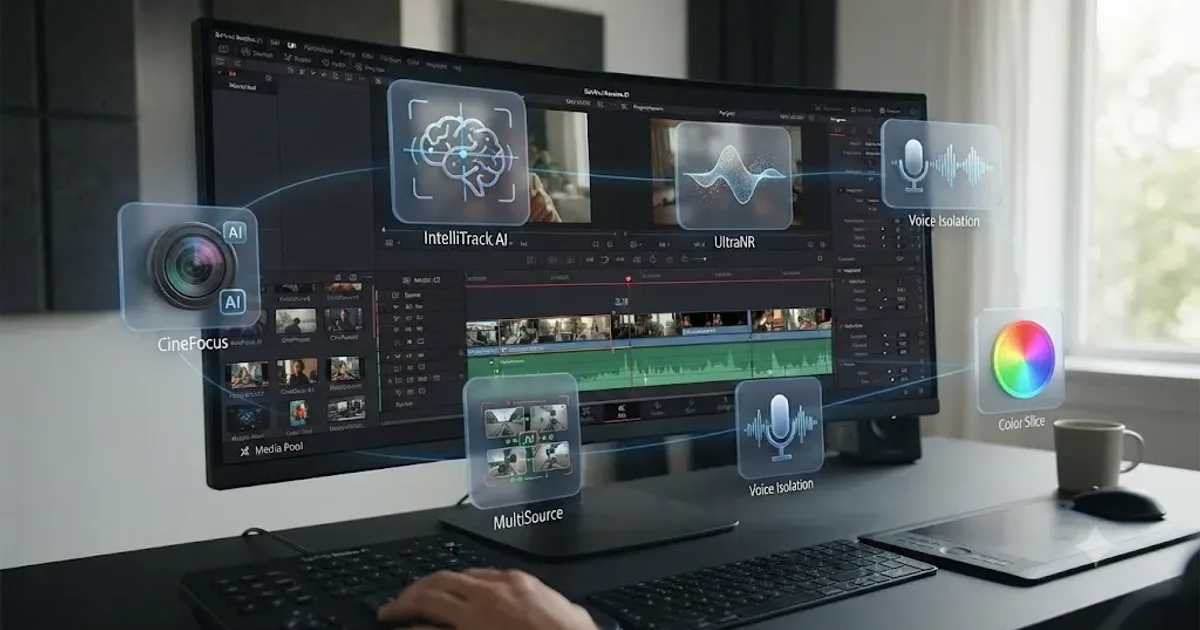
News · Jul 8, 2026 · 21 min
DaVinci Resolve 21 New Features: The Complete List
Every new feature in DaVinci Resolve 21, page by page: Photo page, nine AI tools, Krokodove, MultiMaster, and Fairlight updates, all sourced.
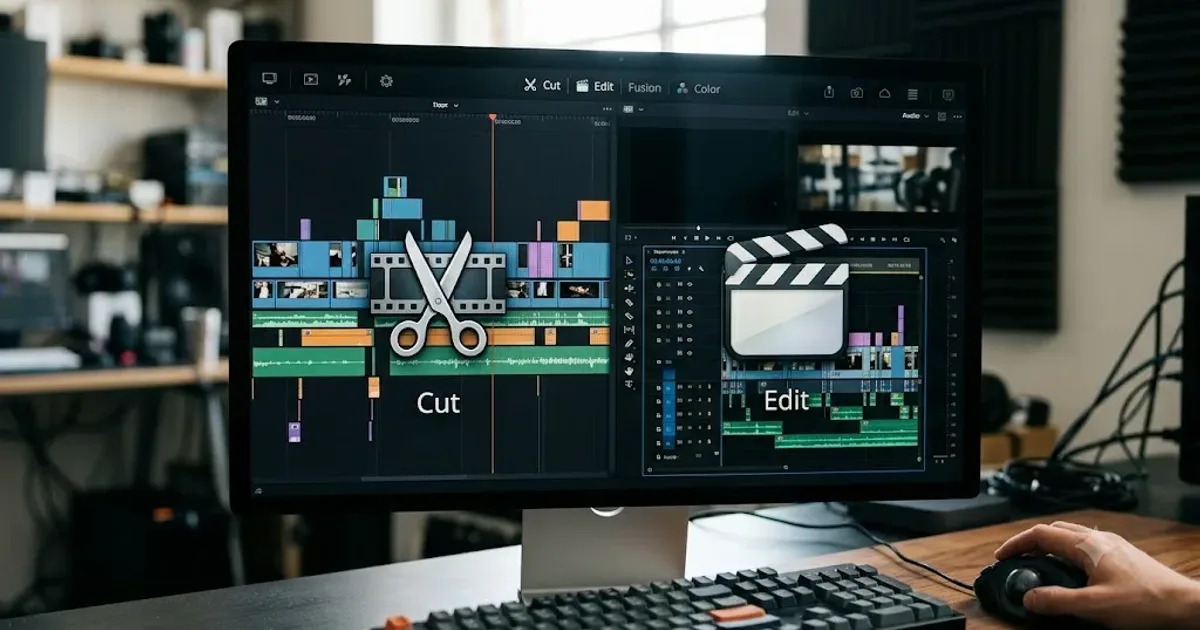
Comparisons · Jul 10, 2026 · 28 min
DaVinci Resolve Cut Page vs Edit Page: The Real Differences
A full side-by-side of DaVinci Resolve's Cut and Edit pages: timeline, trimming, multicam, and hardware differences, plus which one to use.