Articles / Guidesupdated for DaVinci Resolve 21.0.3 (July 2026)
Canon C80 DaVinci Resolve Import Settings
Quick answer
In DaVinci Resolve, set Color Space Transform Input Gamma to Canon Log 2 or Canon Log 3 and Input Color Space to Canon Cinema Gamut, the default pairing for both C80 Log presets. Output to DaVinci Wide Gamut, then a second node back to Rec.709. Shoot at ISO 800, 3200, or 12800, the camera's triple base ISO points.
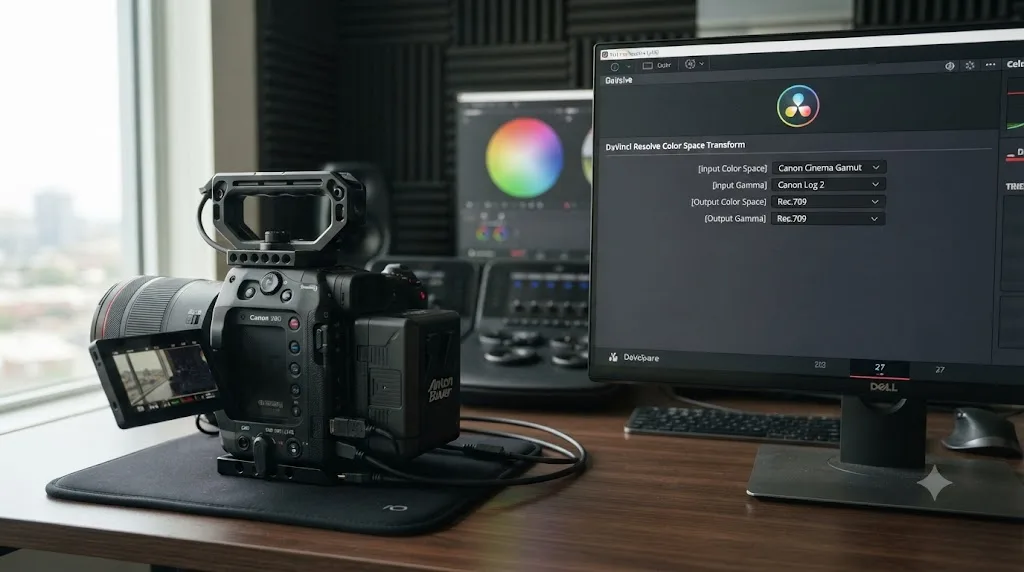
The Canon C80 packs a full-frame 6K sensor into a body that's barely bigger than the C70's, and most of the Color Space Transform advice floating around for it is either copied wholesale from the C400 or copied wholesale from the C70. Neither is quite right. The C80 shares its sensor lineage and its Custom Picture menu structure with the C400, but it opens up one color space option the C400 never offers, and it trims the C400's RAW modes down to a single flavor at full resolution.
Here's the exact Color Space Transform setup for Canon C80 Canon Log 2 and Canon Log 3 footage, the one genuine color-space quirk this camera has that its bigger sibling doesn't, what independent reviewers have actually measured versus what Canon claims on the spec sheet, and how DaVinci Resolve handles the C80's Cinema RAW Light and XF-AVC S codecs. As of August 2026, on DaVinci Resolve 21.0.3, this is the settings sheet built from Canon's own manual rather than a forum thread that assumed the C80 behaves exactly like the camera above it. After seven years of professional color and edit work, including projects for Fortune 500 clients, the pattern here is a familiar one on a new Canon body: the sensor is genuinely capable, and the menu system is where most people get it wrong first.
What does the Canon C80 actually record when you shoot Log?
The C80 is Canon's compact, RF-mount, full-frame cinema camera built to sit below the C400 in price and size while sharing the same DIGIC DV7 processor and sensor family, and every setting in this guide traces back to what that pairing actually outputs.
Canon announced the EOS C80 on September 9, 2024, describing it as built around a "6K full-frame, back-illuminated CMOS sensor, with triple-base ISO," per Canon's own U.S.A. newsroom announcement. The camera shipped in November 2024 at $5,499 body only, roughly $2,500 less than the C400's launch price. CineD's Jeff Loch, covering the announcement, put the C80 in context against Canon's most popular compact cinema body: "I got two C70s at launch, and I couldn't have been happier with these, as they nearly tick all the boxes," he wrote in his C80 announcement coverage, before laying out what the C80 adds on top of that formula: a full-frame sensor and RAW recording the C70 never had.
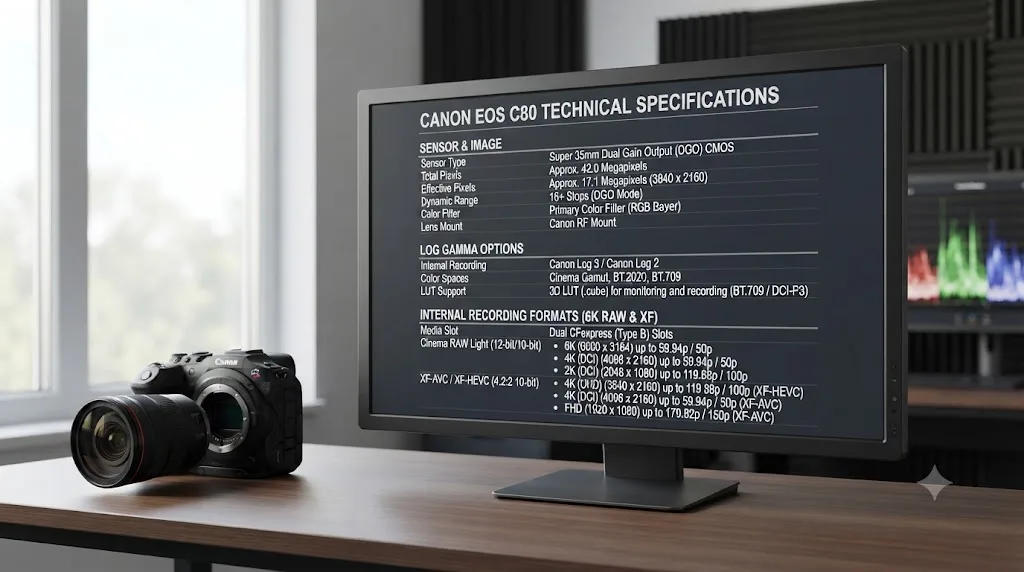
Internally, the C80 records 6K full-frame Cinema RAW Light at up to 30p in 12-bit, using only the lighter LT flavor at that resolution, per CineD's announcement coverage. Drop into the Super 35mm 4.3K crop and the ST flavor becomes available too, alongside a higher frame rate ceiling. Separately, the C80 records XF-AVC at 10-bit 4:2:2 with 6K oversampling, plus the newer XF-AVC S and XF-HEVC S codecs Canon introduced the same month on the C400, both MP4-wrapped formats. Canon's own press materials note the C80 "enables autofocus during 4K 120P slow and fast motion recording" straight out of the box, a capability the C400 only gained through an October 2024 firmware update, per the same Canon newsroom release.
| Setting | Canon C80 value |
|---|---|
| Sensor | 6K full-frame BSI stacked CMOS, 26.7MP total / 19MP effective |
| Processor | DIGIC DV7 (same family as C400, C500 Mark II, C300 Mark III) |
| Log gamma options | Canon Log 2 and Canon Log 3 |
| In-camera color space for Log (default presets) | Cinema Gamut |
| Internal RAW, full frame | 6K Cinema RAW Light LT only, up to 30p |
| Internal RAW, Super 35mm crop | 4.3K Cinema RAW Light LT and ST, up to 60p |
| Internal compressed | XF-AVC (10-bit 4:2:2, 6K oversampled); new XF-AVC S / XF-HEVC S (MP4) |
| Triple base ISO (Log, RAW) | 800, 3,200, 12,800 |
| Mount | Canon RF |
| Weight | 1.31 kg (2.88 lb) |
| Price (body only) | $5,499 |
| Ship date | November 2024 |
The Canon C80 records the same Canon Log 2 and Canon Log 3 gammas as the C400, on the same processor family, but in a body that's roughly a kilogram lighter than the C400's full cinema build and priced $2,500 under it. That combination of shared color science and a much smaller footprint is the whole reason this camera exists, and it's the reason the rest of this guide leans so heavily on comparing it to its bigger sibling.
C-Log2 or C-Log3 on the C80, which one should you shoot?
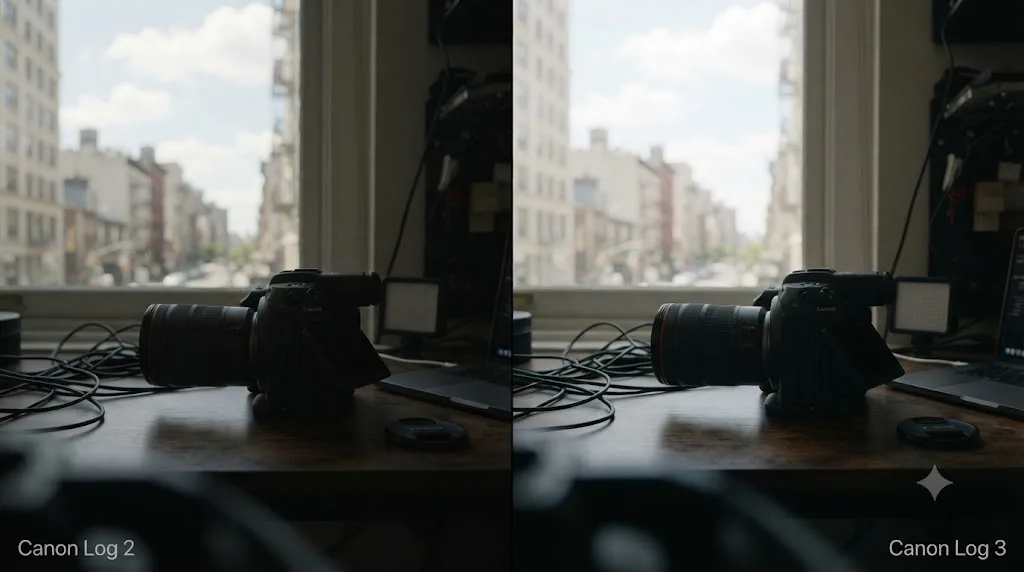
Canon Log 2 trades faster grading for more highlight and shadow latitude on paper; Canon Log 3 trades some of that latitude for footage that needs less correction to look normal, and this is the same general tradeoff every current Canon Log camera makes.
What's honest to say here: no independent lab, at the time this guide was written, has published a C80-specific dynamic range breakdown that isolates Canon Log 2 from Canon Log 3 the way CineD did for the C400. What does exist is Canon's own claim of "16 stops" of dynamic range for the C80's sensor, the same headline figure Canon used for the C400, per CineD's C80 announcement coverage. CineD's dedicated lab test of the C400, which shares the C80's processor and sensor lineage, measured Canon Log 2 at ISO 800 at 10.5 to 11.6 stops of usable dynamic range, well under that 16-stop marketing figure, per CineD's C400 lab test. That's a related camera's measured number, not the C80's own, and this guide won't present it as if it were.
What reviewers have said about the C80 specifically leans toward the real-world side of the question rather than a lab chart. Pro Moviemaker's side-by-side test of the C80 against the C400 found that "the triple-base ISO sensor leads to some impressive results, [but] doesn't quite offer the dynamic range of the Dual Gain Output sensor found in the C300 Mark III," per its Big Test comparison. Gordon Laing, reviewing the C80 for Cameralabs, called it a camera built "by cherry-picking much of the C400 and packing it into a body that's more like the C70," in his full review, a framing that lines up with treating its Log 2 versus Log 3 tradeoff as the C400's tradeoff, scaled to a smaller, cheaper body.
| Consideration | Canon Log 2 | Canon Log 3 |
|---|---|---|
| Dynamic range, C80-specific lab measurement | Not independently tested as of this writing | Not independently tested as of this writing |
| Related-camera reference (C400, same sensor family) | 10.5 / 11.6 stops, RAW ISO 800 (CineD) | Not separately isolated by CineD's RAW test |
| Grading effort | Heavier, more correction needed | Lighter, closer to Rec.709 before correction |
| Best for | Full grading pipelines, colorist-driven projects | Fast turnarounds, run-and-gun documentary and event work |
| Default Color Space Transform Input Gamma | Canon Log 2 | Canon Log 3 |
| Default in-camera color space (C2/C3 presets) | Cinema Gamut | Cinema Gamut |
Canon's own 16-stop dynamic range claim for the C80 hasn't yet been independently lab-verified the way the same claim was for the C400, where CineD measured 10.5 to 11.6 stops at base ISO instead. Until a dedicated C80 lab test exists, treat the marketing figure with the same skepticism you'd apply to any manufacturer spec, and choose between Log 2 and Log 3 on the standard tradeoff, grading budget against turnaround speed, rather than a number this guide can't yet cite for this specific camera.
What Color Space Transform settings does C80 Log footage need in DaVinci Resolve?
This is the core mechanism this whole guide exists for, and for the vast majority of C80 footage shot on the camera's default presets, it's a short, fixed list.
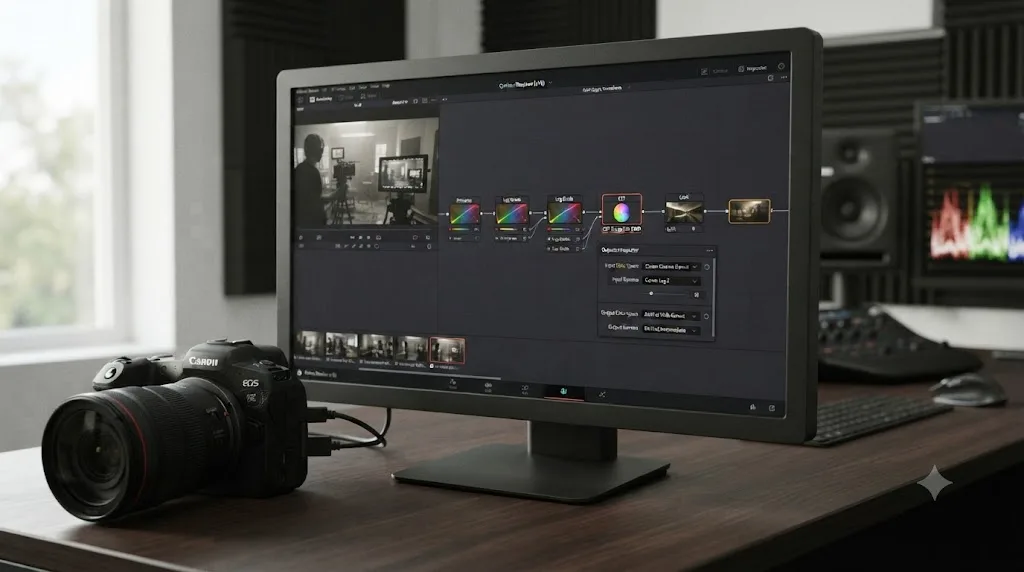
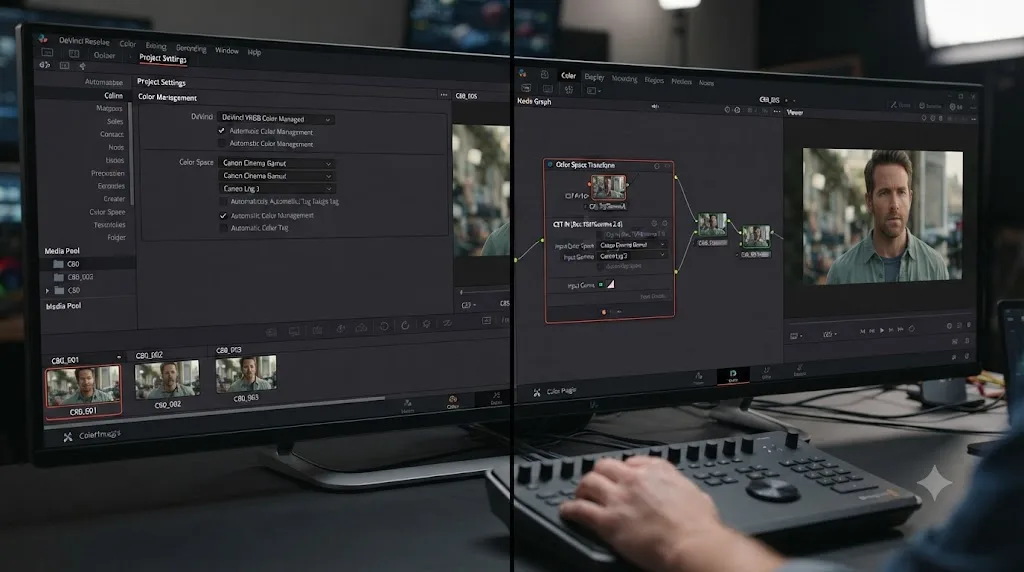
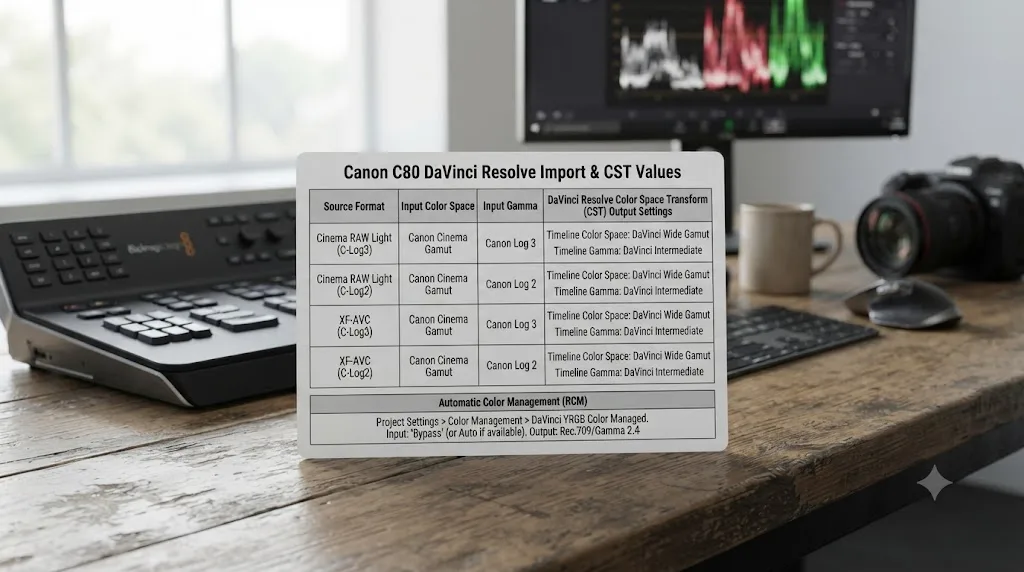
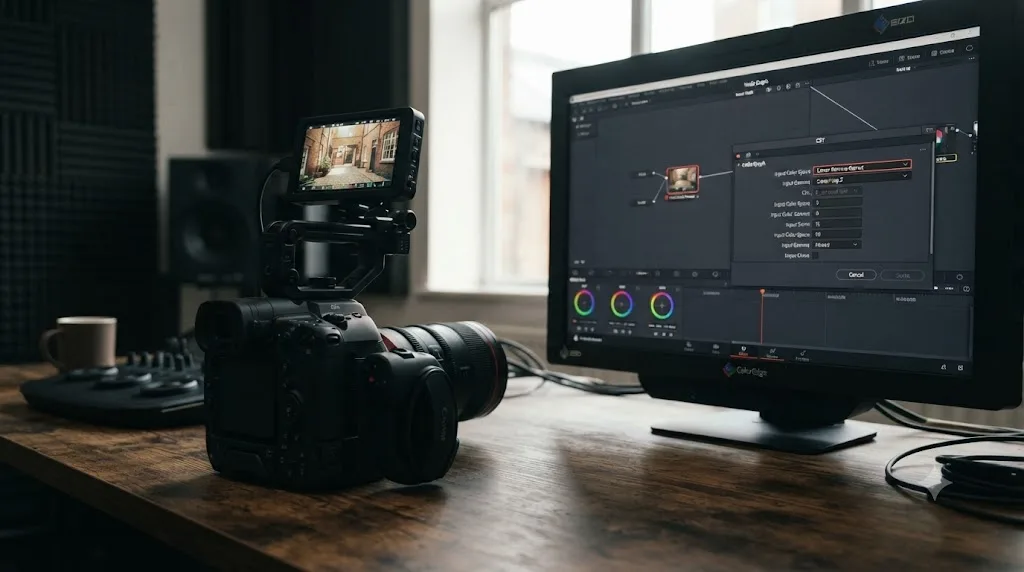
Add a Color Space Transform to your first node. Set Input Gamma to Canon Log 2 or Canon Log 3, matching whichever the clip was shot in. Set Input Color Space to Canon Cinema Gamut. That's the pairing both of the C80's default Log presets use, C2 (Canon Log 2) and C3 (Canon Log 3), per Canon's own EOS C80 Instruction Manual. Set Output Color Space to DaVinci Wide Gamut and Output Gamma to DaVinci Intermediate. That moves the flat Log source into Resolve's working space, where your actual correction happens.
On your last node, before final output, reverse it: Input Color Space DaVinci Wide Gamut, Input Gamma DaVinci Intermediate, Output Color Space Rec.709 (or Rec.2100 for an HDR delivery), Output Gamma Rec.709 (or ST 2084 / HLG for HDR).
There's one wrinkle worth flagging before you treat every C80 Log clip as automatically Cinema Gamut, and it's the subject of the next section: if a clip was shot on a custom C10 through C20 preset rather than the default C2 or C3, its color space isn't guaranteed to be Cinema Gamut, particularly if it's a Canon Log 3 clip. For any clip shot on the default C2 or C3 preset, though, this two-node pattern is the complete answer, identical to the C400's own workflow and to nearly every recent Canon Log camera. What differs camera to camera is how much you need to double-check before trusting that default.
Does the C80 let you choose BT.709, BT.2020, or Cinema Gamut independently?
Partly, and this is the one place the C80 genuinely diverges from the C400's total lock, so it's worth walking through carefully rather than assuming the two cameras behave identically.
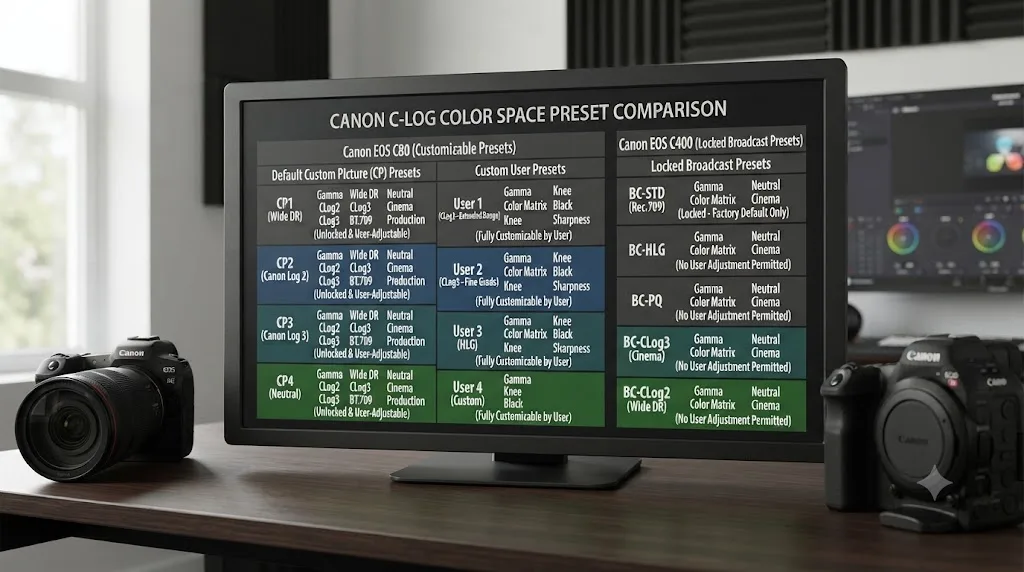
Canon's own EOS C80 Instruction Manual lists a Custom Picture preset table where, like the C400, the default slots C1 through C9 each pair one fixed gamma with one fixed color space. C1 is Canon 709, paired with BT.709. C2 is Canon Log 2, paired with C.Gamut (Cinema Gamut). C3 is Canon Log 3, also paired with C.Gamut. C4 is BT.709 Wide DR, paired with BT.709. C5 is BT.709 Standard, also BT.709. C6 is PQ, paired with BT.2020. C7 is HLG, also BT.2020. C8 and C9 reproduce Canon's EOS Standard and EOS Neutral picture styles, both under BT.709 Wide DR and BT.709, per the manual's preset table. So far, that's identical in structure to the C400.
Where the C80 differs is in slots C10 through C20, the ten user-programmable Custom Picture presets. Canon's own manual lists the full set of Gamma/Color Space combinations available for those custom slots: Canon Log 2 / C.Gamut, Canon Log 3 / C.Gamut, Canon Log 3 / BT.2020, Canon Log 3 / BT.709, Canon 709 / BT.709, BT.709 Wide DR / BT.709, BT.709 Standard / BT.709, PQ / BT.2020, and HLG / BT.2020, per the manual's available combinations list. Read that list closely and one thing stands out: Canon Log 3 appears three times, paired with Cinema Gamut, BT.2020, or BT.709, while Canon Log 2 appears exactly once, locked to Cinema Gamut with no alternative anywhere in the list.
That means a shooter who builds a custom preset around Canon Log 3 on a C80 can deliberately record it against BT.709 or BT.2020 instead of Cinema Gamut, something no default preset on either the C80 or the C400 allows. The manual also confirms, in the same section covering RAW clip playback, that "custom picture settings do not affect the recording or output of RAW clips," meaning Cinema RAW Light footage reaches its working color space through the separate Camera RAW mechanism covered later in this guide, regardless of which Custom Picture slot happened to be active when it was shot.
| Camera | Log 2 color space options | Log 3 color space options |
|---|---|---|
| Canon EOS C80, default presets (C2/C3) | Cinema Gamut only | Cinema Gamut only |
| Canon EOS C80, custom presets (C10-C20) | Cinema Gamut only | Cinema Gamut, BT.2020, or BT.709 |
| Canon EOS C400, all presets | Cinema Gamut only | Cinema Gamut only |
| Canon EOS R1 / R5 Mark II, all presets | Cinema Gamut only | Cinema Gamut only |
| Canon EOS R6 Mark II / R3, Log 3 only | Not applicable | BT.709, BT.2020, or Cinema Gamut, selectable |
On its default C2 and C3 presets the C80 behaves exactly like the C400, locking both Log gammas to Cinema Gamut, but its ten user-programmable slots let a Canon Log 3 clip carry BT.709 or BT.2020 instead, an option the C400 doesn't offer on any preset. In practice this means a default-preset C80 clip is exactly as predictable as a C400 clip. A custom-preset C80 clip, especially one built around Canon Log 3, needs its actual recorded color space confirmed rather than assumed, the same discipline this guide's Canon C400 import settings guide recommends for that camera's simpler, fully-locked menu.
What ISO should you shoot Log at on the C80?
The C80 uses the same triple base ISO structure as the C400 for Log and RAW shooting, but which ladder of three ISO points applies depends on which gamma is active, and that's easy to miss if you're used to a single-base-ISO camera.
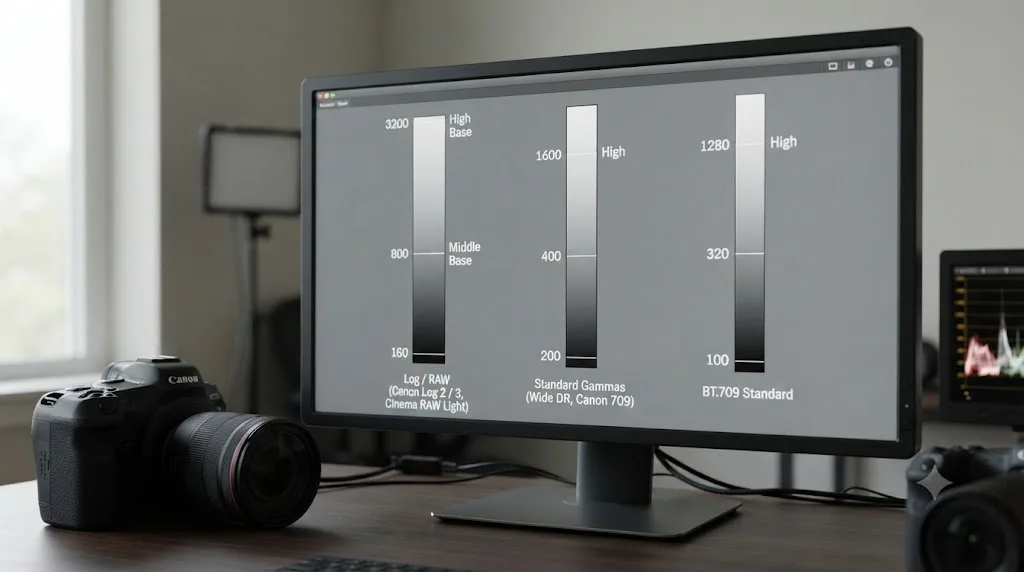
Canon built the C80 around three separate ISO ladders, one per gamma family. For Canon Log 2, Canon Log 3, or RAW, the native points are 800, 3200, and 12800, identical to the C400, per Canon's own specifications. For Canon 709, BT.709 Wide DR, PQ, or HLG, the native points drop to 400, 1600, and 6400. For BT.709 Standard specifically, they drop further, to 160, 640, and 2500, per Newsshooter's coverage of the announcement. Shooting a Log clip and checking your ISO against the wrong ladder is a real, easy mistake on this camera, since the number that reads as "correct" for one gamma family can be a full stop or more off for another.
Within the Log and RAW ladder specifically, a triple base ISO design resets the sensor's noise floor at each of its three native points rather than letting noise climb steadily above a single floor the way a conventional sensor does. Canon documented this exact behavior on the C400, and the C80 shares the same sensor lineage and processor, so the same principle applies: 3200 isn't simply "800 plus two stops of added noise," and 12800 isn't a last resort reserved for emergencies.
| ISO point | Applies to | Use case |
|---|---|---|
| 800 / 3,200 / 12,800 | Canon Log 2, Canon Log 3, RAW | Controlled lighting through low-light, run-and-gun documentary work |
| 400 / 1,600 / 6,400 | Canon 709, BT.709 Wide DR, PQ, HLG | SDR and HDR delivery without a Log grading pass |
| 160 / 640 / 2,500 | BT.709 Standard | Fast-turnaround, minimal-grade delivery |
Which of the C80's three ISO ladders applies depends entirely on the active Custom Picture preset's gamma family, not on a single camera-wide ISO scale, and mixing up the ladders is the more likely mistake on this camera than choosing the wrong ISO point within the correct one. Confirm the gamma before trusting an ISO reading; the number itself only means what you think it means once you know which of the three ladders it belongs to.
Does DaVinci Resolve import the C80's Cinema RAW Light footage natively?
Yes, and the import mechanism is identical to the C400's, but the C80 hands you fewer RAW flavor choices at full resolution, which is worth knowing before you plan a shoot around a specific RAW variant.
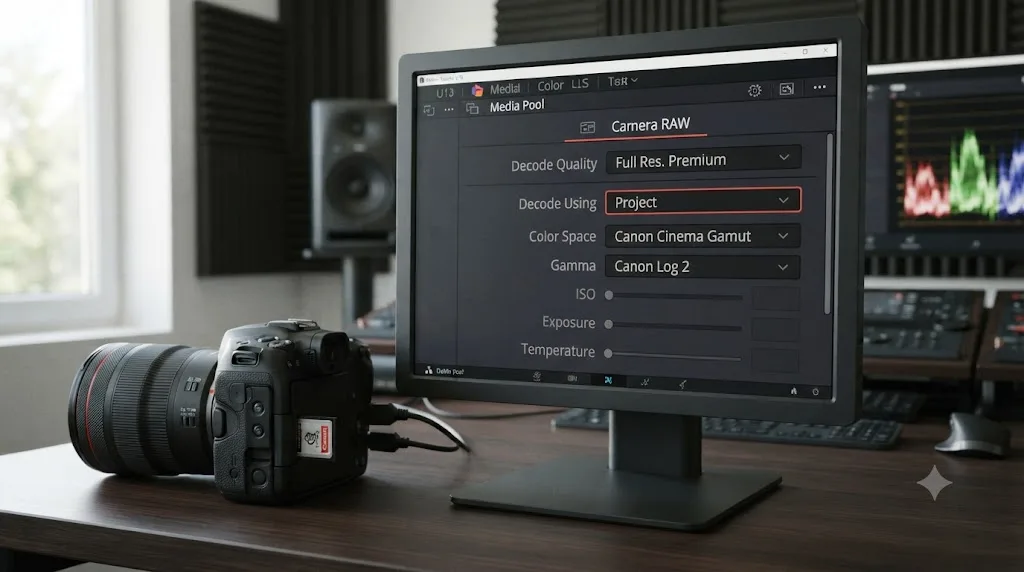
The C80's internal 6K RAW mode records Canon's Cinema RAW Light codec, the same format used across Canon's Cinema EOS line since the original C200. DaVinci Resolve has decoded Cinema RAW Light natively since Resolve 14, no plugin required, so a .CRM file drags and drops into the Media Pool the same as any other clip. By default, per ShareGrid's breakdown of the Cinema RAW Light workflow, "the footage is debayered into the gamma Canon Log 2 and Cinema Gamut," the same intermediate values this guide's Color Space Transform settings target for standard C80 Log footage, arriving there through a different mechanism.
Where the C80 differs from the C400 is which RAW flavors are available and at what resolution. At full-frame 6K, the C80 only records Cinema RAW Light LT, at up to 30p, per CineD's announcement coverage. Crop into the Super 35mm 4.3K mode and Cinema RAW Light ST becomes available too, alongside a higher frame rate ceiling of 60p for LT. The C400, by contrast, offers RAW ST and RAW HQ at full 6K resolution in addition to LT, a difference that shows up as real disk-space and bitrate headroom the C80 simply doesn't carry at its top resolution.
In the Media Pool, a Cinema RAW Light clip opens its own Camera RAW tab in the Clip Attributes or Color page inspector, rather than exposing Input Color Space and Input Gamma the way a standard Log clip does. Debayer resolution and decode settings live in that tab; stacking a standard Color Space Transform node on top of an already-decoded RAW clip double-converts the image, the same failure mode that shows up on the C400 and on every other Cinema RAW Light camera.
| RAW flavor | Available at full-frame 6K on C80 | Available in Super 35mm 4.3K crop on C80 | Available at full 6K on C400 |
|---|---|---|---|
| Cinema RAW Light LT | Yes, up to 30p | Yes, up to 60p | Yes |
| Cinema RAW Light ST | No | Yes, up to 30p | Yes |
| Cinema RAW Light HQ | No | No | Yes |
A Canon C80 clip shot internally in Cinema RAW Light debayers into Canon Log 2 and Cinema Gamut by default in DaVinci Resolve, the same endpoint this guide's Color Space Transform settings target for standard Log footage, but at full 6K resolution the C80 only offers the RAW LT flavor, where the C400 offers LT, ST, and HQ. If a project specifically needs RAW ST or a lower compression ratio at full resolution, that's a reason to reach for the C400 instead, not a C80 limitation you can configure around.
What about XF-AVC S and XF-HEVC S, the C80's newer codecs?
If a C80 clip refuses to import and it isn't a .CRM RAW file, check which XF codec variant it actually is before assuming Resolve is broken, since Canon shipped these as new formats the same month the C80 launched.
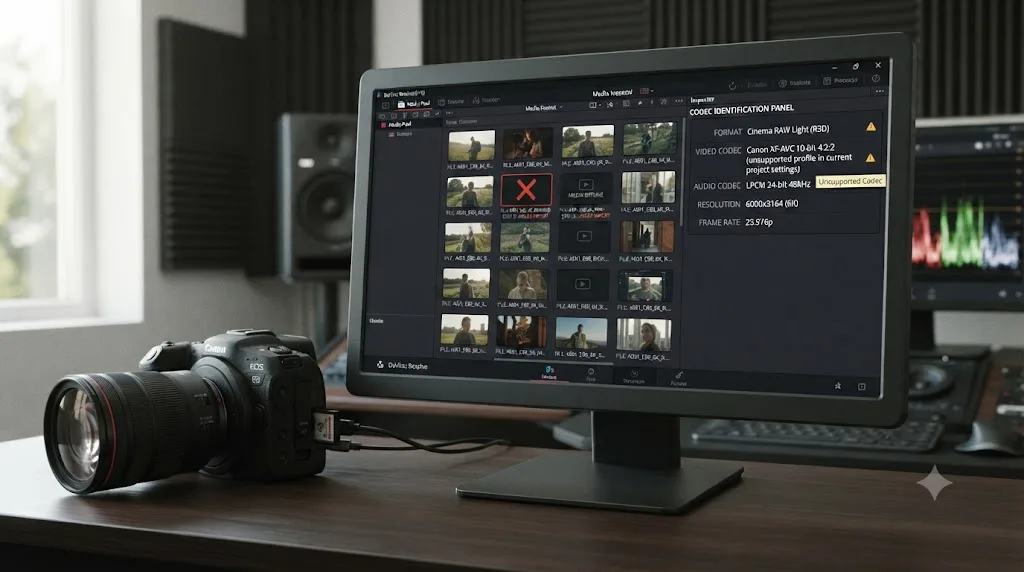
XF-AVC S and XF-HEVC S are MP4-wrapped formats Canon introduced alongside the C400 in September 2024 and carried over to the C80 at the same announcement, distinct from the older, MXF-wrapped XF-AVC format that's shipped on Cinema EOS bodies for years and that Resolve has long-standing support for. Standard XF-AVC on the C80 records 10-bit 4:2:2 with 6K oversampling, at up to 120fps in Long GOP or 60fps Intra-frame for 4K, and up to 180fps Long GOP or 120fps Intra-frame for 2K, per Newsshooter's coverage of the announcement.
Because XF-AVC S and XF-HEVC S are new codec variants, free-version decode support for them can't be assumed to mirror Resolve's long-established XF-AVC support automatically. Blackmagic publishes an official Supported Codec List that's updated with each Resolve release; check it against your exact build before locking a delivery pipeline to either new format. If a clip won't import, our guide to DaVinci Resolve's Unsupported File Format error walks through the broader set of codec, OS, and license-tier causes that apply to any Canon MP4 or MXF file, not just these two new formats.
| Codec | Wrapper | Resolve support history |
|---|---|---|
| Cinema RAW Light | .CRM | Native since Resolve 14, free and Studio |
| XF-AVC | MXF | Long-standing native support |
| XF-AVC S | MP4 | New with the C400 and C80; verify against your Resolve build |
| XF-HEVC S | MP4 | New with the C400 and C80; verify against your Resolve build |
XF-AVC S and XF-HEVC S are new-in-2024 MP4 codecs that shipped on the C400 and the C80 in the same announcement window, not the same long-supported XF-AVC format Resolve has decoded for years, so a C80 clip that won't import needs its exact codec confirmed before you assume the RAW-versus-Log troubleshooting in the rest of this guide applies to it. When in doubt, right-click the file and check its codec in a system inspector before spending time on a color problem it doesn't actually have.
Does rolling shutter show up in handheld C80 footage?
Rolling shutter is a physical property of the sensor readout, and while no independent lab has published a formal millisecond figure for the C80 the way CineD did for the C400, two reviewers who've actually shot with the camera describe the same real-world pattern.
Gordon Laing, reviewing the C80 for Cameralabs, put it plainly: "The stacked sensor keeps skewing reasonably low, but if you really move the camera vigorously, you'll notice the effect," per his full review. Pro Moviemaker's testing found much the same thing from a different angle: "Rolling shutter is well controlled, but can be seen obviously in fast whip pans," per its Big Test of the C80 and C400. Neither reviewer reports the C80 as immune to skew, and neither found it a problem in normal handheld or gimbal work; the pattern both describe is a sensor that holds up well until you deliberately push it with a fast pan or a hard whip.
Canon markets the C80's stacked, back-illuminated sensor design as improving readout speed over a conventional sensor specifically to reduce this effect, per Canon's own specifications. No Color Space Transform setting or Resolve preference changes rolling shutter after the fact; it's a shooting-day decision, not a grading one. If a specific shot needs to survive a fast pan without visible skew, the Super 35mm crop mode, covered next, is worth considering, since a smaller sensor readout area generally reads faster than a full-frame one on the same body.
Two independent reviewers who've shot with the Canon C80 both describe its rolling shutter as well controlled in normal use and visible only under a fast whip pan, a real-world assessment that lines up with Canon's stacked-sensor design claims even without a published lab-measured millisecond figure. If your production leans heavily on fast handheld pans, budget a shot or two to test the C80's actual behavior on your own gimbal or handheld rig before committing a whole day to that technique.
Do the Super 35mm crop modes change the Color Space Transform settings?
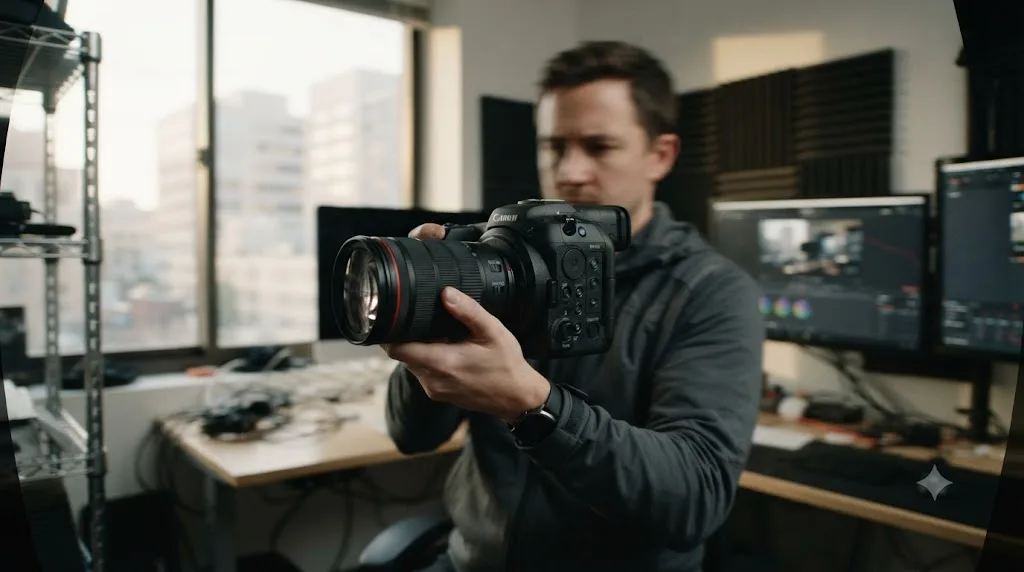
No, but the C80's crop options are narrower than the C400's, and it's worth being explicit about both facts rather than assuming the two cameras crop identically.
The C80 offers a Super 35mm crop mode but, per Newsshooter's coverage of the announcement, no separate Super 16mm crop the way the C400 does. In 4K, the Super 35mm crop carries a 1.46x crop factor; in UHD, it carries a 1.53x crop, the same two figures the C400 uses for its own Super 35mm 4K and UHD modes. Switching into that crop changes which portion of the sensor is being read, and, as the rolling shutter section above notes, likely improves readout speed, but it doesn't change which Custom Picture preset is active or which color space that preset locks to. A Canon Log 2 clip shot in the Super 35mm crop still needs Input Color Space set to Cinema Gamut, identical to the same gamma shot at full frame.
Where crop mode does matter for the C80 specifically is RAW flavor availability, covered earlier in this guide: cropping to Super 35mm is the only way to unlock Cinema RAW Light ST on this camera, since the full-frame 6K mode is LT-only. A shooter who wants ST-quality RAW without renting a C400 needs to plan around that crop from the start, not discover it mid-shoot.
| Mode | Resolution | Crop factor | RAW flavors available |
|---|---|---|---|
| Full Frame | Up to 6K | 1.0x | LT only |
| Super 35mm (4K) | 4K | 1.46x | LT and ST |
| Super 35mm (UHD) | UHD | 1.53x | LT and ST |
Switching between the C80's Full Frame and Super 35mm sensor modes changes your field of view, your rolling shutter behavior, and which Cinema RAW Light flavor is available, but it never changes your Color Space Transform settings, since the camera's Custom Picture presets and their color space pairing apply identically across both crop modes. Plan crop mode around RAW flavor and framing needs on set, since a color node in Resolve won't reveal or fix a decision that should have been made before you rolled camera.
Resolve Color Management or a manual Color Space Transform node, which one?
Both reach the same destination, and on the C80, the answer depends heavily on whether your shoot ever touched a custom C10-C20 preset, which is the one variable the C400's equivalent decision doesn't have to account for.
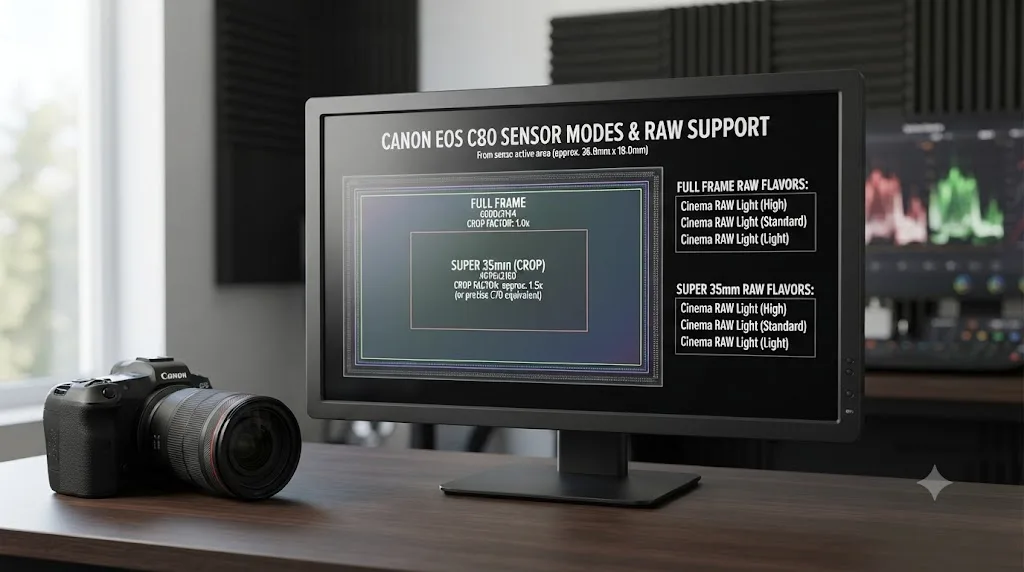
Resolve Color Management, set under Project Settings, Color Management, with Color Science set to DaVinci YRGB Color Managed, lets you tag a clip's Input Color Space and Input Gamma once through Clip Attributes, and Resolve applies the conversion automatically on every downstream node, no manual Color Space Transform effect required. For a C80 shoot that stuck entirely to the default C2 and C3 presets, batch-tagging a bin of clips carries little risk, since both presets share the same fixed Cinema Gamut, exactly the situation on the C400.
The calculation changes if a custom preset entered the shoot. Because Canon Log 3 can legitimately carry Cinema Gamut, BT.2020, or BT.709 depending on which custom slot recorded it, batch-tagging an entire bin as Cinema Gamut on the assumption that "it's Log 3, so it must be Cinema Gamut" is a real way to silently mis-tag footage on this specific camera. A manual Color Space Transform node forces a per-clip check that automatic tagging doesn't, which costs a little more setup time but catches exactly this mistake.
| Situation | Better fit |
|---|---|
| Shoot used only the default C2 and C3 presets | Resolve Color Management |
| Any custom C10-C20 preset was used, especially with Canon Log 3 | Manual Color Space Transform, checked per clip |
| Mixing C80 footage with a second camera body or brand | Manual Color Space Transform per camera group |
| Fastest setup with the least manual work, default presets only | Resolve Color Management |
On its default presets the C80 is exactly as safe to batch-tag as the C400, since both Log gammas share one fixed Cinema Gamut, but the moment a custom preset built around Canon Log 3 enters a shoot, automatic Resolve Color Management tagging can no longer be trusted without a per-clip check. Ask whoever operated camera on set whether any custom Custom Picture slots were used before deciding which of the two approaches applies to a given project.
Canon C80 vs Canon C400, which one fits your project?
Both cameras share a sensor family, a processor, and the bulk of their Color Space Transform behavior, which makes the differences that remain worth stating plainly rather than burying in a spec sheet.
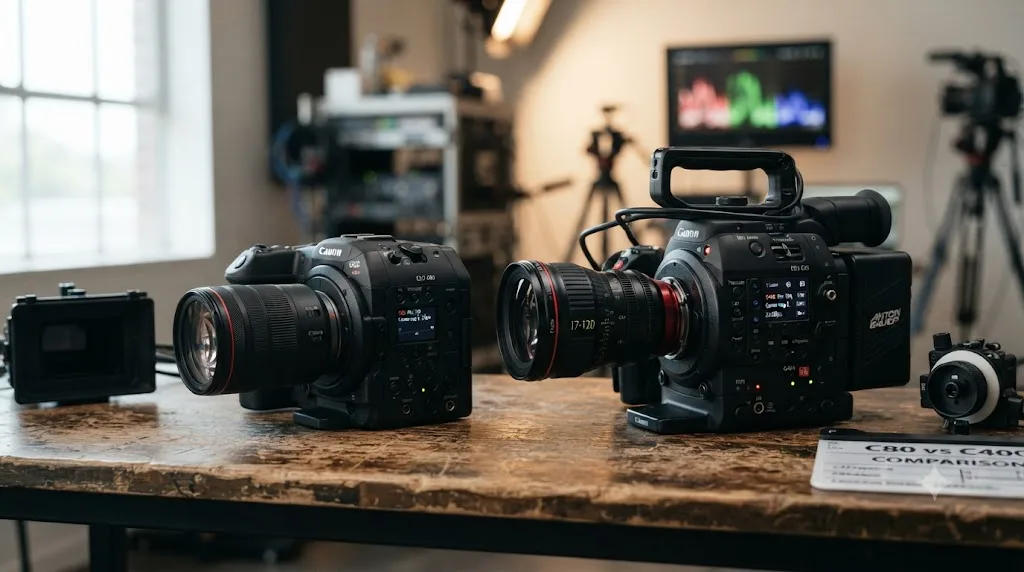
Price and size are the most obvious split. The C80 costs $5,499 and weighs 1.31 kg; the C400 costs $7,999 and weighs 1.55 kg, per Canon's own announcements for both cameras. Gordon Laing's framing of the C80 as built "by cherry-picking much of the C400 and packing it into a body that's more like the C70" captures the tradeoff accurately: you're getting most of the C400's color science and sensor lineage, in a smaller, cheaper package, with real feature cuts to get there.
Those cuts concentrate in RAW flexibility and frame-rate ceilings at high resolution. The C400 offers three Cinema RAW Light flavors, LT, ST, and HQ, at full 6K resolution; the C80 offers only LT at full 6K, with ST unlocked solely in its Super 35mm crop. The C400 also records 4K RAW up to 120fps and 2K RAW up to 180fps, high-frame-rate RAW modes the C80 doesn't offer at all; the C80's own high-frame-rate ceilings, 120fps at 4K and 180fps at 2K, are compressed XF-AVC in Long GOP, not RAW. Pro Moviemaker's direct comparison of the two found the C80's dynamic range fell short of what the C300 Mark III's Dual Gain Output sensor delivers, a real-world signal that the C80 isn't simply a smaller C400 with identical grading headroom.
| Spec | Canon C80 | Canon C400 |
|---|---|---|
| Price (body only) | $5,499 | $7,999 |
| Weight | 1.31 kg (2.88 lb) | 1.55 kg (3.41 lb) |
| RAW flavors at full 6K | LT only | LT, ST, and HQ |
| RAW flavors in Super 35mm crop | LT and ST | LT, ST, and HQ |
| High-frame-rate RAW (4K/2K) | Not available (RAW capped at 6K/30p, 4.3K crop/60p) | 4K RAW to 120fps, 2K RAW to 180fps |
| Super 16mm crop mode | Not available | Available, up to 3.07x crop |
| Canon Log 3 color space flexibility | Cinema Gamut, BT.2020, or BT.709 (custom presets only) | Cinema Gamut only, all presets |
| Autofocus during 4K 120p | Available at launch | Added via October 2024 firmware update |
| SDI output | 1x 12G-SDI | 1x 12G-SDI plus 1x 3G-SDI |
Choosing between them mostly comes down to how much a project genuinely needs the C400's extra RAW headroom and high-frame-rate RAW modes against how much it benefits from a smaller, lighter, cheaper body. Our full Canon C400 import settings guide covers that camera's own Color Space Transform pipeline in the same depth this guide covers the C80's.
A C80 clip shot on its default presets grades through exactly the same two-node Color Space Transform pattern as a C400 clip, so the choice between the two cameras is a production decision about RAW flavor, weight, and budget, not a Resolve settings decision. If your project doesn't need RAW ST or HQ at full 6K resolution or the C400's high-frame-rate RAW slow motion, the C80 gets you the same color pipeline for $2,500 less and a noticeably lighter kit.
Do you need DaVinci Resolve Studio for any of this?
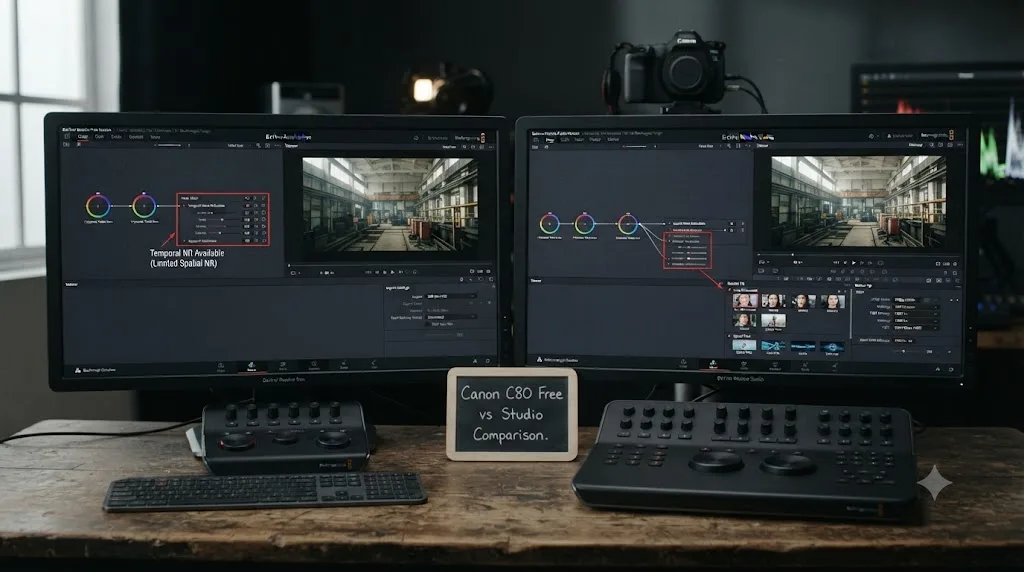
No, not for the core Log grading workflow this guide covers. The Color Space Transform effect, Resolve Color Management's automatic tagging, and native Cinema RAW Light decoding all work fully in the free version, with no functional restriction on the color math itself.
Per Blackmagic's own free version product page, the free tier includes professional color grading tools with no Studio license required. Where Studio genuinely enters the picture, per Blackmagic's Studio product page, is Temporal or Spatial Noise Reduction on ISO 12800 footage, Dolby Vision metadata authoring or HDR10+ analysis if you're grading the C80's PQ or HLG presets for an HDR delivery, or the 45 additional Resolve FX Blackmagic reserves for the Studio license. Our full guide to DaVinci Resolve's noise reduction settings covers Temporal frame counts and threshold values in more depth than fits here, useful if a C80 shoot pushed into low light at the top of its ISO ladder.
Getting Canon C80 Log footage to grade correctly is a color management problem, and Blackmagic doesn't gate color management behind the Studio license. Don't let a general free-versus-Studio comparison talk you into a $295 upgrade just to make C80 footage look right, unless you've actually hit the noise reduction or HDR delivery walls above. Our full DaVinci Resolve Studio price breakdown covers exactly what the license changes if you're weighing it for other reasons.
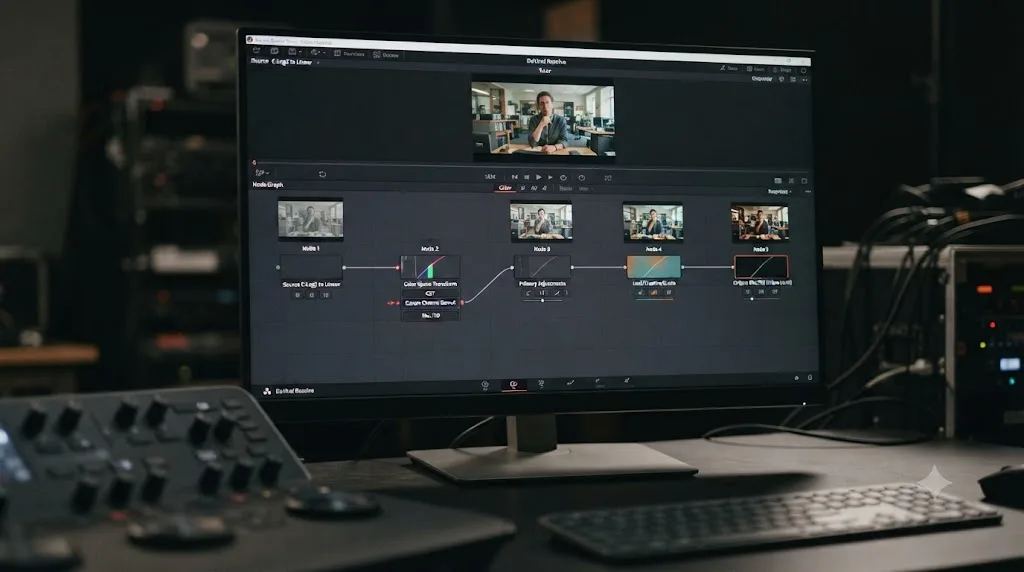
A step-by-step example: taking one C-Log2 clip from flat to Rec.709
Here's the full sequence in order, from a fresh C80 clip in the Media Pool to a delivered Rec.709 grade, for footage shot on the default C2 or C3 preset.
- Confirm the source. Check whether the clip's Custom Picture file was C2 (Canon Log 2), C3 (Canon Log 3), or a custom C10-C20 slot. Default presets lock to Cinema Gamut; a custom slot needs its actual recorded color space confirmed before you proceed.
- Build optimized media if playback is stuttering. For 6K RAW or oversampled 4K footage, generate proxy media at Quarter or Automatic resolution before touching color.
- Node 1, Color Space Transform in. Set Input Gamma to Canon Log 2 (or Canon Log 3, matching the source). Set Input Color Space to Canon Cinema Gamut for a default-preset clip. Set Output Color Space to DaVinci Wide Gamut, Output Gamma to DaVinci Intermediate.
- Node 2, Noise Reduction, if the shot needs it. For footage shot at ISO 12800, add Temporal or Spatial Noise Reduction here, right after the Color Space Transform, before any contrast moves.
- Node 3, primary correction. With the clip in DaVinci Wide Gamut, set white balance from a neutral reference if available, then bring the black point and white point in using the Lift and Gain wheels, watching the scopes for clipping.
- Node 4, creative grade. Contrast shaping, color balance, secondary qualifiers, and power windows as the shot needs.
- Node 5, Color Space Transform out. Input Color Space DaVinci Wide Gamut, Input Gamma DaVinci Intermediate, Output Color Space Rec.709, Output Gamma Rec.709 or Rec.709-A.
- Check against a second C80 clip, or footage from another camera on the same shoot, before calling the grade final, especially on a multi-body shoot mixing C80 and C400 footage or a clip that came from a custom Custom Picture slot.
Five nodes handle the mechanism end to end, with Noise Reduction as the one optional insertion depending on ISO. Confirming the Custom Picture preset in step one matters more on the C80 than it does on the C400, since a wrong assumption there can mean a wrong color space, not just a wrong gamma.
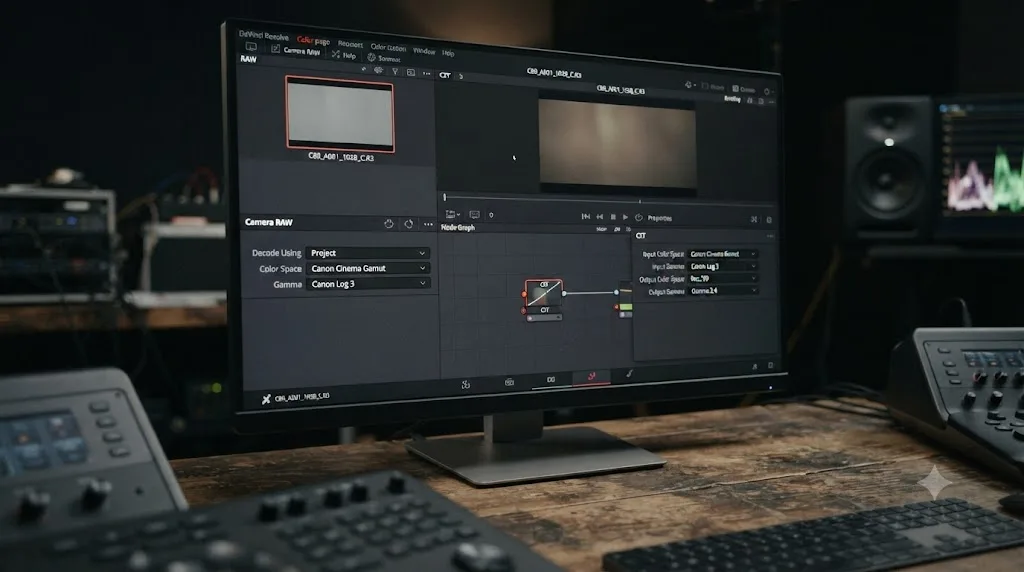
A second worked example: the C80's Cinema RAW Light workflow
The five-node sequence above is for standard Log footage. An internal Cinema RAW Light clip takes a different path from the first node onward, and the C80's narrower RAW flavor lineup makes it worth walking through on its own.
- Confirm the file is actually RAW, and which flavor. In the Media Pool, a Cinema RAW Light .CRM clip opens its own Camera RAW tab in the Clip Attributes or Color page inspector, rather than exposing Input Color Space and Input Gamma the way a standard Log clip does. Check whether it's LT or ST; at full 6K on the C80, it will always be LT.
- Check the default decode. Cinema RAW Light debayers by default into Canon Log 2 and Cinema Gamut, per ShareGrid's documented workflow cited earlier in this guide. Confirm the Camera RAW panel reflects that, or adjust it if a different decode gamma serves the project better.
- Set the debayer resolution for editing. Choose a lower debayer quality, Half or Quarter Resolution, for smooth scrubbing while cutting, separately from the resolution used for final render.
- Grade from the decoded RAW, not through a second Color Space Transform. Once the Camera RAW panel has set the clip's working color space, stacking a Color Space Transform node on top double-converts the image.
- Match it back to any standard Log clips on the same timeline. With both sources sitting in the same DaVinci Wide Gamut working space, RAW decoded through Camera RAW, standard Log converted through a CST-in node, grade both against the same scopes target so a cut between a RAW shot and a standard Log shot from the same shoot doesn't show a visible seam.
An internal C80 RAW clip's color space is set through the Camera RAW panel at the point of debayer, not through a second Color Space Transform node stacked on top of it, and that holds true whether the clip is the LT flavor at full 6K or the ST flavor unlocked in the Super 35mm crop. Treating a RAW clip like a Log clip that needs its own CST-in node is the most common way this workflow goes wrong, on the C80 exactly as it is on the C400.
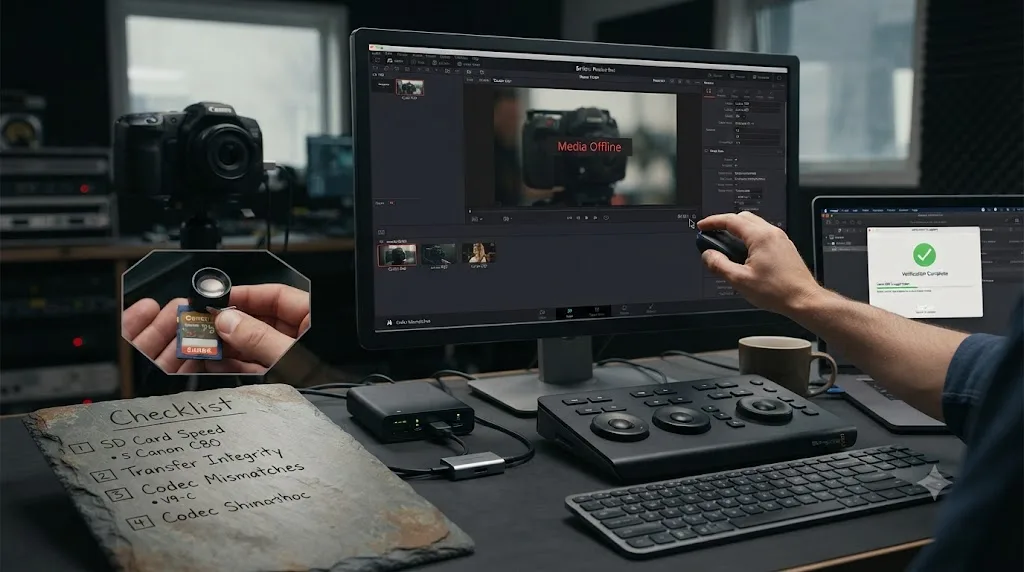
Why won't some C80 clips import into DaVinci Resolve at all?
If a clip won't come online or won't generate a thumbnail, that's a different failure mode from a wrong-looking grade, and it's worth ruling out before assuming a color setting is to blame.
Cinema RAW Light footage decodes natively in both the free and Studio versions of Resolve, no plugin required, so a RAW clip failing to import is rarely a codec-support issue on Resolve's end. Standard XF-AVC, the older MXF-wrapped format, has long-standing Resolve support. The newer XF-AVC S and XF-HEVC S MP4 codecs, covered earlier in this guide, are the more likely culprit if a specific clip type refuses to import cleanly; confirm the exact codec against Blackmagic's current Supported Codec List before assuming your Resolve build is at fault.
Check these next, roughly in order: a corrupted or partial SD-card-to-drive transfer, the most common cause of a clip that shows a thumbnail but won't play or won't come fully online, especially since the C80 relies on dual SD UHS-II slots rather than CFexpress for RAW recording, and Canon recommends V90-rated cards specifically for RAW capture; a project timeline resolution set for standard 4K trying to preview a 6K RAW clip before Resolve has generated the right proxy or cache; or, for footage pulled from an external recorder, confirming the file's actual format matches what you're assuming rather than a filename that only looks familiar. Our guide to DaVinci Resolve's Unsupported File Format error covers the broader set of causes, HEVC decode extensions, free-version Linux limitations, and variable frame rate footage, if none of the C80-specific checks above resolve it.
A Canon C80 clip that won't come online in Resolve is more often a card write speed issue, a corrupted transfer, or an unfamiliar new codec variant than a fundamental decode limitation, and the camera's reliance on SD cards rather than CFexpress makes card speed a more common culprit here than it is on the C400. Confirm the card was V90-rated for RAW work and that the file itself copied correctly before troubleshooting Resolve settings further.
Do you need proxies to edit C80 6K footage smoothly?
Often, yes, for a different reason depending on whether you're cutting internal 6K Cinema RAW Light or the compressed XF-AVC modes, the same split that applies to the C400.
Internal 6K RAW is real GPU and CPU work regardless of file size on disk, since every frame needs a debayer pass before Resolve can display it at all, the cost any RAW format carries on any camera. Standard XF-AVC, especially the 6K-oversampled 4K modes at higher frame rates, leans on H.264-family decoding, lighter than RAW but still meaningful load on a lower-powered laptop, and the newer XF-AVC S and XF-HEVC S variants carry the same practical weight even where import itself works cleanly.
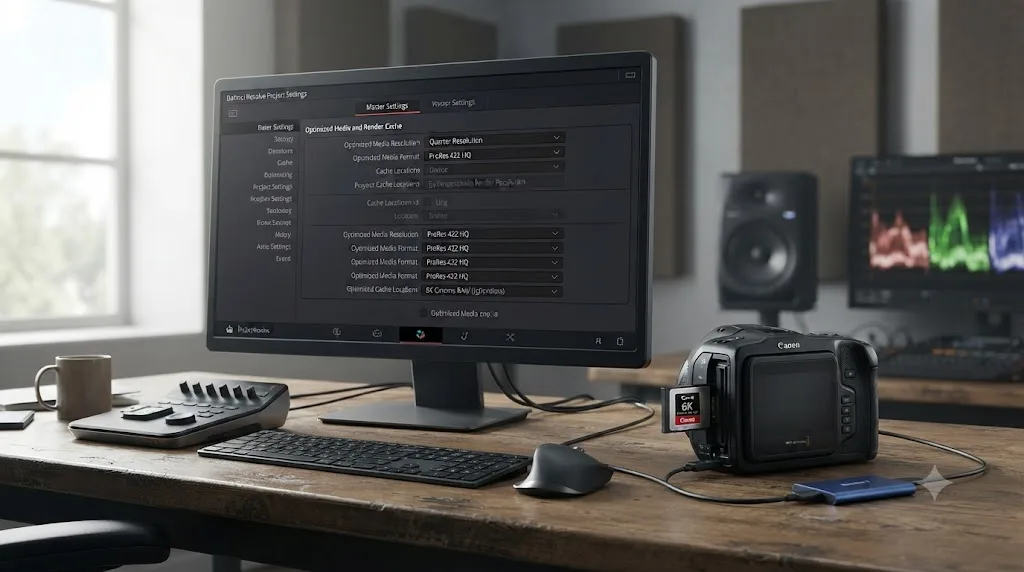
For RAW footage, the debayer resolution setting in the Camera RAW panel, covered in the second worked example above, is the first lever to pull, Half or Quarter Resolution for editing, full resolution reserved for final render. For standard XF-AVC clips, right-click a clip or bin in the Media Pool and choose Generate Optimized Media to transcode a local proxy copy in the background, at a resolution and codec set under Project Settings, Master Settings, Optimized Media and Render Cache. Our guide to setting up DaVinci Resolve proxy media on a slower laptop covers resolution and codec choices in more depth than fits here.
Proxies and a lower debayer resolution fix playback performance, not color. Building optimized media or dropping the debayer setting from C80 footage doesn't change or skip the Color Space Transform or Camera RAW steps covered earlier in this guide; Resolve relinks to full-resolution originals for the final render regardless of what you cut with.
Is the Canon C80 actually worth buying, and who is it for?
This is worth answering honestly rather than assuming, since a reader landing on this page for Color Space Transform settings deserves a straight answer on whether the camera itself fits their job.
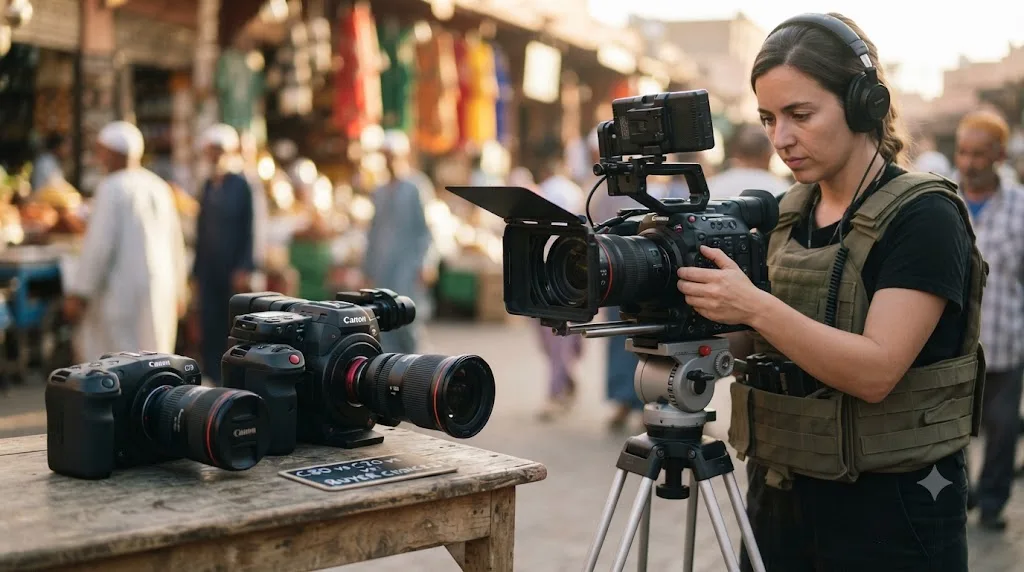
Canon's C80 sits on Netflix's approved camera list, named alongside the C400, C700 FF, C700, C500 Mark II, C300 Mark III, C300 Mark II, C70, and R5 C, per Y.M.Cinema Magazine's coverage of the approval, which reported nine Canon Cinema EOS bodies holding that status as of November 2024. Netflix requires an approved camera to have shot at least 90% of a production's final runtime, with more flexibility for non-fiction work, a real technical bar, not a marketing checkbox.
Johnnie Behiri, reviewing the C80 for CineD, called it "the best value-for-money cinema camera Canon has introduced so far," and went further, describing it as "the ultimate cost-effective cinema camera Canon ever produced," in his full review and mini-documentary. Pro Moviemaker's testing put the C80 squarely in the hands of a specific kind of shooter: "it's a great camera for solo shooters and small crews creating cinematic films and documentaries, streaming or even experimenting with Canon's VR technology," per its Big Test review.
One of the recurring questions in our 100,000+ member editing community is whether a cheaper, smaller version of a flagship camera actually costs you anything real in the grade, or whether it's marketing language dressing up an identical sensor in a smaller box. The C80 is a genuinely useful test case for that question, and the honest answer is that it costs you something specific and identifiable, not nothing. You lose RAW ST and HQ at full 6K resolution, you lose the C400's high-frame-rate RAW modes, and independent testing found its real-world dynamic range fell short of the C300 Mark III's Dual Gain Output sensor. What you keep is the full-frame 6K sensor, the same core color science, Netflix approval, and a body small enough to run solo.
For a buyer choosing between the C80 and the C70 specifically, the decision is more clear-cut: the C80 adds full-frame RAW recording the C70 never offered, at a real price premium, for anyone whose work benefits from that sensor size or RAW workflow. For a buyer choosing between the C80 and the C400, it comes down to whether the C400's extra RAW headroom and high-frame-rate RAW modes justify $2,500 and a heavier body for a specific production's needs.
Independent testing found the C80's real-world dynamic range fell short of the C300 Mark III's, and it lacks two of the C400's three RAW flavors at full 6K resolution, but it still earned Netflix approval and a "best value-for-money" verdict from at least one reviewer who's spent real time with it. If you already own a C80, everything in this guide gets its footage grading correctly. If you're still deciding between it and a C400 or a C70, weigh RAW flavor needs and kit weight more heavily than any single spec sheet figure.
What's the full settings cheat sheet at a glance?
Before the table, the one-line version. Input Gamma matches whichever Custom Picture preset was shot, Canon Log 2 or Canon Log 3. Input Color Space is Cinema Gamut for the default C2 and C3 presets, no camera menu check required for standard footage. If a clip came from a custom C10-C20 slot and it's Canon Log 3, confirm its actual color space, since it could be Cinema Gamut, BT.2020, or BT.709. Stay within whichever of the camera's ISO ladders matches the active gamma family, and within that ladder, whichever of the three native points matches your available light. Internal Cinema RAW Light takes a different path entirely, through Camera RAW, not a Color Space Transform node, and remember that full 6K only gives you the LT flavor. The XF-AVC S and XF-HEVC S codecs are worth a quick import test before you build a delivery pipeline around them.
If the menu hunting mid-session is the actual friction, not the settings themselves: TryUncle is the on-screen assistant for DaVinci Resolve on macOS, ask in plain words and Uncle points at the exact control on your screen. Check TryUncle if that's the piece slowing you down.
| Setting | Value |
|---|---|
| Shooting ISO for Canon Log or RAW | 800, 3,200, or 12,800 (triple base ISO) |
| Shooting ISO for Canon 709 / BT.709 Wide DR / PQ / HLG | 400, 1,600, or 6,400 |
| Shooting ISO for BT.709 Standard | 160, 640, or 2,500 |
| In-camera color space, default C2/C3 presets | Cinema Gamut, fixed |
| In-camera color space, custom Log 3 presets (C10-C20) | Cinema Gamut, BT.2020, or BT.709 |
| Input Color Space, standard internal recording | Canon Cinema Gamut |
| Input Gamma | Canon Log 2, or Canon Log 3 |
| Intermediate Output Color Space | DaVinci Wide Gamut |
| Intermediate Output Gamma | DaVinci Intermediate |
| Final Output Color Space (SDR delivery) | Rec.709 |
| Final Output Gamma (SDR delivery) | Rec.709 (or Rec.709-A for Apple software) |
| Internal video codec | XF-AVC; new XF-AVC S / XF-HEVC S (MP4) |
| Internal RAW, full 6K | Cinema RAW Light LT only, up to 30p |
| Internal RAW, Super 35mm crop | Cinema RAW Light LT and ST, up to 60p |
| RAW default decode in Resolve | Canon Log 2 / Cinema Gamut |
| Price (body only) | $5,499 |
| Weight | 1.31 kg (2.88 lb) |
| Studio required for basic Log grade | No |
| Studio required for Noise Reduction | Yes |
| Studio required for Dolby Vision/HDR10+ delivery | Yes |
The Canon C80's color setup earns its reputation as the more forgiving cousin of the C400's, for the same reason it earns a lower price tag: it cuts the RAW flavor count and the high-frame-rate RAW modes, not the core color science. Default-preset footage grades through the exact same two-node Cinema Gamut pattern as the C400. What actually needs a second look on this camera, before you assume every Log 3 clip is automatically Cinema Gamut, is whether a custom Custom Picture slot ever touched the shoot, since that's the one genuine fork in the road the C400 doesn't have. Confirm the preset, match the ISO ladder to the gamma, and the rest of this guide's settings sheet holds.
Frequently asked questions
- What Color Space Transform settings does Canon C80 footage need in DaVinci Resolve?
- Set Input Gamma to Canon Log 2 or Canon Log 3, matching the clip. Set Input Color Space to Canon Cinema Gamut, the color space both default Log presets, C2 and C3, pair with on the C80, per Canon's own EOS C80 Instruction Manual. Set Output Color Space to DaVinci Wide Gamut and Output Gamma to DaVinci Intermediate. On your final node, reverse it to Rec.709 for a standard SDR delivery.
- Does the Canon C80 lock Canon Log 2 and Canon Log 3 to Cinema Gamut the same way the Canon C400 does?
- Mostly, but with one exception the C400 doesn't have. The C80's default C2 (Canon Log 2) and C3 (Canon Log 3) presets both pair with Cinema Gamut, same as the C400. But Canon's own manual lists Canon Log 3 paired with BT.2020 and BT.709 as additional selectable combinations inside the C80's ten user-programmable Custom Picture slots, C10 through C20. Canon Log 2 has no such alternative; every entry in Canon's own combination list pairs it with Cinema Gamut only. If a C80 clip carries a color space other than Cinema Gamut, it was very likely shot on a custom slot, not the default C3 preset.
- Should I shoot Canon Log 2 or Canon Log 3 on the Canon C80?
- Canon Log 3 for faster-turnaround work, it needs less correction to reach a normal-contrast image. Canon Log 2 for a fuller grading pipeline where you want the extra highlight and shadow latitude Canon documents on its Log 2 curve. Independent reviewers haven't published a dedicated lab-measured dynamic range breakdown separating the two gammas on the C80 specifically, so treat this as the same general Log 2 versus Log 3 tradeoff documented on every other current Canon Log camera, not a C80-unique number.
- What ISO should I shoot Log at on the Canon C80?
- One of three native points for Log or RAW: 800, 3200, or 12800, the same triple base ISO ladder as the Canon C400, per Canon's own specifications. If you're shooting a non-Log gamma instead, Canon 709, BT.709 Wide DR, PQ, or HLG use a lower ladder of 400, 1600, and 6400, and the BT.709 Standard picture profile uses a third ladder of 160, 640, and 2500. Which ladder applies depends entirely on which Custom Picture preset is active, not on a single camera-wide ISO scale.
- Does DaVinci Resolve import the C80's Cinema RAW Light footage natively?
- Yes. Cinema RAW Light is a Canon RAW codec Resolve has decoded natively since Resolve 14, no plugin required, and it debayers by default into Canon Log 2 and Cinema Gamut, the same intermediate values this guide's Color Space Transform settings target for standard Log footage. Unlike the C400, the C80 only records the lighter RAW LT flavor at its full 6K resolution; RAW ST only becomes available once you crop into the Super 35mm 4.3K mode.
- Do XF-AVC S and XF-HEVC S files from the C80 import cleanly in the free version of DaVinci Resolve?
- Test it against your specific Resolve build before committing a project to it. XF-AVC S and XF-HEVC S are new MP4-based codecs Canon introduced alongside the C400 and carried over to the C80, distinct from the older MXF-based XF-AVC format Resolve has supported for years. Free-version decode support for newly introduced codec variants has historically lagged behind Studio and behind Mac versus Windows. If a clip won't import, our guide to DaVinci Resolve's Unsupported File Format error covers the broader set of causes.
- Do I need DaVinci Resolve Studio to grade Canon C80 footage?
- No, not for the core Log grading workflow. Color Space Transform, Resolve Color Management, and native Cinema RAW Light decoding all work in the free version. Studio matters for Temporal or Spatial Noise Reduction on footage pushed to ISO 12800, Dolby Vision or HDR10+ delivery if you're grading the PQ or HLG presets, and the 45 additional Resolve FX Blackmagic reserves for Studio.
- Is the Canon C80 worth buying over the Canon C400 or the C70?
- Depends on what the shoot actually needs. The C80 undercuts the C400 by $2,500, weighs about a quarter-kilo less, and fits a body roughly the size of a C70, while still recording full-frame 6K RAW the C70 can't touch. What it gives up against the C400 is the second and third RAW flavors at full resolution, the C400's 4K and 2K high-frame-rate RAW modes, and a bit of outright dynamic range headroom. For a solo shooter or small crew who wants full-frame RAW without a C400-sized budget or a C400-sized bag, the C80 is the more sensible buy.
Sources
- CineD: Canon EOS C80 Announced, 6K Full-Frame Sensor, Triple Base ISO, 12G-SDI Output, and Much More
- Canon U.S.A., Inc.: Canon Introduces the EOS C80 6K Full-Frame Cinema Camera
- CineD: Canon EOS C80 Review and Mini-Doc, Best Value-for-Money Cinema Camera Canon Has Ever Made (Johnnie Behiri)
- Cameralabs: Canon EOS C80 Review (Gordon Laing)
- Newsshooter: Canon EOS C80, 6K Full Frame & SDI (Matthew Allard)
- Pro Moviemaker: Big Test, Canon EOS C80 and C400
- Canon EOS C80 Instruction Manual (ManualsLib)
- Canon Central and North Africa: Canon EOS C80 Video Camera Specifications
- Y.M.Cinema Magazine: Canon C400 is Netflix Approved (lists the C80 among approved Cinema EOS bodies)
- CineD: Canon EOS C400 Lab Test, Rolling Shutter, Dynamic Range and Exposure Latitude
- ShareGrid: The Canon C200 RAW Light Workflow in 5 Steps
- Rodrigo Polo: No Cinema Gamut through HDMI
- Blackmagic Design: DaVinci Resolve product page (free version)
- Blackmagic Design: DaVinci Resolve Studio product page
- Blackmagic Design: DaVinci Resolve Supported Codec List
Keep reading
Guides · Jul 31, 2026 · 37 min
Canon C400 DaVinci Resolve Import Settings
The exact Color Space Transform settings for Canon C400 Cinema RAW Light and C-Log footage in DaVinci Resolve, verified against Canon's own manual and lab tests.
Guides · Jul 12, 2026 · 39 min
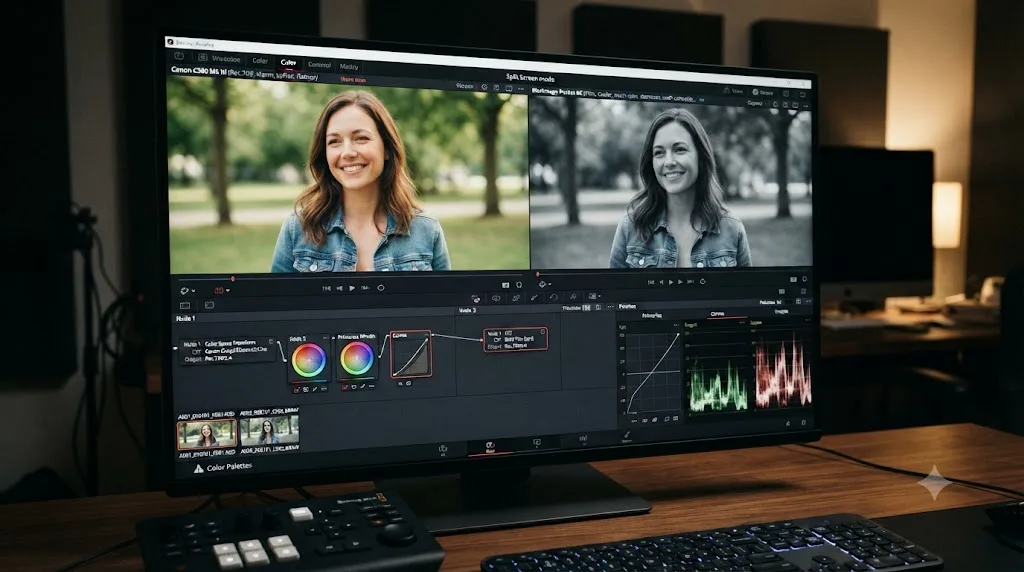
How to Color Match Different Cameras in DaVinci Resolve
Match footage shot on different cameras in DaVinci Resolve with Color Space Transform, Color Match, and Shot Match, plus settings by camera brand.
Comparisons · Jul 7, 2026 · 28 min
DaVinci Resolve Studio Price: Free vs. Studio Cost, Explained
DaVinci Resolve Studio costs $295, paid once, not monthly. Here's exactly what that buys, how it stacks up against Premiere Pro and Final Cut Pro, and who needs it.