Articles / Fixesupdated for DaVinci Resolve 21.0.2 (July 2026)
DaVinci Resolve Blackmagic RAW Won't Import: Every Fix
Quick answer
Blackmagic RAW usually fails to import because your Resolve build's internal BRAW decoder is older than the version your camera's firmware wrote, or because your GPU or CPU can't run the codec at all (it needs AVX, AVX2, or SSE4.1 instructions). Update Resolve to the current point release first, then check your GPU, then test the file in the standalone Blackmagic RAW Player before assuming it's corrupted.
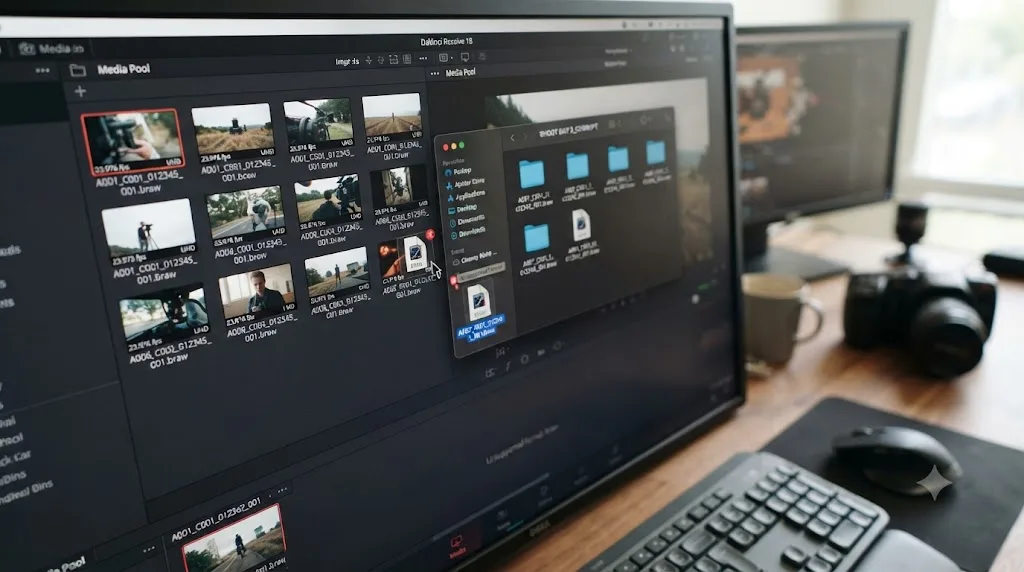
You point Resolve at a folder full of BRAW files. Half of them load. The other half just don't. No dialog, no red X, no error text. You click, you wait, and nothing happens.
That specific kind of silence is the tell. Blackmagic RAW almost never fails to import with a clear explanation, because the two most common causes, a decoder version mismatch and a GPU that can't run the codec, don't produce error dialogs at all. Resolve just declines the file and moves on, which is exactly why this problem gets misdiagnosed as corruption more often than any other import issue on this site.
What does "won't import" actually look like with BRAW?
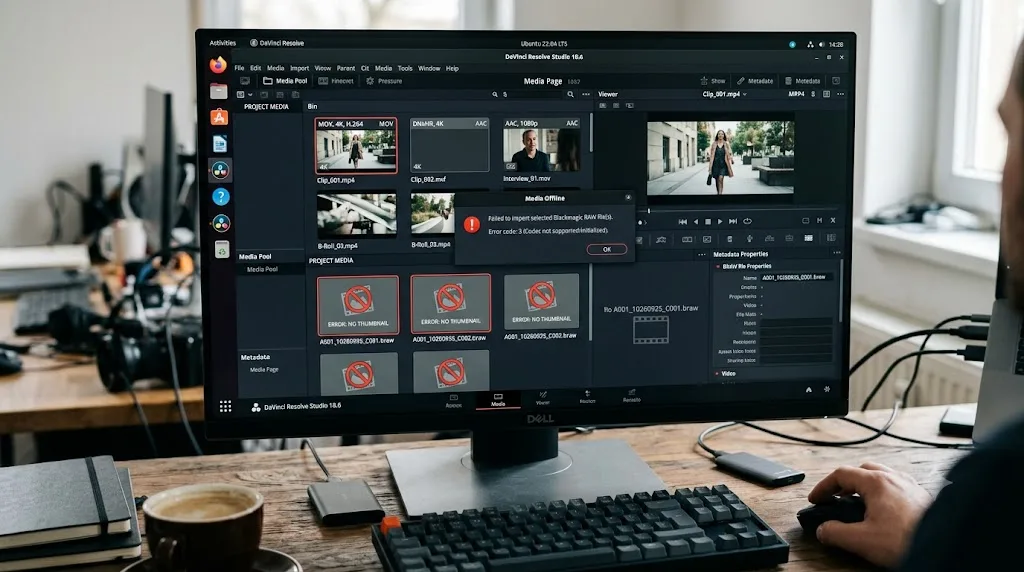
Before you troubleshoot anything, pin down which of these four things is happening. They come from different causes and need different fixes.
| Symptom | What's likely happening |
|---|---|
| Drag and drop does nothing, no dialog, no error | GPU too old, or decoder version mismatch (the two silent-failure causes) |
| An explicit "Failed to create BlackmagicRAW codec" message | CPU lacks the AVX/AVX2/SSE4.1 instructions the BRAW SDK requires |
| Clip loads red or shows "Media Offline" | Same root causes as above, reported through Resolve's generic offline-media path instead of an import-time rejection |
| File plays in the Blackmagic RAW Player app but not Resolve | Problem is specific to Resolve's decoder version or import path, not your hardware or the file |
A user named Brandon Evans described the first case exactly as it happens for most people, on the Blackmagic forum thread "Braw Files Won't Import In Davinci Resolve": "Everytime I try to drag and drop or import file it literally will do nothing. Just blank." He'd already updated his GPU driver and searched Google for the standard advice before posting, which tells you something: the generic fixes you'll find everywhere assume the problem is a driver, when it's frequently something more specific underneath.
A blank, silent non-import in DaVinci Resolve is not the absence of an error. It's the most common symptom BRAW failures produce. Treat it as a real signal, not a mystery, and work through the causes below in order.
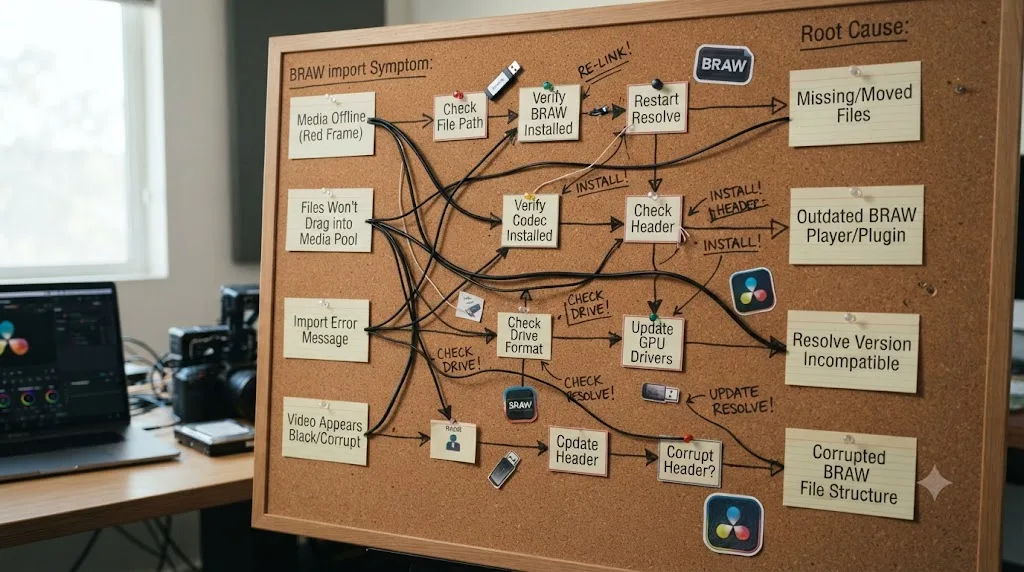
Is your Resolve build older than the BRAW version your camera wrote?
This is the single most common cause, and it's the one least people suspect, because it feels backwards. You didn't do anything wrong. Your camera did something new.
Blackmagic RAW isn't one static format. Every camera generation and every firmware update can shift the exact internal version of BRAW a file is written in, and Resolve's ability to read that version is compiled directly into the app itself, not delivered as a separate downloadable plugin. When your camera's firmware writes a BRAW version newer than what your installed Resolve build understands, Resolve can't decode it, full stop, regardless of your GPU, your CPU, or the file's integrity.
This isn't a new problem. Back in 2019, on the Blackmagic forum thread "Cannot open or import BRAW files", a user named gus filgate reported that ProRes files imported fine but BRAW files from his BMPCC 4K wouldn't show up in Resolve 15 at all, and the standalone RAW Player showed no playable content either. Dwaine Maggart, who posts on the forum as Blackmagic Design's own support representative, explained the mechanism plainly: "the file format you are recording is probably defined after" the Resolve release the user had installed. His fix wasn't a setting change. It was downloading the current Resolve version from Blackmagic's own site, since the version bundled on a camera's SD card is frequently already out of date by the time you install it.
The same thread shows this isn't a one-time fluke. When a different user, blackfilmguild, reported the identical failure a few weeks later with 6K BRAW files despite already running Resolve 15.3.1, Maggart's answer was specific and version-gated: "6K BRAW files require the use of Resolve 16." Not a patch. Not a setting. A whole major version, because that's where the decoder for that BRAW variant first shipped.
Blackmagic RAW's decoder lives inside the Resolve application binary itself, not in a separate plugin you can update on its own. That single architectural fact explains why "just reinstall the codec" is advice that doesn't apply here the way it does for H.264 or HEVC. There's no standalone BRAW codec pack to install. The whole Resolve installer is the codec pack.
This pattern hasn't stopped as cameras have gotten newer. On the same 2024 thread referenced above, a user named David Patterson downloaded sample files from Blackmagic's own Pyxis camera product page and found they wouldn't import into Resolve 18.6 at all, not showing up in the hard drive path, and nothing appearing in the Media Pool even after selecting them manually. Maggart confirmed exactly why: "Resolve 18.6.6 does not have a new enough BRAW driver to see the Pyxis files," and told the user plainly, "If you want to work with the Pyxis files, you'll need to install Resolve 19. Ideally the current 19.1.1 version." He also flagged a real risk worth knowing before you update: "Resolve 19 will open your 18.6 projects, but once it does, they can't go back to 18.x," which is why he told the user to back up their project library first.
A DaVinci Resolve version that opens last year's camera footage perfectly can still flatly refuse footage from a newer camera in the exact same product line, and updating Resolve, not troubleshooting your file, is the actual fix. If you're on Resolve 21 today and hit this, the fix is the same logic applied forward: confirm you're on the current point release, since point releases, not just major versions, are where new BRAW decoder support ships. CineD's coverage of the 21.0.1 update in June 2026 documented Blackmagic continuing this pattern into the current cycle, with RAW decoding improvements shipping as a point release rather than waiting for the next major version.
Did a camera firmware update break files that used to import fine?
Here's the mirror image of the version problem above, and it trips people up specifically because they assume the fix has to be on Resolve's side.
Sometimes it isn't Resolve that changed. It's the camera. On that same 2024 forum thread, a user posting as robodog1 described exactly this: "I recently upgraded firmware to bmpcc 4k and afterward could not import braw files." He was running an older Resolve version, version 15, deliberately, because his computer couldn't handle anything newer. The firmware update pushed his camera's BRAW output ahead of what his intentionally-old Resolve install could decode.
His fix wasn't updating Resolve, which his hardware couldn't support anyway. It was going backwards: "Finally called support and the man helped me find the original firmware version for me.... 6.2.1 ...installed it and could use braw again." He rolled the camera's firmware back to the exact version it shipped with, restoring compatibility with the Resolve version he was stuck on.
A firmware update can break BRAW compatibility just as thoroughly as an old Resolve install can, and the fix runs in either direction depending on which side of the mismatch you can actually change. If your editing machine can take a Resolve update, update Resolve. If it can't, because of GPU, CPU, or OS limits, your remaining option is finding and reinstalling the camera's older firmware, which is exactly the specialist knowledge that costs a support call to track down, since manufacturers don't always make old firmware builds easy to find on their own.
This matters most before you commit to shooting anything important. If you've just updated your camera's firmware, or you're about to, and you're not certain your Resolve version has caught up, test with a short throwaway clip before you shoot a paying job on it.
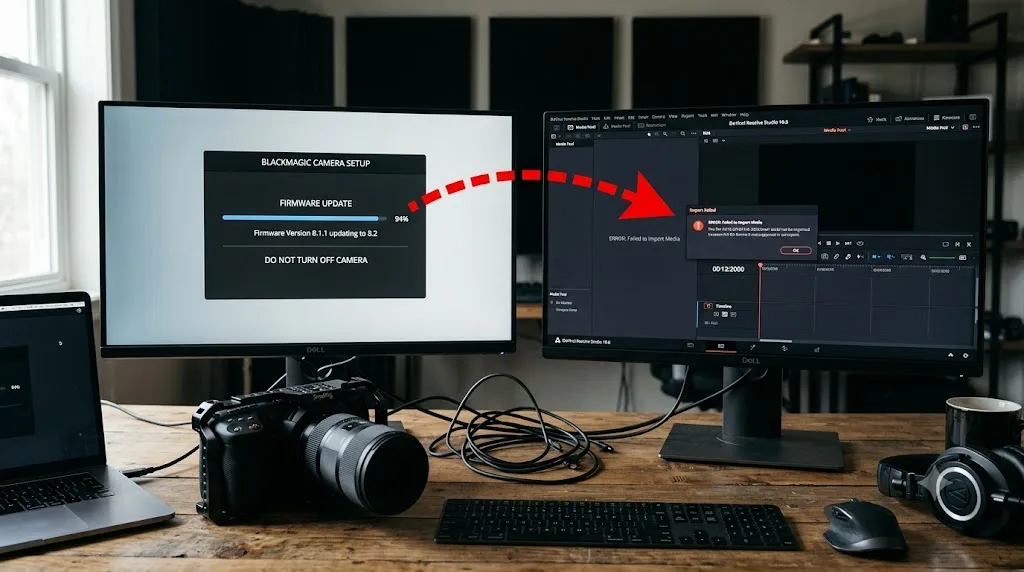
Is your GPU too weak to decode BRAW at all?
This is the third major cause, and it's the one that produces the exact same silence as a version mismatch, which is why people often chase the wrong fix for weeks.
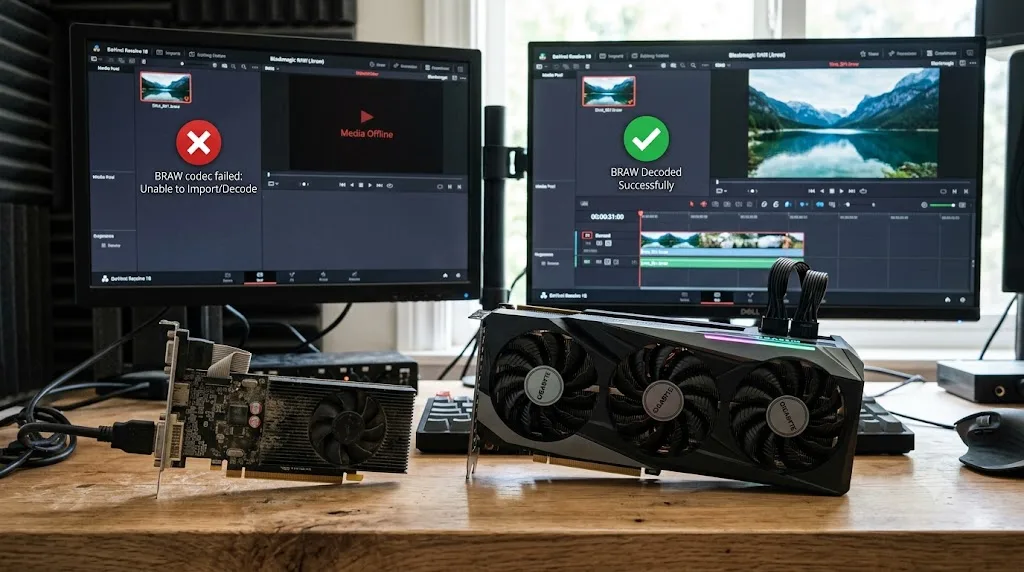
On the "Braw Files Won't Import" thread, the original poster, Brandon Evans, mentioned in passing that he was running an NVIDIA GeForce 220, a graphics card released in 2009, on a Windows 11 machine, and that BRAW files simply refused to import. Peter Chamberlain, who posts as DaVinci Resolve's own Product Manager, didn't hedge: "The GeForce 220 is totally unsuitable. Replace it for something like the RTX 4060." Evans ran Blackmagic's own Speed Test tool afterward and confirmed it: "I ran the Blackmagic Speed Test and it confirmed what you said. I need a new GPU."
A GPU too weak for Blackmagic RAW doesn't throw an error when you try to import a file. It just doesn't produce a result, which looks identical to a corrupted file or a driver bug from where you're sitting. That's the whole trap. Nothing in the failure itself points you toward hardware. You have to rule out the file and the decoder version first, then land on the GPU by elimination, or run Blackmagic's Speed Test tool proactively to check before you spend hours elsewhere.
Chamberlain's advice wasn't just "buy a new card" in the abstract. When Evans asked whether a weaker path, staying on Resolve 15 with the original firmware, might let his old GPU limp through, Chamberlain's answer connected both threads on this page directly: "You need a decent modern GPU as I stated above." There's no software workaround that substitutes for GPU decode capability when the hardware genuinely isn't there.
If you're not sure whether your current GPU meets today's baseline, our GPU memory is full guide covers the VRAM side of Resolve's hardware requirements in detail, since undersized VRAM and undersized decode capability often show up on the same aging cards.
What does "Failed to create BlackmagicRAW codec" actually mean?
Unlike the silent failures above, this one gives you an actual error string to search for, which means it's also the one most likely to have a definitive answer.
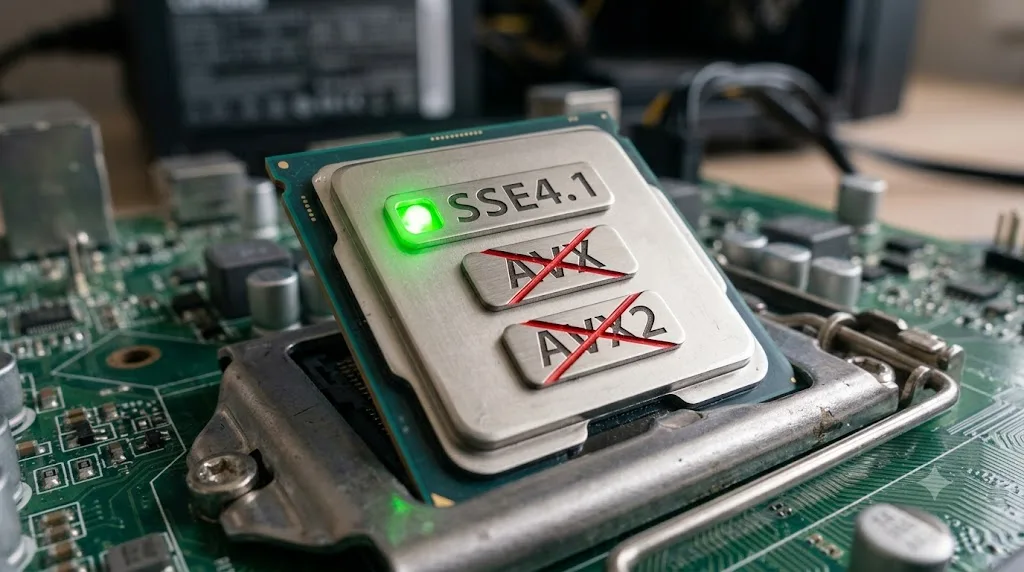
Back in 2019, a user named Hikaru Inoue asked directly on the Blackmagic forum thread "Blackmagic RAW SDK needs SSE4.1?" whether the Blackmagic RAW SDK required a specific CPU instruction set to function on an old Core 2 Quad system without GPU acceleration, after hitting an E_FAIL error from the SDK's own CreateCodec function. Cameron Nichols, posting as Blackmagic Design staff, gave a direct, unambiguous answer: "The Blackmagic RAW SDK requires one of AVX, AVX2 or SSE4.1 instruction sets to operate." Without at least one of those three present on the CPU, the codec creation call fails outright, which is exactly the error text you'd see surface up through Resolve as "Failed to create BlackmagicRAW codec."
Blackmagic's own product page for the format confirms the same requirement from the marketing side rather than the support side, describing BRAW as "highly optimized for AVX, AVX2 and SSE4.1 enabled processors," multi-threaded and built to work across multiple CPU cores. The same page notes the format is "also GPU accelerated and works with Apple Metal, CUDA and OpenCL," which is why a capable GPU can often carry the decoding load even on an aging CPU, provided the CPU still has one of those three instruction sets present to let the SDK initialize in the first place.
A "Failed to create BlackmagicRAW codec" error is not a Resolve bug or a corrupted install. It's the Blackmagic RAW SDK itself refusing to initialize because your CPU lacks every one of the AVX, AVX2, and SSE4.1 instruction sets it requires. Practically, that rules out any CPU built before roughly 2008 to 2011, depending on the exact chip family. AMD's Phenom II generation is a documented example on Blackmagic's own forum of a CPU that falls short of this bar entirely, meaning no driver update, no Resolve update, and no setting change restores BRAW decoding on that specific processor.
| Requirement | What it needs | What happens if missing |
|---|---|---|
| CPU instruction set | At least one of AVX, AVX2, or SSE4.1 | SDK returns E_FAIL, codec never initializes |
| GPU decode path | Metal, CUDA, or OpenCL capable card | Falls back to slower CPU-only path, or fails on very old cards |
| Resolve decoder version | Must match or exceed the BRAW version the file was written in | Silent import failure, no dialog |
| File integrity | Complete, uncorrupted write from the camera | Fails in the standalone RAW Player too, not just Resolve |
If you're troubleshooting an unfamiliar older machine, checking your exact CPU model against AVX/AVX2/SSE4.1 support takes thirty seconds on the manufacturer's spec sheet and rules out an entire category of causes before you touch a single Resolve setting.
Should you disable "Use GPU for Blackmagic RAW decode"?
Resolve gives you a specific toggle for exactly this decision, and it's worth testing even before you assume the fault is your GPU driver rather than the GPU decode path itself.
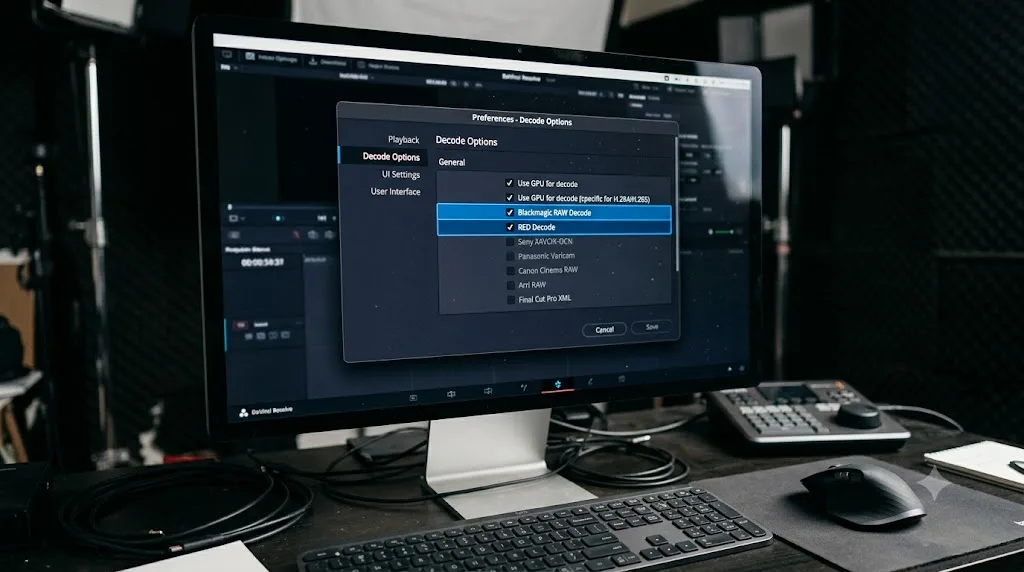
Under Preferences > System > Decode Options, Resolve exposes a checkbox described in Blackmagic's own manual simply as: "Lets you use your GPU to accelerate the decoding of Blackmagic RAW (BRAW) media," according to the official DaVinci Resolve manual. It's enabled by default, because GPU decoding is dramatically faster and lighter on your CPU than software-only decoding, especially at higher BRAW resolutions.
If BRAW files are failing to import or refusing to play, disabling this checkbox is a genuinely useful diagnostic step, not just a workaround. If the file suddenly imports and plays with GPU decode turned off, you've isolated the problem to your GPU's decode path specifically, whether that's a stale or buggy driver, a GPU driver mismatched with your OS version, or a card that technically meets the CPU-instruction bar but struggles on the GPU decode side for this particular BRAW variant. From there, updating your graphics driver to the current stable release, not a beta, is the real fix, with CPU-only decode as a slow but working fallback in the meantime.
Disabling GPU decode for BRAW is a diagnostic tool first and a permanent workaround only as a last resort. CPU-only decode works, but it's meaningfully slower, especially on higher-resolution BRAW files, and it defeats a large part of why BRAW was designed to be GPU-accelerated in the first place. Treat a successful CPU-only import as confirmation of where the fault sits, then fix the actual driver or hardware issue rather than living with the slower path indefinitely.
- Open DaVinci Resolve and go to Preferences.
- Select the System tab, then Decode Options.
- Uncheck "Use GPU for Blackmagic RAW decode."
- Restart Resolve, then retry importing the failing file.
- If it now imports, update your GPU driver to the latest stable release and re-enable the setting afterward.
Does lowering Decode Quality actually help you import a stuck file?
This is a genuinely common mix-up, and it's worth clearing up directly, because the fix looks plausible right up until it does nothing.
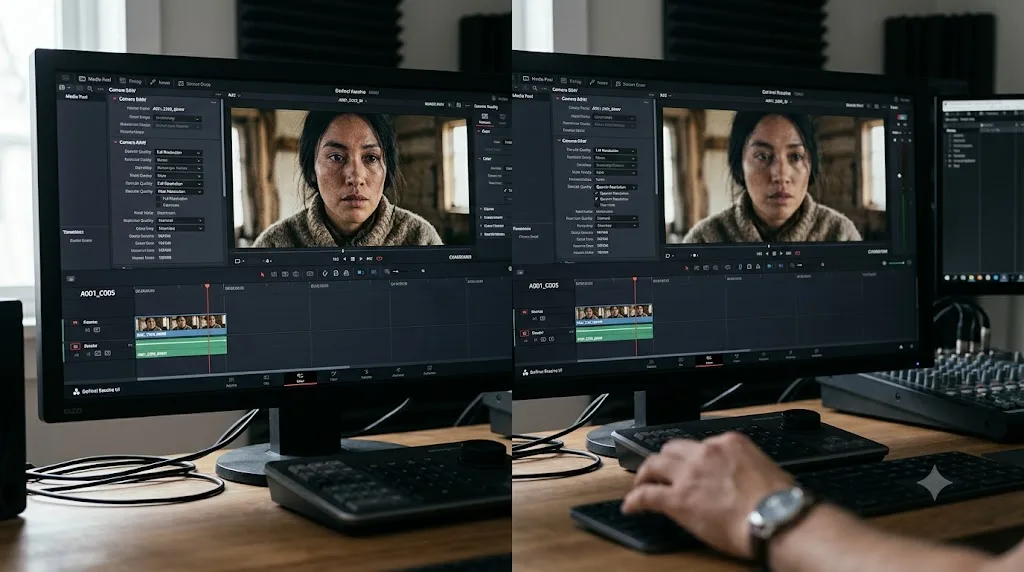
Resolve's Decode Quality setting controls how finely a RAW file gets debayered, the process of turning raw sensor data into a full-color image, at different resolution levels for performance reasons. The manual describes it plainly: "Camera raw formats such as R3D and F65 can be debayered at different levels of quality. For higher real time performance, you can choose a lower quality setting while you work, and then switch to a higher quality when rendering the final output," per the official DaVinci Resolve manual. Depending on the exact RAW format, your options span "at the very least... full, half, and quarter resolution," with some formats supporting even lower steps down to eighth or sixteenth resolution.
Here's the part people miss: this setting only affects files Resolve has already successfully decoded and imported. It changes how much detail gets pulled out of a working file during playback and rendering, purely for speed. It has nothing to do with whether a file gets past the import gate in the first place.
Decode Quality is a playback and render performance setting for files Resolve can already read. It has no effect whatsoever on whether a Blackmagic RAW file imports successfully. If your BRAW files are failing to import at all, silently or with an explicit error, changing this setting from Full to Quarter accomplishes nothing, because Resolve never reaches the debayering step for a file it couldn't open to begin with. Save this setting for after you've fixed the actual import problem, when you're managing playback smoothness on a heavy multicam BRAW timeline instead.
Why does BRAW fail specifically on Linux?
If you're editing on Linux, this problem takes on a different shape, worth separating from the Windows and Mac causes above.
Unlike H.264 and H.265, which Blackmagic's free Linux build genuinely can't decode due to codec licensing, as our full Linux compatibility guide covers in detail, Blackmagic RAW carries no such licensing restriction, since Blackmagic owns the format outright. That means a BRAW-specific failure on Linux almost always traces back to the same causes covered above rather than a Linux-only licensing wall: GPU decode path, decoder version, or CPU instruction support.
A user on the Blackmagic forum thread about BRAW not showing up on Ubuntu, running Resolve 18.1.1 on Ubuntu 20.04.5 with an AMD Ryzen 7 2700X and an Nvidia RTX 2060, reported that BRAW files wouldn't appear in the Media Pool at all, while noting plainly that "every other video codec is importing fine." That symptom, everything else working while BRAW specifically fails, points hardest at a GPU decode path issue specific to Resolve's Linux build and its Nvidia driver interaction, since the underlying GPU hardware, an RTX 2060, is well past the minimum bar Chamberlain describes above for Windows and Mac.
On Linux specifically, that means checking your Nvidia driver version against what Blackmagic's Linux tech specs actually recommend, since Blackmagic's official Rocky Linux support path is built around specific tested Nvidia driver versions, not whatever your distribution's package manager installs by default. A driver that's technically newer isn't automatically better here. It has to be one Blackmagic has actually validated against Resolve's Linux BRAW decode path.
On Linux, a Blackmagic RAW import failure is far more likely to be a GPU driver or decode-path mismatch than a licensing wall, since BRAW carries none of the H.264/H.265 licensing restrictions that block those codecs on the free Linux build. If you're on a community-packaged distribution rather than Blackmagic's officially supported Rocky Linux, mismatched library versions between your distro and what Resolve expects add another layer worth checking before you assume the file or the codec itself is at fault.
Why does the same file play in the Blackmagic RAW Player but not in Resolve?
This single test cuts through most of the causes above faster than anything else on this page, so do it early, not last.
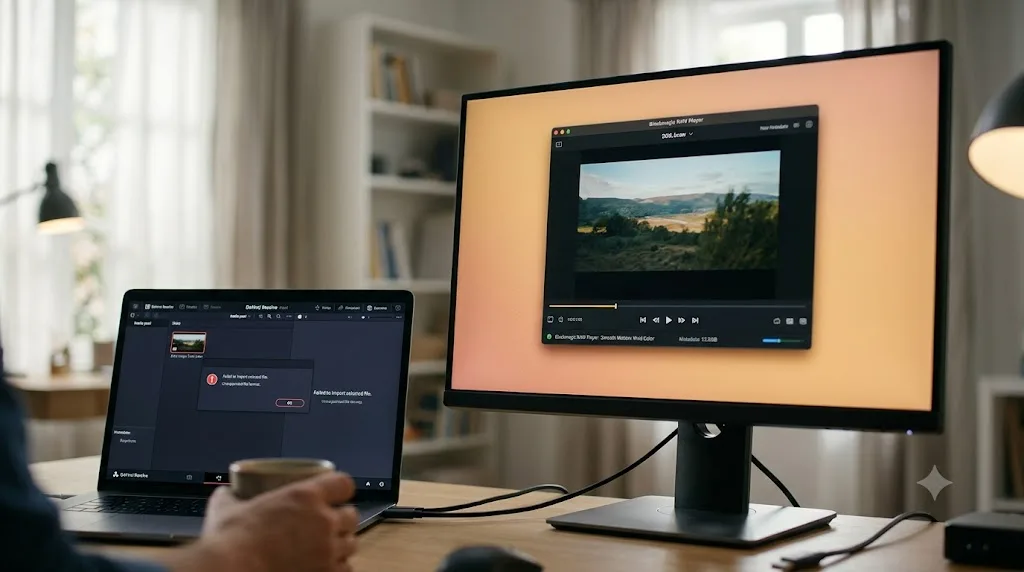
Blackmagic ships a free, standalone app called Blackmagic RAW Player alongside Resolve, installed in the same folder on Mac and available as a separate download on Windows and Linux. It exists specifically to isolate exactly this question: is the file itself fine, and can this machine's hardware decode BRAW at all, independent of whatever Resolve's own import logic is doing.
If the file opens and plays cleanly in the RAW Player, you've confirmed two things at once: the file isn't corrupted, and your GPU and CPU can genuinely decode BRAW on this machine. That narrows the remaining cause down to Resolve's own decoder version specifically, which points you straight back to the update-Resolve fix covered above. If the RAW Player also fails or shows a blank frame, the problem sits upstream of Resolve entirely, in your GPU, your CPU's instruction set support, or the file itself.
- Locate Blackmagic RAW Player. On Mac, it's in the same Applications > Blackmagic RAW folder Resolve installs into. On Windows and Linux, download it separately from Blackmagic's support site if it's not already present.
- Open your problem .braw file directly in the Player, not through Resolve.
- If it plays cleanly, the file and your hardware are both fine. The fix is a Resolve update.
- If it fails identically, treat this as a hardware or file-integrity problem, not a Resolve-specific bug, and work through the GPU and CPU sections above.
Testing a stuck Blackmagic RAW file in the standalone RAW Player app isolates Resolve's own decoder version from your hardware's actual decode capability in about thirty seconds, and it should be one of the first things you try, not a last resort. It turns a vague "won't import" into a specific, actionable answer before you've spent an hour changing settings that were never the problem.
Could the file itself just be bad, not the decoder?
Everything above assumes a healthy file hitting a software or hardware wall. Sometimes the file itself is the actual problem, and it's worth ruling in or out before you spend more time on Resolve settings.
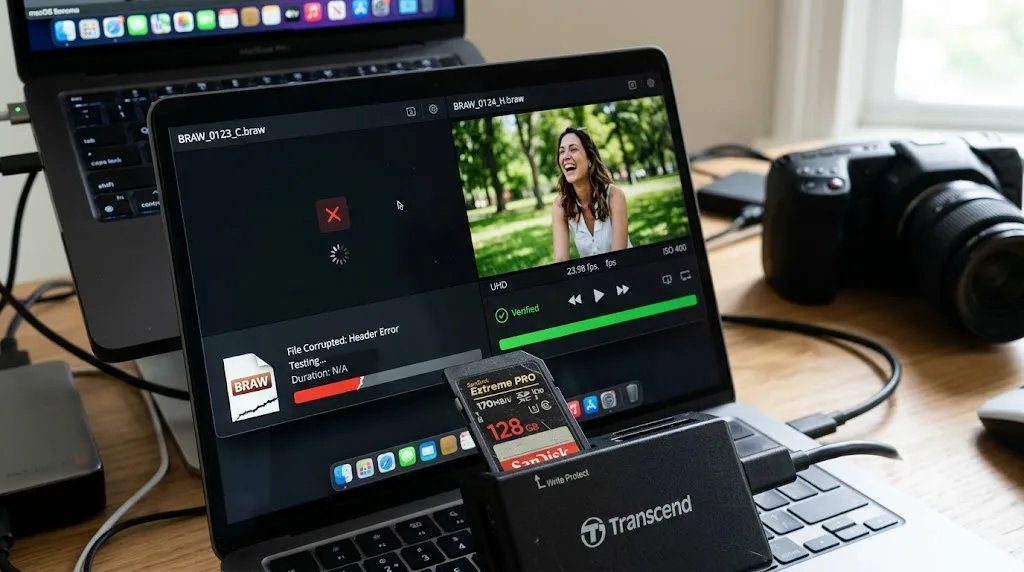
A damaged write, from a card that ran out of power mid-record, a card nearing the edge of its sustained write speed for a high-bitrate BRAW variant, or a card pulled before the camera finished writing, produces symptoms that can look identical to a decoder mismatch: a file that won't open anywhere, including the standalone RAW Player. That's exactly the outcome that step above is built to catch. If a file fails in both Resolve and the RAW Player, on a machine that opens other BRAW files from the same card without issue, suspect the file itself before you suspect your setup.
This same version-mismatch pattern isn't unique to Resolve, either, which is worth knowing if your pipeline touches other software. On the Adobe forums, a user named Danny Luksa hit a nearly identical wall importing BRAW into Premiere Pro, getting "A read from an open file failed" despite having Blackmagic's own BRAW plugin installed. A user posting as Nicolas from Autokroma, a company that builds BRAW workflow plugins, diagnosed it the same way this page's core cause works in Resolve: "Newest Blackmagic Camera Firmware produce BRAW files which need the 'Blackmagic RAW Beta 2.X' to be decoded," as documented on that Adobe Community thread. The decoder-version mismatch that drives most Resolve BRAW failures is a property of the BRAW format and SDK itself, not something specific to how Resolve alone handles it.
Blackmagic RAW's decoder-version dependency isn't a Resolve quirk. It follows the format and SDK wherever BRAW gets decoded, including in other editing software that uses Blackmagic's own plugin. If you've ruled out your GPU, your CPU's instruction sets, and your Resolve version, and the file still won't open anywhere, including the standalone Player, treat the source media itself as the suspect: re-copy it from the original card if you still have it, or check whether the card showed any write errors during the original recording session.
The full decision table: match your exact symptom to the fix
Work through this top to bottom and stop at the first row that matches.
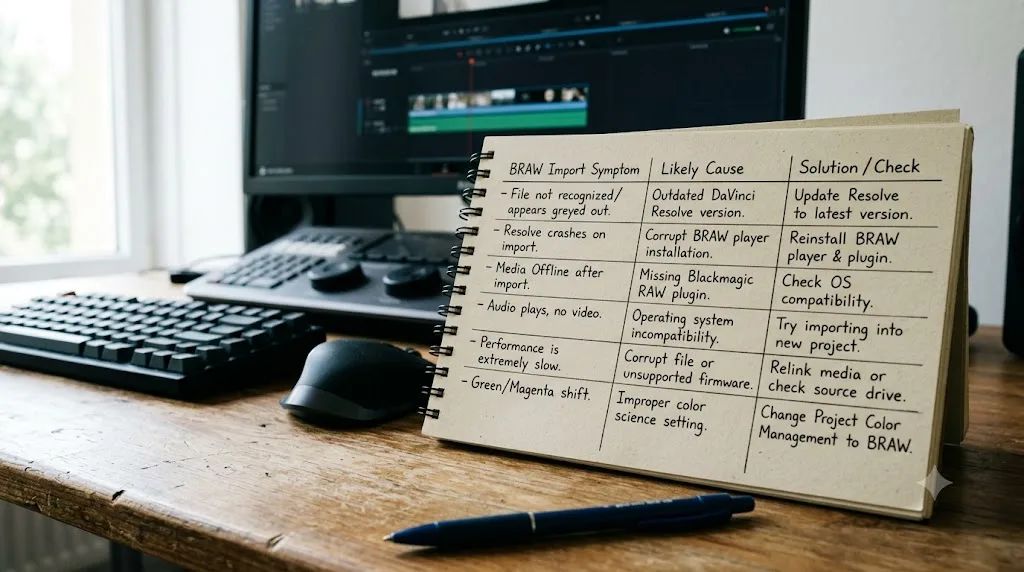
| Your exact situation | Root cause | Fix |
|---|---|---|
| Drag and drop does nothing at all, no error, no dialog | GPU too old or weak for BRAW decode | Run Blackmagic Speed Test, upgrade GPU if it fails |
| Silent failure, but file plays fine in Blackmagic RAW Player | Resolve's internal BRAW decoder version is older than the file's BRAW version | Update Resolve to the current point release |
| Explicit "Failed to create BlackmagicRAW codec" error | CPU lacks AVX, AVX2, and SSE4.1 instruction sets | No software fix; the CPU cannot decode BRAW at all |
| Files that used to import now fail after a camera firmware update | New firmware writes a BRAW version your Resolve build predates | Update Resolve, or reinstall the camera's prior firmware if Resolve can't be updated |
| Specific new camera model's sample files won't import on an otherwise-working Resolve install | Camera-specific BRAW decoder support not yet in your Resolve version | Update to the Resolve version that added support for that camera |
| File fails identically in Resolve and the standalone RAW Player | Likely a genuinely damaged file from the original recording | Re-copy from the source card, or check the card for write errors |
| BRAW fails on Linux while every other codec imports fine | GPU driver or decode-path mismatch on Linux specifically, not a licensing gap | Match your Nvidia driver to Blackmagic's tested Linux driver versions |
| File imports fine but disabling GPU decode was needed to get there | GPU decode path or driver specifically at fault | Update your GPU driver, then re-enable GPU decode |
| Import works, but playback stutters or drops frames | Decode Quality set too high for your hardware, a performance issue, not an import failure | Lower Decode Quality to Half or Quarter while editing |
How do you stop this from costing you a shoot day?
A handful of habits catch nearly every cause on this page before it turns into a problem mid-project.
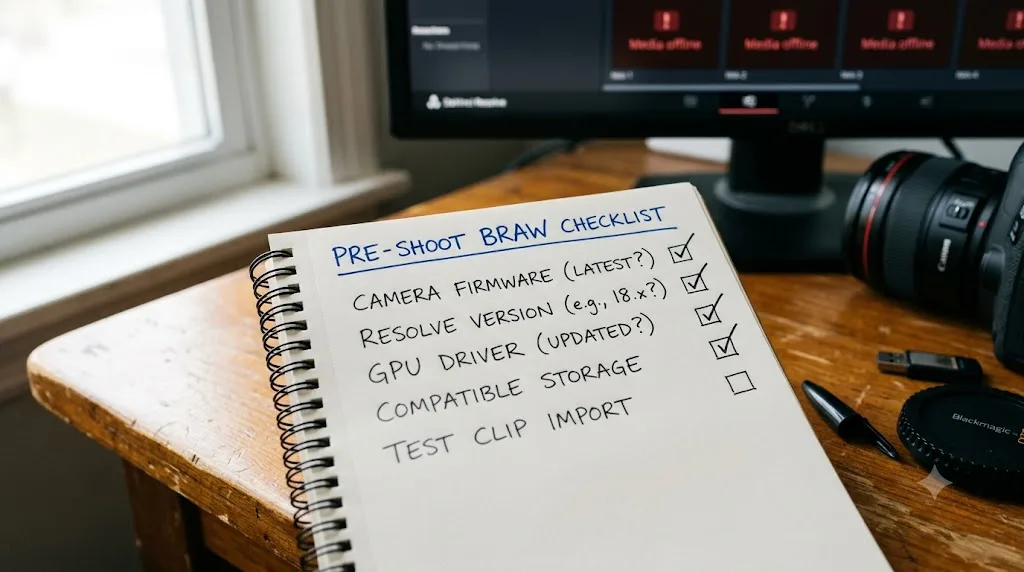
- Test one clip from any new camera or after any firmware update before you shoot anything that matters. A thirty-second test import catches a version mismatch on a Tuesday afternoon instead of on set with a client watching.
- Update Resolve to the current point release before a shoot with new gear, not after a failed import. BRAW decoder support for new camera generations ships in point releases, and the version bundled with a camera's SD card firmware is often already stale by the time you install it.
- Know your GPU's actual decode capability, not just its VRAM. A card can have plenty of memory for your timeline resolution and still be too old to run the Blackmagic RAW SDK's decode path at all, since those are separate hardware capabilities.
- Keep the standalone Blackmagic RAW Player installed and treat it as your first diagnostic step, not something you discover exists three hours into troubleshooting.
- Before updating camera firmware on a machine you can't easily update Resolve on, check whether the new firmware changes the BRAW version it records in. If your editing rig is intentionally on an older Resolve build for hardware reasons, an unplanned firmware update can strand you exactly the way it stranded the user in the fix above.
What if this is happening on a rented or borrowed editing machine?
Freelancers and students hit this specific version more than most, because you don't always control the Resolve install or the GPU on a suite or rental workstation.
If you're bringing BRAW footage into a machine you don't own or configure, don't assume it's current. Check the Resolve version under Help > About DaVinci Resolve before you start importing, and compare it against your camera's firmware release date. A suite that was set up six months ago on a machine nobody's updated since is a textbook case for the version-mismatch cause covered earlier on this page, and it's not something you can fix by troubleshooting your footage, since the footage was never the problem.
If you're newer to Resolve generally and this is the first hardware-adjacent wall you've hit, our DaVinci Resolve for beginners guide covers the baseline hardware expectations worth knowing before a real project depends on them. And if the deeper frustration is not knowing which menu holds a given setting when something breaks mid-project, that's specifically what TryUncle is built for, an AI tutor that watches your actual Resolve window and points at the exact control instead of sending you through a forum thread that may not match your camera or your GPU.
What's the fastest path to a fix?
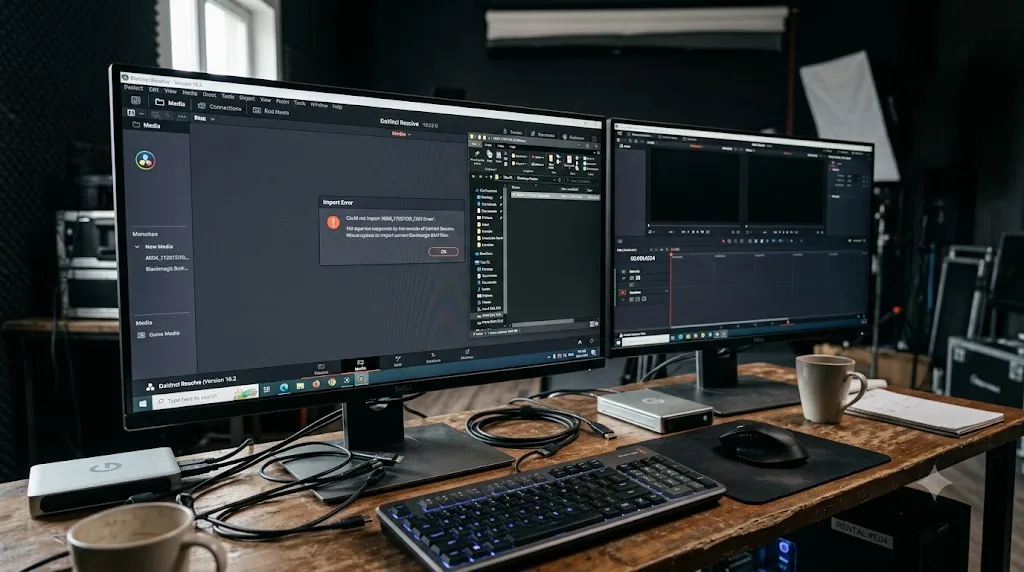
Test the file in the standalone Blackmagic RAW Player first. If it plays there and not in Resolve, update Resolve to the current point release, since your decoder version is behind whatever BRAW variant your camera wrote. If it fails in both places, check your GPU against Blackmagic's actual current recommendations and confirm your CPU supports AVX, AVX2, or SSE4.1, since either gap produces the exact same silent failure a bad file does.
Nine times out of ten, your BRAW files aren't broken. Either your Resolve build's internal decoder hasn't caught up to your camera's firmware yet, or your hardware genuinely can't run the codec Blackmagic built. Once you know which of those two it is, the fix is a download or a hardware decision, not another afternoon of drag-and-drop guessing.
Frequently asked questions
- Why does DaVinci Resolve say nothing at all when I drag in a BRAW file?
- Silent failure is the most common symptom, not the exception. One forum poster described it exactly: 'Everytime I try to drag and drop or import file it literally will do nothing. Just blank.' It almost always traces back to a GPU too old to run the codec, or a Resolve build older than the BRAW version your camera's firmware wrote. Neither produces a dialog box. Resolve just refuses quietly.
- What does 'Failed to create BlackmagicRAW codec' actually mean?
- It's an SDK-level error, E_FAIL, thrown by the Blackmagic RAW SDK itself when your CPU lacks every one of the instruction sets the codec needs to run: AVX, AVX2, or SSE4.1. Blackmagic Design staff confirmed this directly on their own forum. If your CPU predates roughly 2008 to 2011, depending on the exact chip, no software fix restores BRAW decoding on that machine.
- Can a camera firmware update break BRAW files that used to import fine?
- Yes, and it's one of the least intuitive causes on this page. A newer camera firmware version can write BRAW files in a format your current Resolve build's decoder doesn't recognize yet, even though nothing changed on the Resolve side. One user fixed this by finding and reinstalling their camera's original firmware version rather than updating Resolve.
- Do I need the newest DaVinci Resolve version for every BRAW camera?
- You need a Resolve version whose bundled BRAW decoder is current enough for whatever camera generation shot the file, not necessarily the newest version that exists. Blackmagic Design support has confirmed on its own forum that specific camera lines, including the Pyxis, require a specific minimum Resolve version, with older Resolve builds unable to see those files at all.
- Should I turn off 'Use GPU for Blackmagic RAW decode' if BRAW won't import?
- It's worth testing as a diagnostic step, not a permanent fix. If disabling that Preferences > System > Decode option in the Decode Options tab lets the file appear, your GPU driver or GPU decode path is the actual problem, and updating your graphics driver is the real next step, since CPU-only decode is far slower for BRAW's higher resolutions.
- Why does my BRAW file play in the standalone Blackmagic RAW Player but not in Resolve?
- That comparison isolates the cause instantly. If the Blackmagic RAW Player, a free standalone app in the same install folder as Resolve on Mac, opens the file cleanly, the BRAW data itself is intact and your GPU can decode it. The problem is specific to Resolve's own import path or its internal decoder version, not the file or your hardware.
- Does lowering Decode Quality to Half or Quarter resolution fix a BRAW import failure?
- No. Decode Quality only controls playback and render performance for files Resolve can already decode; it has nothing to do with whether a file imports at all. If BRAW is refusing to import in the first place, changing this setting does nothing, because Resolve never reaches the debayering step for a file it can't open.
Sources
- Blackmagic Forum: Braw Files Won't Import In Davinci Resolve (Peter Chamberlain, Dwaine Maggart, robodog1)
- Blackmagic Forum: Cannot open or import BRAW files (Dwaine Maggart, gus filgate)
- Blackmagic Forum: Blackmagic RAW SDK needs SSE4.1? (Cameron Nichols, Blackmagic Design Staff)
- Blackmagic RAW product page (Blackmagic Design): CPU/GPU acceleration specs
- DaVinci Resolve 18 Manual: Decode Options, GPU decode preference (VFXPedia mirror)
- DaVinci Resolve 18 Manual: Adjusting Performance Mode, decode quality (VFXPedia mirror)
- Blackmagic Forum: Only BRAW not showing up in Davinci Resolve 18.1.1 [Linux]
- Adobe Community: Can't import Blackmagic Raw for the life of me (Nicolas, Autokroma)
- DaVinci Resolve - Tech Specs (Blackmagic Design)
- CineD: DaVinci Resolve 21.0.1 Released, Improved RAW Decoding, Better HDR Delivery
Put this guide to work with TryUncle.
Ask about the step you’re on. TryUncle sees your screen and points at the control you need, so you can keep learning in your own project.
Get TryUncle for Mac or WindowsKeep reading
Fixes · Jul 12, 2026 · 23 min
DaVinci Resolve Says Unsupported File Format: The Real Fix
DaVinci Resolve's Unsupported File Format error almost always means a codec problem, not a broken file. Match your exact symptom to the cause and fix it.
Fixes · Jul 7, 2026 · 25 min
DaVinci Resolve GPU Memory Is Full: Every Real Fix
Why DaVinci Resolve throws 'GPU memory is full,' and which fixes actually work: timeline resolution, drivers, effects, and how much VRAM you need.
Guides · Jul 12, 2026 · 13 min
Does DaVinci Resolve Work on Linux? The Real Answer
DaVinci Resolve runs natively on Linux, but only Rocky Linux 8.6 is officially supported. Here's the GPU, driver, and codec limits you'll actually hit.