Articles / Fixesupdated for DaVinci Resolve 21.0.3 (July 2026)
DaVinci Resolve License Has Expired Error: What It Means
Quick answer
A DaVinci Resolve Studio activation key or dongle cannot expire; it's a one-time $295 purchase. "License has expired" almost always means your monthly Blackmagic Cloud rental lapsed, or a third-party OFX plugin's trial or subscription ran out inside Resolve. Check which software actually generated the message before touching your Studio activation.
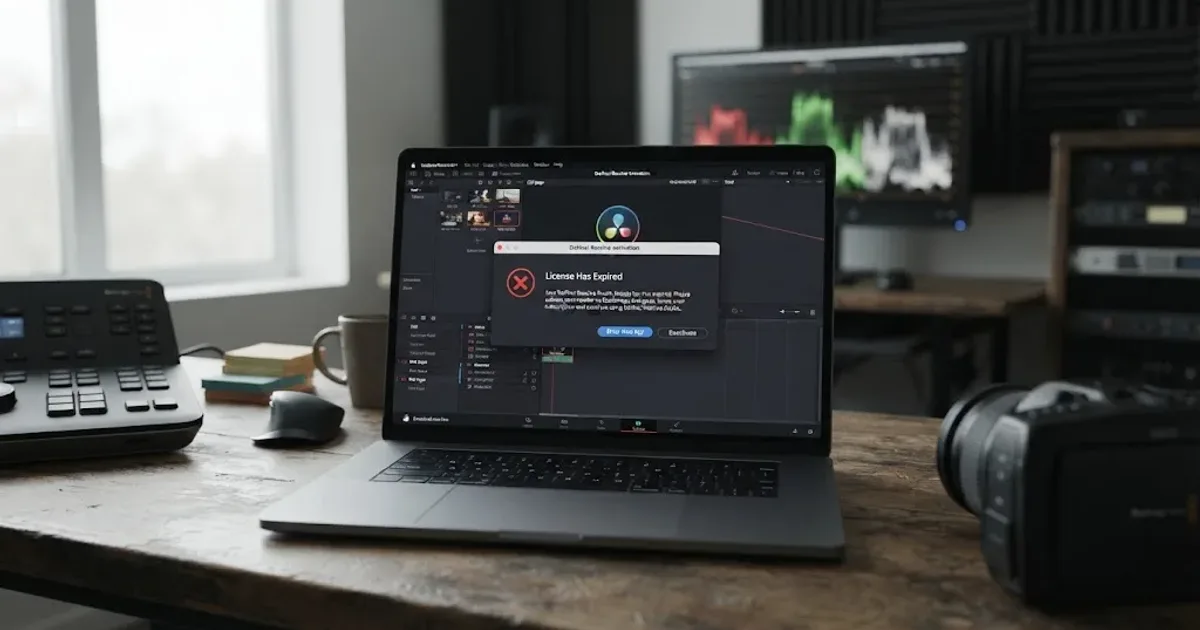
Resolve throws up a dialog that says your license has expired, and your first thought is panic. You paid $295 for Studio. You didn't sign up for a subscription. Nothing about your setup should have a countdown attached to it, so why is DaVinci Resolve acting like a parking meter just ran out?
Here's the short version, and it should take the panic down a notch: as of August 2026, a DaVinci Resolve Studio activation key genuinely cannot expire. It's a one-time purchase, not a lease. So when you see "license has expired," you're looking at one of exactly two other things wearing Resolve's interface, and telling them apart takes about a minute once you know what to check.
What does "license has expired" actually mean in DaVinci Resolve?
It means some piece of software you're running has decided its authorization window closed, and that software is almost never DaVinci Resolve Studio's own activation key. We've taught more than 100,000 students how to use this software through our Udemy courses, and "license has expired" is one of the recurring confusions we hear about in our 100,000+ member editing community, right alongside "already in use" and "file not found," even though all three describe completely different mechanisms.
A DaVinci Resolve Studio activation key has no expiration date built into it at all. Blackmagic Design sells it once, for $295, and that key keeps working on your two allowed machines indefinitely. A USB dongle works the same way: no clock, no renewal date, no countdown. Neither one has ever been designed to expire, which means an "expired" message pointing at either of them is either a bug or, far more likely, a message from something else entirely.
Two real, distinct things in the DaVinci Resolve ecosystem actually do expire on a schedule. The first is Blackmagic Cloud's monthly rental of Studio, launched in September 2025, a genuine subscription sitting next to the perpetual key as an alternative purchase path. The second is any third-party OFX plugin running inside Resolve, since tools like Dehancer, Boris FX Continuum, and Neat Video manage their own separate trial and subscription licenses, completely independent of your Resolve activation.
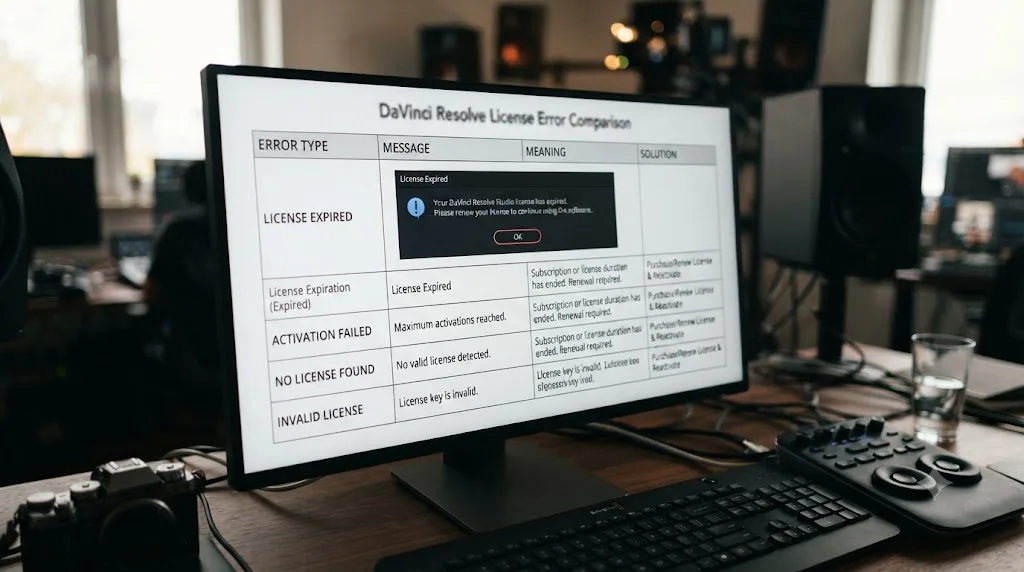
| What you're seeing | What it's actually about | Where to go |
|---|---|---|
| "License has expired" and you bought Studio outright with a 25-digit key or dongle | Almost certainly not your Studio key; keep reading | This page |
| "License has expired" and you're renting Studio through Blackmagic Cloud | Your monthly rental lapsed or a payment failed | This page, Blackmagic Cloud section |
| An expiration message naming a plugin brand, or appearing in an OFX effect panel | A third-party plugin's own trial or subscription ran out | This page, plugin section |
| "License already in use" | Your key is valid, but both activation slots are full | See our license already in use guide |
| "License file not found" | A local activation file is missing or unreadable | See our license file not found guide |
Can a DaVinci Resolve Studio perpetual key or dongle actually expire?
No. Both license types are one-time purchases with no time component in their design, and that has held true across every major Resolve version, including 21.
Blackmagic Design's own DaVinci Resolve Studio product page lists the software at $295, sold as a straight purchase, not a recurring charge. There's no renewal date printed anywhere in that transaction because there's nothing to renew. You buy it once, you activate it on up to two machines, and it keeps working for as long as your hardware does.
What makes this especially clear is how Blackmagic has handled major version upgrades, the moment where a subscription company would typically ask you to pay again. Speaking at NAB 2026, Blackmagic Design CEO Grant Petty addressed exactly this question about DaVinci Resolve 21. Per RedShark News' coverage of his remarks, Petty said: "DaVinci Resolve 21 is a free download, so the update will also be free. But the full DaVinci Resolve Studio 21 update will also be free of charge." He went on to acknowledge the company has thought about changing that model someday, adding, "Now, I think at some point some of these larger updates... we could have an upgrade charge, but we haven't really charged for any of these upgrades yet."
That quote matters here for a specific reason. If your Studio key were the kind of license that could expire or lapse between versions, Petty's comments would have been about renewal terms. They weren't. They were about whether a future major version might eventually cost money to unlock, a completely different question from whether your existing key stops working on a schedule. It doesn't.
Blackmagic Design has shipped every major Studio update as a free download since the current activation system launched, and Resolve 21 didn't break that pattern. A key bought in 2018 for an older Resolve version still activates Resolve 21 today, with no expiration check that would have quietly cut it off somewhere in between. If your "license has expired" message is attached to a key you bought outright, the odds that the key itself is the problem are close to zero.
Does the Blackmagic Cloud rental license expire, and what happens when it does?
Yes, and this is the one part of the DaVinci Resolve ecosystem genuinely designed around a recurring expiration date. If you're renting Studio rather than owning a key, "license has expired" can be describing exactly what it says.
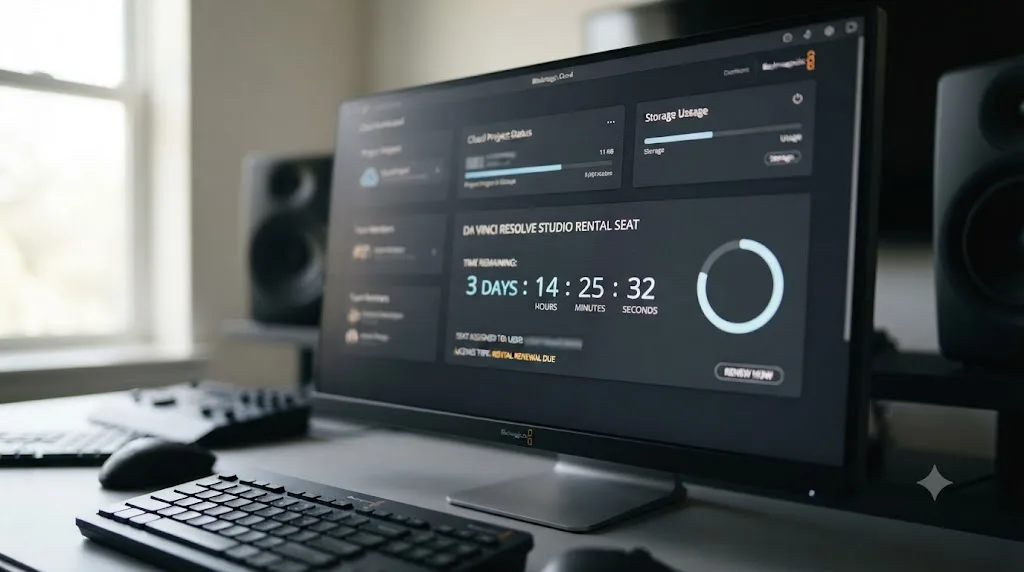
Since September 2025, Blackmagic has let individuals rent a DaVinci Resolve Studio license directly through Blackmagic Cloud instead of buying the $295 perpetual key. Per Newsshooter's coverage of the launch, rented licenses activate using your Blackmagic Cloud ID rather than a 25-digit key or a dongle, and license usage across machines is managed inside Blackmagic Cloud's own dashboard. RedShark News reported UK pricing at £25 a month, which lines up to roughly $30 in the US, a genuinely different product sitting next to the perpetual key rather than replacing it.
A Blackmagic Cloud rental of DaVinci Resolve Studio is the one Blackmagic product in this entire story that is actually built to expire on a schedule. A missed payment, a cancelled subscription, or simply letting a month lapse without renewing all produce the same result: your rented seat stops being valid, and the next time Resolve checks in, it tells you so.
Here's the part worth knowing before you panic about a deadline. Per Digital Production's reporting on the rental's launch, "users are not tied into Resolve beyond the month they sign up for, and are not locked out of the project once the license period is over." That sentence describes a genuinely gentler failure mode than a lot of subscription software. Losing access to your rental doesn't lock you out of your project. It locks you out of Studio's extra features while your free-tier edit stays fully open. Your timeline still opens. Your cuts are still there. What disappears is Studio-only functionality like Magic Mask, advanced noise reduction, and multi-GPU rendering, exactly the gap our free versus Studio comparison covers in full if you want to know precisely what that downgrade costs you.
| Rental status | What you can still do | What stops working |
|---|---|---|
| Active, current billing period | Everything Studio offers, on the assigned machine | Nothing |
| Lapsed, payment failed or subscription cancelled | Open and edit the same project in the free tier | Studio-only tools: Magic Mask, 10-bit workflows, multi-GPU render speed |
| Renewed after a lapse | Full Studio access resumes on the reassigned seat | Nothing, once the seat reactivates |
How do you check or renew your Blackmagic Cloud rental before it lapses?
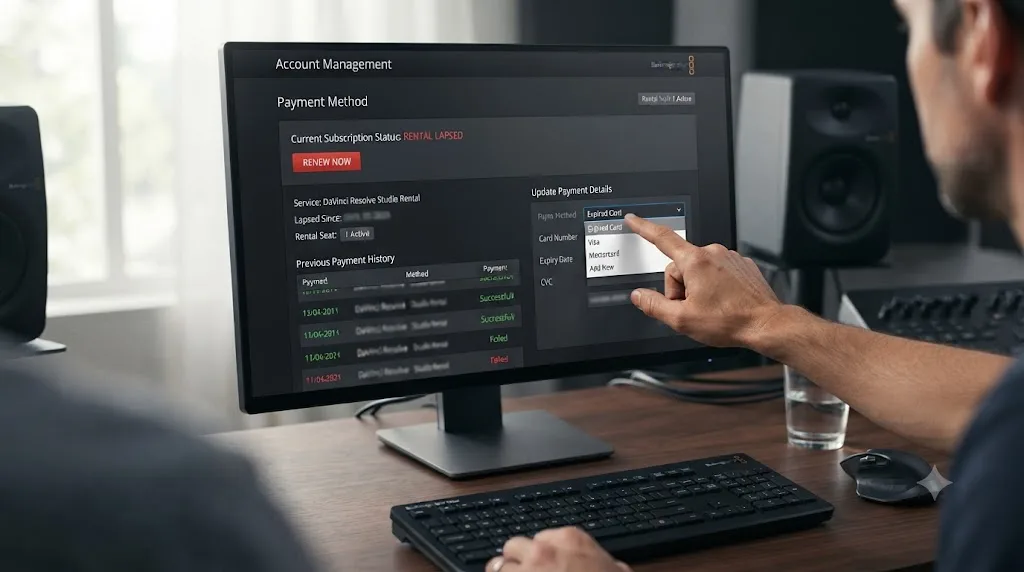
Log into your Blackmagic Cloud account directly, since a rental's status and billing live there, not inside a Help menu in Resolve the way a perpetual key's activation does.
- Sign into your Blackmagic Cloud account from a browser, not from inside DaVinci Resolve itself.
- Check the license or seat management section for your Studio rental's current billing status and renewal date.
- Confirm the payment method on file is current, especially after a card expiration, a bank reissue, or a billing address change.
- If a payment failed silently, update the card and manually trigger the renewal rather than waiting for an automatic retry you can't see the status of.
- Reassign the seat to the correct machine if you're moving between a desktop and a laptop, the same way you'd move a rented seat in any team software subscription.
A Blackmagic Forum thread on rental seat management shows this is genuinely new territory for a lot of longtime Resolve users, since the entire concept of a lapsing license didn't exist in the Blackmagic ecosystem before September 2025. If you've owned a perpetual key for years and just started renting a second seat for a short project, the instinct to look for a deactivate-and-reactivate menu inside Resolve itself won't get you anywhere. That control lives on the account, not the app.
One detail worth flagging for teams: since Blackmagic Cloud rentals are billed monthly rather than annually, a lapsed rental is rarely a surprise if you're watching the account, but it's an easy thing to lose track of on a shared card where nobody is specifically assigned to notice a declined charge. Treat a rented seat the way you'd treat any other recurring software subscription on a company card: someone specific owns checking it.
Why do third-party plugins throw "license has expired" messages inside DaVinci Resolve?
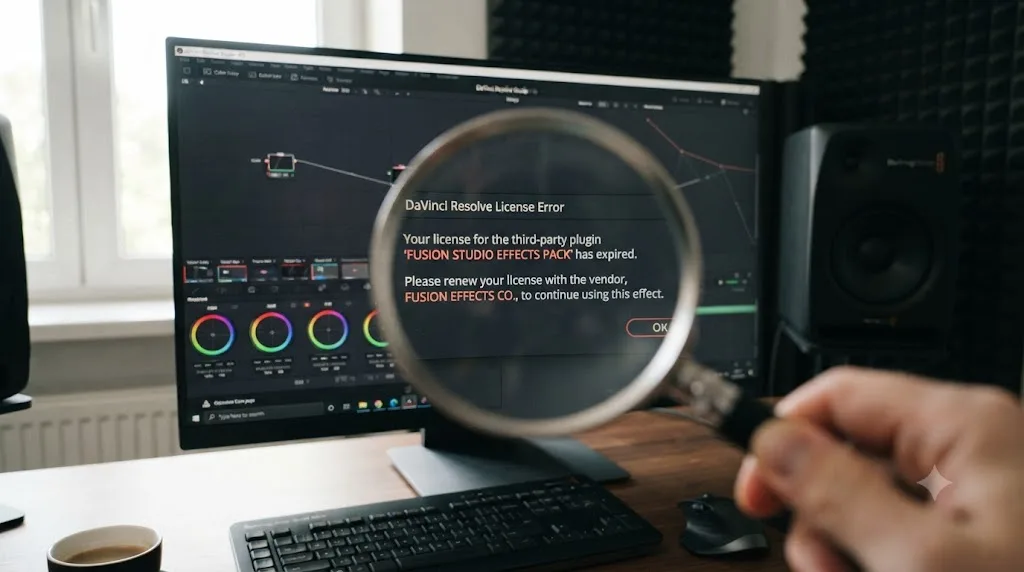
Because OFX plugins run their own, completely separate licensing systems, and their dialog boxes appear inside Resolve's own window, which is exactly why people mistake a plugin's expiration for Resolve's.
DaVinci Resolve supports third-party effects through the OFX plugin standard, and tools like Dehancer, Boris FX's Continuum and Sapphire, and Neat Video all install as OFX plugins that show up in Resolve's Color page and Fusion page effects libraries. Every one of those plugins is a separate company's product, with its own account system, its own trial clock, and its own subscription billing, none of which Blackmagic Design controls or even sees.
Boris FX runs one of the clearest documented examples of this pattern. Per Boris FX's own free trial page, "most trials run for 14 days (Mocha Pro, Optics, Silhouette, Particle Illusion, CrumplePop). Sapphire and Continuum run for 30 days," and no payment information is required to start one. The same page is direct about what happens next: "Trials don't auto-renew or charge you. Once the trial period expires: Some products stop working until licensed. Others continue in a restricted mode." A Continuum trial specifically runs the full effect with a visible watermark rather than shutting the plugin off outright, which means a trial that quietly expired weeks ago can keep producing watermarked exports you don't notice until a client points it out.
A real support case shows exactly how confusing this gets once it happens inside Resolve rather than as a standalone app. On the Boris FX support forum, user sherif.r.iskander reported licensing failures trying to launch Mocha Pro as a plugin inside DaVinci Resolve Studio 20.3.2, with the exact error reading "Error: [Licensing] RLM initialization failed with code -102" and "Can't read license data (-102) No such file or directory (errno: 2)." Forum member martinb traced the actual cause back to Blackmagic Design's own guidance: the Mac App Store version of Resolve can have resource compatibility issues with OFX plugins, and the fix was reinstalling Resolve from Blackmagic's direct download rather than the App Store build, not anything related to the plugin's trial timing at all.
Dehancer runs a genuinely different model worth knowing specifically, since it mixes both a permanent key option and a recurring one. Per Dehancer's own subscription FAQ, "if you cancel your Subscription, the payment for it will not be refunded, but you will be able to use it until the end of its validity period. After that, it will not renew automatically." That's a genuinely expiring license, by design, running independently of anything happening in your copy of Resolve. Dehancer's activation error guide also lists specific activation rejection messages the plugin can throw, none of which mention Resolve's own licensing at all, which is the tell that you're looking at a Dehancer problem wearing Resolve's window.
A third-party plugin's trial or subscription running out inside DaVinci Resolve is not a DaVinci Resolve license problem at all, even though the dialog box appears inside Resolve's own window. Neat Video takes a slightly different approach worth knowing too: its free Demo edition isn't time-limited so much as resolution-limited, capped around 1280x720 with a watermark, so a "demo" that seems to work fine forever is actually working as designed, not counting down toward an expiration at all.
| Plugin | License model | What happens at expiration |
|---|---|---|
| Boris FX Continuum / Sapphire | 30-day free trial, no card required | Effect stays usable but renders with a visible watermark until licensed |
| Boris FX Mocha Pro | 14-day free trial | Some products stop working until licensed; others drop to a restricted mode |
| Dehancer | Lifetime key or recurring subscription | Subscription usable through the paid period, then stops renewing automatically |
| Neat Video | Free Demo edition | No time limit; capped resolution and a watermark instead of an expiration date |
How do you tell whether it's Resolve's license or a plugin's that expired?
Read exactly what the dialog names, since the wording almost always gives it away once you know to look for a brand name rather than assuming everything inside Resolve is about Resolve.
- Check whether the error mentions a specific plugin brand: Dehancer, Boris FX, Mocha Pro, Continuum, Sapphire, Neat Video, or any other third-party name. If it does, this is that vendor's licensing system, not Blackmagic's, and their support channel is where you'll actually get it fixed.
- Check where the dialog appeared. An error that shows up the moment you launch DaVinci Resolve itself, before you've touched a single effect, is more likely about Resolve or a Blackmagic Cloud rental. An error that appears only when you apply or open a specific effect in the OFX panel is almost certainly that effect's own plugin.
- Check whether you own a perpetual key, a dongle, or a Blackmagic Cloud rental. If it's a key or dongle, you've already established it structurally can't expire, which shifts the odds heavily toward a plugin before you've even opened a support ticket.
- Try removing or disabling the suspected plugin temporarily and relaunch Resolve. If the expiration message disappears along with the plugin, you've confirmed the source without needing to contact anyone yet.
- Look at your Blackmagic Cloud account directly if you're on a rental, since that's the one scenario where Resolve's own ecosystem can genuinely produce this message, and the fix lives on that dashboard rather than in the plugin's settings.
The fastest way to misdiagnose "license has expired" is to assume the message is about Resolve itself before checking which piece of software actually generated it. Five minutes spent reading the exact dialog text carefully saves you from emailing the wrong company, waiting days for a reply, and then starting the whole process over with the right one.
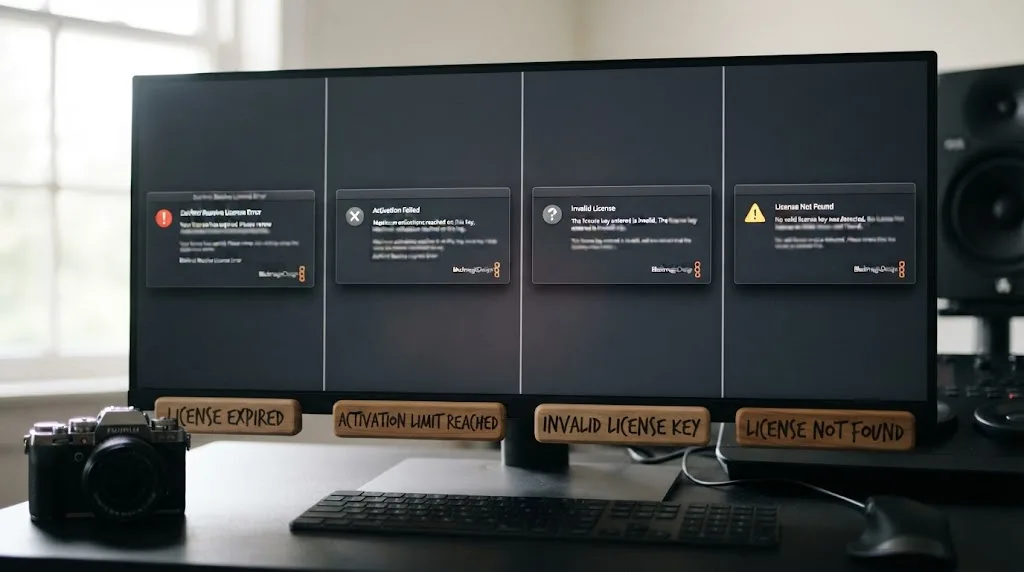
Is "license has expired" the same as "license already in use" or the other Resolve license errors?
No, and each of these messages describes a mechanically different failure, even though they all live under the same general "licensing trouble" umbrella.
"License already in use" means your activation key is completely valid, correctly typed, and Blackmagic's server rejected it anyway because both of its two allowed machine slots are already occupied. Our full guide to DaVinci Resolve's license already in use error covers the deactivation and automatic recovery path for that specific problem in depth. Nothing about that error involves time or expiration; it's purely about how many machines are holding your key at once.
"License file not found" means a local file DaVinci Resolve needs at launch is missing or unreadable, usually after a system restore, a permissions block, or an incomplete install. Our license file not found guide walks through that fix by operating system. Again, nothing about time passing causes that error; it's about a file's presence on disk, not its age.
"Unable to connect to license server" means your activation request never reached Blackmagic's servers at all, almost always a firewall, antivirus tool, or corporate network filter getting in the way. That's a network problem happening before any expiration check could even run.
And the free version, worth naming explicitly since it's the fourth thing people confuse this with, never activates anything in the first place. Our guide to whether DaVinci Resolve's free version ever expires or times out confirms it has no trial period, no countdown, and no license to lose, which means it structurally cannot produce an expiration message of any kind.
| Error message | What's actually wrong | Involves time or expiration? |
|---|---|---|
| "License has expired" | A rental lapsed, or a plugin's trial/subscription ended | Yes, this is the one that genuinely does |
| "License already in use" | Both activation slots on your key are full | No, purely a slot count |
| "License file not found" | A local activation file is missing or unreadable | No, purely a file-presence problem |
| "Unable to connect to license server" | The activation request never reached Blackmagic's servers | No, purely a network problem |
| No activation prompt appears at all | You're likely running the free version | No, the free tier has nothing to expire |
What if you bought a secondhand or camera-bundled key and now see an expired-sounding message?
Then the wording is almost certainly misleading you, and the real cause is closer to an activation conflict than a genuine expiration.
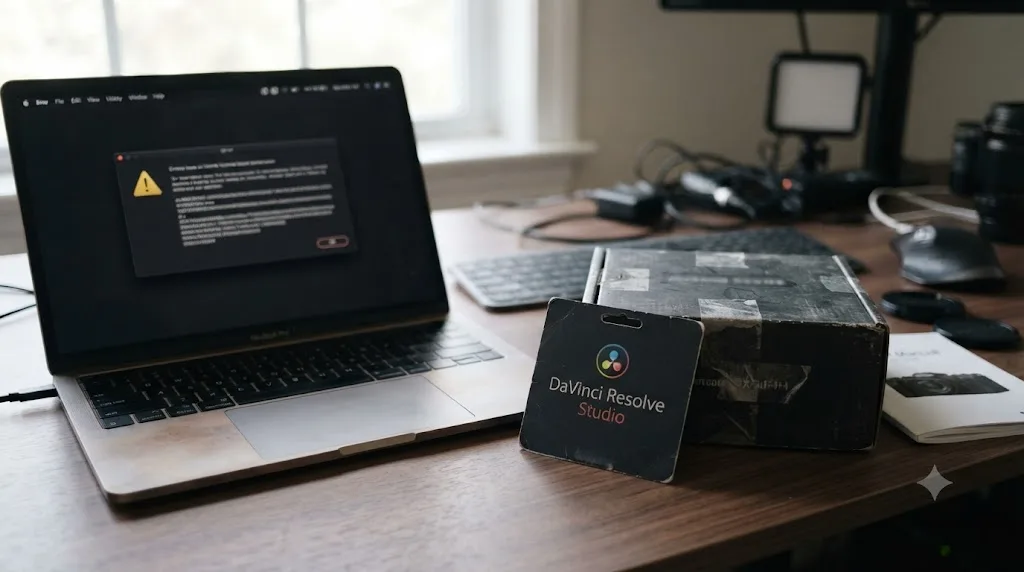
Blackmagic bundles a full DaVinci Resolve Studio activation key with several of its cameras, and per Blackmagic's own Pocket Cinema Camera product page, "all Pocket Cinema Camera models include a full version of DaVinci Resolve Studio." That bundled key follows the same one-time, non-expiring rules as a key bought directly from Blackmagic. Nothing about arriving on a card inside a camera box changes the underlying license type into something with a clock attached.
What genuinely goes wrong with secondhand and bundled keys is almost always an activation state problem, not an expiration. If a previous owner activated the key on their own machine and never deactivated it before selling the camera or the key, your first activation attempt can throw a rejection that reads confusingly, sometimes phrased in a way that feels like an expiration even though the underlying mechanism is a full activation slot, not a lapsed subscription. Our guides to DaVinci Resolve's license already in use error and recovering a lost activation code both cover the secondhand-key scenario in detail, including exactly what to send Blackmagic support as proof of purchase.
A secondhand or camera-bundled DaVinci Resolve Studio key follows the exact same non-expiring rules as one bought new and direct. If the message you're seeing genuinely says "expired" rather than "already in use" or "not found," and you're certain you're looking at a real perpetual key rather than a rental, that specific wording is worth screenshotting exactly before you contact support, since the precise text is what tells a support agent which of several unrelated systems to check on their end.
Does a wrong system clock or time zone cause a false "expired" reading?
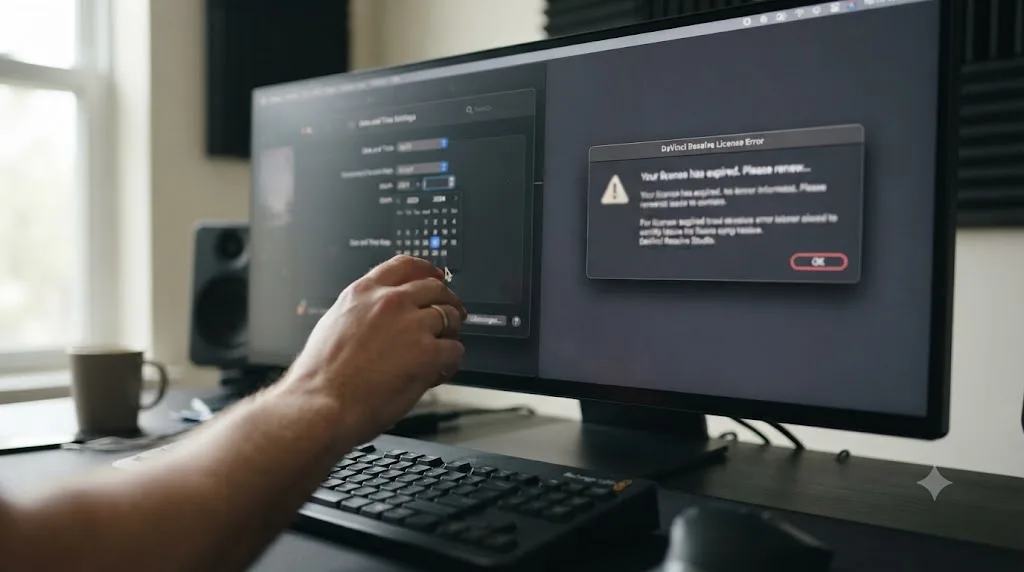
It's worth ruling out, even though it's rarely the actual cause with DaVinci Resolve's own perpetual activation system specifically. Software license checks broadly, across the industry, commonly misfire when a computer's date and time drift out of sync with reality, since a lot of licensing math compares your system clock against a known reference point to guard against someone winding the clock backward to dodge a real expiration. Adobe documents this exact failure mode directly for its own products, describing an issue with your system clock as a recognized cause of license validation errors when a machine's date and time settings are wrong or unsynced.
That's an Adobe-specific example, not a documented DaVinci Resolve one, and it's worth being honest about that distinction rather than implying Blackmagic's systems behave identically. But the check itself costs thirty seconds and rules out an entire category of confusion for free, which makes it worth doing regardless of which vendor's software is complaining.
- Open your system's date and time settings, on macOS under System Settings, on Windows under Settings > Time & Language.
- Confirm both the date and the time zone are correct, not just the clock's hour and minute.
- Make sure "set automatically" or "sync with internet time" is enabled, rather than a manually entered value that could have drifted.
- Restart the machine after correcting anything, since some license checks only re-run at launch rather than continuously.
- Relaunch DaVinci Resolve or the plugin showing the error and see whether the message clears.
If correcting the clock doesn't change anything, you haven't wasted much time, and you've eliminated one of the simplest, most commonly overlooked causes of licensing weirdness across almost any software category before moving on to the plugin- or rental-specific fixes covered above.
What if you're on a facility or shared workstation and a rental seat expired for the whole team?
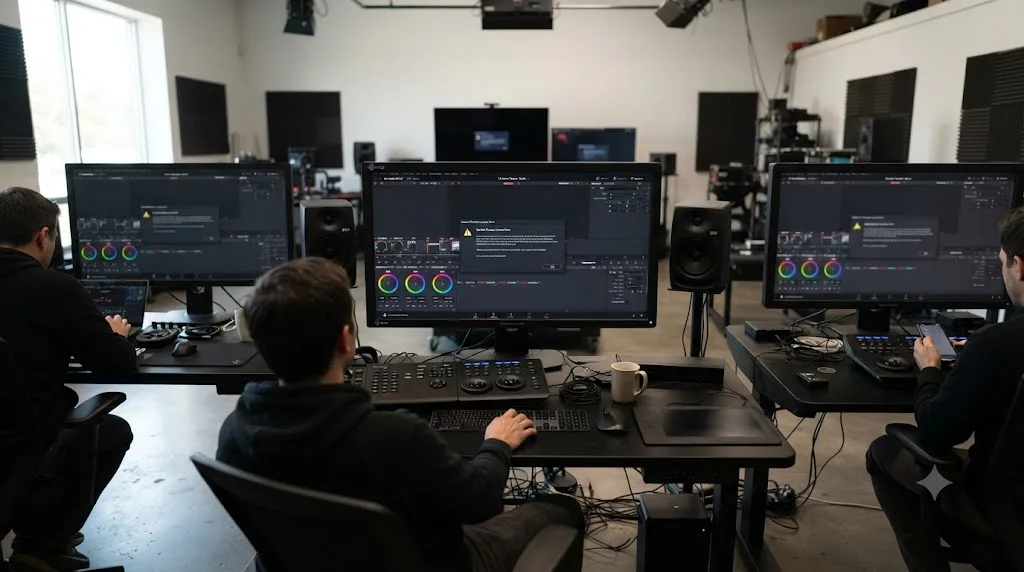
Then the fix scales up from an individual billing check to a genuine account-management task, since one lapsed payment can knock out Studio access for everyone sharing that seat at once.
A production house or small studio renting a handful of Blackmagic Cloud seats for a short-term project, rather than buying perpetual keys outright, concentrates this risk in a way a solo freelancer never sees. If the card on file for the rental account expires or a subscription gets cancelled by mistake during an internal cleanup, every editor pulling from that shared account can hit "license has expired" within the same shift, right in the middle of a deadline.
The fix is the same renewal process covered earlier, just with an added layer of internal communication. Confirm who actually owns the Blackmagic Cloud account's billing, since at a facility that's rarely the editor sitting at the workstation when the error appears. Check the account's payment method and seat assignments together, since a facility juggling several rented seats across a rotating cast of freelancers can lose track of exactly who's currently assigned to which seat, compounding a billing lapse with a reassignment problem at the same time.
A "license has expired" message hitting an entire shared workstation setup at once is a billing problem with a wide blast radius, not a sign that DaVinci Resolve's licensing system broke. Treat it exactly like you'd treat a failed charge on any other shared software subscription: find the account owner, fix the payment method, and reassign seats deliberately rather than letting whoever happens to notice first improvise a fix.
If your facility runs a mix of perpetual keys and rented seats side by side, which is increasingly common since the September 2025 rental launch gave teams a way to add short-term capacity without buying full keys, keep a simple internal note of which machines run which license type. That single piece of documentation is often the difference between diagnosing this in two minutes and spending an afternoon guessing whether you're looking at a key, a rental, or a plugin.
Which symptom points to which fix?
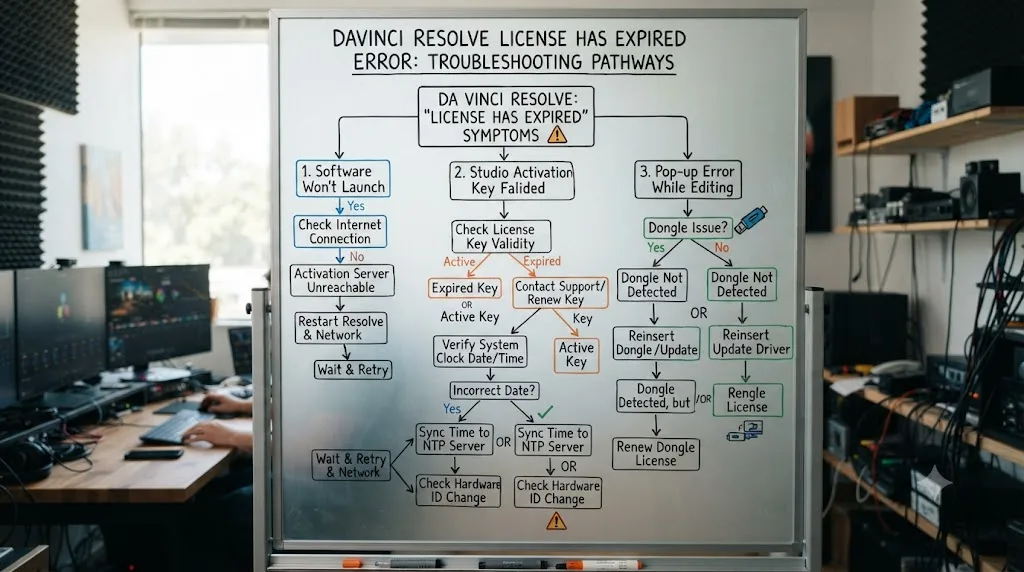
Use this table as a shortcut once you've read the exact wording of what's on your screen.
| What you're seeing | Most likely cause | Start here |
|---|---|---|
| "Expired" message names a plugin brand (Dehancer, Boris FX, Mocha Pro, Continuum, Sapphire, Neat Video) | That plugin's own trial or subscription ended | Go to the plugin vendor's account or activation panel, not Resolve's Help menu |
| "Expired" message appears at Resolve launch, and you're on a Blackmagic Cloud rental | Rental lapsed, payment failed, or subscription cancelled | Check billing and seat status inside your Blackmagic Cloud account |
| "Expired" message appears, and you own a perpetual key or dongle outright | Very unlikely to be your Studio key itself; check for a plugin or a rental you forgot about | Re-read the exact dialog text for a brand name before contacting Blackmagic support |
| Message follows a recent OS reinstall, VM snapshot rollback, or long time offline | Possible system clock or time zone mismatch | Correct your date, time, and time zone settings, then relaunch |
| Error happens across an entire shared facility at once | A shared rental account's billing lapsed | Find the account owner and fix payment on the shared Blackmagic Cloud account |
| Message wording is actually "already in use," not "expired" | A different error entirely, about activation slots, not time | See our license already in use guide |
| Message wording is actually "file not found," not "expired" | A missing local activation file, not time | See our license file not found guide |
How do you stop this from happening again?
A handful of habits keep "license has expired" from ever catching you mid-deadline again.
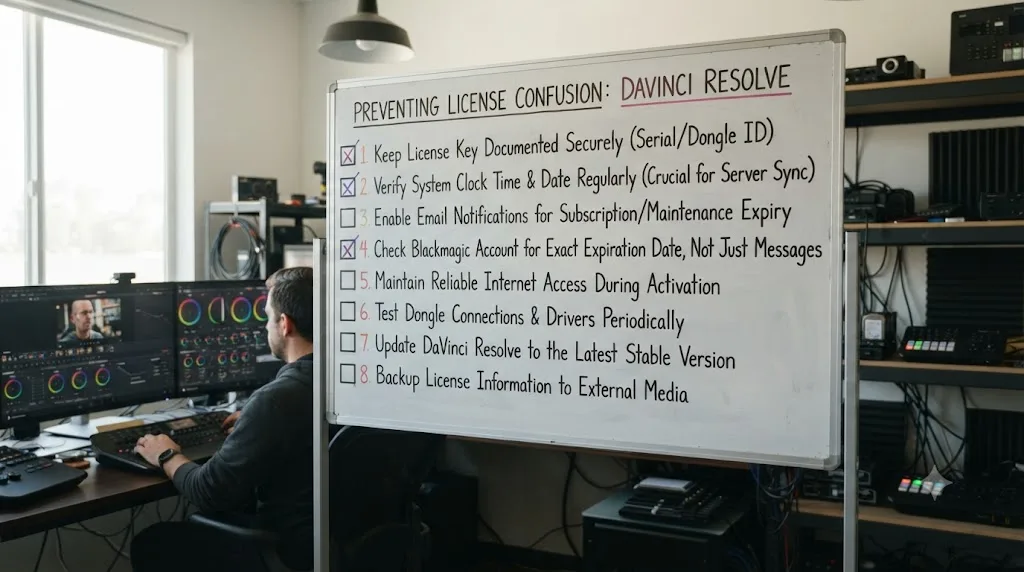
- Know which license type each machine is running before you need to troubleshoot it. A perpetual key, a dongle, and a Blackmagic Cloud rental all behave differently, and knowing which one is installed on which machine cuts your diagnosis time to nearly zero.
- If you're renting through Blackmagic Cloud, put a calendar reminder a few days before your renewal date, not because Blackmagic will give you no warning, but because a failed card is easy to miss until Resolve itself tells you.
- Track which plugins are running trials versus paid licenses, especially on a shared or facility machine where nobody remembers who installed what six months ago. A spreadsheet with install dates and license type beats guessing when a watermark shows up in an export nobody caught.
- Keep your system clock set to sync automatically rather than manually, on every machine that runs licensed creative software, since it's a thirty-second setting that rules out an entire category of licensing confusion for free.
- Read the exact error text before assuming it's about Resolve. A brand name inside the dialog, or a mention of "trial" versus "subscription," tells you within seconds whether you're looking at Blackmagic's system or a third party's.
- If you're weighing a rental against buying a perpetual key, run the actual math for your project length. At roughly $30 a month against a $295 one-time key, renting only comes out ahead for projects shorter than about ten months, a comparison our DaVinci Resolve student discount guide runs in more depth for anyone deciding between the two.
None of these habits make every license message disappear. Rentals will still lapse if a card expires, and plugin trials are supposed to run out eventually. What these habits remove is the moment of genuine confusion, staring at a deadline wondering whether your entire $295 purchase somehow broke.
The verdict
"License has expired" is the one DaVinci Resolve license message where the natural first instinct, that your Studio purchase is broken, is almost always wrong. A perpetual activation key and a USB dongle are both one-time purchases with no clock attached, and Blackmagic Design's own track record of shipping free major updates, confirmed directly by CEO Grant Petty at NAB 2026, backs that up. The two things that genuinely do expire are a Blackmagic Cloud monthly rental, which downgrades you to free-tier features rather than locking your project, and a third-party OFX plugin's own trial or subscription, which runs entirely outside Resolve's control even though its dialog appears inside Resolve's window.
Read the exact wording on your screen before you touch anything. A brand name, a mention of a trial period, or a reference to Blackmagic Cloud tells you within seconds which of these three systems is actually talking to you, and each one has its own fix living in its own place: a plugin vendor's account, your Blackmagic Cloud dashboard, or, in the rare genuine edge case, Blackmagic support itself.
If your licensing question clears up and you're back inside Resolve, the next wall people usually hit isn't licensing at all. It's a menu that moved, a tool a tutorial glossed over, or a setting nobody explains until you're stuck on it mid-project. TryUncle is the on-screen assistant for DaVinci Resolve on macOS - ask in plain words and Uncle points at the exact control on your screen. It's a paid app at founder pricing, worth checking directly at TryUncle for the current rate, and it's built for exactly the moment right after your licensing stops being the obstacle and the actual edit becomes the thing you're stuck on again.
Frequently asked questions
- What does 'license has expired' mean in DaVinci Resolve?
- It means some piece of software you're running, either inside or alongside DaVinci Resolve, has decided its authorization window has closed. It is almost never DaVinci Resolve Studio's own $295 activation key, since that key has no expiration date at all. The two real sources are a lapsed Blackmagic Cloud monthly rental or a third-party OFX plugin whose trial or subscription ran out.
- Can a DaVinci Resolve Studio perpetual license actually expire?
- No. The 25-digit activation key and the USB dongle are both one-time purchases with no time limit built in. Blackmagic Design CEO Grant Petty confirmed at NAB 2026 that major Studio updates, including Resolve 21, have shipped free of charge, and nothing about that model attaches an expiration date to the key itself.
- Does DaVinci Resolve's free version ever say the license has expired?
- No. The free version never activates anything, so it has no license to expire in the first place. If you're seeing an expiration message at all, you're running Studio, a rented Blackmagic Cloud seat, or a paid third-party plugin, not the free tier.
- What happens when a Blackmagic Cloud rental of DaVinci Resolve Studio expires?
- You lose access to Studio-only features on that machine, not your project. Reporting on the rental's September 2025 launch confirmed users aren't locked out of their project once the license period ends; the timeline still opens, it just behaves like the free version until you renew or reassign a seat.
- Why does a plugin inside DaVinci Resolve say my license has expired?
- Because OFX plugins like Dehancer, Boris FX Continuum, and Neat Video run their own separate licensing systems inside Resolve's Color and Fusion pages. A plugin's trial or subscription running out throws its own expiration dialog, which appears inside Resolve's window and gets misread as a DaVinci Resolve problem.
- Is 'license has expired' the same as 'license already in use'?
- No, and mixing them up sends you toward the wrong fix. 'Already in use' means your key is valid but both of its two activation slots are occupied elsewhere. 'License has expired' means an authorization window closed, which a perpetual Studio key structurally cannot do, so the real cause lies somewhere else entirely.
- How do I renew a DaVinci Resolve Studio rental before it expires?
- Log into your Blackmagic Cloud account and check the seat's status before the billing date, since rentals are managed from that dashboard rather than from a Help menu inside Resolve. If a payment method failed, updating it there before the renewal date is the fix, not reactivating inside the app.
Sources
- DaVinci Resolve Studio product page (price and features)
- DaVinci Resolve product page (free version specs)
- RedShark News (Andy Stout): DaVinci Resolve Studio: how long will free updates last?
- Newsshooter (Matthew Allard ACS): Blackmagic Design introduces a new way for individuals to rent DaVinci Resolve Studio
- RedShark News (Andy Stout): Blackmagic Adds Monthly License Option for DaVinci Resolve Studio
- Digital Production: Blackmagic Rents out Resolve - Subscriptions in the Cloud
- Digital Cinema Society: Blackmagic Introduces a Flexible DaVinci Resolve Studio License Management System for Blackmagic Cloud
- Dehancer: License Activation Errors [macOS]
- Dehancer: What happens if I cancel my Subscription?
- Boris FX: Free Trial (duration and behavior after expiration)
- Boris FX Forum: Trial Licensing Error (Mocha Pro in DaVinci Resolve)
- Blackmagic Forum: On how many devices I can use the paid version?
- Blackmagic Forum: Rental Cloud License with 18?
- Blackmagic Pocket Cinema Camera product page
- CoreMicro: How to activate Blackmagic Design DaVinci Resolve Studio License Key
- PC Guide: DaVinci Resolve Activation Key - Info & How To Activate
- Adobe: There's an issue with your system clock (license/clock-sync mismatch behavior)
- Blackmagic Design: DaVinci Resolve support and downloads
- VizEdits: DaVinci Resolve's Free Version Is Genuinely Professional, Here's What's Missing (Subhan Mahmood)
- Wikipedia: DaVinci Resolve (version and feature history)
Keep reading
Fixes · Jul 17, 2026 · 24 min
DaVinci Resolve License Already in Use: How to Fix It
DaVinci Resolve says your license is already in use? It means your activation slot or dongle is checked out elsewhere. Here's the exact deactivate and recover path.
Fixes · Jul 22, 2026 · 24 min
DaVinci Resolve 'License File Not Found': How to Fix It
DaVinci Resolve says the license file is not found? It's usually a missing or unreadable local file, not a slot conflict. Here's the fix by OS.
Fixes · Jul 23, 2026 · 24 min
Does DaVinci Resolve's Free Version Expire or Time Out?
No, DaVinci Resolve's free version never expires or times out. Here's what actually has a time limit, and why the myth persists in 2026.