Articles / Fixesupdated for DaVinci Resolve 21.0.2 (July 2026)
Does DaVinci Resolve Run on a Chromebook? The Honest Answer
Quick answer
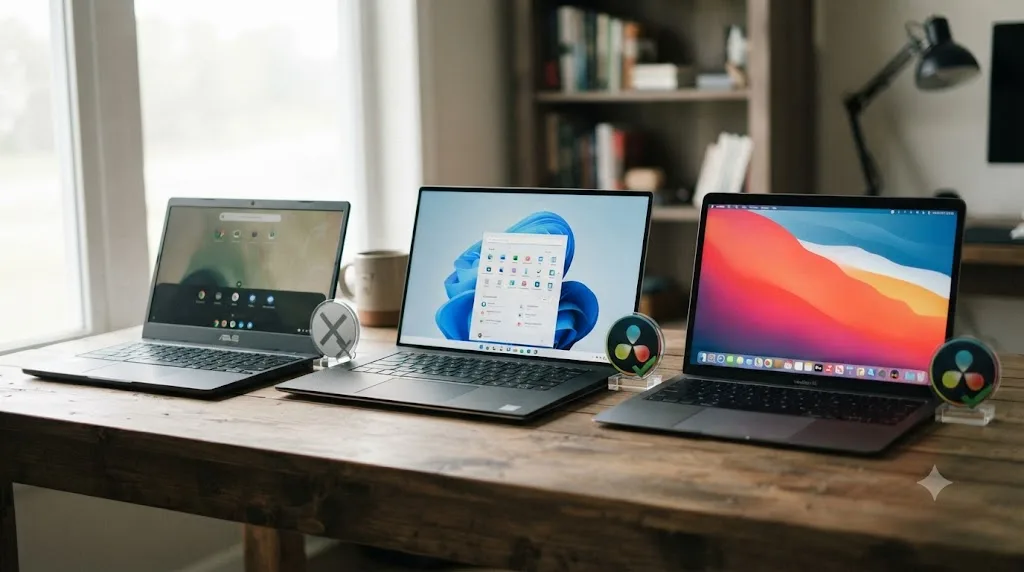
No. DaVinci Resolve has no ChromeOS build, and Blackmagic officially supports only Windows, macOS, and Rocky Linux. Chromebooks run the Linux (Crostini) app layer in a container that can't expose real GPU compute access, so Resolve either fails to launch or crawls at unusable speed. Cloud streaming services like Vagon, or a real Windows, Mac, or Linux machine, are the actual fixes.
No, DaVinci Resolve doesn't run on a Chromebook. Not officially, not through the Linux app layer ChromeOS ships with, not on the new ARM Chromebooks, and not through some clever settings toggle you haven't found yet.
I want to be straight about that up front, because this is one of those questions where the honest answer disappoints people who were hoping for a workaround. There isn't a hidden one. But there's a real, specific reason why, and there are real alternatives depending on what you're actually trying to do with the Chromebook you already own.
Why doesn't DaVinci Resolve run on a Chromebook?
Two separate problems stack on top of each other, and both would need to be solved before Resolve works, not just one.
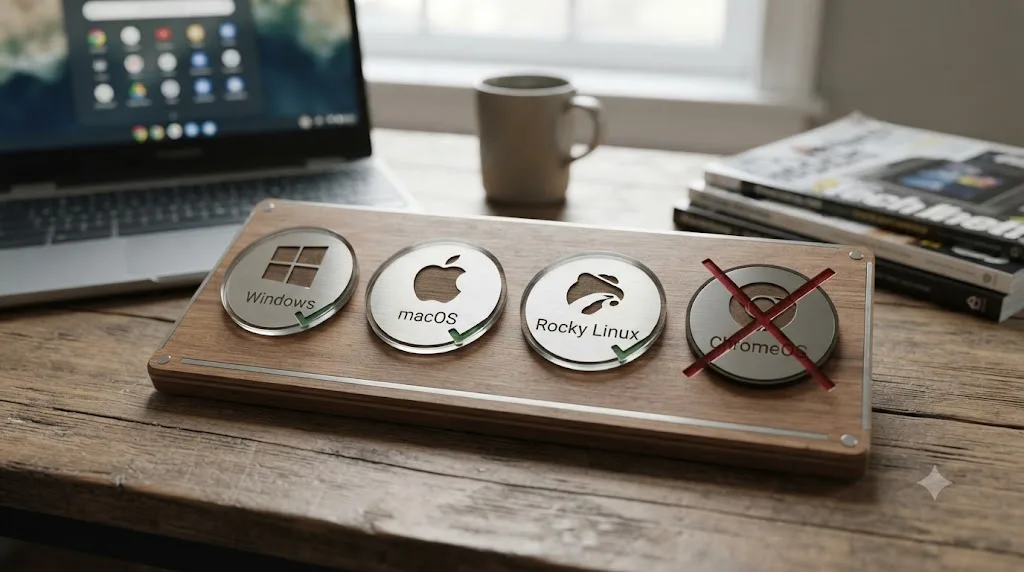
The first problem is software. DaVinci Resolve doesn't have a ChromeOS build. Blackmagic Design's own tech specs page lists exactly three supported operating systems: Windows, macOS, and Rocky Linux. ChromeOS isn't a fourth option Blackmagic quietly supports, it's simply not on the list, the same way it wasn't on the list for Ubuntu or Fedora until community projects built unofficial workarounds for those.
The second problem is hardware, and it's the one that actually kills the idea even if you route around the missing software support. Chromebooks are built around low-power chips and, in the overwhelming majority of models, no discrete GPU at all. DaVinci Resolve isn't a lightweight trim-and-export tool. It's built around real-time GPU compute for color science, node-based grading, and its Neural Engine AI tools, and it checks for that GPU access aggressively at launch.
DaVinci Resolve doesn't have a missing ChromeOS installer waiting to be unlocked; it has no ChromeOS build at all. That distinction matters because it changes what kind of fix is even theoretically possible. A missing installer is a packaging problem, solvable by a community project the way Ubuntu users solved it with unofficial .deb extractions. A missing build for an entire class of hardware architecture is a much bigger gap, and nobody, not Blackmagic, not a hobbyist project, has closed it.
What operating systems does DaVinci Resolve actually support?
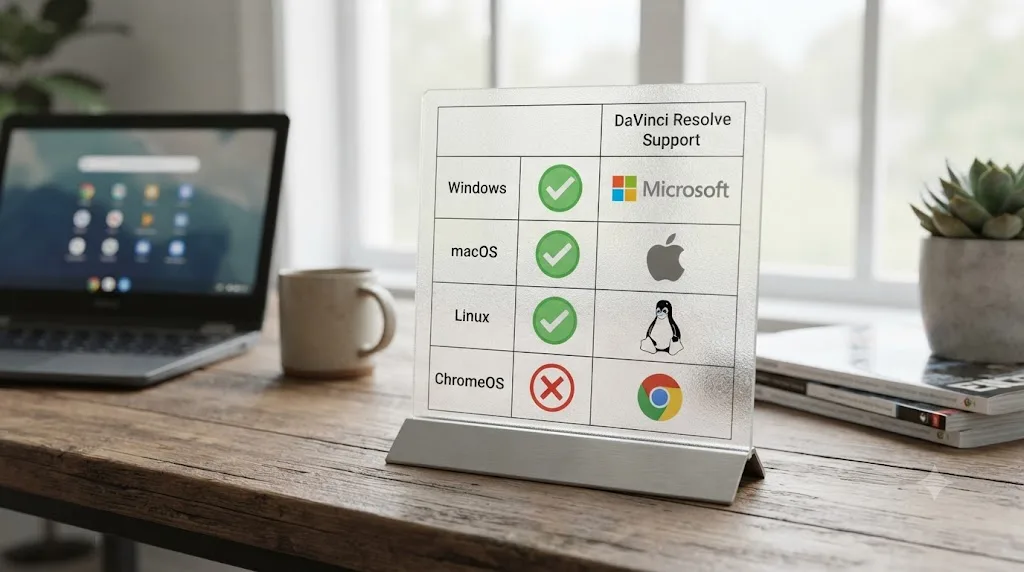
Three, and only three, according to Blackmagic's own tech specs:
| Operating system | What's actually supported |
|---|---|
| Windows | Windows 10 Creators Update, Windows 11, and Windows 11 for ARM (Snapdragon X Elite only) |
| macOS | Ventura 13.0 and Sonoma 14.0 or later, depending on hardware |
| Linux | Rocky Linux 8.6 only, officially; other distros run through community packages |
| ChromeOS | Not supported, no build exists |
That Windows 11 for ARM row is worth sitting with for a second, because it's the detail that makes the Chromebook question genuinely confusing rather than obviously silly. DaVinci Resolve does run on ARM chips now. It just doesn't run on ChromeOS, which is the operating system almost every ARM chip you'd find in a consumer laptop other than a Snapdragon X Elite Windows machine actually ships with. The chip architecture was never the blocker for Chromebooks. The operating system always was.
Our deep dive into DaVinci Resolve on Linux covers the third row of that table in detail, and it's worth reading if you're comparing platforms, because it shows how narrow "supported" really is even on a desktop OS Blackmagic does build for. Rocky Linux 8.6, one specific distribution, is the only Linux Blackmagic tests and stands behind. Everything else on that operating system, Ubuntu, Fedora, Arch, runs through community packaging exactly the same way any Chromebook workaround would have to.
Can you install DaVinci Resolve through Linux (Crostini) on a Chromebook?
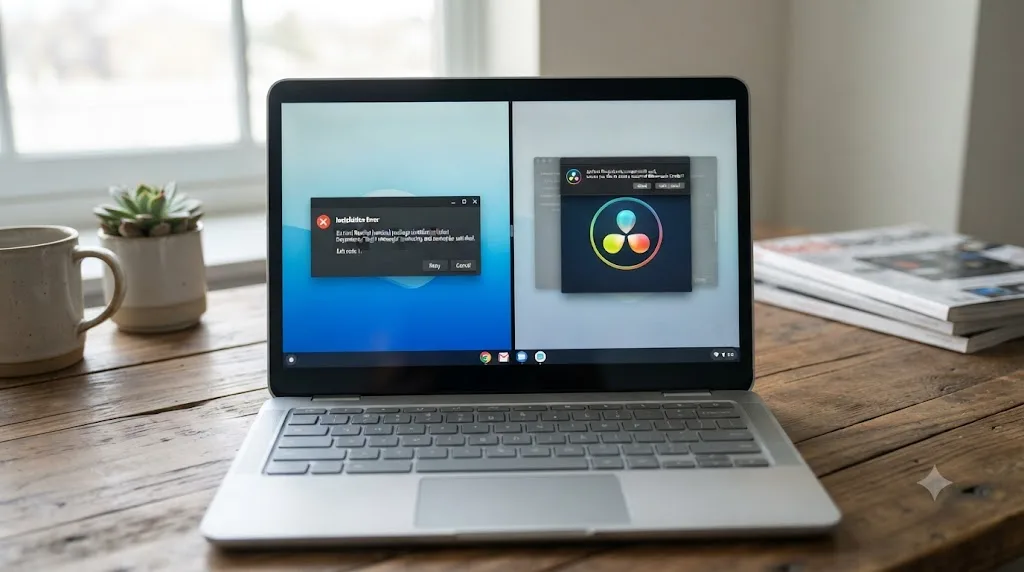
You can try. Most modern Chromebooks ship with a feature called Linux (Beta), built on a technology Google calls Crostini, that runs a Debian-based Linux container alongside ChromeOS. In theory, since DaVinci Resolve has a Linux build, and Chromebooks can run Linux apps, the two should meet somewhere in the middle.
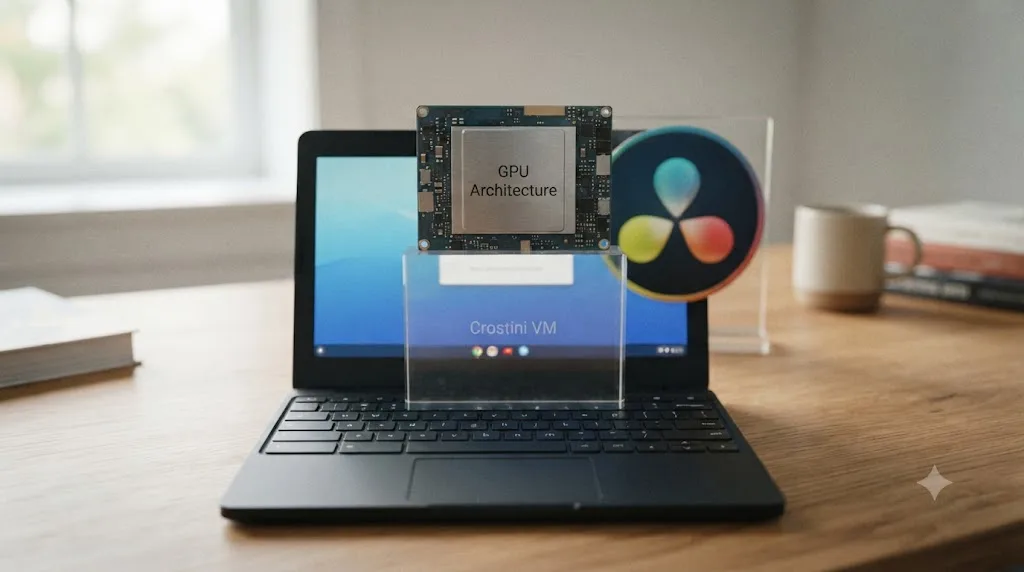
They don't, and the reason is specific rather than vague. Crostini's Linux container was built to run everyday Linux desktop apps, code editors, terminal tools, lightweight utilities, not GPU-compute-heavy professional software. Google added GPU acceleration to Crostini over several ChromeOS releases, but that acceleration is scoped to OpenGL graphics rendering, the kind a desktop environment or a 3D game needs. It was never built to expose OpenCL or CUDA, the two GPU compute paths DaVinci Resolve actually requires to do anything.
Crostini's GPU acceleration was built for rendering graphics, not for the GPU compute access DaVinci Resolve depends on to function at all. That's the single sentence that explains almost every failed Chromebook install report you'll find. It's not that Resolve runs slowly through Crostini. It's that the specific door Resolve needs to walk through, OpenCL or CUDA compute access, was never built into that container in the first place.
Even setting the GPU problem aside for a moment, Resolve's Linux build is compiled and tested specifically against Rocky Linux's library versions, the same brittleness our Linux compatibility guide covers in detail. Crostini's container is Debian-based, a different library lineage entirely, which adds a second layer of friction on top of the missing GPU compute path.
What actually happens when you try to install it?
Real accounts of people actually attempting this exist, and they're consistent with each other in a way that's hard to argue with.
Gabriel Brangers, writing for Chrome Unboxed after trying to set up a real video editing workflow through Crostini, tried DaVinci Resolve specifically and reported it directly: "the powerful editor simply wouldn't start up but given the fact that it relies heavily on a powerful GPU, I wasn't that surprised." He'd gone in expecting the GPU dependency to be the problem, and it was, before the app even reached its own splash screen.
That result lines up with what shows up repeatedly in Blackmagic's own community. A thread on the Blackmagic Forum titled simply "DaVinci Resolve - Chromebook" opens with someone hoping that as Chromebook hardware got more capable, real content creation workflows might finally be possible on the platform. The responses that followed were blunt: Resolve is heavily GPU-dependent, and Chromebooks generally don't carry GPUs strong enough for it, with community members and a Blackmagic representative both noting that even a roughly $1,000 Chromebook wouldn't have hardware close to what Resolve actually wants.
The pattern across every real attempt breaks down into three outcomes, not one:
| What happens | Why |
|---|---|
| Installer runs, app never launches | Missing GPU compute access (OpenCL/CUDA) causes an immediate failure before the interface loads |
| App launches, then crashes | A library mismatch between Resolve's Rocky Linux-targeted build and Crostini's Debian container |
| App opens and runs, unusably slow | GPU acceleration silently falls back to software rendering, producing single-digit frame rates on anything beyond a still image |
None of those three outcomes is "it works, just slower." All three are versions of "it doesn't work as an editing tool," which is the distinction that matters if you're deciding whether to spend an afternoon trying this yourself.
Does it matter if your Chromebook has an Intel, ARM, or MediaTek chip?
Less than you'd expect, and this is where a reasonable assumption leads people astray. It's natural to think: DaVinci Resolve now supports ARM chips, my Chromebook has an ARM chip, so maybe there's a path here after all.
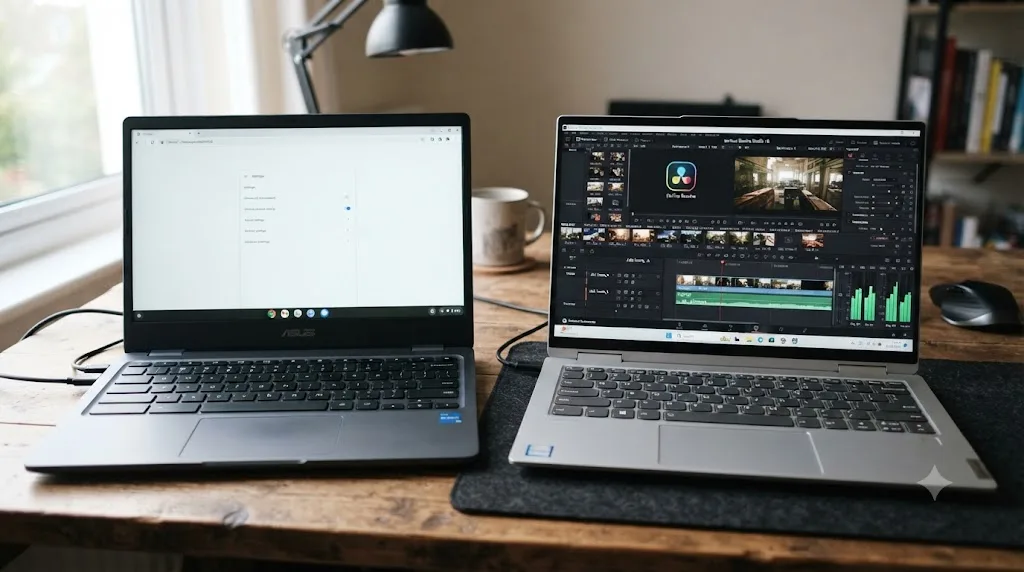
There isn't, and the reason is worth spelling out because it's genuinely subtle. DaVinci Resolve's ARM support, which arrived starting with version 19 according to Windows Central's coverage of the launch, is tied to a specific operating system and a specific chip family at the same time: Windows 11 for ARM, running on a Qualcomm Snapdragon X Elite series processor specifically, not any Snapdragon chip. XDA Developers' report on the feature makes the same point: this is native Windows-on-ARM support, built around Qualcomm's Hexagon NPU and Adreno GPU stack as Microsoft and Qualcomm ship it, in that specific operating environment.
DaVinci Resolve's ARM support is Windows-on-ARM support; the chip architecture was never the obstacle for Chromebooks, the operating system was. An ARM Chromebook, whether it's running an older MediaTek chip or a Qualcomm Snapdragon chip in its ChromeOS variant, is still running ChromeOS. It never runs Windows 11 for ARM, and Google has never offered a path to install Windows 11 for ARM on ChromeOS hardware that ships with an ARM chip. The chip family lines up. The operating system does not, and that's the whole story.
| Chromebook chip | Runs ChromeOS | Could theoretically run Windows 11 ARM | Runs DaVinci Resolve |
|---|---|---|---|
| Intel (Core i3/i5, N-series) | Yes | Not officially on Chromebook hardware | No |
| MediaTek Kompanio (ARM) | Yes | No | No |
| Qualcomm Snapdragon (ChromeOS variant) | Yes | No, different Windows build entirely | No |
| Qualcomm Snapdragon X Elite (Windows PC, not ChromeOS) | No, this is a different device class | Yes, natively | Yes |
That bottom row is the important one. Snapdragon X Elite laptops that run DaVinci Resolve exist, and they're genuinely ARM machines, but they're Windows PCs from manufacturers like Lenovo, Dell, and Microsoft's own Surface line, not Chromebooks. Same silicon family in some cases, completely different device category and operating system.
Why can't Chromebooks just get the same GPU support Windows-on-ARM got?
Because the underlying hardware and the operating system's relationship to that hardware are both different, not just the branding.
Windows 11 for ARM gives Blackmagic's engineers direct, documented access to a Snapdragon X Elite's GPU and NPU, the same kind of access Resolve gets on any Windows or macOS machine. Microsoft and Qualcomm built and published that access specifically so professional software vendors could target it. ChromeOS, by contrast, was designed around a browser-first, sandboxed security model from day one. Its Linux container exists as an add-on feature bolted onto that model, not as a first-class execution environment the way Windows or macOS is.
Even the strongest Chromebook hardware available runs into this. Google's Chromebook Plus tier, introduced to signal higher-end specs, still tops out at chips like Intel's Core i3 N-series or comparable, according to NotebookCheck's coverage of the launch, paired with integrated graphics and no path to a discrete GPU at all. That's a meaningfully weaker graphics setup than even a base-tier Windows or Mac laptop built for video work, before Crostini's software limitations enter the picture at all.
A Chromebook Plus with a Core i3 N-series chip and integrated graphics was never in the same hardware class as the machines DaVinci Resolve is actually built for, regardless of what container technology sits on top of it. Fixing Crostini's compute access, if Google ever did, would still leave you running Resolve on a GPU class it was never designed to tolerate. This isn't a one-layer problem you can patch away. It's two separate, compounding limitations, and Chromebook hardware itself is the harder one to solve.
Is there a DaVinci Resolve app for ChromeOS or Android, like the iPad version?
No, and this is the question that trips people up most, because the comparison seems reasonable on the surface. Blackmagic does make a mobile-style version of Resolve, so why wouldn't it exist for Chromebooks, which can run Android apps through Google Play?
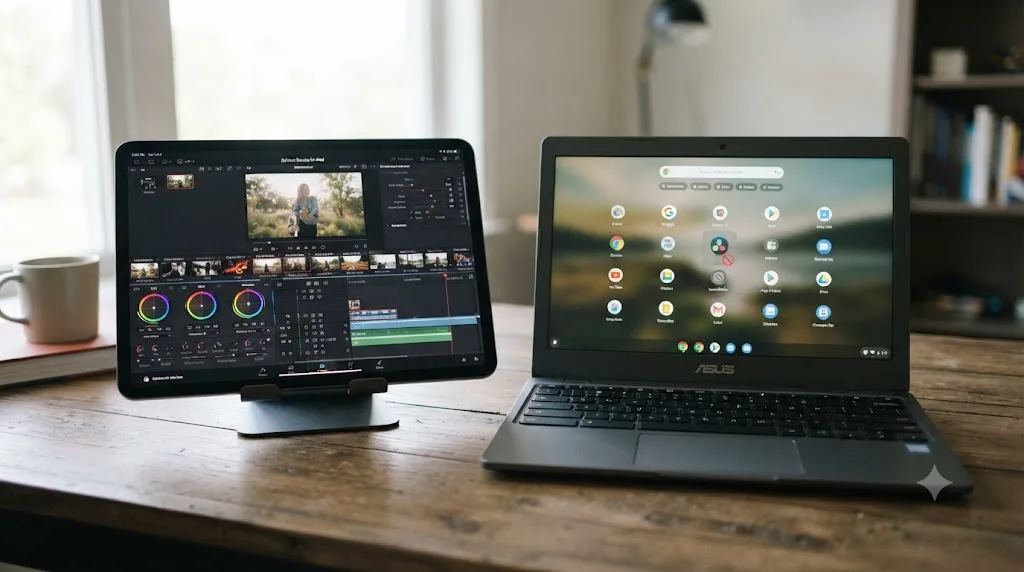
DaVinci Resolve for iPad is real and genuinely capable. According to its App Store listing, it covers the Cut and Color pages, including native RAW support for several camera brands and a full still-image library added in its 2026 update alongside desktop Resolve 21. It's free to install, with an optional one-time Studio upgrade for extra color tools.
That app is iPadOS-only. Blackmagic built it specifically for Apple's tablet hardware and its Metal graphics framework, and there's no Android counterpart, no ChromeOS counterpart, and nothing in Blackmagic's public communications suggesting one is planned. ChromeOS's ability to run Android apps through the Play Store doesn't help here, because the app that would need to exist in that store was simply never built. You can't sideload an app that doesn't exist.
| Device type | DaVinci Resolve app available |
|---|---|
| iPad (iPadOS) | Yes, free with optional Studio upgrade |
| Android phone or tablet | No |
| Chromebook (via Google Play Android apps) | No, the underlying app doesn't exist for Android |
| ChromeOS native | No |
If you're specifically drawn to the idea of a touch-friendly, tablet-scale Resolve workflow, the honest advice is to look at an actual iPad rather than hoping a Chromebook will eventually get an equivalent. It won't, not because Google restricts it, but because Blackmagic never built the app that would need porting in the first place.
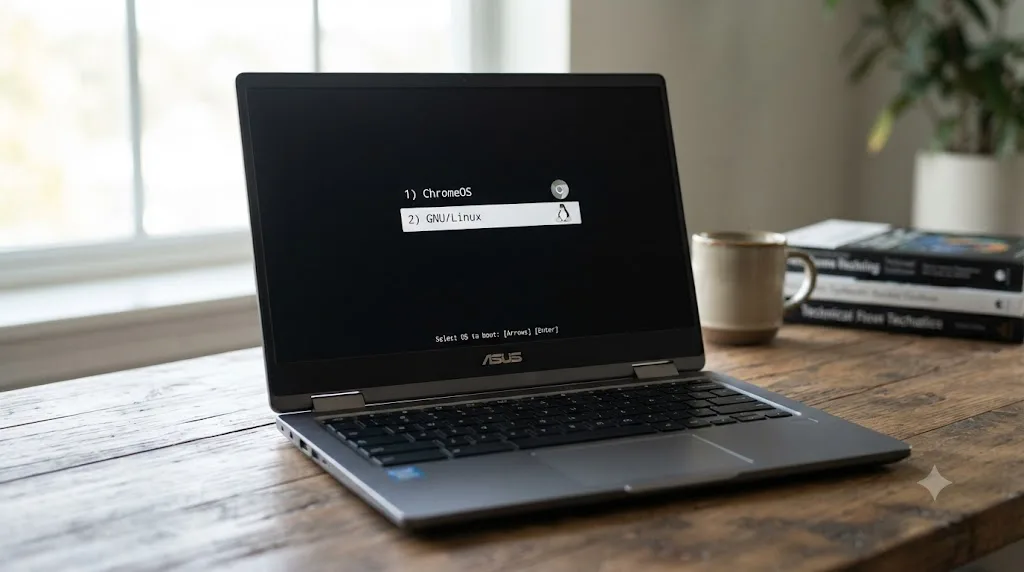
Can Chrome OS Flex or dual-booting real Linux fix this?
Partially, and only on specific hardware, which makes this the most interesting workaround on this list even though it still doesn't get most Chromebook owners to a working install.
Some Intel-based Chromebooks can be converted away from ChromeOS entirely. Tools like chrx let you install a real Linux distribution onto compatible Chromebook hardware and dual-boot it alongside ChromeOS, rather than running Linux inside a limited container. That's a genuinely different situation from Crostini: it's not a sandboxed app layer anymore, it's the actual operating system talking directly to the hardware, the same relationship a real Ubuntu or Rocky Linux install has with a normal laptop's components.
Here's the catch, and it's the same one that's run through this entire article. Replacing ChromeOS with real Linux clears the software barrier. It does nothing about the hardware barrier, because the vast majority of Chromebooks, including the ones compatible with chrx, still don't have a discrete GPU with OpenCL or CUDA support. You'd end up in exactly the position our Linux compatibility guide describes for weak-GPU Linux setups generally: Resolve might launch this time, since you've solved the container problem, but it'll immediately hit the same GPU requirement check that blocks it on any underpowered machine, ChromeOS or not.
The only scenario where this genuinely helps: you own a rare Chromebook model with a discrete GPU, chrx or a similar tool supports your exact hardware, and you're willing to install and maintain Rocky Linux, the one distribution Blackmagic actually tests against, on top of all that. That's a real path, but it describes a tiny fraction of Chromebook hardware sold, not a general fix.
Replacing ChromeOS with a real Linux install solves the container problem, but almost no Chromebook has the GPU hardware to clear what comes after that. If you're seriously considering this route, check your specific Chromebook's GPU model against DaVinci Resolve's stated minimum of 4GB of VRAM and OpenCL or CUDA support before spending a weekend on the install, because that spec sheet check will tell you the real answer faster than the install attempt will.
Does cloud streaming actually work as a fix?
Yes, and this is the one workaround on this list that reliably delivers the real thing, because it doesn't try to run Resolve on your Chromebook at all.
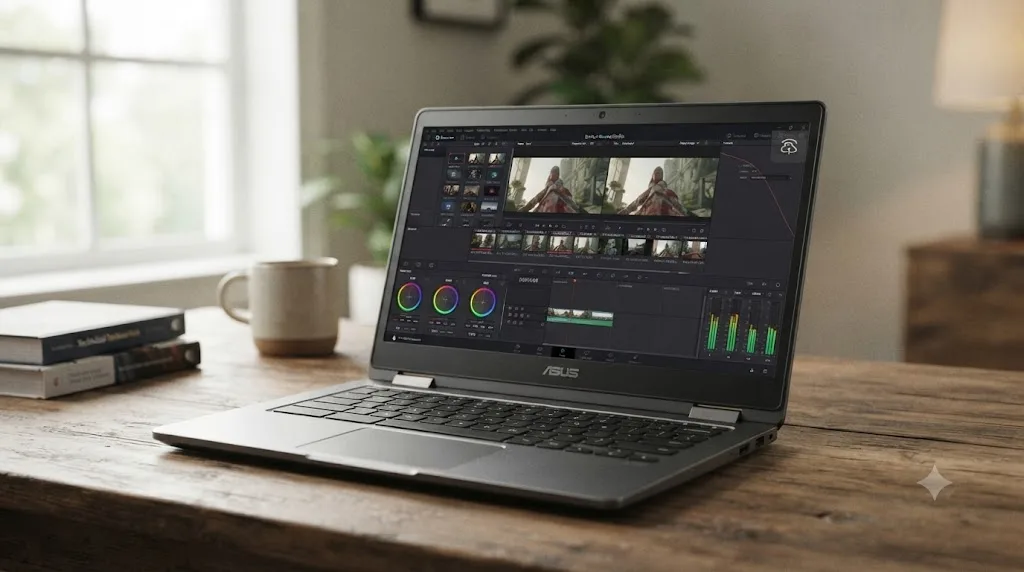
Services like Vagon run DaVinci Resolve on a remote, GPU-equipped Windows machine somewhere in a data center, then stream the video output to your Chromebook's browser while sending your keyboard and mouse input back the other direction. According to Vagon's own product page for this use case, the pitch is exactly that: your Chromebook becomes a window into real, powerful hardware, and the GPU and CPU limitations of the actual device in front of you stop mattering.
This genuinely works, in the sense that Resolve is really running, on real GPU hardware, with real OpenCL or CUDA access, none of which was ever the problem in cloud streaming's case. What you're trading for that is cost and a dependency on your internet connection. These services typically bill by the minute or by a monthly plan, and a session with dropped frames or added latency from an unstable connection turns color grading, a task that depends on precise, immediate visual feedback, into a genuinely frustrating experience.
| Factor | Local editing on a real machine | Cloud streaming to a Chromebook |
|---|---|---|
| GPU requirement | Your own hardware must meet it | Solved remotely, doesn't matter locally |
| Cost | One-time hardware cost | Ongoing per-minute or monthly fee |
| Internet dependency | None for local files | Total; a dropped connection stops your session |
| Color-critical work | Direct, low-latency feedback | Added latency from streaming, worth testing before committing to paid work |
| Offline editing | Fully possible | Not possible at all |
Treat cloud streaming as a legitimate option for occasional or trial use, particularly if you're evaluating whether you even like Resolve before buying a new machine, rather than as the permanent answer for daily paid work. The recurring cost adds up fast against a one-time laptop purchase, and any latency between your click and the screen update is a real friction point for color grading specifically, where you're constantly making small adjustments and checking their exact effect.
What video editor should you actually use on a Chromebook?
If Resolve specifically isn't the requirement, and you just need to edit video on the Chromebook you already have, several genuinely good options exist, and it's worth naming them honestly rather than pretending Resolve is the only path to competent editing.
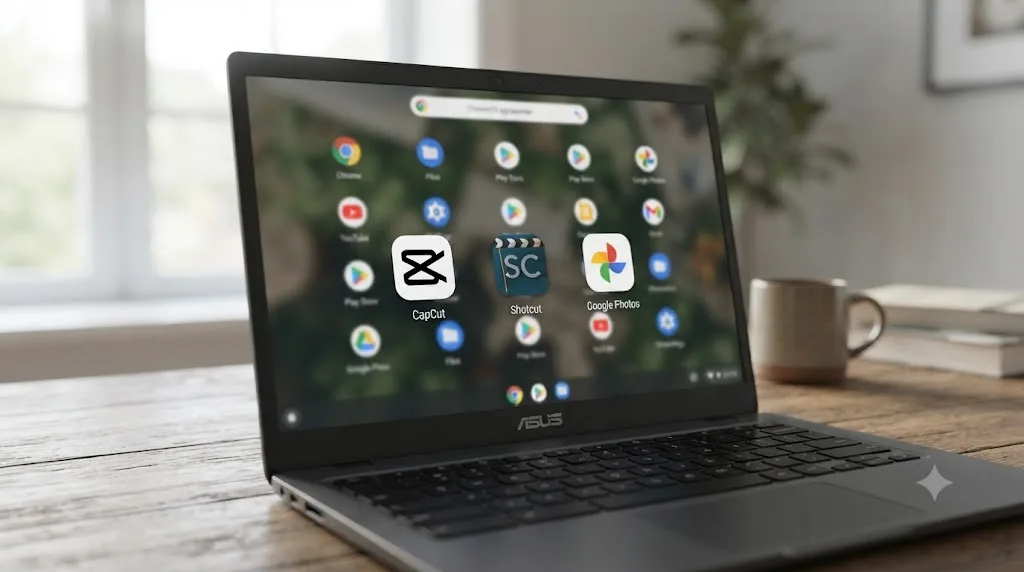
CapCut's web editor is the most complete free option available directly in the Chrome browser, no Linux container required at all. Robby Payne, reviewing it for Chrome Unboxed, put his verdict on its performance plainly: "And it runs exceptionally well on the web, meaning it is quite good on your Chromebook." His review notes that the web version carries over CapCut's fonts, effects, transitions, and layouts from its mobile app, and that projects sync between phone and Chromebook through the same account, so you can start a rough cut on your phone and finish it on the bigger screen.
| Tool | Runs on Chromebook | Best for |
|---|---|---|
| CapCut (web) | Yes, natively in Chrome, no setup | Social content, quick cuts, template-driven edits |
| Shotcut (via Crostini) | Yes, with real setup effort | Users who specifically want a free, open-source NLE and don't mind the Linux install process |
| Google Photos editor | Yes, natively | Very basic trims and adjustments |
| DaVinci Resolve | No | Not an option on this hardware, full stop |
Shotcut, an open-source non-linear editor, is the more capable option if you're willing to go through the Linux (Crostini) setup process, and it's the one editor that reporting consistently shows actually working through that path, unlike Resolve. It won't give you Resolve's node-based color grading or Fairlight audio tools, but it handles real timeline editing, transitions, and export competently on Chromebook-class hardware, which Resolve was never going to do regardless of setup effort.
None of these substitute for Resolve if color grading, Fusion compositing, or professional audio mixing is genuinely what you need. They're the honest answer to "I need to cut a video today on the Chromebook in my bag," which is a different question than the one this article's title asks, and worth separating clearly before you pick a tool.
A worked example: a student who needs DaVinci Resolve for a class assignment this week
Say you're in a video production class, the syllabus specifically requires DaVinci Resolve, and the only computer you own is a school-issued Chromebook. Here's the decision path that actually gets you to a working submission, in order of cost and effort.
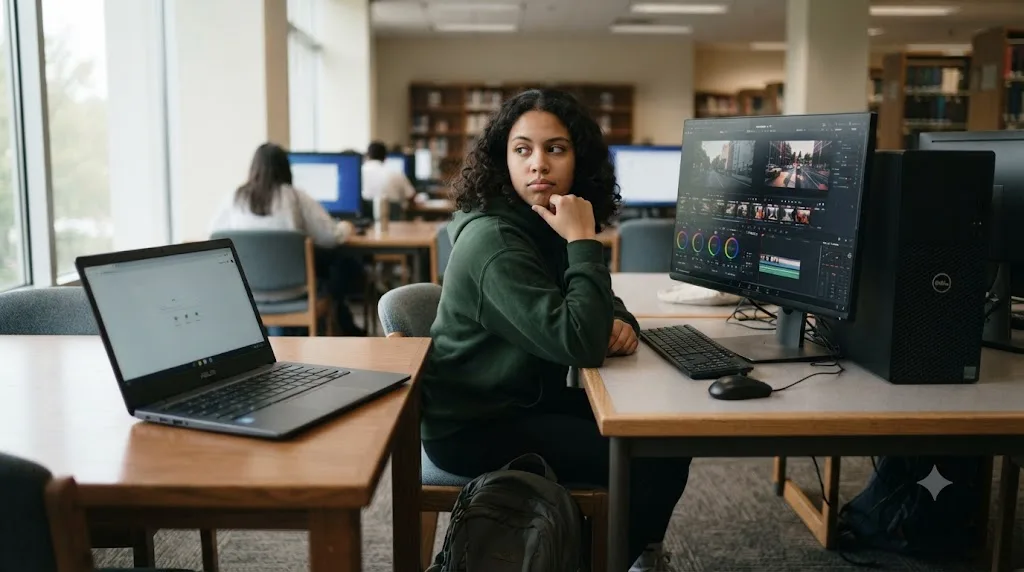
- Check whether your school has a lab, library, or media center with real Resolve-compatible machines. This is the free option and it's the one most students overlook because the Chromebook is what's in front of them, not because it's genuinely the best fit. A shared Windows or Mac lab machine solves the whole problem with zero new spending.
- Ask a friend or family member with a real Windows or Mac laptop for occasional access, especially near a deadline, if a lab isn't available on your schedule. Resolve's free version has no time limit or watermark, so a borrowed evening on someone else's machine produces a real, exportable project.
- Trial a cloud streaming service like Vagon for the specific assignment window, if neither of the above is realistic, understanding it's a paid, per-session cost rather than a free one. This is the option that guarantees a working Resolve session directly from your existing Chromebook, at a real dollar cost proportional to how long you use it.
- Budget for an actual laptop before the next assignment, not this one, if the class continues and this pattern will repeat. Our beginner's guide to DaVinci Resolve covers what the software actually needs to run comfortably, and it's worth reading before you buy anything, so you don't repeat the Chromebook mistake with an underpowered Windows machine instead.
The mistake to avoid here is spending the week before a deadline trying to force Crostini to run Resolve. Every real report covered earlier in this article describes that path ending in a crash, a silent failure, or unusable frame rates, not a working submission. Solve the hardware problem directly instead of fighting the software one.
A worked example: someone about to buy their first laptop for video editing
A different, more common case: you don't own a Chromebook yet, you're shopping, and you've narrowed it down partly because Chromebooks are cheap and simple, but you also want to learn DaVinci Resolve. Here's how to think about that specific fork in the road.
- Decide honestly how central Resolve is to your actual plans. If you want to seriously learn color grading, editing, or Fusion compositing, a Chromebook was never a candidate, regardless of price, and the research in this article should close that door for good rather than leaving it open as a maybe.
- Compare a real Windows machine against a Mac on cost and long-term fit, not against a Chromebook, once Resolve is confirmed as a requirement. Chromebooks are typically cheaper than either, but that price gap reflects a genuinely different hardware category, not a discount on the same category.
- Check the actual GPU and RAM specs against Blackmagic's stated minimums on any Windows laptop you're considering, since plenty of budget Windows laptops share the same integrated-graphics-only weakness that blocks Chromebooks, just with a Resolve-compatible operating system layered on top of hardware that still struggles.
- If you're leaning Mac, our review of the Mac mini M4 covers exactly this budget tier decision, including where a base configuration is genuinely enough and where it starts asking for an upgrade.
- Only after the hardware decision is settled, decide between the free version and Studio. Our free versus Studio pricing breakdown walks through that $295 decision in full, and it's a completely separate question from the one this article answers.
The core lesson from this worked example is the same one that runs through the whole article: the operating system question and the hardware question are both real, and a Chromebook fails both at once. Fixing that means choosing a different category of machine, not finding a setting inside ChromeOS.
Should you buy a Chromebook at all if you want to learn DaVinci Resolve?
Not as the machine you'll actually edit on, no. But that doesn't mean a Chromebook is useless to your plans, and it's worth separating what it can genuinely do from what it can't.
A Chromebook is a fine machine for watching Resolve tutorials, reading documentation, writing shot lists and scripts, managing footage backups through cloud storage, and even doing rough logging or notes on a project before you sit down at the machine that actually runs the edit. None of that requires local GPU compute access, so none of it runs into the wall this article has spent its length explaining.
What it can't be is your only machine if DaVinci Resolve is genuinely part of your plan. That's not a soft "it depends" answer. Every path covered above, Crostini, ARM chips, cloud streaming, dual-booting real Linux, either fails outright or requires paying for compute somewhere else entirely, which means you're not actually avoiding the cost of real hardware, you're just deferring or renting it instead of owning it.
A Chromebook can support almost every part of learning DaVinci Resolve except the one part that matters most, actually opening the app and practicing in it. If your budget is genuinely tight, a used or budget Windows machine that clears Resolve's stated minimums, or a base Mac mini, will get you further than a Chromebook plus a recurring cloud-streaming subscription, once you add up more than a couple of months of that subscription cost.
And once you do own that real machine, a different kind of friction shows up, one this article hasn't touched yet: actually learning where things are inside Resolve's interface once you can finally open it. TryUncle is the on-screen assistant for DaVinci Resolve on macOS — ask in plain words and Uncle points at the exact control on your screen, which is useful specifically in those first weeks when you've solved the hardware problem and are now solving the "where did Blackmagic put this setting" problem instead. It's a paid app, currently in founder pricing, and macOS only, so it's relevant once your hardware decision lands on a Mac rather than a Windows machine. Check TryUncle for its current rate if that's the direction you go.
Verdict: does DaVinci Resolve run on a Chromebook?
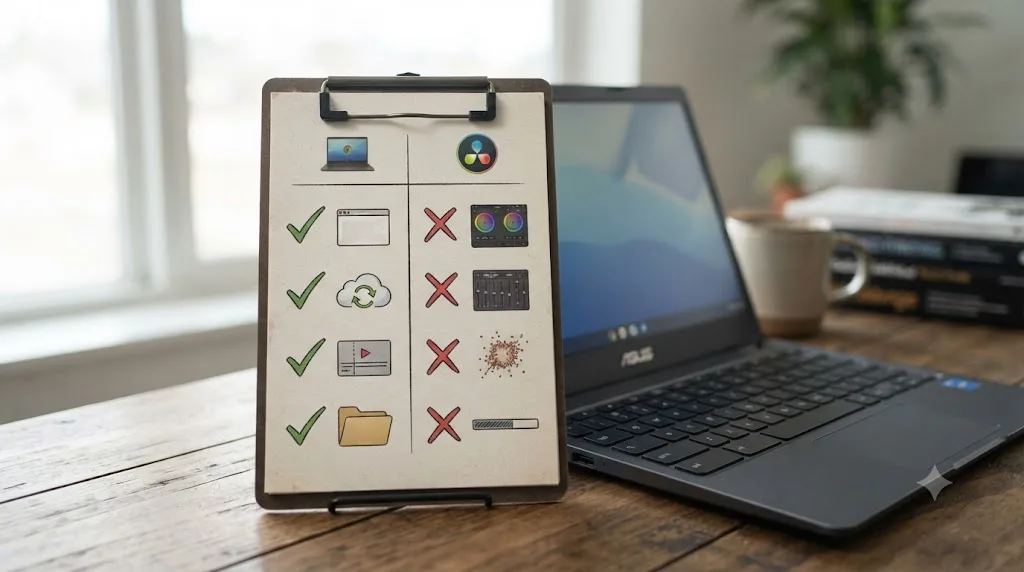
No, and it isn't close. Blackmagic doesn't build ChromeOS software, Crostini's Linux container can't expose the GPU compute access Resolve requires, ARM support that exists on Windows doesn't transfer to ARM Chromebooks running a different operating system entirely, and there's no mobile-style app the way there is for iPad. Every real attempt documented by actual users, from Chrome Unboxed's hands-on install tries to Blackmagic's own community forum, lands on the same conclusion: it either won't start, crashes, or runs too slowly to be usable.
If you need Resolve specifically and only have a Chromebook today, your realistic options are a lab or borrowed machine for one-off deadlines, a cloud streaming service like Vagon if you're willing to pay by the session, or budgeting for an actual Windows, Mac, or Linux machine that meets Resolve's real requirements before your next project starts. If you just need to cut something quickly on the Chromebook in front of you, CapCut's web editor or Shotcut through Crostini will get a real video finished today, just not with Resolve's color and compositing tools behind it.
Don't spend a weekend fighting Crostini hoping this time will be different. The GPU access Resolve needs isn't there, and no amount of patience with the installer changes that.
Frequently asked questions
- Does DaVinci Resolve run on a Chromebook?
- No, not in any way Blackmagic supports or tests. DaVinci Resolve has no ChromeOS build. Blackmagic's own tech specs page lists exactly three supported operating systems: Windows, macOS, and Rocky Linux. ChromeOS isn't on that list, and nothing in Blackmagic's public roadmap suggests it's coming.
- Can I install DaVinci Resolve through Linux apps (Crostini) on a Chromebook?
- You can try, and some people have gotten the installer to run, but it doesn't work as real editing software. Crostini's Linux container can't expose the GPU compute access Resolve needs (OpenCL or CUDA), so the app either refuses to launch, crashes before the splash screen finishes, or opens and runs at a couple of frames per second.
- Does DaVinci Resolve work on an ARM Chromebook, like a Snapdragon or MediaTek model?
- No, and the chip isn't the blocker there, ChromeOS is. DaVinci Resolve added native ARM support starting with version 19, but only for Windows 11 on ARM running a Qualcomm Snapdragon X Elite processor. A Chromebook with an ARM chip still runs ChromeOS, not Windows, so that ARM support doesn't extend to it.
- Is there a DaVinci Resolve app for Android or ChromeOS?
- No. Blackmagic makes DaVinci Resolve for iPad, a genuinely capable Cut and Color page app, but it's iPadOS-only. There's no Android release, and ChromeOS's Android app support (Google Play) doesn't help, since the app that would need to exist there was never built.
- Can cloud streaming services like Vagon run DaVinci Resolve on a Chromebook?
- Yes, functionally. Services like Vagon stream a remote Windows machine to your Chromebook's browser, so Resolve runs on real hardware somewhere else and you're just watching and clicking. It works, but it costs money by the minute or month, needs a strong steady internet connection, and isn't free the way local editing on a real laptop is.
- What video editor should I use on a Chromebook instead of DaVinci Resolve?
- CapCut's web editor is the most complete free option and runs well directly in Chrome, no Linux container required. Google's own Photos and Chromebook-native tools handle basic trims. If you specifically need Resolve's node-based color tools, no Chromebook workaround gets you there locally; you need different hardware or a cloud stream.
- Can I install a real OS like Rocky Linux or Windows on a Chromebook to run DaVinci Resolve?
- On some Intel-based Chromebooks, tools like chrx or Chrome OS Flex's reverse path let you replace or dual-boot ChromeOS with real Linux or Windows. That clears the Crostini software barrier, but it doesn't add a GPU your Chromebook never had. Almost all Chromebook hardware still lacks the discrete GPU Resolve actually wants.
- Should I buy a Chromebook if I want to learn DaVinci Resolve eventually?
- Not if Resolve is the specific goal. A Chromebook is fine for watching tutorials, writing scripts, or managing footage in the cloud, but you'll still need a Windows, Mac, or Linux machine that meets Resolve's real GPU requirements before you can open the app and practice. Budget for that machine as part of the same decision.
Sources
- DaVinci Resolve product page (platform support, free version specs)
- DaVinci Resolve - Tech Specs (Blackmagic Design)
- Chrome Unboxed: Thanks to Linux, I just installed a pro-level video editor on my Chromebook, by Gabriel Brangers
- Blackmagic Forum: DaVinci Resolve - Chromebook
- Windows Central: DaVinci Resolve 19 exits beta and becomes compatible with Snapdragon X Elite PCs
- XDA Developers: DaVinci Resolve is adding native support for Windows on Arm
- Vagon: Run DaVinci Resolve 17 on Chromebook, with the enhanced power of GPU
- Chrome Unboxed: I'm shocked at how good the web-based CapCut editor is on a Chromebook, by Robby Payne
- DaVinci Resolve for iPad (Apple App Store)
- NotebookCheck: Google announces Chromebook Plus moniker to designate Chromebooks with higher-end specs
- chrx: Install Linux onto your Chromebook, dual-boot alongside ChromeOS
Put this guide to work with TryUncle.
Ask about the step you’re on. TryUncle sees your screen and points at the control you need, so you can keep learning in your own project.
Get TryUncle for Mac or WindowsKeep reading
Guides · Jul 12, 2026 · 13 min
Does DaVinci Resolve Work on Linux? The Real Answer
DaVinci Resolve runs natively on Linux, but only Rocky Linux 8.6 is officially supported. Here's the GPU, driver, and codec limits you'll actually hit.
Comparisons · Jul 7, 2026 · 28 min
DaVinci Resolve Studio Price: Free vs. Studio Cost, Explained
DaVinci Resolve Studio costs $295, paid once, not monthly. Here's exactly what that buys, how it stacks up against Premiere Pro and Final Cut Pro, and who needs it.
Guides · Jul 7, 2026 · 32 min
DaVinci Resolve for Beginners: The Complete Starter Guide
Learn DaVinci Resolve from zero: what it costs, what it needs to run, the seven pages you'll actually use, and the steps to cut your first project.