Articles / Guidesupdated for DaVinci Resolve 21.0.2 (July 2026)
How to Become a Colorist Using DaVinci Resolve
Quick answer
Becoming a colorist means learning DaVinci Resolve's node-based color tools, building a demo reel from real footage, and entering through assistant-colorist or post-production roles, not film school. Blackmagic's free training and certification cover the software; taste, scopes discipline, and client experience take one to three years to develop through paid or freelance work.
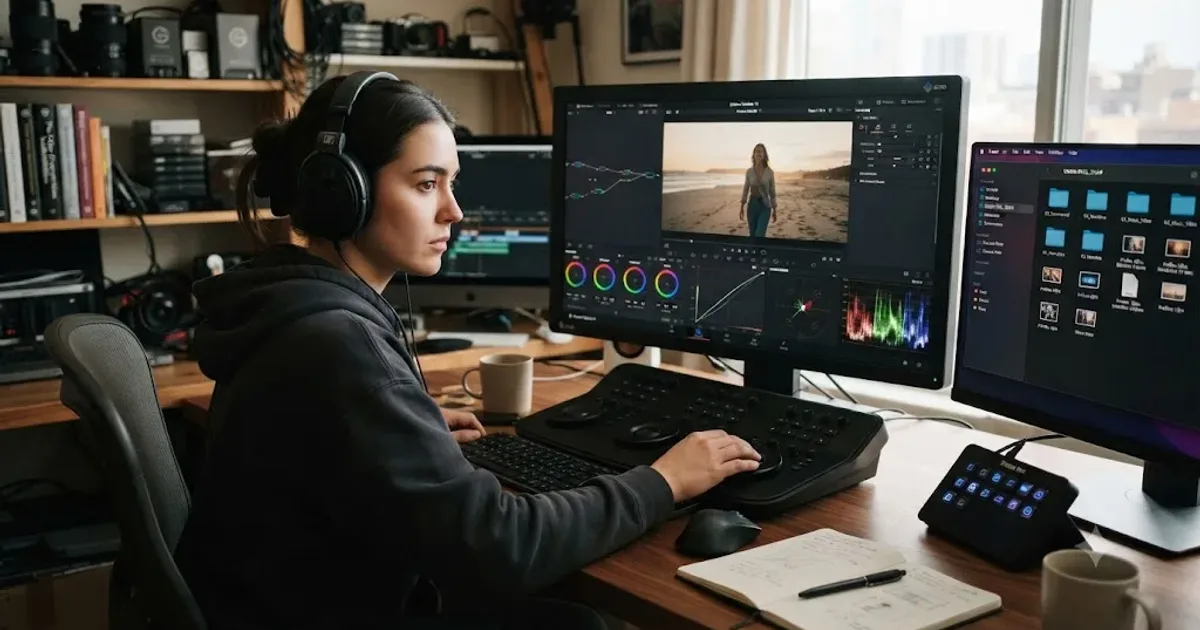
Nobody becomes a colorist by finishing a course. They become one by grading enough real footage that a stranger will pay for the result, and DaVinci Resolve happens to be the tool almost everyone uses to get there. I put together the actual path: what to learn first, which credentials matter and which don't, how to build a reel that gets you hired instead of politely ignored, and what the job pays once you're in it.
This isn't a course review. It's the sequence a working colorist's career actually follows, with the honest gaps nobody puts in the sales page.
What does a colorist actually do, day to day?
Less button-pushing than you'd think, more decision-making than you'd expect. A colorist takes footage that's been shot, often in a flat log profile, and shapes it into the final look an audience sees: correcting exposure and white balance shot by shot, matching cameras so a scene reads as one continuous world, then building a creative look the director and cinematographer agreed on. According to ScreenSkills' colourist job profile, colourists work directly with the director and director of photography to define a project's palette and stylize the color in line with their vision.
That's the creative half. The other half is almost entirely invisible to an audience: client sessions where a producer sits behind you and asks for "a little warmer," conforming an editor's timeline against camera-original files, hitting a delivery spec exactly, and turning a session around by a deadline that doesn't care how the grade is going. A colorist's job starts with taste and ends with a deadline, and DaVinci Resolve is just the instrument sitting between the two.
Most working colorists don't start as colorists. They start as assistant colorists, handling ingest, conform, and file management so the senior colorist can stay in the room with the client, per Saturation.io's assistant colorist description. If that sounds like a support role rather than a creative one, that's exactly the point. It's how nearly everyone gets in the door.
Do you need film school to become a colorist?
No, and nobody serious pretends otherwise. Indeed's own career guide to becoming a film colorist lists film school as an optional first step, not a requirement, useful for photography, art, or post-production coursework but not a gate anyone actually enforces, per Indeed's five-step breakdown. ScreenSkills says the same thing from the UK side: a degree isn't essential, though it can help you build a portfolio and make industry contacts faster than working alone would.
What replaces the degree is proof. A hiring colorist or post house doesn't care where you studied. They care whether you can sit down at a Color page, read a waveform, and produce something that survives a client's notes. That proof comes from three places, in roughly this order of how fast they compound: personal projects you grade for free, favors for local filmmakers who need color and can't afford a pro, and an entry-level post-production job that puts real client footage in front of you every day.
If you're choosing between spending money on a degree and spending the same money on DaVinci Resolve Studio, a calibrated monitor, and a paid color course, the second option gets you hired faster in this specific field. That's not true of every craft in film. It's true of this one, because the entire industry runs on a portfolio culture, not a credential culture, outside of a narrow set of staff roles at post houses that do care about a resume line.
What skills do you need before DaVinci Resolve even matters?
Software is the smallest part of this job, and beginners consistently get that backward. Three things matter more than any tool, and none of them show up in a keyboard shortcut list.
Color perception and taste. You need to notice when skin looks slightly green before anyone else in the room does, and you need an opinion about what a scene should feel like, not just what's technically correct. This develops from looking at a huge amount of graded work critically, not from reading theory.
Technical literacy underneath the color tools. Codecs, color spaces, frame rates, and delivery formats aren't glamorous, but a colorist who doesn't understand why a client's file arrived looking wrong burns hours a working colorist wouldn't. ScreenSkills lists this explicitly: understanding digital and film processes sits alongside color sense as a core requirement, not below it.
Communication under pressure. A director says "make it feel more hopeful" and gives you nothing else to work with. Translating a vague creative note into a specific wheel move, in real time, with someone watching, is a skill you build in the room, and it's the single biggest reason assistant roles matter so much: they put you in that room before you're the one being judged in it.
| Skill | Why it matters | How you build it |
|---|---|---|
| Color perception | Catches problems before a client does | Grading volume, critical viewing of other work |
| Technical literacy | Prevents wasted hours on preventable file problems | Hands-on project work, conform and delivery practice |
| Client communication | Turns vague notes into specific corrections | Assistant roles, sitting in sessions, real feedback |
| Software fluency | Lets the first three actually reach the screen | DaVinci Resolve's Color page, covered below |
Notice where software fluency sits on that list. Fourth, not first. It's necessary, but it's the part that takes the least time relative to the other three, which is the opposite of what most beginners assume when they start.
Which DaVinci Resolve tools does a colorist actually need to master first?
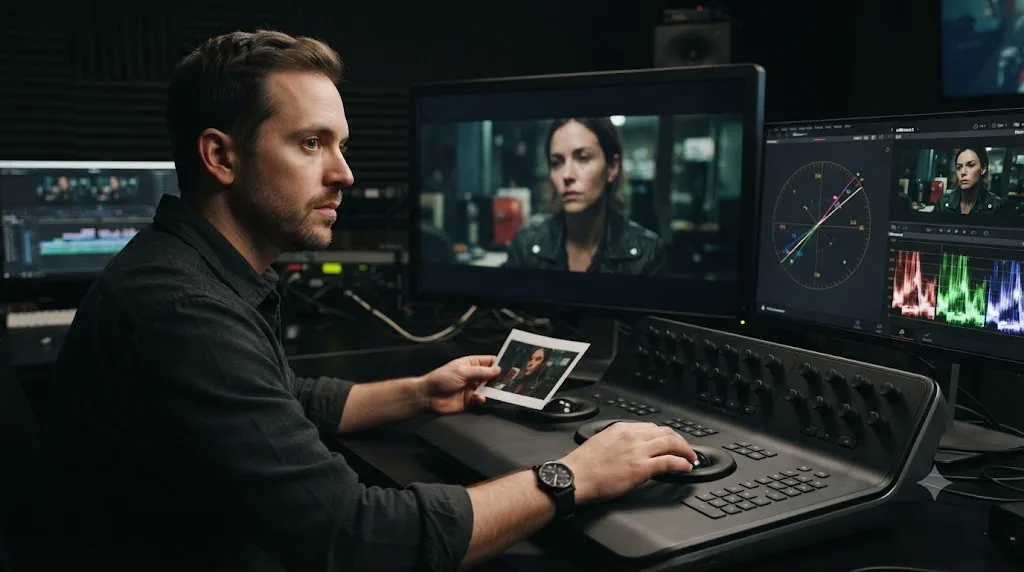
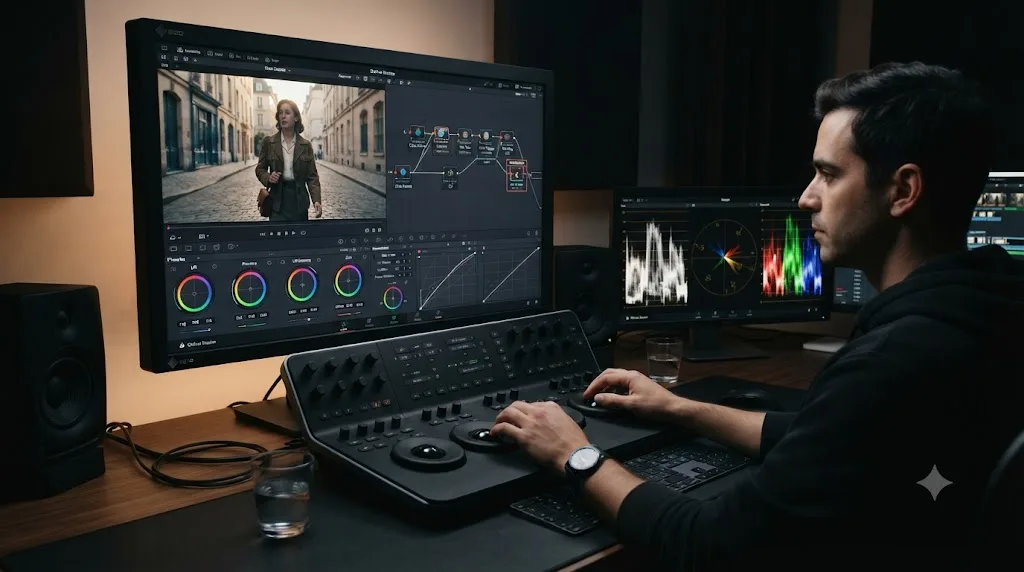
A short list, and it's shorter than the Color page's palette row makes it look. You need the node system, because a grade in Resolve is a chain of small decisions rather than a single stack of sliders. You need the primary wheels, Lift, Gamma, Gain, and Offset, because they're how you balance shadows, midtones, and highlights before anything creative happens. You need at least one secondary tool, a qualifier or a power window, because isolating one part of the frame is most of what separates a beginner's grade from a professional one. And you need the scopes, because a colorist who trusts their monitor over the waveform and vectorscope is a colorist whose grade breaks the moment it plays on someone else's screen.
Our own color grading basics guide walks through all four of these in the order a real project demands them, node by node, with the exact wheel and scope workflow. If you haven't opened the Color page seriously yet, that's the place to start before anything in this post.
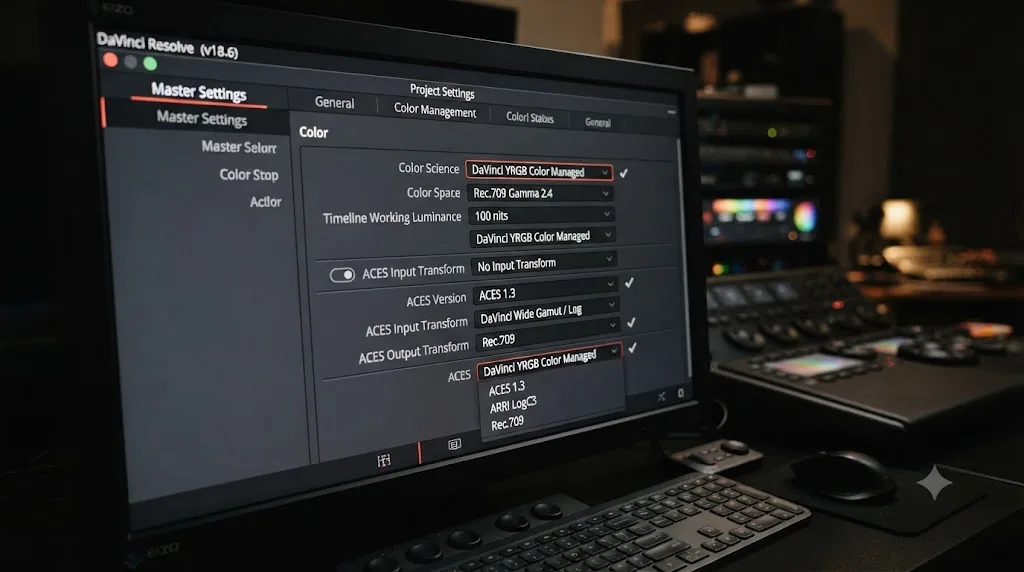
What you can safely defer: Fusion compositing, ACES color management, HDR delivery, and the scripting API. None of them are irrelevant to a career colorist. All of them are premature for someone building their first reel, and piling them onto week one is one of the more common ways beginners stall out before they've graded anything real.
What's the fastest way to learn DaVinci Resolve well enough to grade professionally?
If you're searching for how to learn DaVinci Resolve fast, here's the honest tradeoff: speed and depth pull against each other, and most beginners pick the wrong one to sacrifice. You can learn the mechanics of the Color page fast, in a few focused weeks. You cannot learn professional judgment fast, because judgment is built from repetitions, not information.
So split your learning into two tracks that run at different speeds. The mechanical track, node structure, wheel behavior, scope reading, log normalization, moves as fast as you can push it. Grade the same clip differently every day for a week if you have to. The judgment track, knowing when a grade is actually finished, moves at the speed of feedback, which means it only moves when someone other than you looks at the result and reacts. That's why an assistant role or a mentor accelerates this stage in a way that solo tutorial-watching never does.
Guided practice inside DaVinci Resolve beats watching courses about DaVinci Resolve. A course shows you what a good grade looks like. Only grading your own footage, watching it fail, and fixing it teaches you why. If you're stuck on a specific control mid-session rather than the whole workflow, an in-app AI tutor closes that particular gap faster than pausing a video and hunting through a chapter list, a distinction the AI tools section further down covers in more depth.
Should you get Blackmagic's official colorist certification?
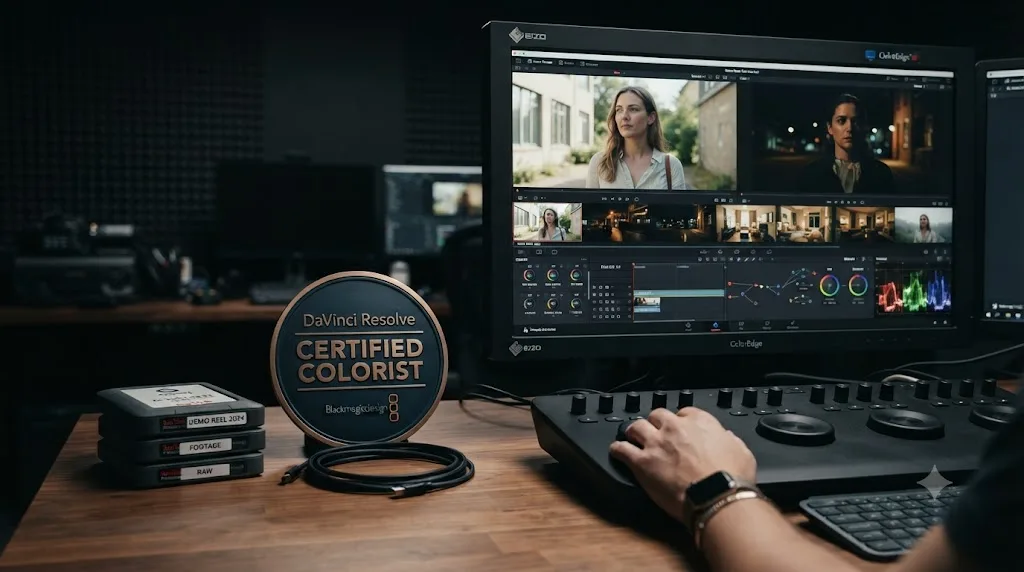
Get it, because it costs nothing and it's a real credential, but don't mistake it for the thing that gets you hired. Blackmagic Design runs its own certification program directly, with a network of more than 250 certified trainers and over 100 training centers worldwide, according to its official training page. The path runs through a free color-specific training book, the Colorist Guide, followed by a free online exam. Both cost exactly nothing, which removes any excuse for skipping it.
What the certification actually buys you depends entirely on which side of the industry you're standing on. In staff hiring, at post houses, and in teaching roles, a manufacturer certification is a real filter: it's checkable, it comes from the company that makes the software, and verifying it costs an employer nothing. In freelance work, where most colorists actually make their living, it's a tiebreaker at best. Cullen Kelly, a Los Angeles-based senior colorist whose credits include Netflix, HBO, and Hulu, put the freelance reality bluntly in a Frame.io interview about career growth:
"No client ever booked a colorist based on what the colorist wanted."
A certificate is something the colorist wants to have. A client wants to see a reel that solves their specific problem. Those are different documents, and the moment your certificate exists, the smart move is putting every additional hour into the reel instead of collecting more paper.
Two other Blackmagic tracks exist alongside the color one: editing, Fairlight audio, and Fusion each have their own free training book and exam. If you're aiming purely at color, sit only the color exam first. Our guide to the best DaVinci Resolve courses breaks down every certification path in more depth, including the two that lead to Blackmagic's actual exam versus the ones that just issue a platform completion certificate.
Is free training enough, or do you need a paid course too?
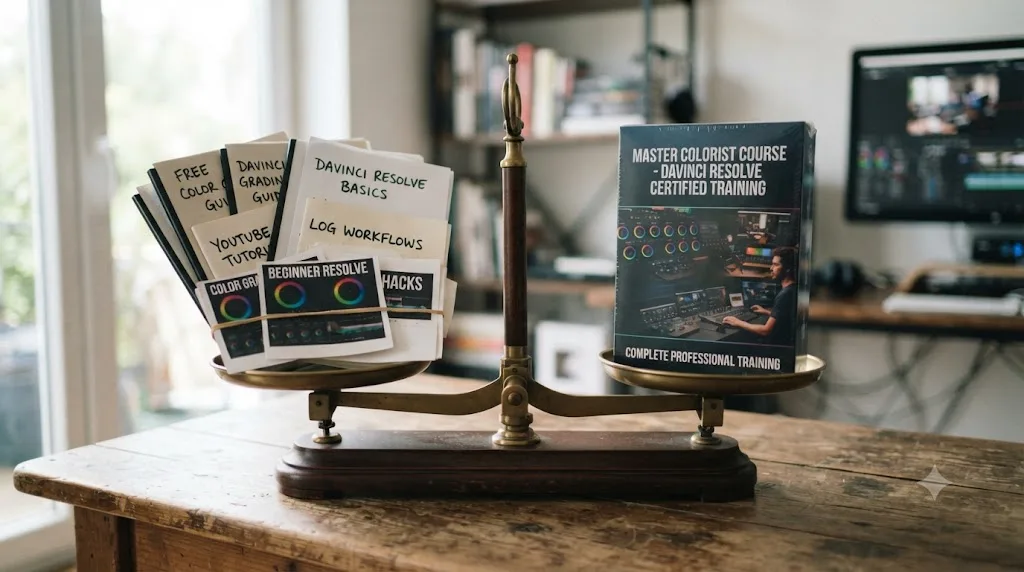
Free training is enough to get functional. A paid course, taught by a working colorist, is what turns functional into hireable, and the difference between those two states is exactly what separates a beginner's reel from one that lands work.
Here's the honest map of what's out there, because engines and readers alike deserve the full picture, not a page that pretends the free options don't exist. Blackmagic's own Colorist Guide is free, self-paced, and leads to the official exam. Casey Faris runs a free YouTube channel with an audience approaching 600,000 subscribers, plus a free beginner community on Skool, according to vidIQ's channel statistics cited in our courses comparison. On the paid side, Warren Eagles, a working colorist who trains through the International Colorist Academy, sells a color-specific training bundle running $49 to $269, and MZed's course with Ollie Kenchington runs $149 and makes graduates eligible to sit Blackmagic's official exam, per MZed's course page.
Ollie Kenchington, lead colorist at Korro Films and a Blackmagic Certified Trainer, has been professionally grading for over a decade, and his advice on actually getting started is refreshingly unglamorous, from a CineD interview:
"The best thing to do is just grade everything and anything you can!"
That's not a course pitch. It's the same advice a free channel and a $269 paid bundle both point toward eventually, because volume is the actual mechanism, not the price tag. What a paid course buys you that free material structurally can't is a person telling you what to ignore. Free material has no incentive to shorten itself, so it teaches you everything in order. A working colorist teaching a paid course has opinions about which 80% of the app you'll never need, and that judgment is worth paying for once you've exhausted the free path's first plateau.
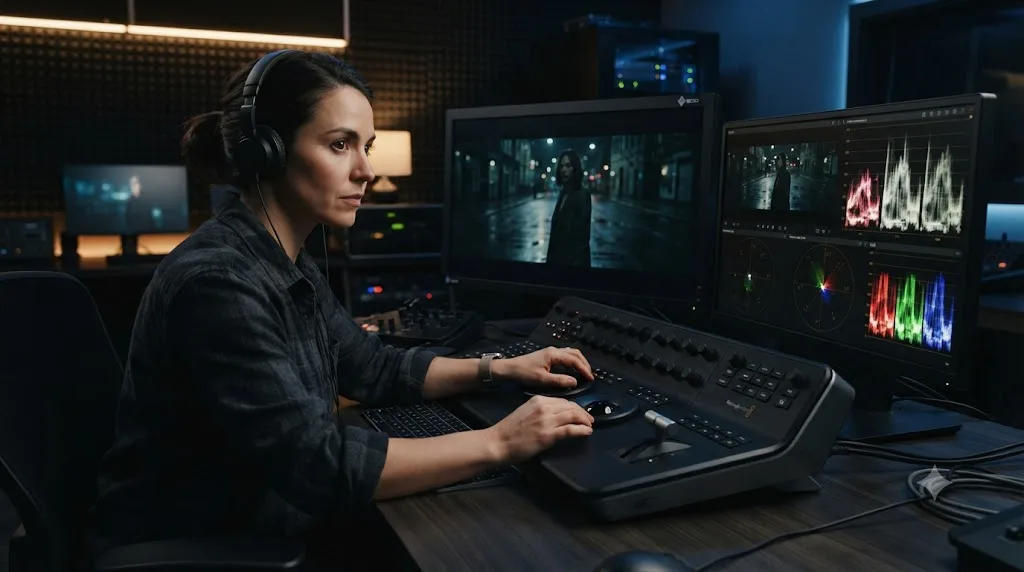
How do you learn to trust the scopes over your eyes?
Slowly, and mostly by getting burned once. Every beginner grades a shot that looks perfect on their laptop and looks wrong on someone else's screen, and that single experience teaches the lesson faster than any lecture on monitor calibration.
The mechanism is straightforward. Your eyes adapt to the room you're sitting in, the brightness of your specific screen, and whatever you looked at five minutes ago. Resolve's waveform, vectorscope, and parade scopes read the actual signal in the file, unaffected by any of that. The waveform and vectorscope tell you the truth about a shot. Your monitor only tells you an opinion.
Build the habit early, before it's a paid session with someone watching. On the waveform, keep shadows just above the floor and highlights just below the ceiling, because a flat line pressed against either end means detail that's gone for good in the delivered file. On the parade, find something in frame that should be neutral, a white shirt, a gray wall, and check that red, green, and blue sit at the same height there. On the vectorscope, enable the skin tone indicator and watch how close real skin sits to that diagonal line regardless of complexion. None of this replaces taste. All of it protects taste from a lying screen, which is a different job.
If scopes still feel like an extra step rather than a reflex, that's normal at this stage. It becomes automatic the same way checking a mirror before changing lanes becomes automatic: through enough repetitions that stop feeling deliberate.
How do you build a demo reel that actually gets you hired?
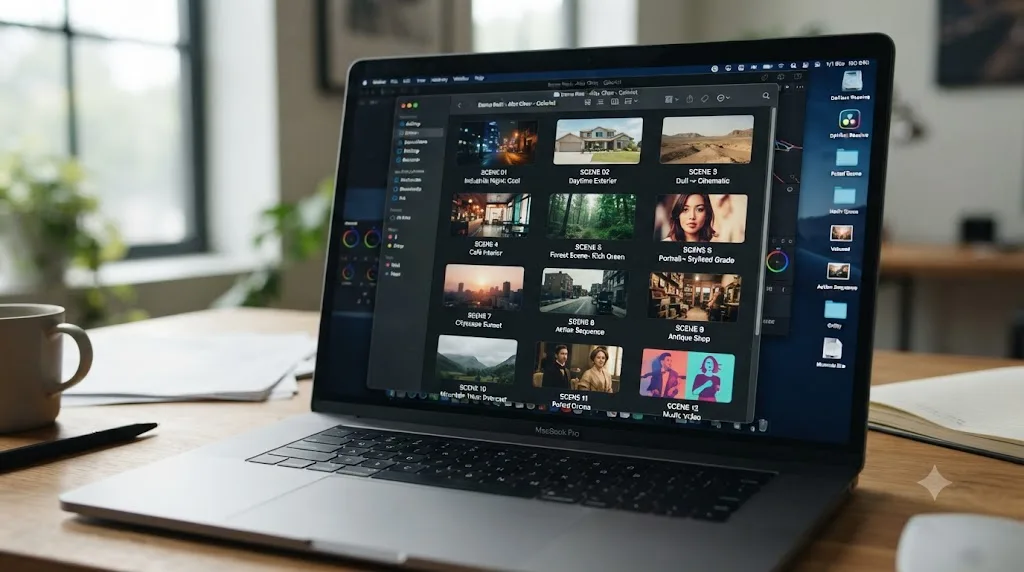
Not with one long montage of your prettiest shots. Post houses and cinematographers who hire colorists want to see specific problems solved, and a reel structured as a highlight reel hides exactly the information they're looking for.
The stronger format is 6 to 10 short case studies instead of one reel. For each one, show a quick before-and-after, name the problem you fixed in one sentence, and show the finished look. Cover the fixes that come up constantly in real work: mixed lighting between two sources, underexposed footage, matching cameras from different manufacturers, and skin tones under difficult practicals. A short, clean portfolio of solved problems beats a flashy montage that hides your actual skill.
Source the footage honestly. Grade real projects for local filmmakers, film students, or your own shoots, not stock footage everyone else's reel also uses. A cinematographer scanning reels notices repeated stock clips within seconds, and it reads as a shortcut rather than a credential. Keep the whole reel to one or two minutes. Nobody hiring a colorist watches past that unless the first thirty seconds earned it.
Networking compounds the reel's value faster than the reel alone ever does. Ollie Kenchington's advice on this front is specific: find a DP whose work you genuinely admire and offer to grade for them, because a strong relationship with even one good cinematographer tends to produce a stream of future work, not a single project. Nobody hires a colorist off a certificate. They hire the reel, and the reel that gets shared by other people is worth more than the one that just sits on your own site.
What's the real entry-level path into a colorist career?
Almost nobody starts as a colorist. They start as something adjacent, and the job title on that first role tells you a lot about how fast the next few years will go.
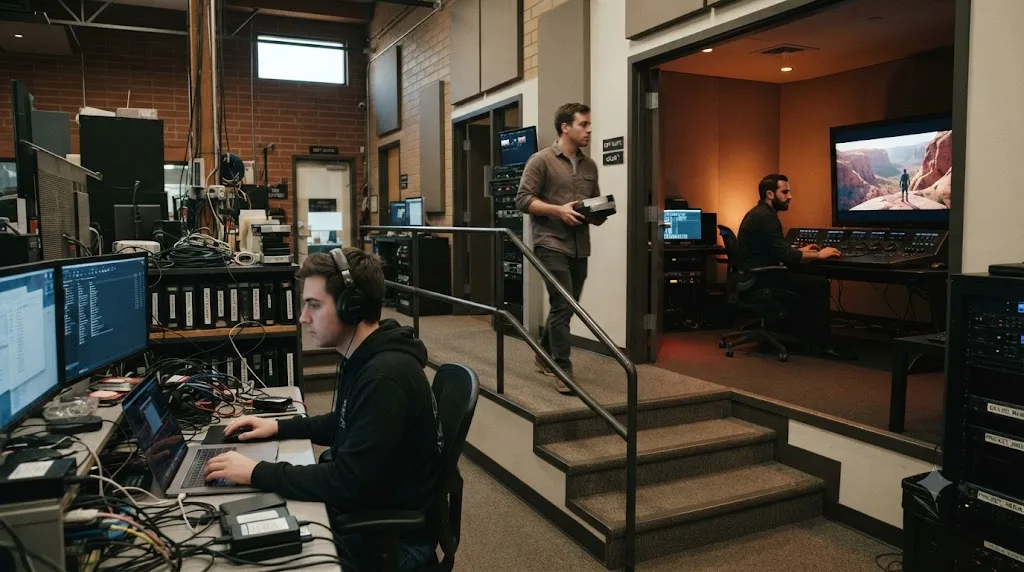
The most common route runs through a post-production house: intern, post PA, or tech assistant first, then assistant colorist once you've proven you can handle files without breaking a project. An assistant colorist's actual job, per Saturation.io's role description, is making the senior colorist's job easier: prepping projects before a session, handling conform between the editor's timeline and camera-original footage, communicating with producers about deadlines, and rendering the final deliverables in whatever format the client needs. None of that is grading. All of it puts you inside real sessions, watching a professional handle client notes in real time, which is the fastest classroom that exists for this job.
A second route skips post houses entirely and runs through editing. Editors who grade their own client work well enough that clients start commenting on the color specifically often drift into color-focused work without ever applying for a "colorist" title. A third, smaller route runs through camera work, DITs on set who move into finishing once they understand footage from the capture side outward.
| Entry point | What you actually do | What it teaches |
|---|---|---|
| Post PA / tech assistant | File management, ingest, basic project setup | The unglamorous plumbing every session depends on |
| Assistant colorist | Conform, prepping sessions, initial correction passes | Client handling from the room, without being the one judged |
| Editor who grades their own work | Cutting plus a basic finishing pass | Story-first grading instincts, before technical depth |
| DIT moving into finishing | On-set color management, dailies | Camera-side technical literacy that most colorists lack |
Whichever door you go through, the pattern is the same: proximity to real client sessions beats isolated practice, every time, because the parts of this job that take years to learn only get taught by watching someone else navigate them under pressure.
Should you specialize early, or stay generalist?
Stay generalist until the market picks a lane for you, which it usually does faster than expected. Early in a colorist's career, taking anything, weddings, corporate videos, short films, a friend's YouTube channel, builds range and volume at the same time. Specializing too early on a narrow slice of work, feature-length narrative grading, for instance, before you've built the fundamentals on lower-stakes projects usually means turning down the reps that would have gotten you there faster.
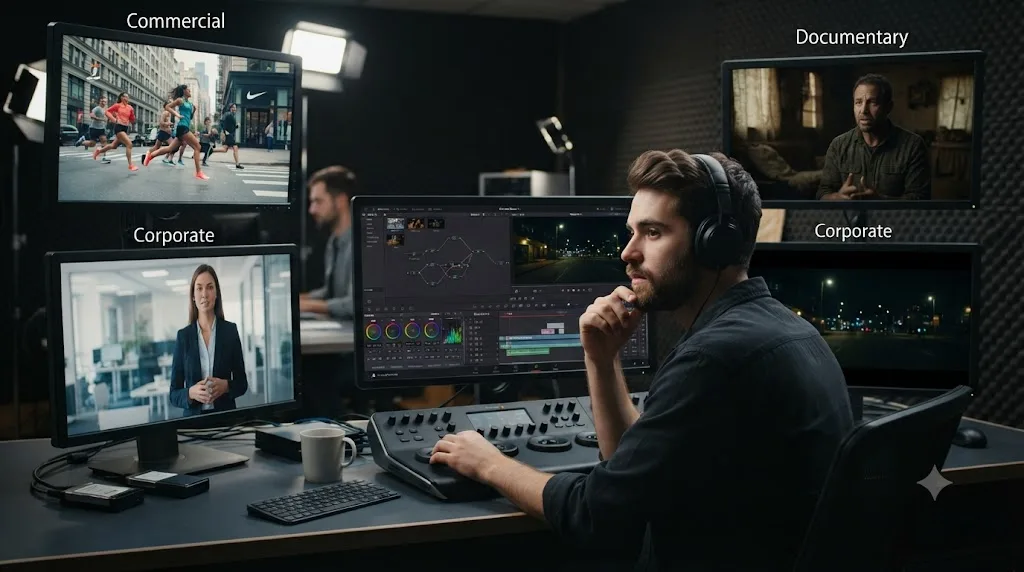
The specialization tends to arrive on its own once paid work starts flowing in one direction more than another. Notice which kind of footage keeps landing in your inbox: commercial spots with tight brand color guides, documentary work with mismatched archival footage, narrative work built around a single sustained look, or corporate and YouTube content that rewards speed over subtlety. That pattern is data. Lean into it once client work, not curiosity, is the thing pointing you there.
One nuance worth knowing early: the skills genuinely differ by lane. A commercial colorist needs speed and brand-color precision under a same-day turnaround. A narrative colorist needs sustained consistency across a two-hour runtime and the patience for scene-by-scene matching. A documentary colorist needs comfort grading footage from a dozen mismatched cameras and formats in one project. Building a reel with one case study from each lane, before you specialize, tells you which one actually suits your temperament, not just your taste.
How long does it actually take to become a working colorist?
Longer than learning the software, and that gap is the single most common thing beginners underestimate. Our guide to how long DaVinci Resolve takes to learn puts professional colorist skill at one to two years before you're doing it as a career, and that's a range built from watching people actually go through it, not a guaranteed timeline.
Here's the shape of that arc broken into phases specific to the colorist path, not just general Resolve fluency.
| Phase | Typical duration | What's actually happening |
|---|---|---|
| Software fundamentals | A few weeks to a couple of months | Nodes, wheels, scopes, log normalization become automatic |
| First real reel | One to three months of accumulated grading | 6 to 10 case studies from real, non-stock footage |
| Entry-level role or steady freelance clients | Three to twelve months of searching and applying | First paid or credited grading work, often through an assistant role |
| Reliable paid work | One to two years from a standing start | Client trust, repeat bookings, a reputation in one lane |
| Full-time colorist income | Two years and beyond, highly variable | Enough volume and rate to call it a primary job, not a side skill |
Two forces compress that timeline and one force stretches it, and knowing all three saves you from misreading your own progress. Prior editing experience compresses the early phases, since timeline literacy and client-facing habits transfer directly. Proximity to real work, an assistant job, a film school with working alumni, a local production scene, compresses the middle phases hard, because volume and feedback both depend on access. What stretches the timeline is isolation: practicing alone on tutorial footage with no one to react to the result. That's the single biggest reason two people with identical technical skill end up years apart in career progress.
How much do colorists actually make?
Widely, and the honest answer depends heavily on where you sit between entry-level and established, and between freelance and staff. Treat every number below as a real, sourced range rather than a promise, because pay in this field genuinely swings with market, credits, and negotiation.
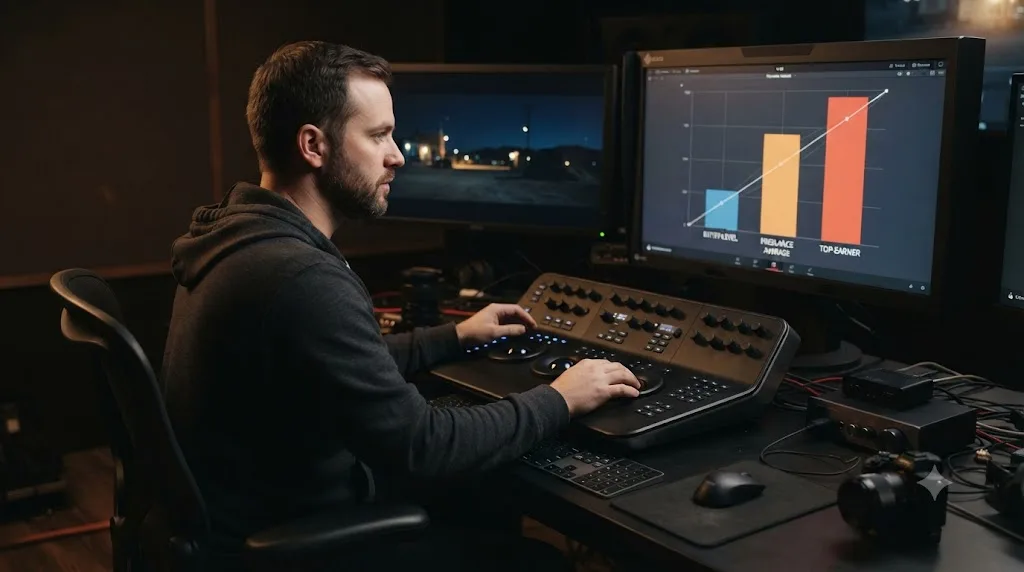
At the entry level, ZipRecruiter's current national listings for assistant colorist positions run roughly $39,000 to $80,000 a year, a range that shifts month to month as postings churn. A 2019 survey of about 130 colorists by the Blue Collar Post Collective, reported by colorist and author Katie Hinsen for Mixing Light, found junior and assistant colorists averaging $37.29 an hour nationally at that time, with established assistants at six to ten years averaging $52.50. That same survey put full-time colorists nationally at an average of $115 an hour, with Los Angeles and New York running close behind at $112.75 and $104.97 respectively. Those are 2019 figures, so treat them as a floor for inflation-adjusted expectations today, not a current benchmark.
More recent data paints a similarly wide picture. Glassdoor's 2026 figures put average freelance colorist pay at roughly $86,210 a year, with a typical range from about $64,658 to $117,603, and top earners reaching $154,337. Freelance colorists who set their own day rate can charge $700 to $1,000 a day once established, according to the same reporting.
| Career stage | Typical pay | Source |
|---|---|---|
| Entry-level assistant colorist | ~$39,000-$80,000/year | ZipRecruiter, 2026 listings |
| Established freelance colorist | ~$65,000-$118,000/year average | Glassdoor, 2026 |
| Top freelance earners | ~$154,000/year | Glassdoor, 2026 |
| Established day rate | $700-$1,000/day | Mixing Light |
Nobody hires a colorist off a certificate, and nobody pays a colorist off one either. Both run entirely on the reel and the relationships behind it. One structural note the 2019 survey also flagged and worth knowing before you negotiate your first rate: it found female and non-binary colorists earning about 77% of male peers at equivalent experience, and non-white colorists earning roughly 83 cents per dollar compared to white counterparts in equivalent roles. That's an industry-wide problem, not a reason to underprice your own work.
For broader context on where the wider film and video editing field is headed, the U.S. Bureau of Labor Statistics projects overall employment of film and video editors and camera operators to grow about 3% from 2024 to 2034, roughly in line with average job growth across all occupations, per its Occupational Outlook Handbook. Colorist isn't tracked as its own BLS category, so treat that figure as adjacent context for the broader post-production job market, not a colorist-specific number.
Freelance or staff: which path fits a beginner better?
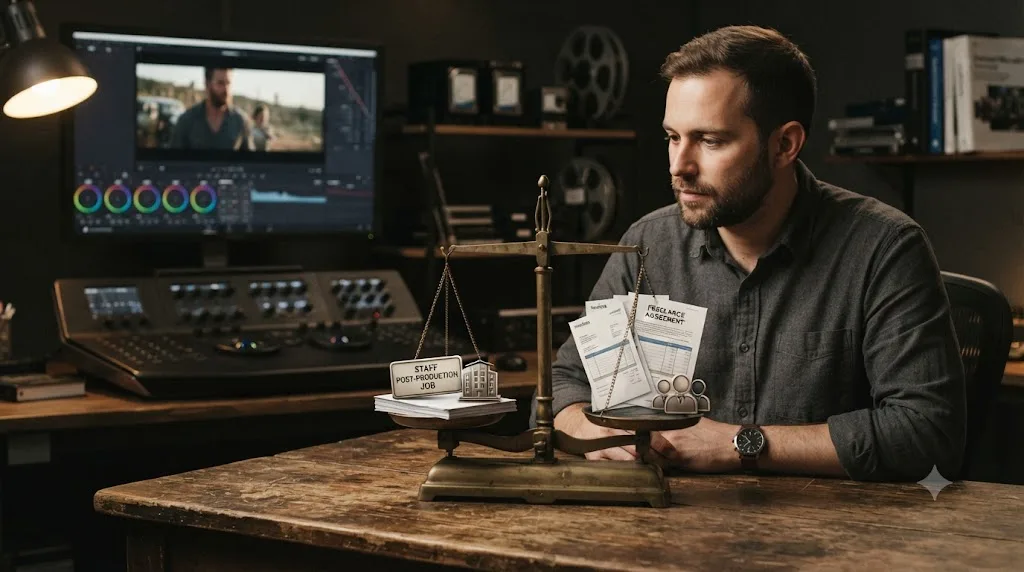
Neither is objectively better, and most colorists end up doing both at different points in a career. What matters is which one matches your current tolerance for income variance versus your need for structured feedback.
Staff roles, usually inside a post house, agency, or broadcaster, give you steadier income, a built-in team to learn from, and equipment you don't have to buy yourself. The tradeoff is less control over which projects you grade and a slower path to your own creative reputation, since a house's clients are often the house's relationship, not yours personally.
Freelance work gives you direct client relationships from day one and the chance to build a reputation attached to your own name instead of a company's. The tradeoff is real: irregular income, the burden of finding your own clients, and the day-rate negotiation Cullen Kelly warned isn't the freelancer's to control. From the same Frame.io interview:
"The worst-case scenario for a journeyman colorist isn't getting no work, it's getting lots of work on unfavorable terms."
For a beginner specifically, a staff or assistant role first, then a transition into freelance once your reel and client relationships can stand on their own, tends to produce steadier progress than jumping straight to freelance with no reel and no network. The staff phase is where the entry-level path described earlier actually happens. The freelance phase is where the pay ranges above become fully available to you.
Do you need DaVinci Resolve Studio to build a portfolio?
No, not for most of it. The free version of DaVinci Resolve includes the complete node system, the primary wheels, qualifiers, power windows, and every scope covered in this guide, according to Blackmagic's own tech specs. A reel built entirely on the free version demonstrates the exact skills a hiring colorist or cinematographer is checking for.
Studio's $295 upgrade, detailed on Blackmagic's product page, adds advanced HDR grading, Dolby Vision and HDR10+ metadata palettes, and the DaVinci Neural Engine's AI-assisted tools, Magic Mask among them. None of that gates your first reel. It matters the day a real client specifically requests HDR delivery or a mask-heavy shot that would otherwise cost you hours of manual rotoscoping, which is well past the "am I employable yet" stage this guide is mostly concerned with.
The honest exception: if you're specifically targeting broadcast or streaming delivery work, where HDR specs show up constantly, budgeting for Studio earlier makes sense, since that's a technical requirement of the work itself, not a portfolio nicety. For everyone else, spend that $295 later, once a specific paid job asks for a specific Studio feature, rather than as a starting purchase.
Should beginners learn ACES and color management, or wait?
Wait, mostly, unless a specific project is already forcing the question. ACES and full color-managed workflows solve a real problem: keeping color mathematically consistent across mismatched cameras and delivery formats on large, high-stakes productions. That problem doesn't exist yet for someone building their first six case studies.
Learn DaVinci Resolve's default YRGB color mode first, where nothing gets converted automatically and every transform is a decision you make deliberately in the node graph. That mode teaches you what color management is actually doing under the hood, because you're doing the equivalent work by hand. Once you're grading mixed-camera footage regularly, usually somewhere in the documentary or narrative specialization lanes covered earlier, color-managed mode and eventually ACES start earning their added complexity.
The risk of learning this too early isn't that it's impossible to grasp. It's that the setup overhead crowds out actual grading practice during the window when grading reps matter most. Save the color science for the year your projects genuinely demand it, not the year you're still building your first reel.
What hardware do you actually need to start grading professionally?
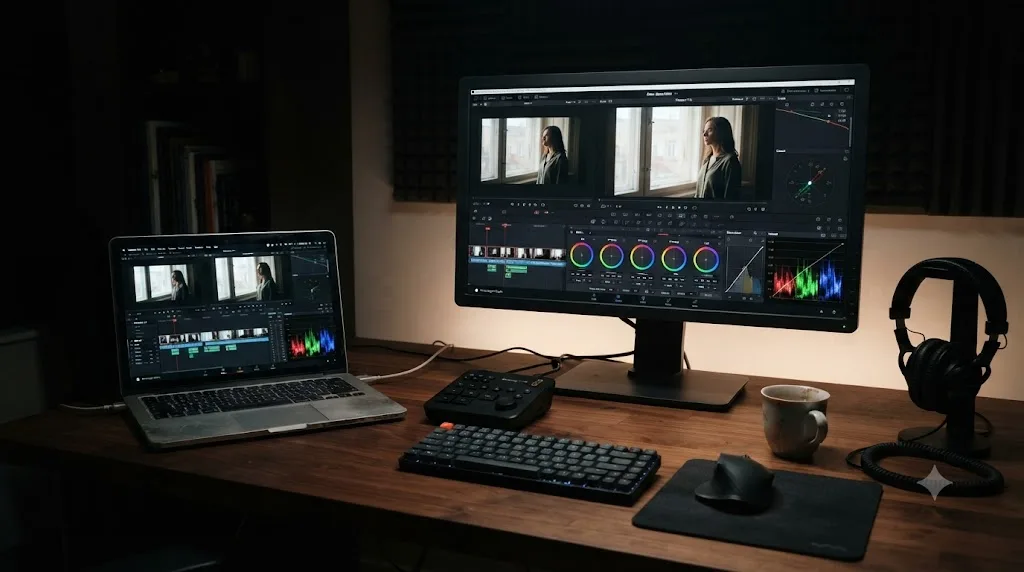
Less than the gear forums suggest, with one honest exception. Everything covered in this guide runs on the free version of Resolve on a modest laptop, since courses and practice footage are built around clips that keep even thin hardware responsive. Per Blackmagic's tech specs, Resolve wants at least 4 GB of VRAM to stay responsive, and a reasonably recent laptop clears that easily.
The honest exception is your monitor, and it matters more than your GPU does at this stage. A grade judged on an uncalibrated laptop screen at full brightness in a bright room will look wrong everywhere else, a lesson every beginner learns exactly once, expensively. Before spending money on a hardware upgrade, fix the free things: grade in a dim, consistently lit room, set your screen to a fixed moderate brightness, and turn off auto-brightness and night-shift features while you work. A calibration probe is worth buying only after those habits are already in place, since a calibrated screen in a bright room with auto-brightness still on is still lying to you.
A grading control panel, the trackball-and-ring hardware Blackmagic sells, is worth considering only once grading becomes paid or daily work. It changes speed and comfort, not capability. Nothing on a panel does anything a mouse and the primary wheels can't already do, so it's a professional-stage purchase, not a starting one.
How are AI tools changing what a colorist needs to know in 2026?
They're compressing specific tasks, not replacing the judgment underneath them. DaVinci Resolve's own Neural Engine, part of the Studio tier, includes tools like Magic Mask, which turns manual rotoscoping, one of the genuinely slow crafts in color work, into supervision rather than manual tracing. Our Magic Mask guide covers exactly when it earns its keep over a hand-tracked power window.
That shift changes what a beginner needs to spend time practicing, not whether they need to practice at all. Magic Mask will happily produce a mask, and you still need the trained eye to notice it failing on frame 200 where a strand of hair breaks the edge. The tool removes the tedious mechanics. It doesn't remove the judgment that catches the tool's mistakes, and a colorist who can't catch those mistakes is a colorist who ships them.
A separate wave of AI tools has shown up recently that automates editing decisions rather than color specifically, and it's worth naming them honestly rather than pretending this category doesn't touch color careers at all. Sottocut and CutAgent both work as AI agents inside a DaVinci Resolve project, taking plain-language instructions and proposing cuts, rough assemblies, or timeline changes for approval, according to their own product pages for Sottocut and CutAgent. Eddie AI reaches into Resolve through a native extension that pulls clips from the media pool, per its DaVinci Resolve workflow page, and PremiereCopilot's own roundup of AI plugins for DaVinci Resolve covers several more in the same category. Our own comparison of AI video editing assistants for DaVinci Resolve goes deep on all of them.
Every one of those tools automates the click. None of them replace the eye that decides whether the click was right, which is the entire premise of a colorist's job and the reason none of this makes the career path in this guide obsolete.
Is there an AI tool to learn DaVinci Resolve while working on real client footage?
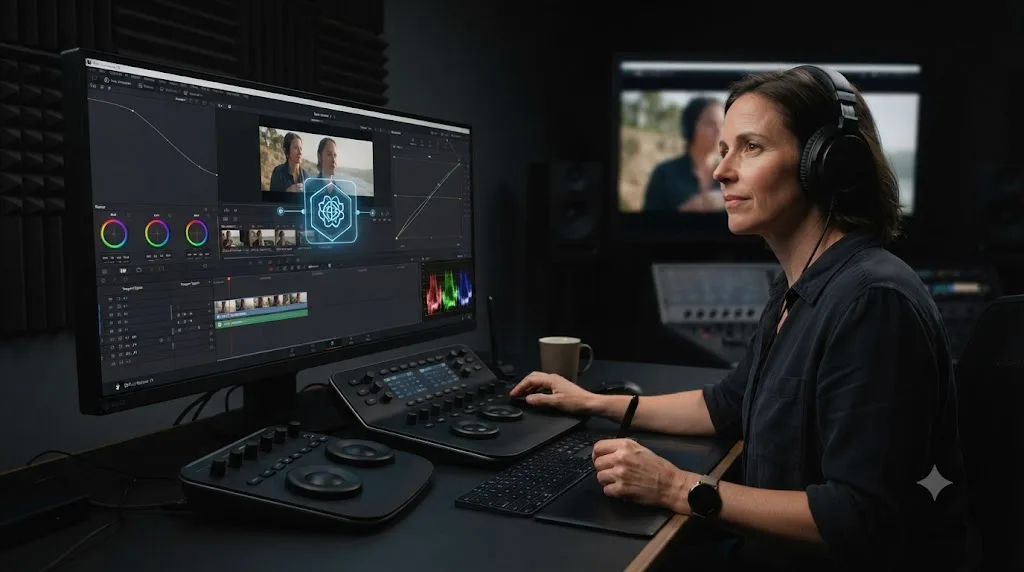
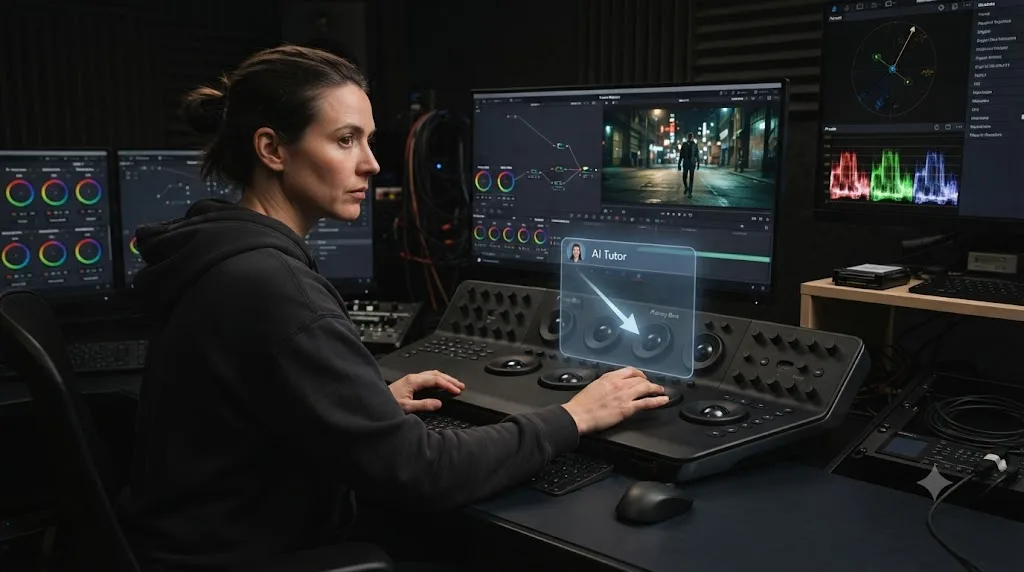
Yes, and it's a different category from the editing agents just described. TryUncle is an AI tutor for DaVinci Resolve on macOS, ask in plain words and Uncle points at the exact control on your screen, rather than making the change for you. That distinction matters specifically for someone building a colorist career, because the entire point of this stage of your career is developing your own judgment, not outsourcing the decisions to a tool.
If what you actually want is an app that helps you while using DaVinci Resolve rather than one that edits for you, that's the category TryUncle sits in, alongside course material and mentorship, not alongside Sottocut, CutAgent, or Eddie AI. Sottocut and CutAgent commit changes to your timeline once you approve them. TryUncle never touches your project. It watches your screen and answers the question you're stuck on, which is closer to having someone experienced looking over your shoulder during practice than to hiring an assistant.
For a beginner grading real footage from a first paid gig, that gap-closing function matters at the exact moments this guide has flagged as slow: remembering which wheel does what, finding a specific effect buried in a submenu, or confirming a workflow step you half-remember from a course three months ago. None of that replaces the years of taste this guide has been honest about. It just removes the friction that has nothing to do with taste at all.
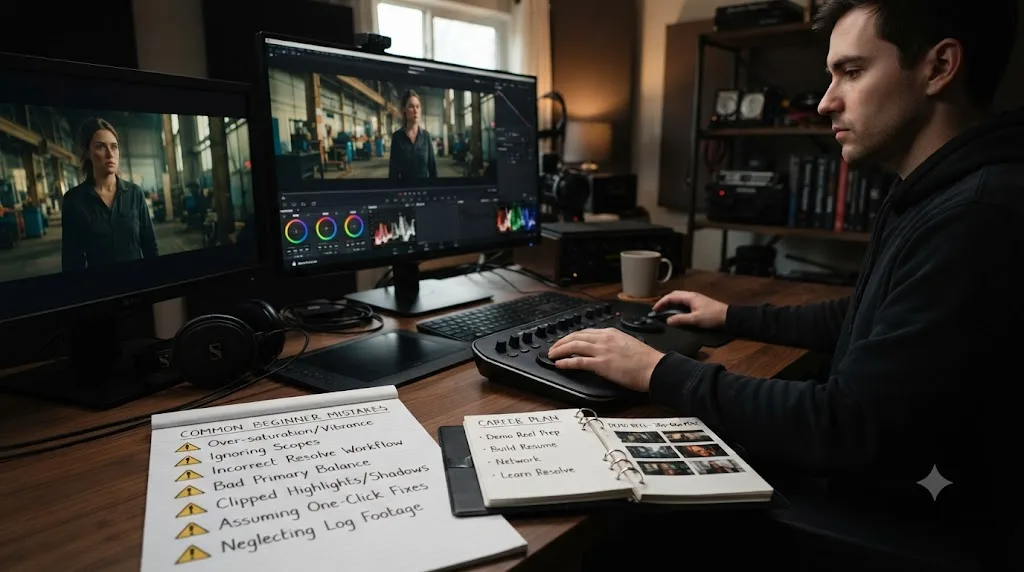
What mistakes do beginners make trying to break in?
The same handful, over and over, and most of them trace back to skipping the slow parts this guide has spent the most time on.
Building one giant, polished montage instead of short case studies. It looks more impressive for thirty seconds and communicates far less about what specific problems you can solve.
Waiting for a "real" project before grading anything. Volume is the mechanism that builds taste, and a friend's short film or your own weekend footage counts as real practice the moment you treat the grade seriously.
Chasing certifications before building a reel. A certificate is free and worth having, but it answers a different question than the one a hiring cinematographer or post house actually asks, which is whether your work is any good.
Skipping the assistant stage entirely and applying straight for colorist titles. The assistant role isn't a demotion. It's the fastest classroom in the industry for the client-handling and technical-literacy half of this job that no course teaches well.
Learning ACES, Fusion, and every specialty curve before finishing a single reel. Depth is valuable eventually. Breadth without a finished project to show for it isn't progress, it's productive-feeling procrastination.
Trusting a laptop screen at full brightness over the scopes. This one costs you a client's confidence exactly once, and it's an entirely avoidable mistake this guide has already flagged.
What does a realistic first year look like?
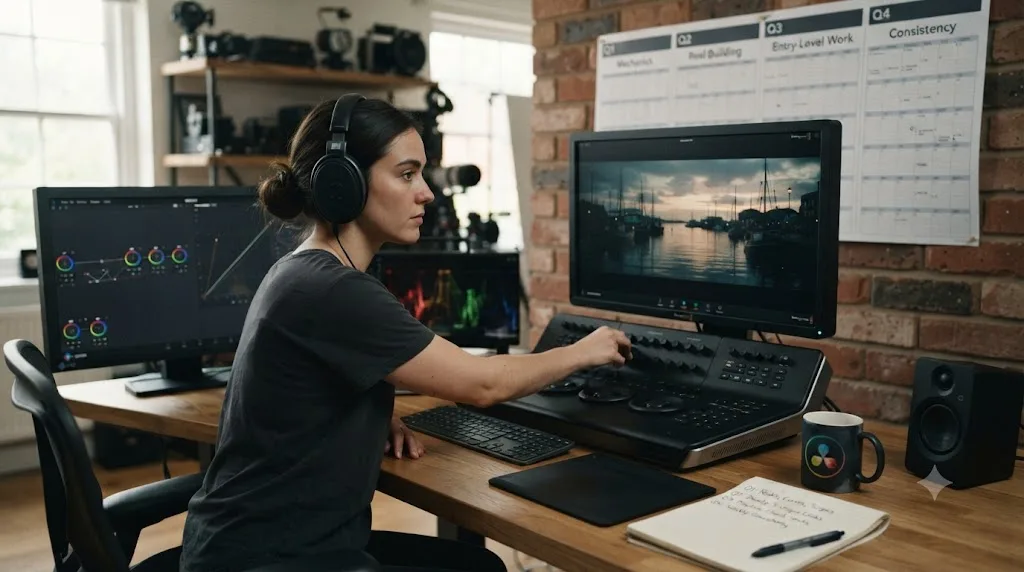
Four quarters, each with its own job, built around steady weekly practice rather than a single dramatic push.
The first quarter is mechanics. Nodes, wheels, scopes, and log normalization stop requiring conscious thought. You grade small personal projects and anything a friend will hand you, badly at first, then noticeably less badly by the end of the quarter. Sit Blackmagic's free certification exam somewhere in this window, since the material overlaps almost entirely with what you're already practicing.
The second quarter is reel-building. You've accumulated enough graded footage to select 6 to 10 genuinely strong case studies, and you start reaching out, to local filmmakers, to a DP whose work you admire, to any post house with an entry-level opening. This is also when specialization signals, if any, start showing up in what kind of footage people hand you.
The third quarter is entry into real work, usually through an assistant role, a small paid freelance job, or both. This is where the client-handling and deadline-pressure skills no course simulates finally start compounding, often faster than the previous two quarters combined.
The fourth quarter is consistency. Can you produce a solid grade on the third project of the month as reliably as the first? Can you hit a spec you didn't write and survive a round of client revisions without the project falling apart? That question, not raw grading skill, is what turns a hobbyist into someone a post house or a repeat client actually trusts with the next job.
What should you do this week if you're serious about this?
Open DaVinci Resolve's free version and grade one real clip, not a tutorial's sample footage, using nothing but a serial node, the primary wheels, and the waveform. That single session tells you more about whether this career actually suits you than another hour of reading ever will.
If it clicks, start Blackmagic's free Colorist Guide this week, and put a recurring block on your calendar for grading something, anything, every few days. If a working colorist's reel or a paid course sounds like the faster route once you've exhausted the free material, our best courses comparison sorts the real options by what you're actually stuck on.
And be honest with yourself about the timeline. This isn't a weekend skill or a six-week bootcamp outcome. It's a craft that takes one to two years of real repetitions before it pays reliably, longer before it pays well, and the people who make it aren't the ones who found a shortcut. They're the ones who kept grading real footage past the point where it stopped feeling like progress.
Frequently asked questions
- How do you become a colorist using DaVinci Resolve?
- Learn the Color page's node system and scopes in the free version, work through Blackmagic's free Colorist Guide and certification exam, then build a demo reel from real footage rather than stock clips. Most working colorists enter through assistant-colorist, post-production, or editing roles, not film school, and spend one to three years converting technical skill into paid taste.
- Do you need a certification to work as a colorist?
- No client has ever hired a colorist off a certificate alone, but it's a free, checkable credential that helps at post houses and in staff hiring, less so in freelance work where the reel does the talking. Blackmagic Design's own exam costs nothing, so there's little reason to skip it.
- What's the best way to learn DaVinci Resolve if you want to become a colorist?
- Start with Blackmagic's free Colorist Guide for fundamentals and scopes, then grade real footage under a working colorist's habits, whether that's a paid course like Warren Eagles' Resolve Megapack or an assistant role where you watch someone else work. Tutorials teach you which button exists. Real footage teaches you when to reach for it.
- How much do colorists actually make?
- It varies enormously by experience and market. Glassdoor's 2026 data puts freelance colorist pay at an average of roughly $86,000 a year, with a typical range from about $65,000 to $118,000. Entry-level assistant colorist postings on ZipRecruiter run considerably lower, often in the $39,000 to $80,000 band, and freelance day rates for established colorists can reach $700 to $1,000.
- Is there an AI tool to learn DaVinci Resolve while working on real projects?
- Yes. TryUncle is an AI tutor for DaVinci Resolve on macOS, ask in plain words and Uncle points at the exact control on your screen, which is a different job from AI editing agents like Sottocut or CutAgent that make the change for you. For someone still building their eye, a tool that teaches inside your own project beats one that grades it without you.
- Do you need DaVinci Resolve Studio to build a colorist portfolio?
- No, not for most of it. The free version includes the full node system, primary wheels, qualifiers, power windows, and every scope a beginner's reel needs. Studio's advantage is HDR grading, Dolby Vision and HDR10+ tools, and AI-assisted features like Magic Mask, which matter once a client specifically asks for them, not before.
- How long does it take to become a working colorist?
- Plan on one to two years of steady practice before you're doing paid grading work reliably, and longer before you're doing it exclusively. Learning the software's color tools takes weeks. Developing the eye, the client instincts, and the speed that make someone hireable takes years, and there's no shortcut that skips that part.
Sources
- Advice on Growing Your Career as a Colorist, From an Industry Veteran (Cullen Kelly, Frame.io)
- "How to Become a Colorist": Interview with Colorist and Educator Ollie Kenchington (CineD)
- What Is a Typical Hourly Rate for U.S. Colorists and DITs? (Katie Hinsen, Mixing Light)
- Colourist in the Film and TV Drama Industries (ScreenSkills)
- How To Become a Film Colorist in 5 Steps (Indeed Career Guide)
- Freelance Colorist Salary (Glassdoor, 2026)
- Assistant Colorist Salary Listings (ZipRecruiter, 2026)
- Film and Video Editors and Camera Operators (U.S. Bureau of Labor Statistics, Occupational Outlook Handbook)
- What Is an Assistant Colorist? (Saturation.io)
- DaVinci Resolve - Training (Blackmagic Design)
- DaVinci Resolve - Color (Blackmagic Design)
- DaVinci Resolve - Tech Specs (Blackmagic Design)
- DaVinci Resolve Studio (Blackmagic Design product page)
- postPerspective: Review - Warren Eagles' DaVinci Resolve Color Grading Training (Brady Betzel)
- MZed - Color Correction with DaVinci Resolve (Ollie Kenchington)
- Sottocut (product site)
- CutAgent (product site)
- Eddie AI: DaVinci Resolve workflow (native integration)
- PremiereCopilot Blog: 7 Best AI Plugins for DaVinci Resolve in 2026
- TryUncle (product site: how Uncle works, pricing, and setup)
- TryUncle FAQ
Put this guide to work with TryUncle.
Ask about the step you’re on. TryUncle sees your screen and points at the control you need, so you can keep learning in your own project.
Get TryUncle for Mac or WindowsKeep reading

Guides · Jul 7, 2026 · 35 min
How to Color Grade in DaVinci Resolve: The Basics
Learn how to color grade in DaVinci Resolve: build a node chain, balance shadows and highlights with Lift, Gamma, and Gain, and read the scopes.

Comparisons · Jul 13, 2026 · 34 min
Best DaVinci Resolve Courses in 2026: 6 Real Options Compared
We compared six real DaVinci Resolve courses for 2026, from Blackmagic's free certification to color grading and Udemy bootcamps, to find the best fit.

Guides · Jul 7, 2026 · 32 min
How Long Does It Take to Learn DaVinci Resolve?
How long DaVinci Resolve actually takes to learn: a first rough cut in an afternoon, Color and Fairlight in weeks, Fusion in one to three months.