Articles / Newsupdated for DaVinci Resolve 21.0 (June 2026)
DaVinci Resolve 21 New Features: The Complete List
Quick answer
DaVinci Resolve 21, released free on June 3, 2026, adds a full Photo page for grading stills, nine AI tools including IntelliSearch and CineFocus, Bézier keyframing, a MultiMaster trim manager, Fusion's Krokodove graphics library, Fairlight track folders and Chain FX, VR180/VR360 and Apple Immersive support, and wider camera RAW compatibility.
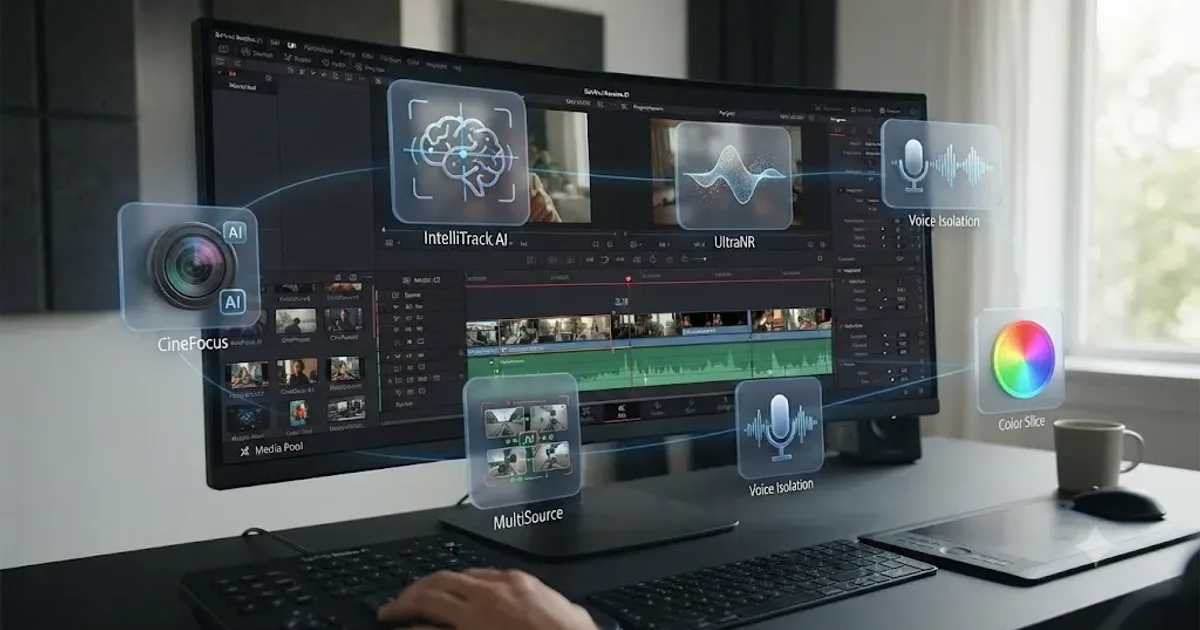
Blackmagic shipped DaVinci Resolve 21 free on June 3, 2026, after announcing it ahead of NAB on April 14 and running a public beta through the spring. It's not a small point release. It's a list of new tools long enough that most editors will only ever use a third of it, which is exactly why this page exists: to sort what's actually new from what's just a headline.
This is the full inventory, page by page, with what each feature does, who it's for, and whether it needs the $295 Studio license. If you're trying to decide whether to install it at all, our DaVinci Resolve 21 review covers that verdict directly. This page is the reference for what's inside the box.
What's new in DaVinci Resolve 21, at a glance?
Here's the full list before the detail, organized by the page it lives on, straight from Blackmagic's What's New page and the outlets that covered the release.
| Page | What's new |
|---|---|
| Photo (new) | Albums, ratings, tethering, RAW import, node-based grading, Blackmagic Cloud collaboration |
| AI tools | IntelliSearch, CineFocus, AI Speech Generator, UltraSharpen, Motion Deblur, Face Age Transformer, Face Reshaper, Blemish Removal, Slate ID |
| Edit and Cut | Four-point Bézier keyframes, ease and loop animation, Lottie and OGraf graphics, Text+ spell check, Smart Bin views |
| Color | MultiMaster trim manager, Magic Mask Render in Place, layer-list node view, group grade versions |
| Fusion | Krokodove graphics library, Macro Editor inspector, audio-driven animation, USD SDK 25.11 with Hydra 2.0 |
| Fairlight | Track folders, 6-band clip EQ, EQ and level matcher, Chain FX |
| Immersive | Apple Immersive foveated rendering, VR180 and VR360 mastering, Panomap controls |
| Creator tools | Vertical resolution presets, direct upload to YouTube/TikTok/Vimeo/X, IntelliScript, ATEM Mini import |
| Camera support | Canon CR3, Panasonic RW2, Fujifilm RAF, Apple ProRAW, compressed Sony ARW, Sony Burano V3, Insta360 I-Log, improved Nikon NEF |
DaVinci Resolve 21 shipped features across every one of its seven pages in a single release, plus an eighth page that didn't exist before. That's an unusually wide update even by Blackmagic's own yearly pace. Most versions concentrate their effort on one or two pages. This one touched all of them.
What's new on the Photo page?
The Photo page is the one genuinely new page in Resolve's history, not an expansion of an existing one. Blackmagic built it to handle still images the way the rest of the app handles video: as first-class media, with the same color engine underneath.
CEO Grant Petty framed it directly in the announcement, saying: "Professional colorists and photographers now have access to the full DaVinci color toolset and are able to build complex grades in a node-based workflow that goes far beyond the layer-based approach. They can also use all the DaVinci AI tools, ResolveFX and FusionFX and collaborate globally in real time. It's going to be amazing to see creativity flourish with these tools," in Blackmagic's official Resolve 21 announcement.
Here's what's actually on the page, compiled from Blackmagic's own feature notes:
| Feature | What it does |
|---|---|
| Node-based grading | Primary correction, curves, qualifiers, and power windows, same as the Color page |
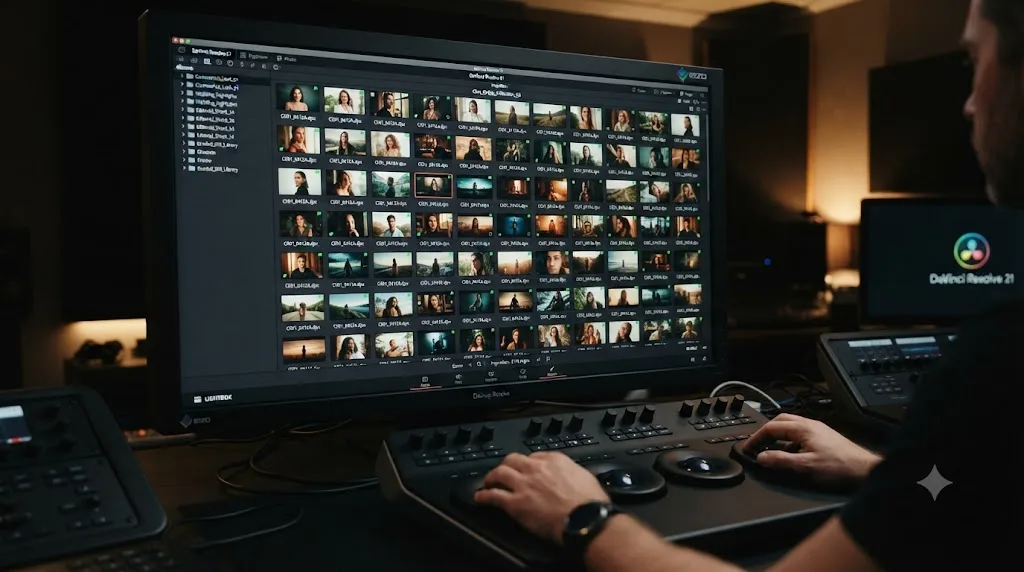
| LightBox view | See a whole album with its grades applied at once, for culling and comparing |
| Album organization | Sort by shoot day, camera model, or a custom rule |
| RAW import | Native decoding for the camera formats listed later in this post |
| Tethering | Live capture direct from Sony and Canon bodies |
| ResolveFX and OFX support | The same plugin library used on video, now usable on stills |
| Non-destructive editing | Crop and reframe without touching the source resolution |
| Blackmagic Cloud collaboration | Shared albums across a team, in real time |
The Photo page grades still images with the exact same node system colorists already use on footage. That's the one sentence that explains most of the page's appeal: nothing new to learn if you already grade video, and a grade that matches your footage automatically because it's built from the same tools.
Tethering is the detail that surprises people most, because it's a working-photographer feature, not something you'd expect bolted onto a video editor. It puts the Photo page in direct competition with dedicated capture software for anyone shooting Sony or Canon bodies, at least for the tethering step itself.
If you're new to Resolve altogether and want to know where this page fits among the ones you already need to learn, our beginner's guide to DaVinci Resolve covers the page order most editors pick up first.
What are the nine new AI tools in Resolve 21?
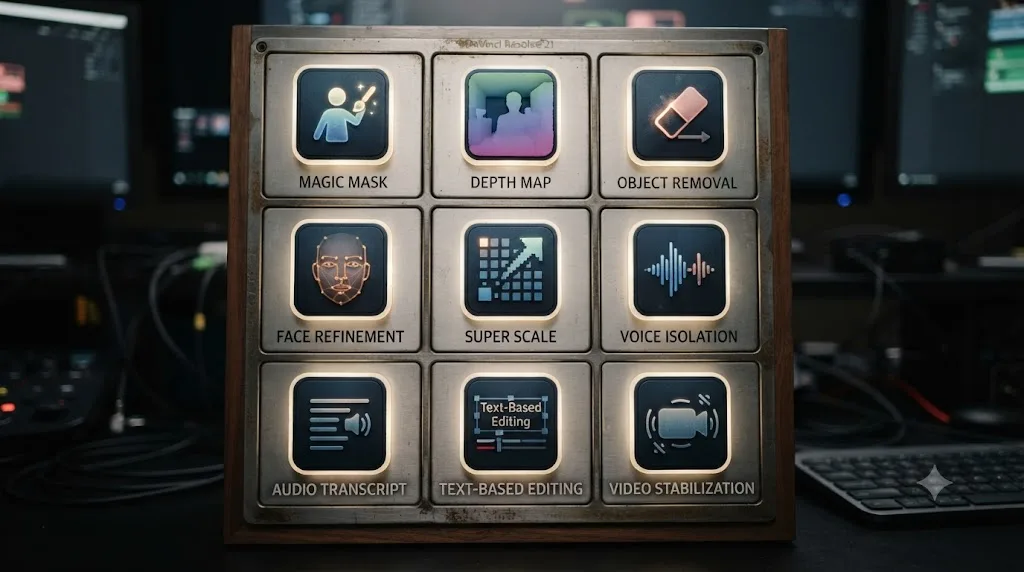
Nine is Blackmagic's own count, and it's the number that shows up across every outlet that covered the release. Not all nine matter equally, so here's the full list with what each one is built to do.
| Tool | What it does |
|---|---|
| IntelliSearch | Finds clips by describing them in plain language, including searching for individual faces |
| CineFocus | Adjusts focal emphasis, aperture, and bokeh on footage after it was shot |
| AI Speech Generator | Generates voiceover from text, including a custom voice built from a short sample |
| AI UltraSharpen | Sharpens soft or upscaled footage |
| AI Motion Deblur | Removes motion blur streaks from moving shots |
| AI Face Age Transformer | Adjusts a face's apparent age by modifying wrinkles and fullness |
| AI Face Reshaper | Adjusts eye, nose, mouth, and eyebrow shape on a moving subject |
| AI Blemish Removal | Reduces acne, discoloration, and pores while preserving skin texture |
| AI Slate ID | Reads a clapperboard and fills in clip metadata automatically |
IntelliSearch is the one with the most compounding value. Per CG Channel's release coverage, it analyzes your media for objects, keywords, and individual faces, which means it scales with how much footage you're drowning in. A creator with forty clips gets a party trick. A documentary team with four hundred hours of archive gets something closer to a research assistant, assuming the search results are actually trustworthy. Test it the boring way before you rely on it: search for a shot you know exists and count how many tries it takes to surface it.
CineFocus is the rescue tool of the release. It lets you click a point in the frame, then adjust aperture, focal range, and bokeh shape after the fact, according to ProVideo Coalition's NAB coverage, with keyframe support for rack-focus moves you never actually pulled on set. Missed focus has always been the one mistake a shoot can't fix in post. CineFocus is Blackmagic's bet that it finally can, at least partially, and it deserves testing on your own past focus misses rather than trust on a first try.
AI Speech Generator turns text into voiceover, with the option to build a custom voice from a short recorded sample, per CG Channel. The responsible use is scratch narration, a temp read that lets a client approve a documentary's structure before you book real talent. Voice cloning belongs in client work only with the client's explicit sign-off, and that's not a legal note, it's a professional survival one. Nothing damages a client relationship faster than a voice or a face changing without anyone's permission.
Slate ID, AI UltraSharpen, and AI Motion Deblur are the three utility players. Slate ID reads a clapperboard and fills in the metadata field, which deletes a chore for productions that slate properly and does nothing for productions that don't. UltraSharpen and Motion Deblur rescue soft or blurred shots, and both are worth judging at full zoom on skin and on text, the two places any sharpening tool gives itself away.
The Face Age Transformer, Face Reshaper, and Blemish Removal round out the beauty and retouching set, aimed at music videos, corporate polish, and beauty work. In documentary or journalism, reshaping a face isn't retouching. It's editorializing, and the two jobs need different ethical rules even though they use the same slider.
One caveat that applies to the whole list: most of these nine tools run on Studio, not the free tier, which the next section maps in full. And I haven't run every one of them against real client footage yet, so treat this section as a map of what each tool claims to do, not a verdict on how well it does it.
What's new for editing? Bézier keyframes and the Edit and Cut pages
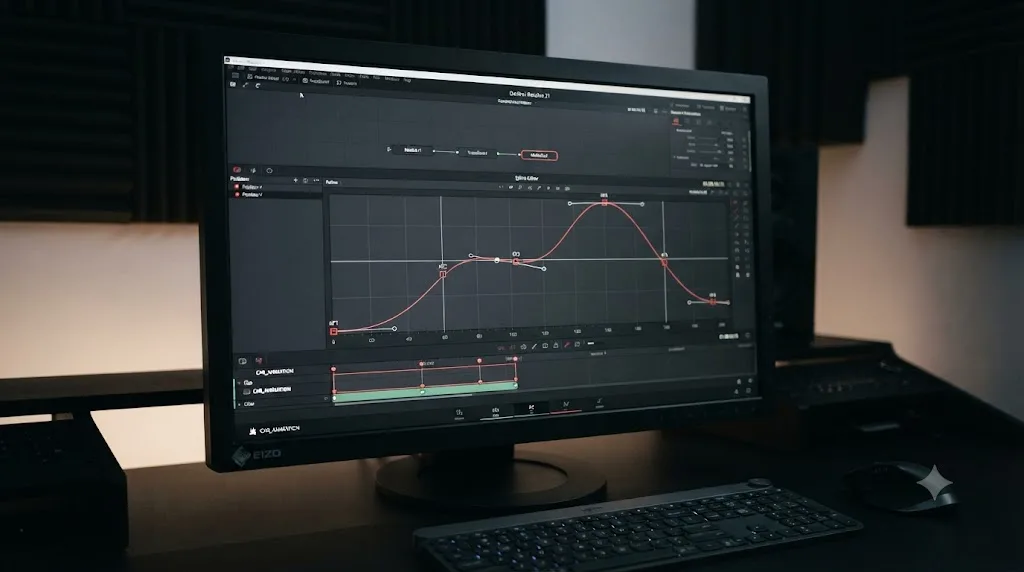
The keyframing system got its biggest overhaul in years. Resolve 21 adds four-point Bézier curve control, according to Blackmagic's What's New page, along with ease, loop, and pingpong animation modes, and the ability to adjust multiple clips' keyframes at once instead of one at a time. The Curves editor picked up a normalized zoom mode and the same four-point Bézier easing, which makes complex speed ramps easier to sculpt by eye instead of by trial and error on the numbers.
Fusion effects now animate directly in the keyframes and curves editors too, which closes a workflow gap that used to send editors bouncing between the Edit page and Fusion just to nudge a single parameter.
Graphics support widened in a direction that matters for anyone doing motion titles or lower thirds: native support for Lottie (.json and .lottie) and OGraf HTML graphics files, including alpha channel recognition. That means graphics built in tools like After Effects with the Bodymovin exporter, or pulled from a Lottie library, drop into a Resolve timeline and behave like rendered animation rather than an imported video file you have to key.
Text+ and MultiText got quieter but real improvements: multi-language spell check, a dedicated font browser, emoji support, and character-level styling. None of that is a headline feature. All of it is the kind of thing that stops annoying you the moment it's there and you stop noticing it's new.
Media organization picked up Smart Bin views, which filter the media pool by rule instead of manual sorting, plus quick buttons for creating a new bin from a filtered set. Star ratings and Good Take/Untagged/Rejected tagging columns give editors a faster culling pass before the edit even starts.
Four-point Bézier keyframes replace what used to be a much cruder ease-in and ease-out toggle on the Edit page. If you've ever fought a keyframe curve into looking natural by eyeballing linear interpolation, this is the fix that was overdue.
What's new on the Color page?
Four changes matter here, and they're aimed squarely at working colorists rather than casual graders.
The MultiMaster trim manager lets you generate multiple HDR and SDR deliverables from a single timeline, with per-standard color management handled for you instead of manually building parallel grades for each output format. Anyone who delivers a Rec.709 broadcast master and an HDR streaming master from the same edit knows how much duplicated node work this replaces.
Magic Mask Render in Place caches a tracked mask as a traveling matte node that links automatically back to your active grading node, according to Blackmagic's announcement. It lets you keep grading and adding effects in real time instead of paying Magic Mask's GPU-tracking cost every time you scrub the timeline, and the matte survives even after you clear the mask's cache. Our full guide to Magic Mask covers this feature in more depth, including where the tool still struggles with hair and motion blur.
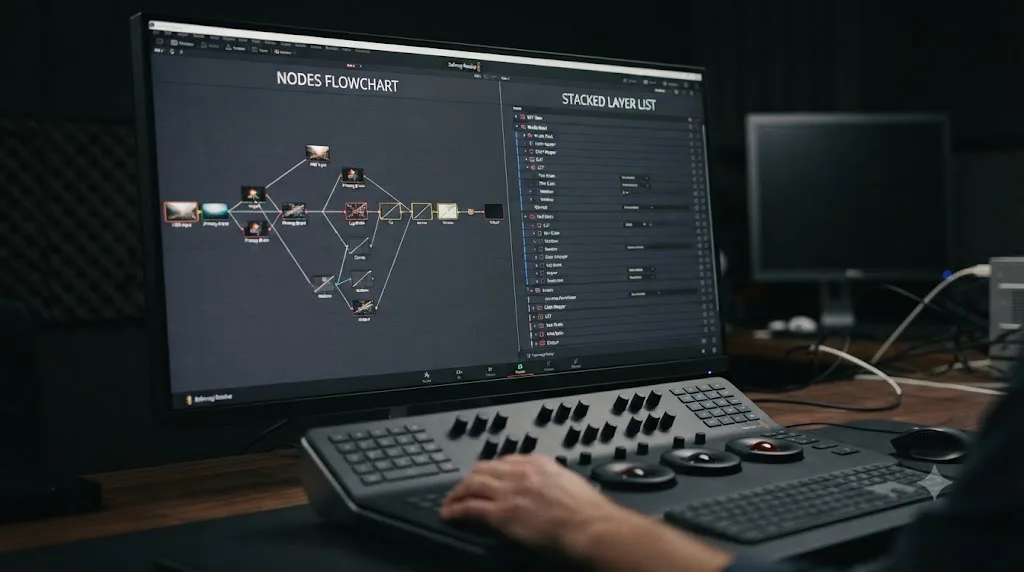
The layer-list node view gives you a second way to read a grade: nodes displayed as a stacked list of rows instead of sprawled across a flowchart canvas, up to eight layers deep. It doesn't replace the traditional node graph, it sits alongside it, and grading houses have wanted a cleaner way to hand off a complex node tree to a second colorist for years.
Group color grade versions let you create and manage multiple grade versions at the group level, applying changes uniformly across every clip in that group instead of touching each one individually. That's workflow plumbing, the unglamorous kind that saves a real afternoon on a grade-heavy project with dozens of shots sharing a base look.
The layer-list node view is the first real alternative to reading a Resolve grade as a flowchart since the node system was introduced. That's a bigger deal for colorist workflow than the marketing copy suggests, because node graphs on a complex shot can get genuinely hard to parse at a glance.
What's new in Fusion? Krokodove and the USD pipeline
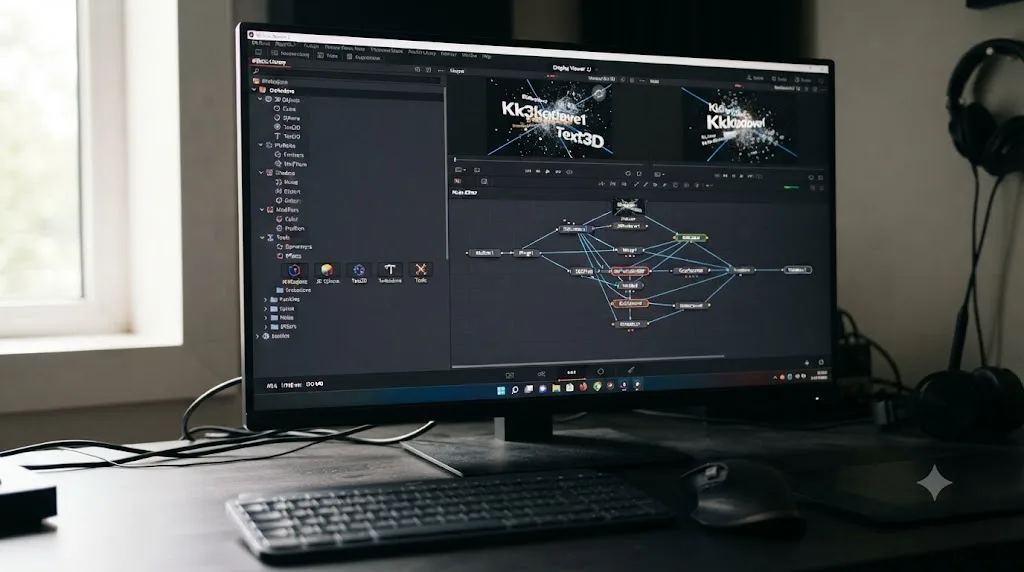
Fusion got one of its largest updates in years, and the headline is Krokodove, a motion graphics library that Blackmagic folded directly into the page. Per CG Channel's report, "the popular Krokodove library, which features over 100 tools and effects, including 2D and 3D motion graphics templates, is now integrated directly into Resolve." Blackmagic's own materials cite over 70 of those as new graphics templates specifically, covering utility tools, vector and data tools, and ready-made 2D and 3D motion graphics.
Krokodove adds more than 100 tools and templates to Fusion in a single release, ready-made rather than built from scratch. For anyone who's spent an afternoon building a simple lower-third animation from primitives, that's the difference between starting from a blank canvas and starting from a library.
The Macro Editor got a new inspector view, which simplifies building and packaging your own custom tools and templates for reuse, a workflow that used to require more Fusion fluency than most editors had patience for.
Audio-driven animation arrived through a Fairlight Animator modifier that connects audio analysis directly to a parameter's animation curve, useful for automating things like eye blinks or lip movement synced to a dialogue track without hand-keying every beat.
The pipeline side got real attention too. Fusion's USD toolset moved to SDK 25.11 with the Hydra 2.0 API, adding 3D matte support and texture projection. CG Channel's report also flags a new Cryptomatte ID matte-generation system built into Resolve's 3D renderer, and a Lens Distort node that can "analyze checkerboard grids from single frames of footage, and automatically apply corresponding lens corrections."
That combination, Cryptomatte plus automatic lens correction plus a modernized USD pipeline, reads like Blackmagic courting VFX shops that currently round-trip footage to a dedicated compositing app for exactly these steps. It's the least flashy part of the release and arguably the one with the most professional weight behind it.
What's new in Fairlight audio?
Fairlight picked up four changes aimed at closing the gap with dedicated digital audio workstations, one habit at a time.
Track folders let you collapse a group of audio tracks into a single composite row, with mini rectangles inside it indicating where each track's clips sit, so a twelve-track dialogue and music session can collapse down to something you can actually see on screen at once.
The 6-band clip EQ now matches the track EQ's full capabilities, with settings that copy and paste between the clip, track, and plugin levels. Before this, clip-level EQ was the junior version of what you got at the track level, which meant reaching for the track EQ for anything serious even when the problem lived on one clip.
An EQ and level matcher handles dynamic tonal matching and levels automatically, aimed squarely at the intercut-interview problem: two people recorded on different mics or in different rooms, cut together, sounding like two different podcasts spliced into one.
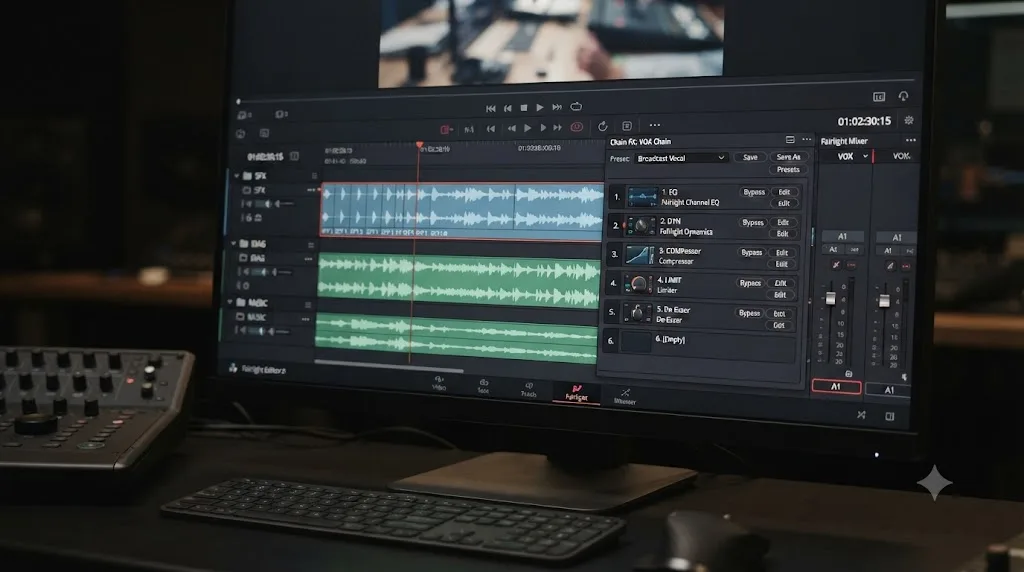
Chain FX bundles up to six plugins with their settings into a single, saveable, reusable preset. Once you've built a chain you like, applying it to a new clip or track is one click instead of rebuilding a plugin stack from memory every session.
Chaining six plugins into one saveable preset is the kind of feature editors stop noticing within a week, because working without it stops making sense. That's the pattern with most of Fairlight's incremental gains: individually small, collectively the reason Fairlight keeps closing ground on dedicated audio software.
What's new for VR, 360, and immersive video?
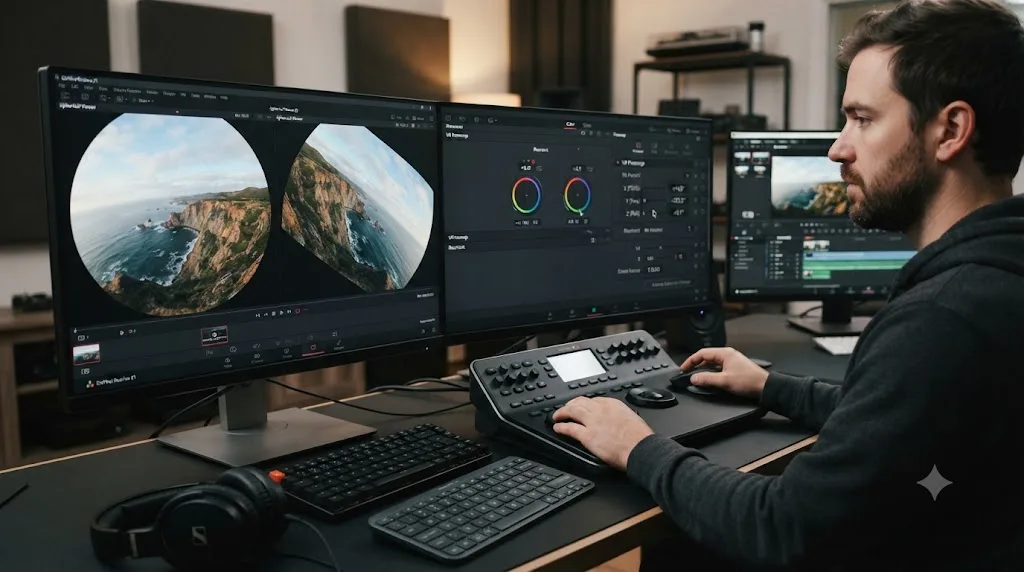
Immersive video got real investment in this release, not just a checkbox. Apple Immersive foveated rendering prioritizes high-resolution rendering at the viewer's gaze point and reduces GPU load in the peripheral area, which matters because immersive footage is some of the most GPU-punishing material Resolve ever has to play back.
A new MainConcept H.265/MV-HEVC encoder handles accelerated 4:2:0 and 4:2:2 rendering for both 2D and 3D immersive content. VR180 and VR360 support adds master project settings built for delivering to Meta Quest and YouTube VR specifically, rather than requiring you to hand-configure generic export settings and hope the platform accepts them.
Panomap controls let you rotate spherical footage on pitch, tilt, pan, yaw, and roll, which is the kind of correction that used to require a third-party plugin or a round trip to specialized 360 software. And ILPD retargeting handles stereoscopic media inside Fusion, so stereo compositing work can stay in the same app as everything else.
This is a narrow audience feature set. Most editors reading this will never touch a single one of these tools. But for the shrinking group still working in VR180, VR360, or Apple Immersive formats, Resolve just became a more complete solution than it was in version 20, closing gaps that used to send that work to specialized software.
What's new for content creators and social publishing?
A handful of changes target creators and social publishers specifically, and they're some of the quietest wins in the release.
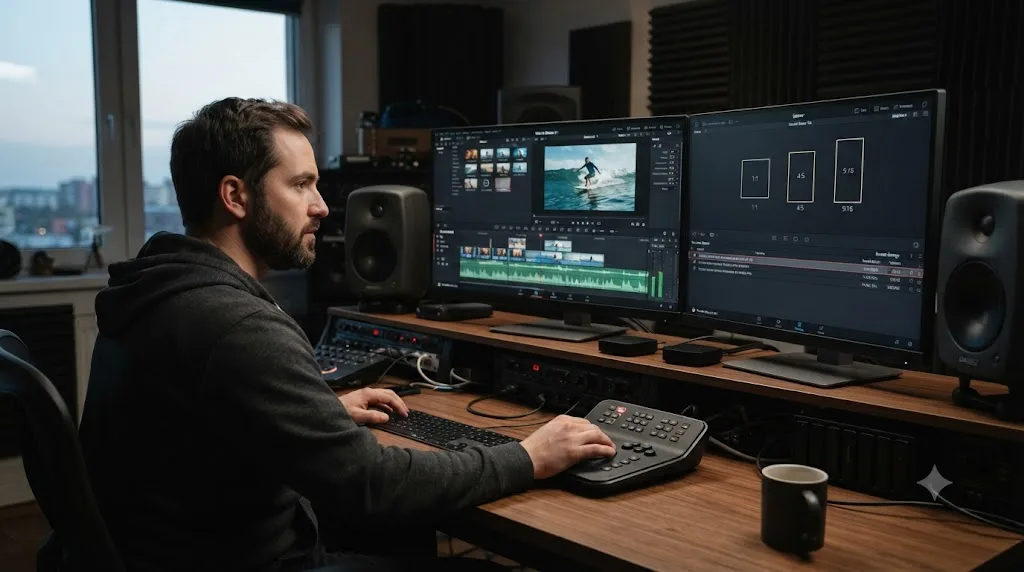
Vertical and square resolution templates are built for TikTok, Instagram, X, and YouTube Shorts, so you're not manually typing custom resolution numbers into Project Settings for every platform. Direct upload publishes straight to YouTube, TikTok, Vimeo, and X from inside Resolve, with platform-optimized compression handled automatically, removing the last excuse for keeping a second app around just to reformat and upload a finished cut.
IntelliScript got an upgrade too: it now imports Final Draft files and plain-text screenplays and assembles a rough timeline from them automatically, useful for scripted and documentary teams working from a written script rather than building structure from scratch in the edit.
ATEM Mini import opens an ATEM Mini's ISO live-production recording as a Resolve timeline, with a synced multiview bin, which matters to anyone running a live multicam stream and then wanting to re-edit the footage afterward without manually syncing camera angles by hand.
A ready-made vertical export preset removes the last reason a creator would need a second app just to reformat one video for three different platforms. That's not a dramatic feature on a spec sheet, but it's the one that saves the most actual minutes per week for the audience most likely to publish daily.
Which new camera and RAW formats does Resolve 21 support?
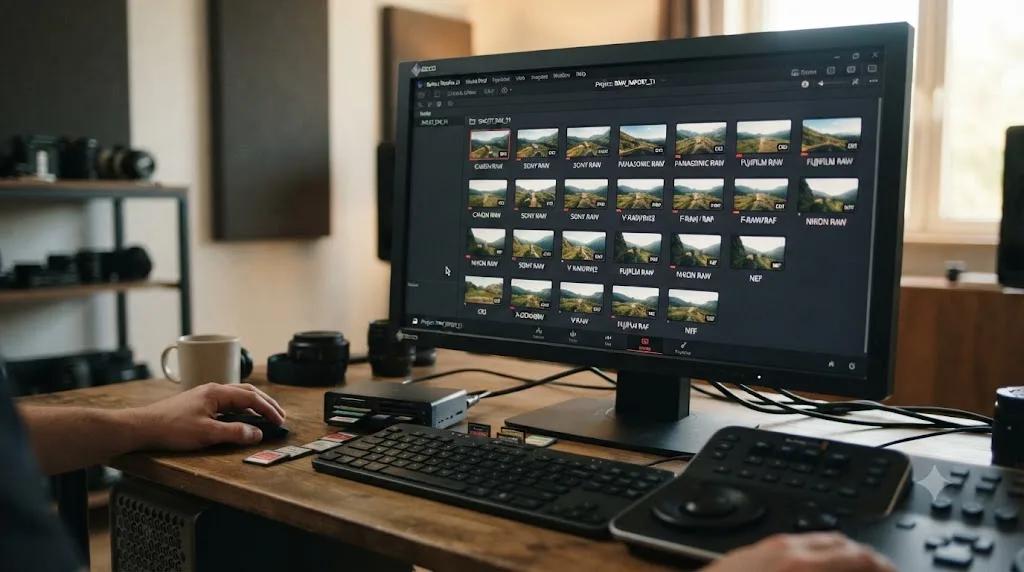
Camera support widened noticeably, and it's the feature set most directly aimed at anyone who shoots stills and video with the same body.
| Format | Camera or source |
|---|---|
| CR3 | Canon |
| RW2 | Panasonic LUMIX |
| RAF | Fujifilm |
| ProRAW | Apple |
| Compressed ARW | Sony A7 V and newer |
| Proprietary RAW | Sony Burano V3 |
| I-Log | Insta360 |
| NEF | Nikon, decode quality improved |
Per CineD's release coverage, this list spans stills RAW formats (CR3, RW2, RAF, ProRAW) alongside video-camera formats (Sony Burano V3, Insta360 I-Log), which fits the release's overall theme: a single app for photo and video shooters who used to need two.
Resolve 21 added native RAW decoding for four still-camera formats in one release, which is more stills camera support than most single Resolve version bumps have added in years. If you shoot hybrid, the Photo page's usefulness is directly downstream of this list, since a page that can't open your camera's files isn't useful at all.
Is DaVinci Resolve 21 actually faster?
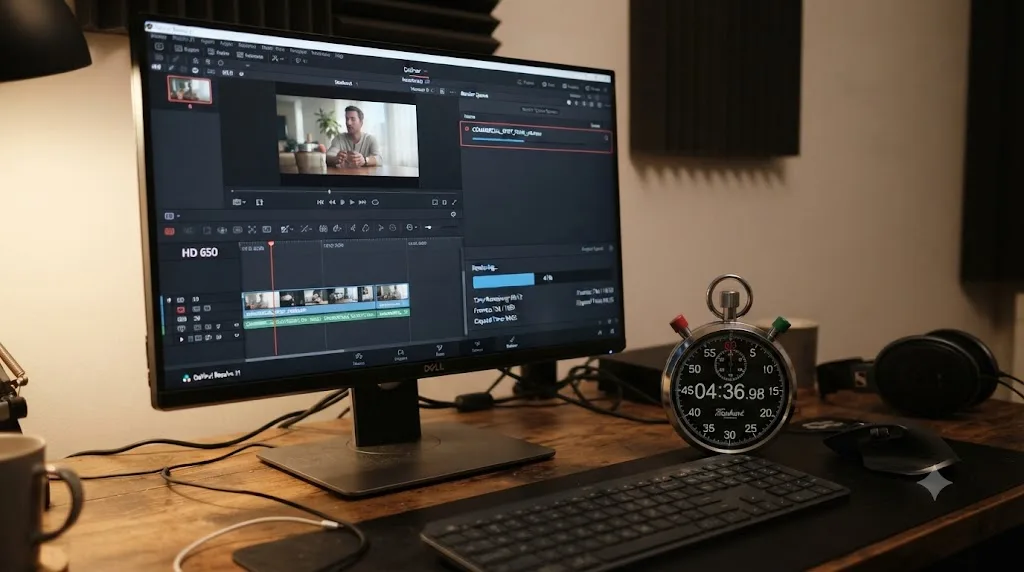
Blackmagic's own performance claims are specific in exactly one place. Cloud project sync runs up to three times faster than in Resolve 20, per PetaPixel's coverage of the release. Everywhere else, Blackmagic's language stays general, and the honest read is that timeline and export speed depend far more on your GPU, your codecs, and your node count than on the version number printed in the About box.
Worth flagging directly: a release this loaded with AI tools shifts more processing onto the GPU over time, since that's where every one of those nine tools runs. If your card was already the bottleneck in Resolve 20, this release doesn't fix that. It gives that bottleneck more work to do. Our guide to choppy playback and export slowdowns covers the GPU-side troubleshooting that applies regardless of which Resolve version you're running.
The only benchmark that actually tells you anything runs on your own machine, with your own footage, not a reviewer's demo reel.
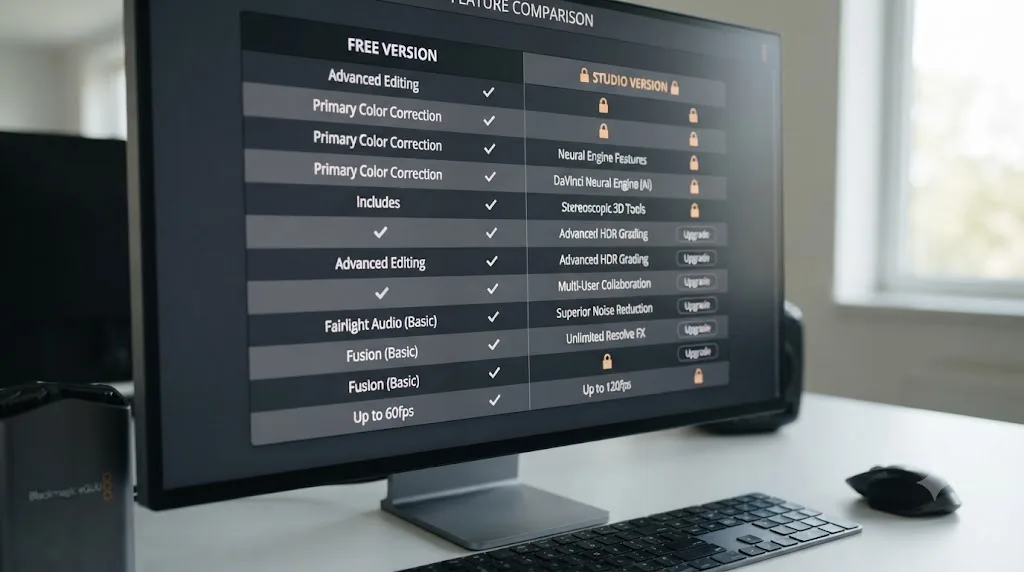
Which Resolve 21 features are free, and which need Studio?
This is the question that decides how much of this article actually applies to your license. Here's the split, mapped feature by feature against Blackmagic's free and Studio product pages.
| Feature | Free | Studio |
|---|---|---|
| Photo page (core editing) | Yes | Yes, plus full-resolution export |
| Bézier keyframes, Curves editor updates | Yes | Yes |
| Krokodove and Fusion updates | Yes | Yes |
| Fairlight track folders, Chain FX, EQ tools | Yes | Yes |
| Vertical presets, direct upload, IntelliScript | Yes | Yes |
| VR180/VR360, Apple Immersive | Yes | Yes |
| MultiMaster trim manager | No | Yes |
| Magic Mask, including Render in Place | No | Yes |
| Layer-list node view | No | Yes |
| The nine AI tools (IntelliSearch, CineFocus, Speech Generator, and the rest) | No | Yes |
Most of the structural, page-level changes in Resolve 21 are free. Nearly all of the AI headline tools are not. That split is worth internalizing before the marketing copy talks you into an upgrade you don't need. Krokodove, the Photo page's core grading tools, the keyframing overhaul, and the Fairlight updates all ship in the $0 tier. IntelliSearch, CineFocus, and their AI siblings sit behind the DaVinci Neural Engine, which is Studio-only, the same gate Magic Mask has always lived behind.
If you're trying to work out whether the $295 is worth it for your specific workflow rather than this release in the abstract, our full breakdown of DaVinci Resolve Studio's price walks the complete feature list, not just what's new in 21.
What are the system requirements for DaVinci Resolve 21?
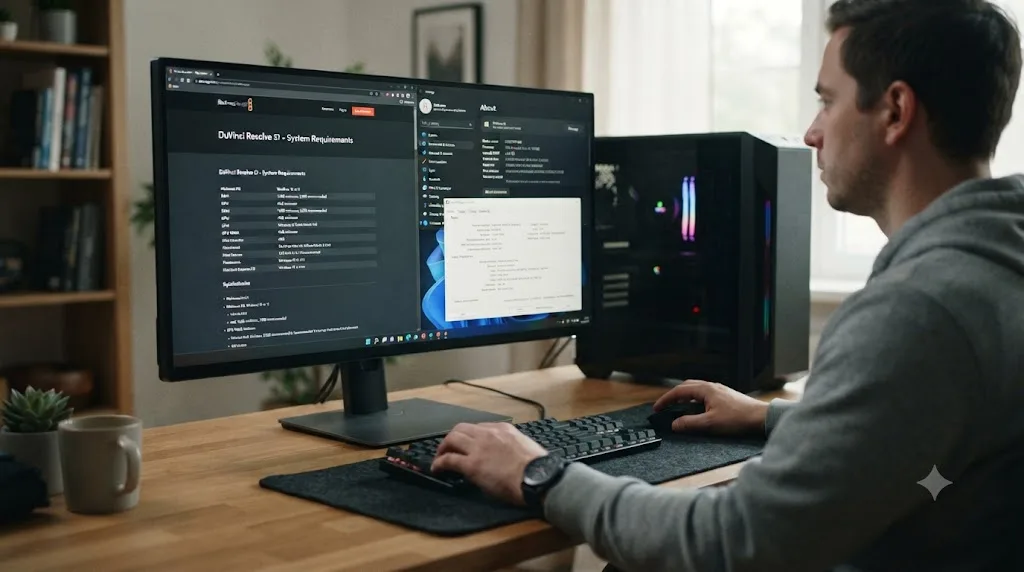
The published OS floor moved, and it moved in a way that actively excludes some hardware rather than just recommending an upgrade. Per CG Channel's release report, Resolve 21 requires Windows 10 or later, macOS 15.0 (Sequoia) or later, or Rocky Linux 8.6.
| OS | Minimum version | The catch |
|---|---|---|
| Windows | 10 or later | Microsoft ended mainstream Windows 10 support in October 2025, so this floor is generous but aging |
| macOS | 15.0 (Sequoia) | Any Mac that can't update to Sequoia can't run Resolve 21 at all |
| Linux | Rocky Linux 8.6 | Matches Blackmagic's usual enterprise Linux target |
The macOS line is the one that actually blocks people. Sequoia shipped in late 2024, and Apple doesn't support every Mac model going back indefinitely, so if your machine tops out at Sonoma or earlier, this decision was made for you: Resolve 20 keeps working exactly as it does today, and Resolve 21 isn't available to you until you replace the hardware.
Blackmagic doesn't publish specific GPU or RAM minimums for version 21 on the What's New page, so the honest guidance is about headroom rather than a hard number. Given how much of this release runs on the GPU, from Photo page exports to all nine AI tools, more VRAM and a newer card only get more valuable from here, not less.
Should you update to Resolve 21 right now?
Short version: yes, once your current project ships, with your projects archived first. The longer version, including the exact upgrade steps and what breaks if you skip the archive step, lives in our full DaVinci Resolve 21 review, which is built around exactly that decision.
What belongs here instead is the feature-driven version of that call. If your reason for updating is the Photo page, Krokodove, the keyframing overhaul, or the Fairlight tools, you get all of it on the free tier, so the upgrade costs nothing but the install time and the one-way project conversion. If your reason is any of the nine AI tools, budget for Studio, because none of them run without it. And if your Mac can't take Sequoia, none of this is a decision you actually get to make yet; it's a hardware problem first.
One thing worth saying plainly: this is a wide release, not a deep one for any single role except hybrid photo-and-video shooters. Most editors will find three or four features here that genuinely change their week, and a longer list they'll never open. That's a fine trade at a price of zero. Just don't let the sheer length of this list convince you every line item applies to you.
The full picture
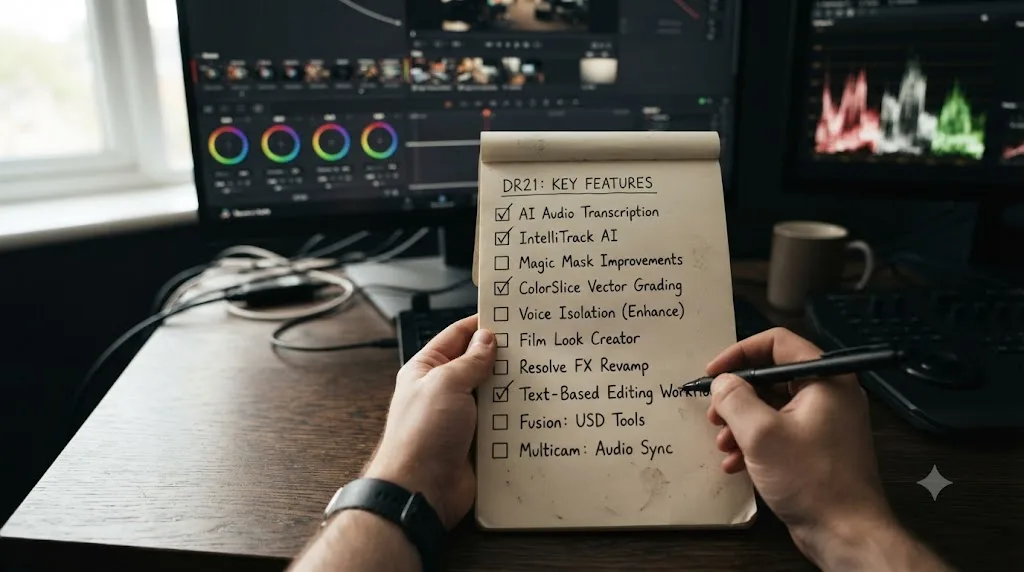
DaVinci Resolve 21 is the widest release Blackmagic has shipped in years: a new page, nine AI tools, a rebuilt keyframing system, a hundred-plus new Fusion graphics, real Fairlight upgrades, and immersive video support that used to require separate software. Most of the structural work is free. Most of the AI headline features aren't. Read this page as the map, pick the handful of tools that actually solve a problem you have this month, and ignore the rest until you need it. If you're still hunting for which menu holds a specific new control once you've installed it, TryUncle is an AI tutor that points at the actual control on your own Resolve window instead of sending you back to a page like this one.
Frequently asked questions
- What is the single biggest new feature in DaVinci Resolve 21?
- The Photo page. Resolve 21 turns the app into a full still-image editor, with albums, ratings, native RAW support, and the same node-based color tools used for video, and it ships in the free version, not just Studio.
- How many new AI tools does DaVinci Resolve 21 add?
- Nine, by Blackmagic's own count: IntelliSearch, CineFocus, AI Speech Generator, AI UltraSharpen, AI Motion Deblur, AI Face Age Transformer, AI Face Reshaper, AI Blemish Removal, and AI Slate ID. Most of them require DaVinci Resolve Studio.
- Is Krokodove free or does it require DaVinci Resolve Studio?
- Krokodove ships inside Fusion in both the free and Studio versions of Resolve 21. Fusion itself has always been part of the free tier, and Blackmagic hasn't gated the Krokodove library separately from it.
- Does DaVinci Resolve 21 add new camera RAW support?
- Yes. Resolve 21 adds native RAW decoding for Canon CR3, Panasonic RW2, Fujifilm RAF, and Apple ProRAW, plus compressed Sony ARW from newer A7-series bodies, Sony Burano V3 clips, Insta360 I-Log, and improved Nikon NEF handling.
- What's new in Fairlight audio in DaVinci Resolve 21?
- Track folders that collapse groups of audio tracks into one row, a 6-band clip EQ that matches the track EQ's capabilities, an EQ and level matcher for intercut dialogue, and Chain FX, which bundles up to six plugins into one reusable, saveable preset.
- Does DaVinci Resolve 21 support VR and 360 video?
- Yes. Resolve 21 adds VR180 and VR360 mastering presets for Meta Quest and YouTube VR, Panomap controls for adjusting pitch, tilt, pan, yaw, and roll on spherical footage, and foveated rendering support for Apple Immersive video.
- Are all of DaVinci Resolve 21's new features free?
- No. The Photo page, keyframing updates, Krokodove, Fairlight's new tools, and immersive video support are all in the free version. The nine AI tools, along with Magic Mask's new Render in Place option, run on the DaVinci Neural Engine, which is reserved for the $295 Studio license.
Sources
- Blackmagic Design: DaVinci Resolve 21 announcement (Grant Petty quote, Photo page)
- DaVinci Resolve - What's New (Blackmagic Design)
- DaVinci Resolve Studio product page (Blackmagic Design)
- DaVinci Resolve product page (free version)
- PetaPixel: DaVinci Resolve 21 officially released with new photo editing, AI tools, and much more
- CG Channel: Blackmagic Design releases DaVinci Resolve 21.0
- CineD: DaVinci Resolve 21 Final Release Now Available, New Photo Page, Expanded AI Toolset, Krokodove in Fusion, and Wide RAW Support
- ProVideo Coalition (Jeff Foster): Blackmagic Design NAB Show 2026 updates
Put this guide to work with TryUncle.
Ask about the step you’re on. TryUncle sees your screen and points at the control you need, so you can keep learning in your own project.
Get TryUncle for Mac or WindowsKeep reading
Reviews · Jul 7, 2026 · 22 min
DaVinci Resolve 21 Review: What's New and Is It Worth Upgrading?
A close look at DaVinci Resolve 21: the new Photo page, IntelliSearch, CineFocus, Krokodove, what Blackmagic actually shipped, and who should upgrade now.
Guides · Jul 7, 2026 · 7 min
How to Use Magic Mask in DaVinci Resolve (Complete Guide)
How Magic Mask in DaVinci Resolve isolates people and objects from one brush stroke, what changed in Resolve 21, and where the AI still needs help.
Comparisons · Jul 7, 2026 · 28 min
DaVinci Resolve Studio Price: Free vs. Studio Cost, Explained
DaVinci Resolve Studio costs $295, paid once, not monthly. Here's exactly what that buys, how it stacks up against Premiere Pro and Final Cut Pro, and who needs it.