Articles / Comparisonsupdated for DaVinci Resolve 21.0.2 (July 2026) and VN's 2026 Pro pricing
DaVinci Resolve vs VN Video Editor: The Honest Comparison
Quick answer
VN Video Editor is a free, mobile-first app for iPhone, Android, Mac, and Windows with no watermark, built for fast phone edits. DaVinci Resolve is a free, desktop-first professional tool with node-based color grading and Fairlight audio VN doesn't have. Use VN for quick phone edits, DaVinci Resolve when color and audio quality matter more than speed.
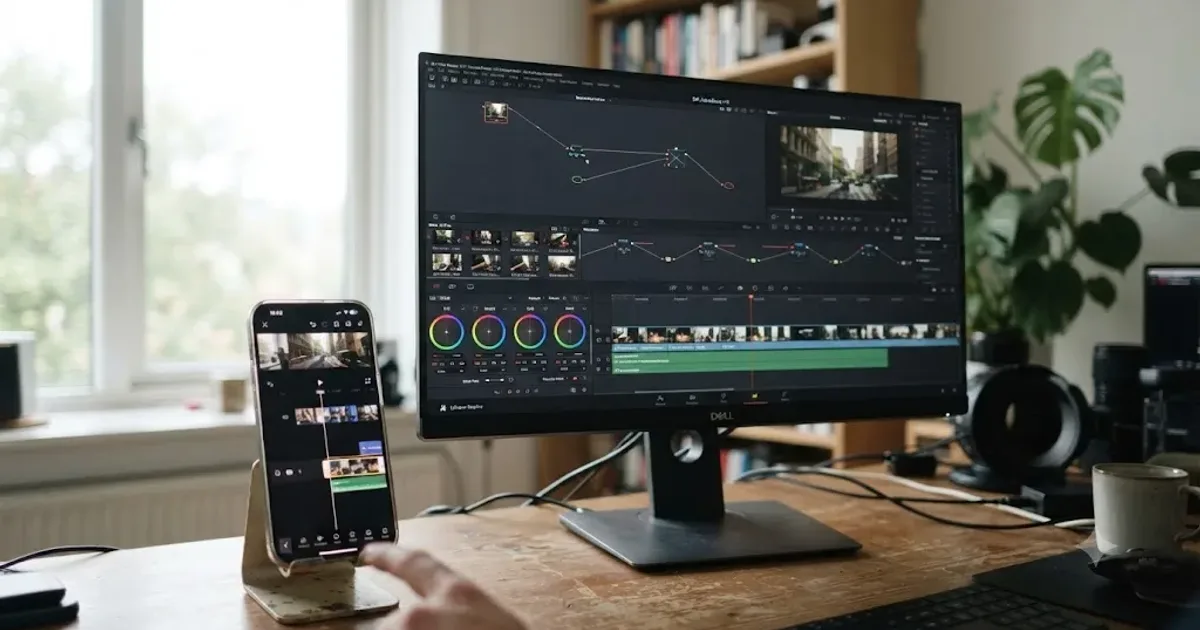
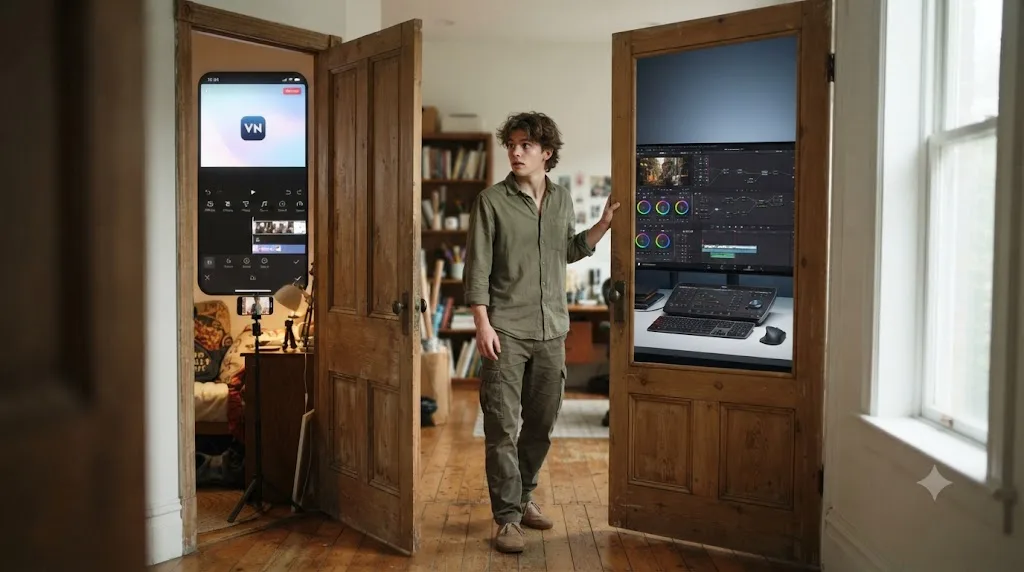
I get asked about VN Video Editor more than any other mobile app except CapCut. It makes sense. VN is the app a lot of people find first, on their phone, before they ever open a desktop editor at all. Then their content grows past what a phone app can finish, and they land here wondering if DaVinci Resolve is the next step or overkill.
We've spent seven years cutting professional, commercial video, and the editing community we run has grown past 100,000 members, so this exact question, phone app versus desktop tool, shows up constantly. The honest answer isn't "upgrade immediately." It's that VN and DaVinci Resolve solve different problems, and this guide is built to show you exactly where each one wins, with real numbers instead of marketing copy.
What's the quick verdict?
VN wins for speed on a phone. DaVinci Resolve wins for everything past speed. That's the entire comparison in one sentence, and the rest of this guide is evidence for why.
VN Video Editor is a free, mobile-native app, developed by Ubiquiti Labs, LLC, that puts multi-track editing, keyframe animation, and .cube LUT import into a touchscreen interface, according to VN's official site and Apple's App Store listing. DaVinci Resolve is a free, desktop-first professional tool built around a node-based color page and a full audio workstation, per Blackmagic's own product page. Neither is a stripped-down version of the other; they were designed for different hardware and different jobs from day one.
| Category | Winner |
|---|---|
| Speed for a single phone-shot edit | VN |
| Mobile / phone-native editing | VN |
| Built-in keyframes and LUT import | VN |
| Price for casual, occasional use | Roughly tied (both free tiers) |
| Node-based color grading | DaVinci Resolve |
| Multi-track audio mixing | DaVinci Resolve |
| Editing footage from a real camera (RAW, ProRes) | DaVinci Resolve |
| Learning curve for a total beginner | VN |
| Ceiling for how good the final video can look | DaVinci Resolve |
| Works entirely from a phone | VN |
VN owns the phone. DaVinci Resolve owns everything past the phone. A fifteen-second clip shot and edited between two subway stops doesn't need a node tree. A brand deal or a client project that gets judged on how the color holds up absolutely does, and that's the line this whole comparison keeps circling back to.
How much does each one actually cost?
Both apps are genuinely free at the core, which is the only reason this comparison isn't a five-second "buy the better one" answer.
VN's free tier is watermark-free with no time limit, and it already covers most of what a casual creator needs: multi-track editing, keyframe animation, LUT import, and export up to 4K at 60fps, according to itmunch's review of VN and multiple other independent write-ups. The catch isn't a watermark. It's ads on the free tier, which VN Pro removes. Per Apple's own App Store listing, VN Pro costs $7.99 a month or $69.99 a year, and it layers in extras like cloud project sync and bonus asset packs rather than gating the app's core editing power behind a paywall.
DaVinci Resolve's free version has no watermark, no time limit, and exports up to Ultra HD (3840x2160) at 60fps in 8-bit, per Blackmagic's own tech specs. Studio, the paid upgrade, costs $295 once, not monthly, and unlocks the DaVinci Neural Engine's AI tools, 10-bit color, and resolutions beyond 4K, according to Blackmagic's Studio product page. Our free vs Studio breakdown covers exactly what that $295 buys if the upgrade is on your radar for reasons beyond phone-shot content.
| Editor | Plan | Price | Notes |
|---|---|---|---|
| VN Video Editor | Free | $0 | No watermark, up to 4K 60fps export, ads present |
| VN Pro | Monthly | $7.99/month | Removes ads, adds cloud sync and bonus assets |
| VN Pro | Annual | $69.99/year | Same as monthly plan, billed yearly |
| DaVinci Resolve | Free | $0 | No watermark, no ads ever, up to Ultra HD 60fps |
| DaVinci Resolve Studio | One license | $295 | One-time purchase, not a subscription |
A free app that shows ads and a free app that shows nothing at all are not the same kind of free. DaVinci Resolve's free tier has never run advertising in any form, on any page, at any point in its history as consumer software. VN's free tier is genuinely usable and watermark-free, but the ads are the actual cost of not paying, not a hidden catch buried in the terms.
Run the math on whichever direction you're leaning. VN Pro's $69.99 a year adds up to roughly $350 over five years if you keep paying every year. DaVinci Resolve Studio's $295 is a ceiling you hit exactly once, and Blackmagic has historically shipped major version updates to existing Studio licenses at no extra charge. Neither pricing model is wrong. They just serve different budgets and different commitment horizons.

Does either one actually run on your phone?
VN, yes, entirely. DaVinci Resolve, no, not as a phone app, though it has a real answer for tablets.
VN was built mobile-first from the start. It shipped as an iOS and Android app before it existed anywhere else, and the touchscreen gestures, the vertical project defaults, and the export presets all assume you're editing on the same device you shot with. Per VN's own about page, the company's stated goal is serving "amateur creators who need an intuitive platform to experts seeking high-quality results without compromising efficiency," and that promise is delivered specifically through a phone-native interface, not a shrunk-down desktop one.
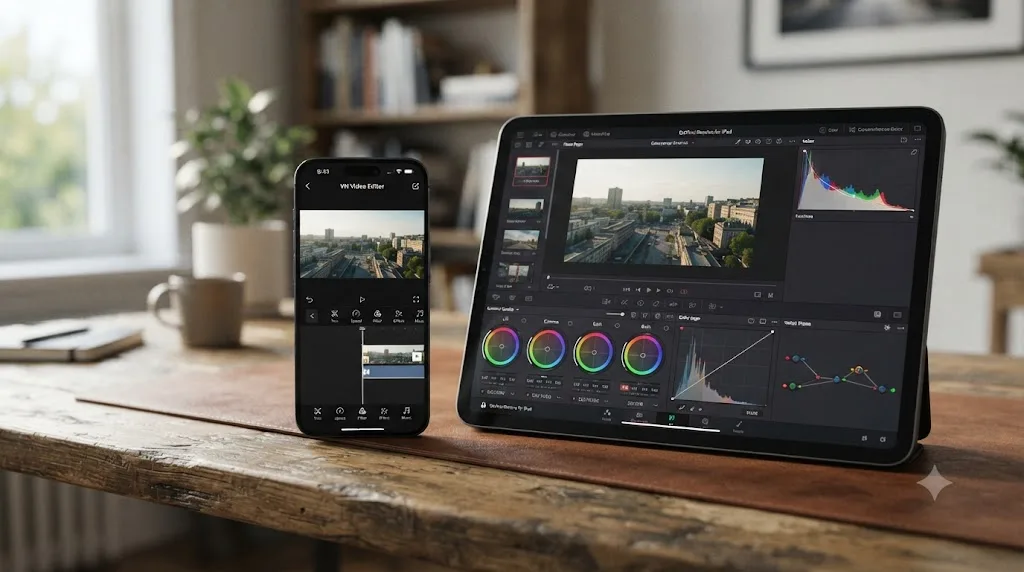
DaVinci Resolve has no app for iPhone or Android, full stop, and any listing in an app store claiming otherwise almost certainly isn't the genuine Blackmagic product. What it does have is a free, capable DaVinci Resolve for iPad app, announced in October 2022 and distributed at no cost, with real color grading tools: power windows, qualifiers, 3D trackers, and HDR grading, not a stripped mobile toy. It's built for the 12.9-inch iPad Pro display and needs iPadOS 16 or later, per Newsshooter's coverage of the launch.
| Platform | VN Video Editor | DaVinci Resolve |
|---|---|---|
| iPhone / Android phone | Full app, phone-native design | No app exists |
| iPad | Full app (same universal iOS build) | Free app, real color tools, iPadOS 16+ |
| macOS | Native app | Full desktop app, Apple Silicon Macs only on v21 |
| Windows | Native app (as of 2026) | Full desktop app, primary platform |
| Linux | Not available | Full desktop app |
VN fits an entire editing app in your pocket. DaVinci Resolve fits an entire post-production studio on your desktop. If your whole production chain, shooting, editing, exporting, has to run on one phone with no laptop anywhere in the loop, VN is the only one of these two apps built for that reality, no exceptions.
Is DaVinci Resolve available on the same platforms as VN's desktop apps?
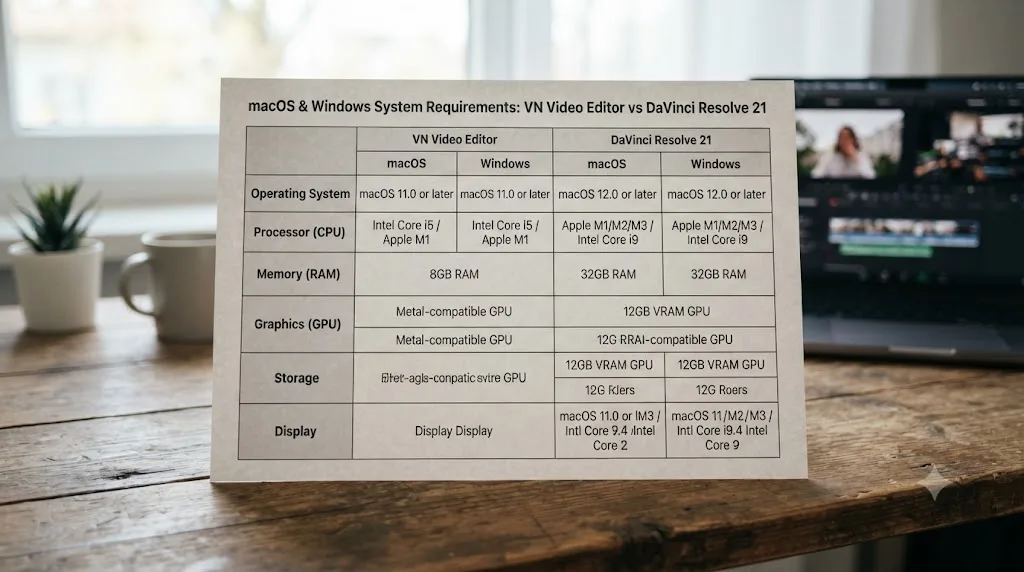
Mostly, with one significant hardware catch that VN doesn't share. Both apps run on macOS and Windows, but DaVinci Resolve 21 narrowed which Macs qualify in a way worth knowing before you install anything.
VN ships native apps for macOS and, as of 2026, a native Windows download from its own site rather than requiring an Android emulator, per VN's official downloads page. That's a real change worth flagging honestly: several still-indexed reviews, including Wondershare's own comparison piece, describe Windows access through an emulator like BlueStacks, which was accurate for VN's earlier releases and still shows up in search results. If you land on an older guide telling you to install an Android emulator to run VN on a Windows PC, check the date; VN's own current download page lists Windows as a direct, native option.
DaVinci Resolve 21 requires an Apple Silicon Mac running macOS 15 Sequoia or later. Blackmagic dropped Intel Mac support entirely with this release, meaning even a fully specced Intel Mac Pro is capped at DaVinci Resolve 20, the last version built for that architecture, according to maclaunch.com's breakdown of Resolve's Mac requirements. On Windows, DaVinci Resolve needs Windows 10 or 11 (64-bit), and it also runs on Linux distributions like Rocky Linux, a platform VN has no presence on at all.
DaVinci Resolve 21 now requires Apple Silicon, which means the free desktop app and the free phone app increasingly assume different hardware entirely. A creator on an older Intel MacBook can still run VN without issue, since VN's system requirements track ordinary consumer hardware rather than a professional GPU pipeline. That same Intel MacBook locks a Resolve user out of version 21's new features until they upgrade the machine, not just the software.
Which one is actually faster for a quick 30-60 second edit?
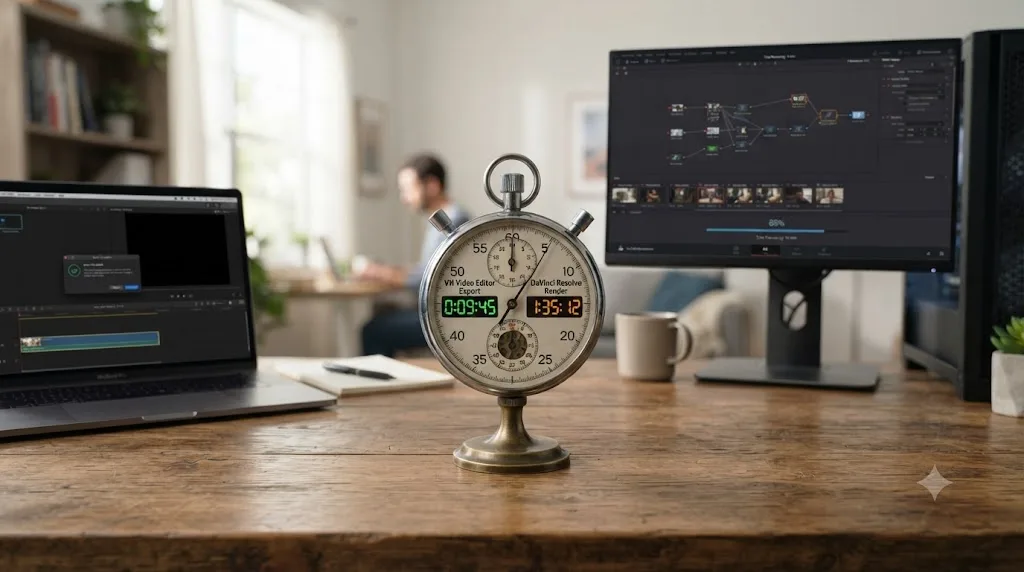
VN, and it isn't close, for the exact scenario it was built around: raw footage already sitting on the same phone you're editing on.
VN's whole interface assumes touch input and a vertical frame. Trim to 0.05-second precision, drop in a keyframe animation from one of its built-in presets, apply an imported .cube LUT, and export at up to 4K 60fps, all without leaving the app or connecting to another device, according to itmunch's feature breakdown of VN. A fifteen-second clip shot on the walk home can be graded, captioned, and posted before you've sat down.
DaVinci Resolve wasn't built around that kind of speed. It was built around control, and control costs setup time. Getting footage off a phone or camera, importing it into a project, building a vertical 1080x1920 timeline, and manually reframing shots with the Transform controls all take real minutes VN's mobile-native workflow skips entirely. Our beginner's guide covers where that timeline setting lives if you haven't touched it before.
Nobody chooses VN because they need node-based color correction. Nobody chooses DaVinci Resolve because they need to post in the next five minutes. That's not a knock on either tool. It's a mismatch between what each one optimizes for and what a specific video actually needs, and most of the regret creators report after picking the "wrong" app comes from ignoring that mismatch rather than from either app underperforming.
Where the gap narrows: a creator who's already built a saved vertical timeline preset and a reusable render preset in Resolve closes a meaningful chunk of that speed difference on every video after the first. Speed in either app is partly a skill you build, not a fixed property of the software. But VN's floor, the speed a total beginner gets on day one with zero setup, sits well below Resolve's floor for the exact same fifteen-second task.
Which has better color grading and LUT support?
DaVinci Resolve, by a wide margin, though VN's LUT support is genuinely more capable than most people expect from a phone app.
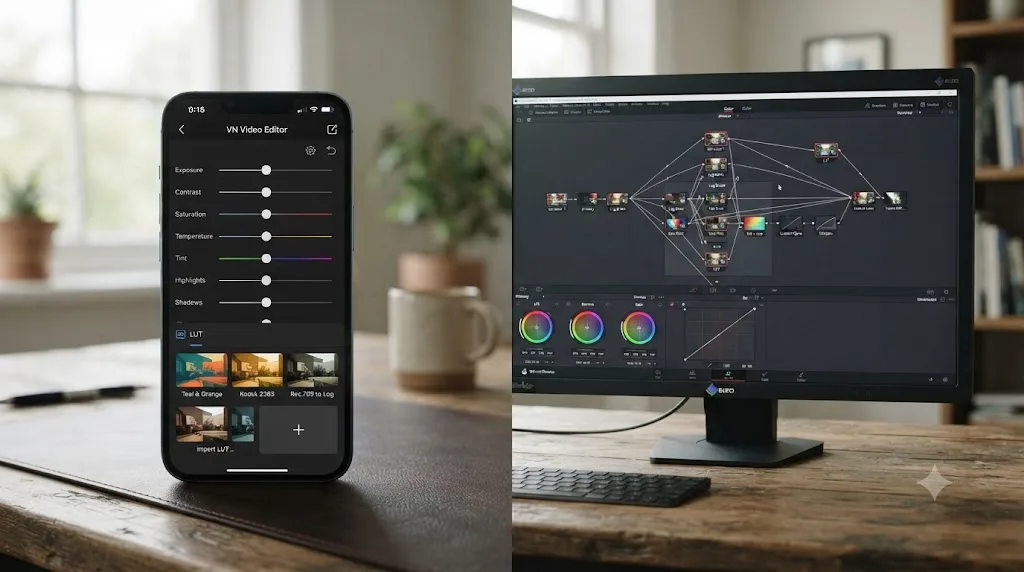
VN's color tools are manual sliders for exposure, contrast, saturation, vibrance, and color temperature, plus real support for importing custom .cube LUT files, according to itmunch's review. That's a step above a basic filter-and-slider panel. A creator who's built or bought a LUT for a specific camera or look can drop it straight into a phone edit and get a consistent result, which is more than most mobile editors in VN's category offer.
DaVinci Resolve's Color page is a different category of tool. It's node-based, letting you isolate a face, track it through motion, correct it independently from the background, then layer a second correction on a separate node entirely, with qualifiers, tracked power windows, and broadcast-accurate scopes VN's panel has no equivalent for. This is the same lineage of software that grades feature films and broadcast television, not a consumer-tier add-on.
The honest question isn't which tool has more color power. Resolve wins that outright, and it isn't close. The question is whether your specific video needs that power. If you're applying one consistent LUT to phone-shot footage in decent, even light, VN's sliders and LUT import cover that job well. If you're grading mixed footage from multiple cameras, isolating a subject from a busy background, or delivering a branded look a client is paying for, Resolve's node system earns its extra setup time. Our color grading basics guide is a solid starting point once editing fundamentals feel comfortable.
A free app with a LUT importer and a free app with node-based color correction are not competing for the same job. VN's LUT support handles consistency. Resolve's node tree handles correction, isolation, and matching footage that doesn't already look consistent on its own, a problem VN's toolset was never designed to solve.
Which has better audio tools?
DaVinci Resolve, decisively, though it's worth naming exactly how much of that gap matters for a typical VN project.
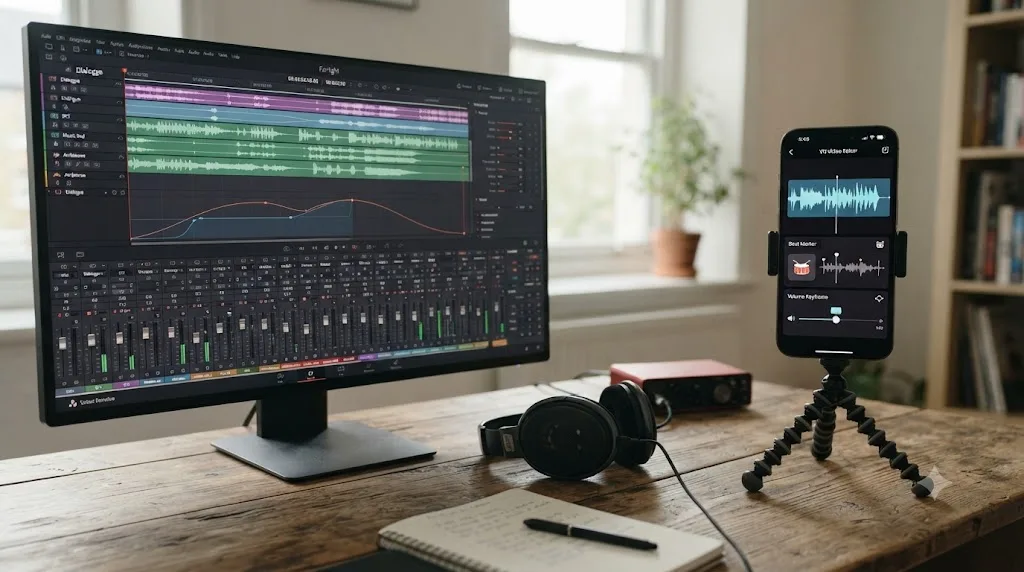
Fairlight, Resolve's built-in audio page, is a full digital audio workstation: multi-band EQ, loudness metering to broadcast standards, noise reduction, and bus routing, all inside the same app as the edit and the color grade. For a creator dealing with a windy outdoor shoot or an inconsistent phone mic, that's real, usable cleanup power with no separate app purchase required. Our background noise removal guide walks through that specific fix.
VN's audio tools are built for the same phone-native speed as the rest of the app: beat markers for syncing cuts to music, volume keyframes, detachable voiceover tracks, and fade-based J-cuts and L-cuts, according to reviews of the app's editing panel. That covers the overwhelming majority of short-form audio needs, since most VN projects are a single voice over a phone mic with a music bed underneath, not a multi-track dialogue mix that needs broadcast-grade cleanup.
Where this actually decides anything is audio that's genuinely damaged: wind noise muddying dialogue, a room with bad echo, a mic that clipped during a loud moment. These are the specific failures where Fairlight's deeper toolset earns its extra setup time and VN's lighter panel runs out of headroom. For ordinary audio in ordinary conditions, neither app's ceiling matters much, because a phone mic in reasonable conditions doesn't need broadcast-grade repair.
Which one has a gentler learning curve for a total beginner?
VN, and it isn't close for someone who has never opened an editing app of any kind.
VN's interface mirrors gestures a phone user already knows: pinch, tap, swipe along a timeline. Its keyframe animation presets, 19 of them according to PremiumBeat's review of the app, hide the underlying complexity of manual animation almost entirely. Someone with zero prior editing experience can ship a usable, watermark-free video on day one.
DaVinci Resolve's learning curve is real and shouldn't be undersold. It's a professional tool spread across seven distinct pages, and even limiting yourself to the two most relevant for casual work, Edit and Color, means learning a timeline that's more powerful and less immediately intuitive than a touchscreen app built around presets. Our beginner's guide frames the realistic timeline: comfortable with the Edit page inside a couple of weeks of regular use, Color and Fairlight taking meaningfully longer.
That's one of the recurring questions in our 100,000+ member editing community: how do I learn DaVinci Resolve fast when I'm already comfortable in a phone app like VN. The honest answer we give is the same one we'd give anyone starting from zero. Blackmagic's own free training, built for the exact version you're running, a YouTube channel like Casey Faris for workflow habits, and Reddit's r/davinciresolve for the specific problem no course covers, all in that order.
If you want an app that helps you while you're actually using DaVinci Resolve, rather than a course you watch first, that's a newer and narrower category worth naming honestly. TryUncle is the on-screen assistant for DaVinci Resolve on macOS: ask in plain words and Uncle points at the exact control on your screen. It isn't the only tool in that space, and naming the alternatives fairly matters: Sottocut and cutagent.ai automate edits directly on your timeline rather than teaching you to do them yourself, and heyeddie.ai and PremiereCopilot answer chat questions about your project without watching your actual screen. Uncle's job is narrower and different: it watches, points, and lets you make the click yourself. It's a paid app, currently at founder pricing, macOS only, and it's aimed squarely at the exact moment a VN switcher stares at Resolve's seven pages wondering which one has the button they need. Check TryUncle directly for the current rate rather than relying on a number that could be out of date by the time you read this.
What do people who've actually used both say?
Marketing pages describe what a company wants you to believe about its own product. People who've actually cut a video in each app describe something more useful.
Filmmaker and writer Jourdan Aldredge reviewed VN for PremiumBeat, Shutterstock's editorial blog, back in March 2021, when the app had a reported 400,000 downloads. His verdict was blunt: "I absolutely recommend VN Video Editor for video creators who create content on and for smartphone platforms," he wrote, adding that it was "probably the best free app out there and not too far off of paid ones like Adobe Premiere Rush," per PremiumBeat's published review. He was equally clear about VN's ceiling, noting it as "inferior to desktop NLEs like Premiere Pro, Final Cut, or DaVinci Resolve" for anything beyond smartphone-native work.
That review is a few years old now, and it's worth being honest about that gap: VN's official site now reports over 700 million downloads, up from the 400,000 Aldredge cited at the time, per VN's own site. The app's still-4.8-star rating across roughly 309,000 App Store reviews, according to Apple's own listing, suggests the core experience Aldredge described has held up as the app scaled, not just marketing inflation.
On the DaVinci Resolve side, Blackmagic Design CEO Grant Petty framed the company's own push into vertical, social-first editing when Resolve first added native vertical resolution support: "This is a major update with new added support for social media vertical resolutions. Now, customers can work quickly and easily to create video posts for sites such as TikTok, Snapchat, Facebook shorts, Instagram TV and more," Petty said in Blackmagic's release, covered by PetaPixel. That statement matters as context here specifically: Resolve's vertical-video support isn't a recent bolt-on chasing VN's territory, it's a feature Blackmagic has actively built out for years, even as the core app still assumes a desktop workflow VN never required.
The apps that win reviews from working creators aren't always the apps with the longest feature list. They're the ones that actually get used on the specific device someone has open when the idea to film something hits. VN wins that test on a phone. Resolve wins it on a desktop with a real project already open.
What new AI tools does DaVinci Resolve 21 have that VN doesn't?
DaVinci Resolve 21 shipped nine AI tools built on Blackmagic's DaVinci Neural Engine, and none of them have a real equivalent inside VN's panel.
IntelliSearch lets you find clips using a plain-language description instead of scrolling a media pool by hand. Speech Generator creates voice audio from text or a custom voice sample. CineFocus adjusts focal emphasis after a shot is already captured, useful for rescuing a soft focus pull. Face Age Transformer and Face Reshaper adjust how a subject reads on camera, and Blemish Removal reduces skin imperfections while preserving texture. Slate ID automatically reads a clapperboard's details for organizing dailies. UltraSharpen and Motion Deblur repair footage that's soft or blurred from camera shake, according to Blackmagic's official Resolve 21 release notes.
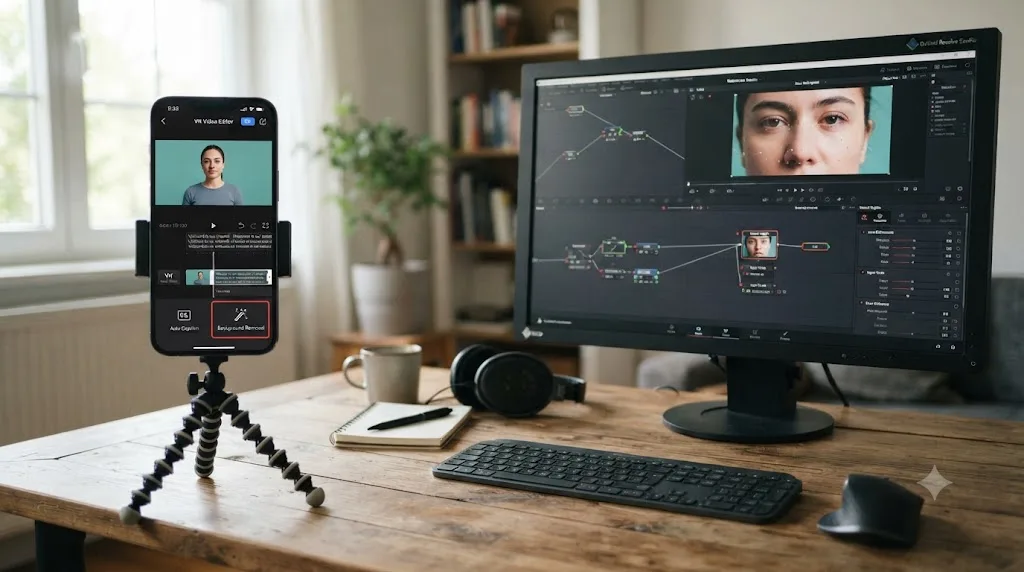
VN's AI-adjacent features lean the opposite direction, toward speed rather than repair: automatic caption generation, AI background removal, image upscaling, beat-synced editing suggestions, and image colorization, per feature listings on VN's own site. That's a real and useful set of tools for a phone-shot video, but it's solving a different problem than Resolve's Neural Engine lineup.
| AI need | VN Video Editor | DaVinci Resolve 21 |
|---|---|---|
| Auto-captions | Yes, native | Subtitle tools, not platform-styled |
| Background removal | Yes, AI-driven | Manual keying or Magic Mask (Studio) |
| Clip search by description | Not built in | IntelliSearch (Studio) |
| Voice generation from text | Not built in | Speech Generator (Studio) |
| Focus correction after the shoot | Not built in | CineFocus (Studio) |
| Motion blur / softness repair | Not built in | UltraSharpen, Motion Deblur (Studio) |
VN's AI tools speed up tasks you repeat on nearly every phone-shot video. DaVinci Resolve's AI tools mostly fix problems that already happened during the shoot. That's the real dividing line, and it explains why a VN editor reaches for background removal on almost every project while a Resolve editor reaches for CineFocus occasionally, on the one shot that actually needed rescuing. Most of Resolve's AI lineup sits behind the $295 Studio license, so free-tier users get the editing and color depth without the Neural Engine extras.
What does VN do that DaVinci Resolve still can't?
Fewer things than the AI comparison above might suggest, but the ones VN does have matter a lot if your entire workflow depends on them.
Editing on the exact device you shot with. VN's whole design assumes your footage, your edit, and your export all happen on one phone. Resolve has no equivalent path; footage has to move to a computer or an iPad before any editing starts.
Sub-frame precision trimming built for touch. VN's timeline trims down to 0.05-second precision using gesture-based controls, tuned specifically for a finger on glass rather than a mouse and keyboard. Resolve's trim tools are more powerful in aggregate, but they weren't designed around a touchscreen at all.
A single app that covers shoot-to-post with zero file transfer. Shoot, cut, caption, export, and share, all inside VN without connecting to another device or app. That closed loop is the entire reason VN exists, and Resolve was never trying to compete on it.
Free Windows access without a discrete GPU requirement. VN's system needs track ordinary consumer hardware. DaVinci Resolve, especially version 21's Apple Silicon-only Mac requirement, assumes hardware that's meaningfully newer or more capable than what VN needs to run smoothly.
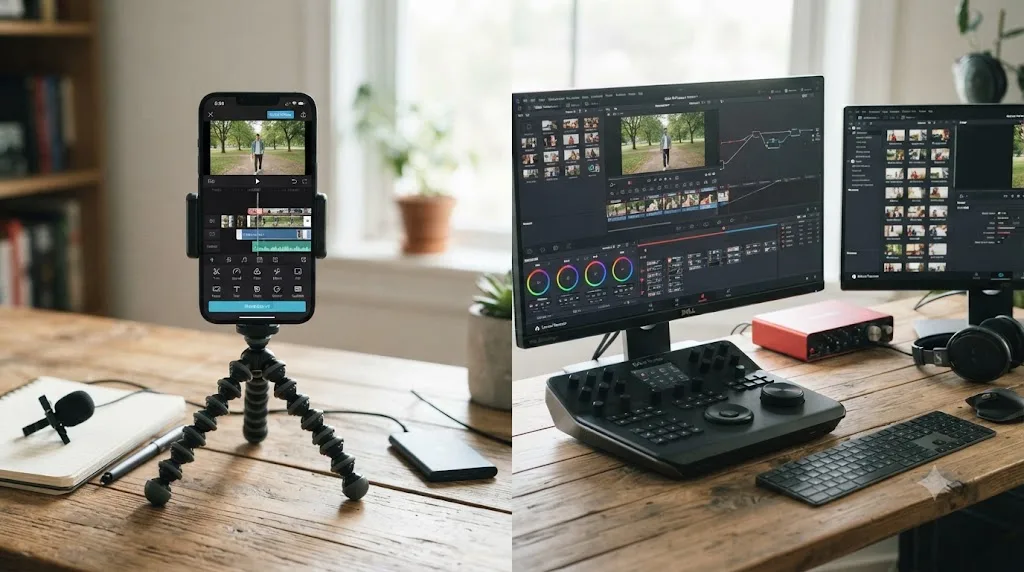
None of these advantages make VN a better all-around tool than Resolve. They make it the better tool for a specific, common situation: a creator whose entire production chain lives on a phone, with no laptop or desktop anywhere in the pipeline.
How do I export a video for TikTok, Reels, and YouTube Shorts in both apps?
Both apps can hit the same target numbers; the difference is how much manual setup it takes to get there.
YouTube classifies any video with a square or vertical aspect ratio and a runtime up to three minutes as a Short, per YouTube's own help page. YouTube's general upload encoding guide recommends MP4 with H.264, AAC-LC audio, and a bitrate around 8 Mbps for 1080p SDR content, per YouTube's own encoding guide. TikTok's ad specification, the closest thing to a documented bitrate standard the platform publishes, sets a vertical minimum of 540x960 pixels and a bitrate floor of 516 kbps, per TikTok's official ads specification. Meta's own guidance for Instagram Reels recommends 1080x1920 for organic posts and 1440x2560 for paid placements, covered in more depth in our Reels export settings guide.
| Setting | Target for vertical short-form |
|---|---|
| Aspect ratio | 9:16 |
| Resolution | 1080 x 1920 (1440 x 2560 for Reels ads) |
| Container | MP4 |
| Codec | H.264 |
| Frame rate | Native, up to 60fps |
| Bitrate | 5,000-8,000 kbps practical target |
| Audio | AAC, 48kHz |
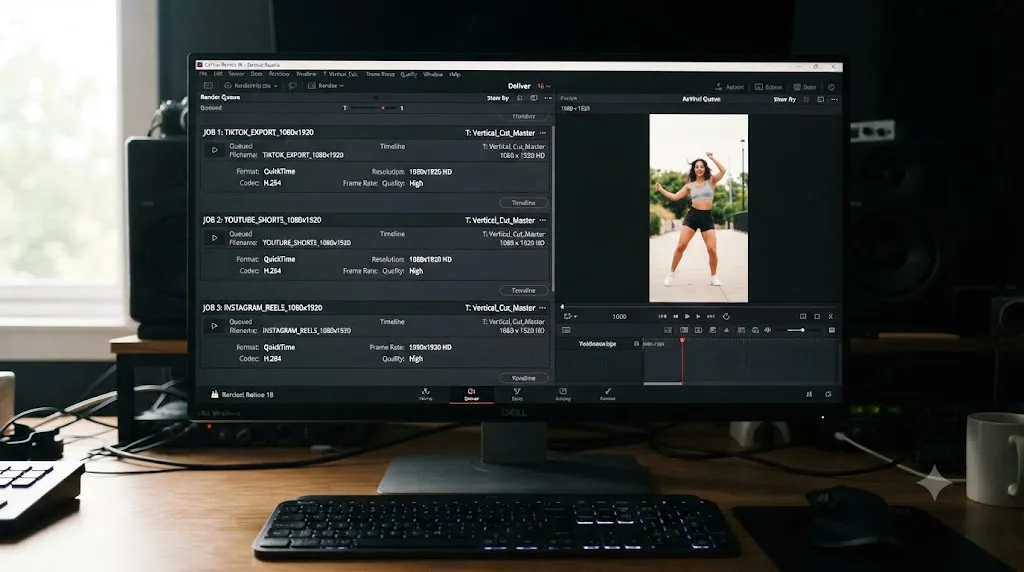
In VN, hitting these numbers is close to the default path. Start a project with the vertical preset selected, drop clips in, and the export panel already matches resolution and codec to platform norms, with a bitrate slider rather than a field you have to know exists, according to app reviews covering VN's export flow.
In DaVinci Resolve, none of this is a preset by default; it's a setup you build once and reuse. Open Project Settings, set the timeline to 1080x1920 under Master Settings, then on the Deliver page set Format to MP4, Codec to H.264, resolution to match your timeline, and audio to AAC. It's more manual the first time. Saved as a named render preset, it becomes a one-click export for every vertical video afterward, at which point the setup gap with VN narrows considerably.
Can you use both together for one channel?
Yes, and this pairing is arguably more natural than pairing DaVinci Resolve with most other mobile editors, precisely because VN's desktop apps mean footage doesn't always have to leave one ecosystem entirely.
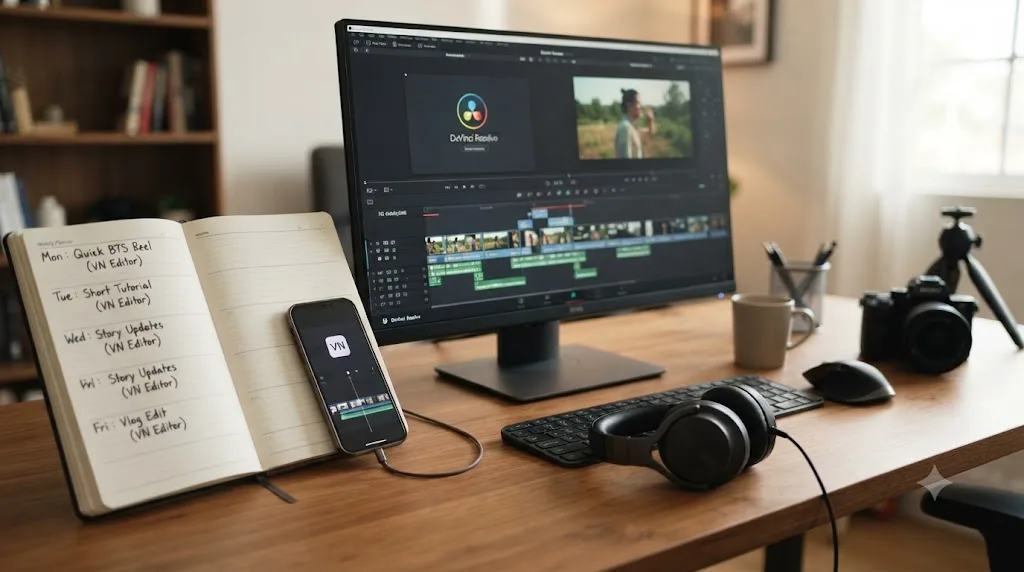
The common pattern looks like this: quick, phone-shot content, a same-day update, a behind-the-scenes clip, a trend-driven post, gets cut entirely in VN on the device it was shot on. Higher-effort content, a longer video, a client deliverable, a piece that needs real color correction, gets pulled into DaVinci Resolve, where the extra setup time is worth it because the output has to hold up to more scrutiny.
VN's raw footage can be exported and dropped into a new Resolve project the same way footage from any other source would be, since there's no proprietary project format locking your clips inside the app. What doesn't transfer is the edit itself: cuts, applied LUTs, keyframe animations, and captions built in VN stay in VN. You're moving media across, not a timeline, similar to how a switch from any consumer-facing mobile editor to a professional NLE works.
Most creators who use both apps aren't hedging between two competing products; they're matching the tool to what today's specific video actually needs. A wedding videographer capturing behind-the-scenes phone content alongside a real camera shoot, covered in more depth in our DaVinci Resolve vs CapCut comparison's discussion of hybrid workflows, faces the same logic here. Use VN for anything that starts and ends on a phone. Use Resolve for anything that needs a desktop's worth of tools before it's done.
What are common mistakes people make choosing between VN and DaVinci Resolve?
A handful of avoidable mistakes account for most of the regret people report after picking one too fast.
Assuming VN's free tier is a stripped-down demo. It isn't. Multi-track editing, keyframes, LUT import, and 4K 60fps export are all in the free version with no watermark. VN Pro removes ads and adds convenience features, not core editing power.
Buying DaVinci Resolve Studio before confirming the free version isn't enough. The free tier covers full editing, color, audio, and vertical export with no watermark. The Studio-only triggers, the Neural Engine's AI tools, resolutions past 4K, 10-bit color, mostly matter for demanding production, not a standard phone-shot video. Check the free vs Studio guide against your actual needs before spending $295.
Trying to force DaVinci Resolve into a phone-only workflow it was never built for. If your entire production chain has to run on an iPhone or Android phone with no laptop involved, Resolve simply isn't an option; there's no phone app, and the iPad app, while real and capable, needs an iPad specifically.
Ignoring the Apple Silicon requirement before upgrading to DaVinci Resolve 21 on an older Mac. An Intel Mac, even a recent one, can't run Resolve 21 at all; it's capped at Resolve 20. Confirm your Mac's chip before assuming an update will just work.
Trusting an outdated review that says VN needs an Android emulator on Windows. That was true for earlier VN releases and still shows up in search results. VN's current site lists a native Windows download; check the date on whatever guide told you otherwise.
Ignoring platform export specs and letting either app's defaults silently under-deliver. Both TikTok and YouTube re-compress whatever you upload, and a source file with too low a bitrate gets visibly worse after that platform pass, not better. Check the export table earlier in this guide against whichever app's defaults you're relying on.
Which one fits your specific situation?
Checklists beat a single verdict here, because "better" depends entirely on your hardware, your footage source, and what the finished video is actually for.
| You are | Lean toward | Why |
|---|---|---|
| Shooting and editing entirely on a phone | VN | It's built mobile-first with no desktop step required at all |
| Posting daily or multiple times a day | VN | Keyframe presets and LUT import cut real minutes off every edit |
| A total beginner who's never edited before | VN | Touchscreen gestures and presets hide complexity a mouse-and-keyboard tool doesn't |
| Already editing footage from a real camera | DaVinci Resolve | RAW, ProRes, and DNxHR support VN has no equivalent for |
| Building a portfolio or chasing brand deals that judge production value | DaVinci Resolve | Node-based color and Fairlight audio depth VN's sliders can't match |
| Shooting mixed lighting or multiple cameras | DaVinci Resolve | Node-based color grading handles what sliders can't |
| On an older Intel Mac | VN | Resolve 21 requires Apple Silicon; VN has no such hardware cliff |
| Dealing with damaged or noisy audio regularly | DaVinci Resolve | Fairlight's DAW-grade tools go deeper than VN's beat-marker panel |
| On a strict $0 budget with no plan to ever pay | Either | Both free tiers are genuinely usable and watermark-free |
| Producing a mix of daily phone content and weekly long-form work | Both, in sequence | VN for the fast daily posts, Resolve for the weekly deliverable |
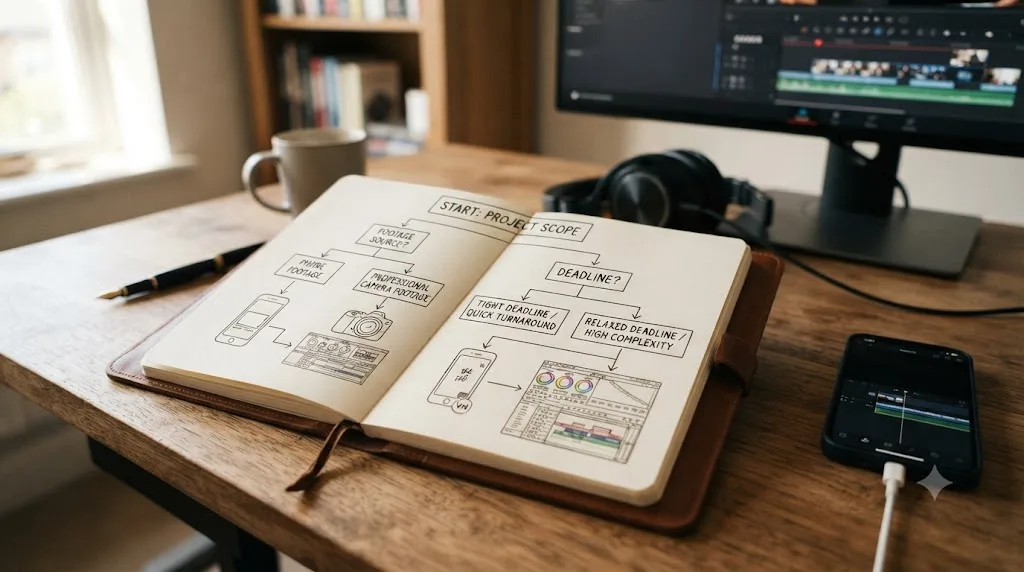
Choose VN if your footage starts on a phone, your deadline is measured in minutes rather than hours, and you don't yet need color correction beyond a LUT you already trust. Choose DaVinci Resolve if any part of your work touches a real camera, a client who's paying based on how the final grade looks, or audio that needs more than a volume slider to sound right. Neither choice is permanent, and plenty of creators end up using both, covered in the section above.
So which one should you actually open today?
If your next video is already shot on your phone and needs to post within the hour, open VN. Trim to your cut points, apply a LUT if you've got one you trust, drop in a keyframe animation preset if the moment calls for it, and export at up to 4K 60fps with no watermark. That's the entire decision tree for that specific, extremely common scenario, and a longer comparison just costs you the time advantage VN exists to give you.
If you're already at a desktop, already working with footage from a real camera, or you know this particular video needs to look better than your last ten posts, open DaVinci Resolve instead. It costs nothing to try, it has no watermark and no ads on any export, and once you've built a vertical export preset for TikTok, Reels, and Shorts, the setup cost that makes it feel slower than VN mostly disappears on every video after the first.
Neither choice locks you out of the other, and as of July 2026 both apps are actively developed, both are genuinely free at the core, and both keep closing the specific gap where they were previously weakest. Pick the tool that matches what today's video actually needs, and revisit the question the next time your content, your camera, or your deadline changes shape.
Frequently asked questions
- Is VN Video Editor better than DaVinci Resolve?
- Neither wins outright; they're built for different jobs. VN is faster for a phone-shot TikTok or Reel because it's mobile-first, with keyframes, LUT import, and 4K 60fps export built into a touchscreen workflow. DaVinci Resolve is the better tool the moment a video needs node-based color correction, multi-track audio mixing, or footage from a real camera, and it's still free, just desktop-first.
- Is VN Video Editor actually free, or does it have hidden costs?
- The core app is genuinely free with no watermark on exports, according to multiple independent reviews and VN's own app store listing. VN Pro, at $7.99 a month or $69.99 a year per Apple's App Store listing, removes ads and adds extras like cloud project sync and bonus assets, but it isn't required to export a clean, full-resolution video.
- Can I edit TikToks or Reels in DaVinci Resolve the way I can in VN?
- Yes. Set your timeline to a vertical resolution like 1080x1920 under Project Settings, and Resolve's free version exports it with no watermark and no time limit, at up to Ultra HD 60fps. It just won't auto-apply a LUT from your phone's camera roll or hand you a keyframe animation preset the way VN's mobile-native panel does.
- Does DaVinci Resolve have a mobile app like VN?
- No phone app for iPhone or Android exists, and any listing claiming otherwise in an app store search isn't the real Blackmagic product. DaVinci Resolve does have a free, genuinely capable iPad app with real color grading tools, which is the closest it gets to VN's mobile-native workflow.
- Does VN have color grading tools as good as DaVinci Resolve?
- No, and it isn't trying to. VN's grading is manual sliders for exposure, contrast, saturation, and color temperature, plus imported .cube LUT files. DaVinci Resolve's Color page is node-based, the same lineage that grades feature films, with qualifiers, tracked power windows, and secondary corrections VN's panel has no equivalent for.
- Is VN Video Editor available on Windows?
- Yes, as of 2026 VN ships a native Windows download from its own site, alongside iOS, Android, and macOS apps. Some older reviews still describe Windows access through an Android emulator like BlueStacks, which was accurate for VN's earlier releases but isn't the only path anymore.
- Should a total beginner start with VN or DaVinci Resolve?
- Start with VN if you're shooting and editing entirely on a phone and want a finished vertical video today. Start with DaVinci Resolve if you're already comfortable with a desktop workflow, or you know your content will need real color and audio work once your channel grows past casual posting.
Sources
- VN: Photo & Video Editor (official site)
- VN: Video Editor App Store listing (Apple)
- PremiumBeat: Review of the VN Video Editor App for Smartphone Filmmakers, by Jourdan Aldredge
- itmunch: VN (VlogNow) Video Editor review
- Wondershare Filmora: Is VN Video Editor Worth It in 2026?
- DaVinci Resolve product page (free version specs)
- DaVinci Resolve Studio product page
- DaVinci Resolve - Tech Specs (Blackmagic Design)
- DaVinci Resolve - What's New (Blackmagic Design, Resolve 21)
- Blackmagic Design Announces DaVinci Resolve for iPad (official release)
- Newsshooter: Blackmagic Design DaVinci Resolve for iPad
- maclaunch.com: DaVinci Resolve on Mac, System Requirements and Apple Silicon Performance
- PetaPixel: DaVinci Resolve 18.1 Adds Support for Social Media-Friendly Vertical Video
- Understand three-minute YouTube Shorts (YouTube Help)
- YouTube recommended upload encoding settings (YouTube Help)
- TikTok Auction In-Feed Ads specifications (TikTok Ads Manager Help)
Put this guide to work with TryUncle.
Ask about the step you’re on. TryUncle sees your screen and points at the control you need, so you can keep learning in your own project.
Get TryUncle for Mac or WindowsKeep reading
Comparisons · Jul 13, 2026 · 30 min
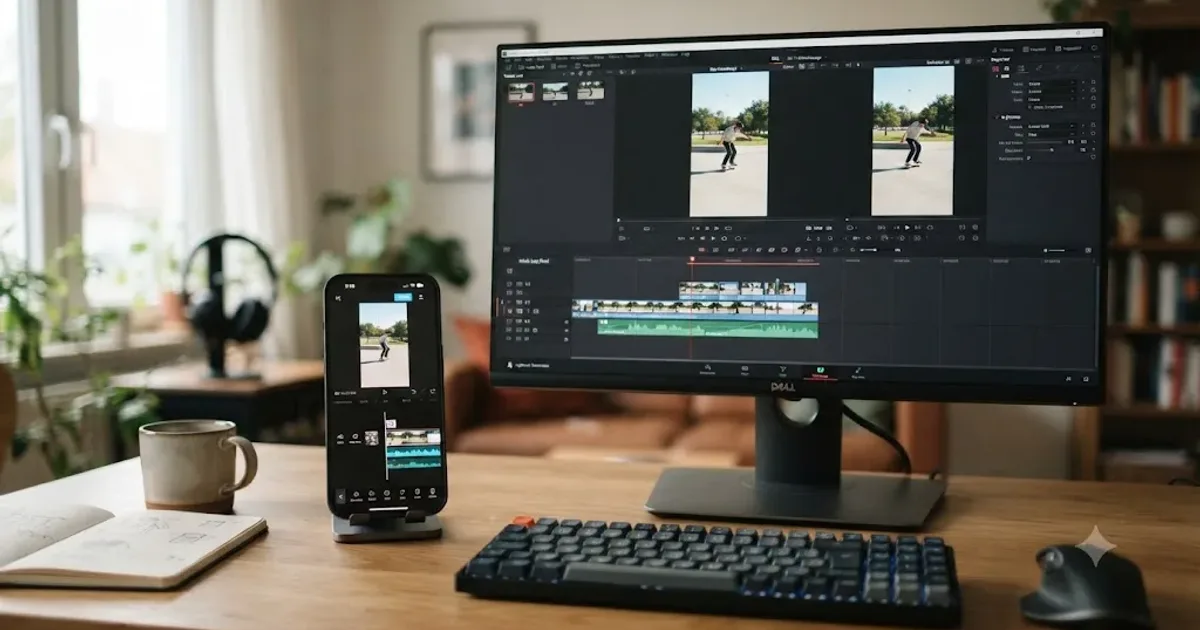
DaVinci Resolve vs CapCut for YouTube Shorts and TikTok
DaVinci Resolve vs CapCut for YouTube Shorts and TikTok: pricing, speed, templates, AI captions, color grading, and the exact export settings for both.
Comparisons · Jul 7, 2026 · 28 min
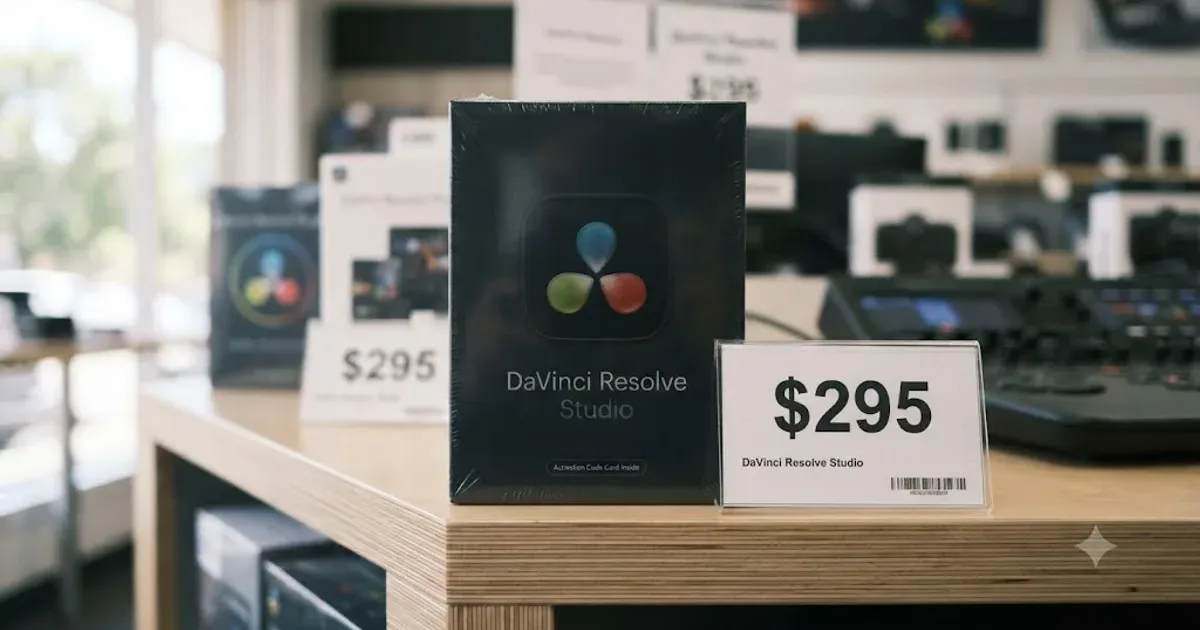
DaVinci Resolve Studio Price: Free vs. Studio Cost, Explained
DaVinci Resolve Studio costs $295, paid once, not monthly. Here's exactly what that buys, how it stacks up against Premiere Pro and Final Cut Pro, and who needs it.
Guides · Jul 7, 2026 · 32 min
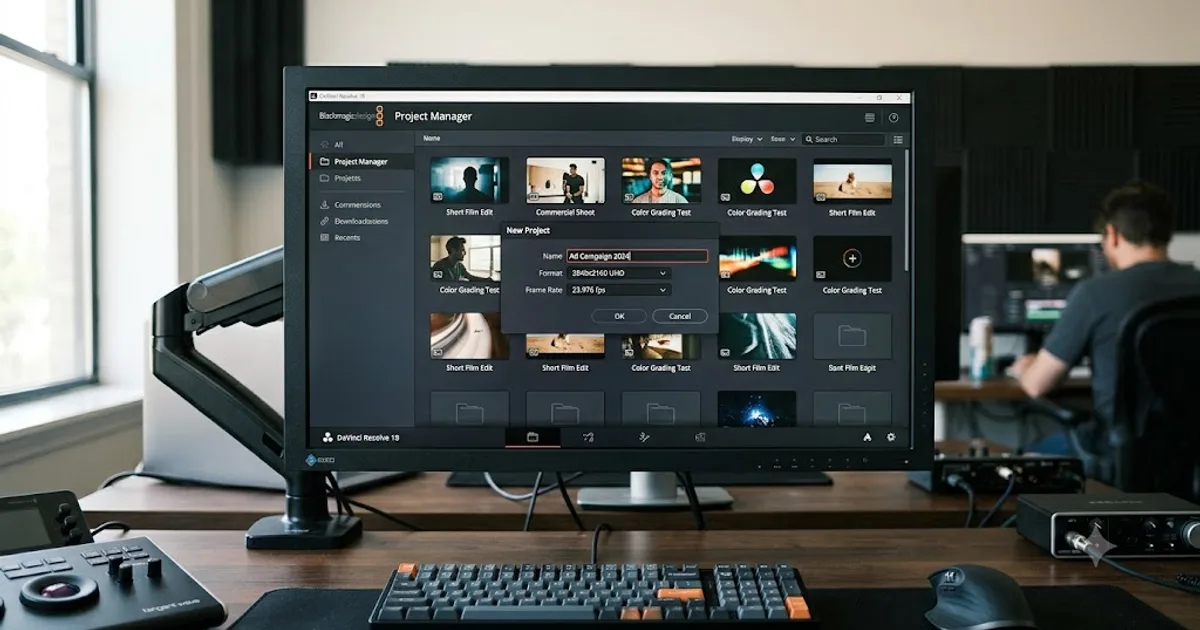
DaVinci Resolve for Beginners: The Complete Starter Guide
Learn DaVinci Resolve from zero: what it costs, what it needs to run, the seven pages you'll actually use, and the steps to cut your first project.