Articles / Comparisonsupdated for DaVinci Resolve 21.0.2 (July 2026); Wideframe as published July 2026
Does Wideframe Work with DaVinci Resolve? The Honest Answer
Quick answer
Not natively. Wideframe only exports Premiere Pro's .prproj format today; its own blog says native DaVinci Resolve (.drp) export is only 'on the 2026 roadmap.' Resolve editors must route through a Premiere-to-Resolve XML or AAF round trip, or use a Resolve-native tool like CutAgent, Eddie AI, or Resolve's own Neural Engine instead.
I searched for a direct DaVinci Resolve export button inside Wideframe. It isn't there. What's there instead is a sentence on Wideframe's own blog, written by its co-founder, admitting that native Resolve support is a 2026 roadmap item, not a shipped feature. That's the whole answer in one sentence. The rest of this page is what that answer actually costs you in practice, and what to use instead if you don't want to wait.
This isn't a takedown. Wideframe is a real, funded product doing a real job for Premiere editors. It's just not doing that job for you yet if you cut in Resolve, and the honest version of that fact is more useful than a vague "check compatibility" answer.
Does Wideframe work with DaVinci Resolve?
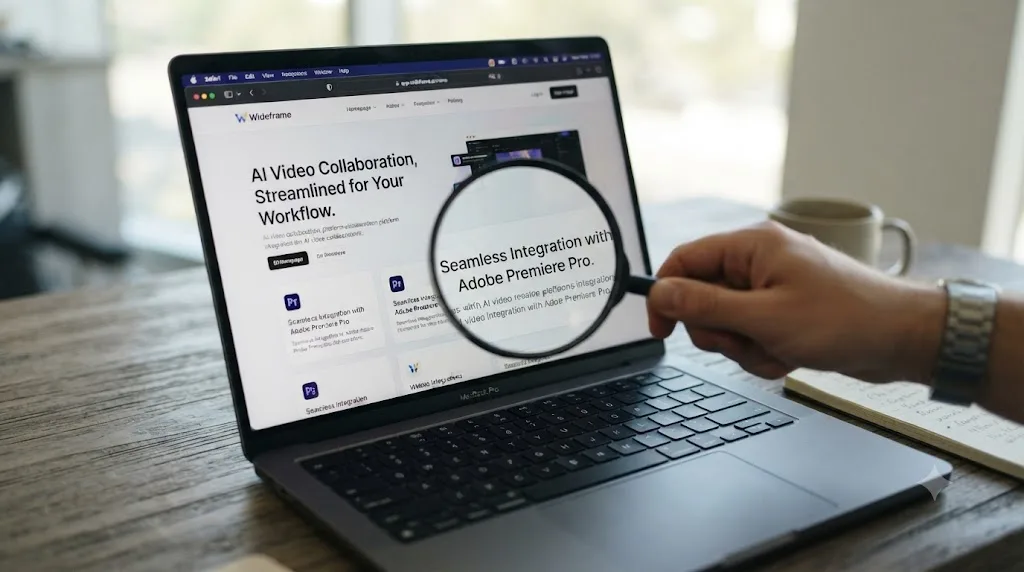
No, not as a direct, native integration. Wideframe describes itself as "an AI coworker for video editors" that automates "the searching, labeling, organizing, and sequencing" of footage, per its own homepage, and the output of that work is a file you open "directly in Premiere Pro." DaVinci Resolve isn't mentioned anywhere on that homepage as a supported destination.
The company is upfront about this gap on its own blog, which is unusual and worth crediting. In a post titled "AI Editing Tools That Work with DaVinci Resolve in 2026," Wideframe co-founder and CEO Daniel Pearson writes that the product "currently produces native .prproj files for Premiere Pro" and states that "native DaVinci Resolve support is on the 2026 roadmap, including .drp export with bin structure, transcript markers, and metadata preservation," per Wideframe's own blog. That's a direct, on-the-record admission from the company itself that the feature doesn't exist yet.
Wideframe does not export a DaVinci Resolve project today. It exports a Premiere Pro project, and nothing else. Every other fact in this post follows from that one sentence, so it's worth sitting with before you subscribe expecting something different.
If you already pay for Wideframe and edit in Resolve, or you're deciding whether to subscribe knowing you cut in Resolve, the practical path forward is a manual round trip through Premiere, covered step by step further down this page. If you're comparing tools before you've committed to any of them, skip straight to the alternatives section, because there are options built for Resolve specifically that don't need a workaround at all.
What is Wideframe, and who's behind it?
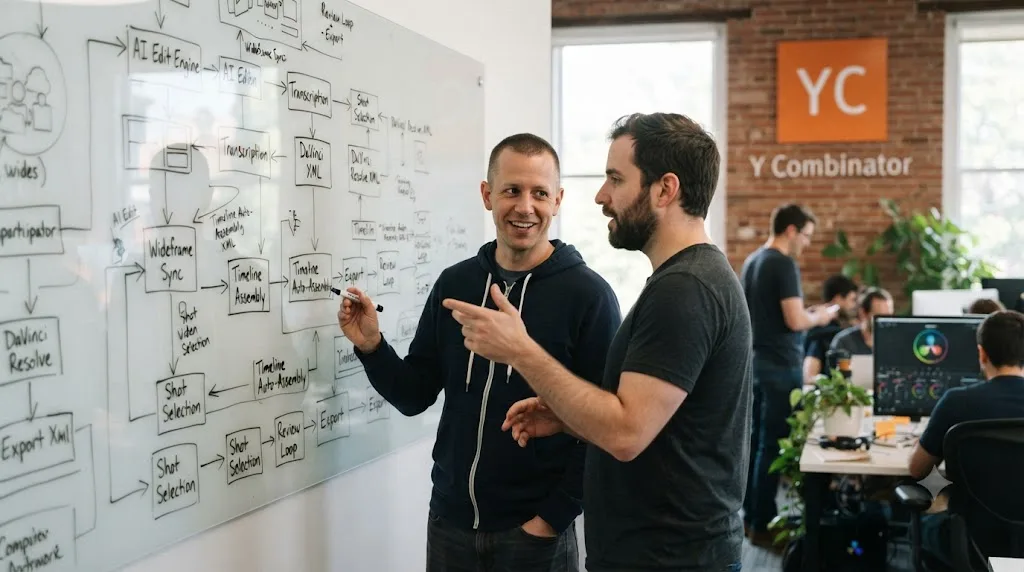
Wideframe is a Y Combinator-backed startup, part of the Winter 2026 batch, founded by Daniel Pearson (Co-Founder and CEO) and Zachary Kim (Co-Founder and CPTO), per Wideframe's Y Combinator company page. YC's own listing describes it as an "AI coworker for video editors to ship more video faster," which is the same language the company uses on its own site.
The pitch is specific and, honestly, a reasonable one: video editing has a lot of unglamorous pre-edit labor, hunting through hours of footage for the right clip, labeling and tagging assets, building a rough sequence before the creative work even starts, and Wideframe positions itself as automating exactly that grind rather than the creative decisions that come after it. That's a meaningfully narrower claim than "AI edits your video," and it's worth taking Wideframe at its word on scope, because the narrower claim is also the more credible one.
It's a young company. A Winter 2026 YC batch placement means Wideframe has been operating as a funded, named product for well under a year as of this writing. That matters for two different reasons later in this post: it explains why a Resolve integration hasn't shipped yet (young companies build for their first, easiest-to-reach market first), and it's a reason to treat any of its own roadmap promises as directional rather than committed, the same caution you'd apply to any pre-seed or seed-stage company's public timeline.
What does Wideframe actually do to your footage?
Wideframe's own homepage breaks its job into four verbs: search, label, organize, sequence. In practice, that means you hand it raw footage, and it uses AI to find specific clips by describing them in plain language (similar in spirit to what IntelliSearch does natively inside Resolve, covered below), tag and organize the resulting assets, and assemble a rough sequence, a first-pass timeline, before you touch the footage yourself.
The stated goal, per the homepage, is that editors "spend more time in creative flow" instead of the searching-and-scrubbing labor that eats the first hours of any edit. That's a real, well-understood pain point for anyone who has opened a folder of forty near-identical takes and tried to find the one where the talent didn't stumble over a line.
What Wideframe explicitly does not claim to do: color grade, mix audio, or make final creative cuts. Like Eddie AI in the Premiere and Resolve world, Wideframe's job ends at the rough-cut and organization stage. It hands you a starting point, not a finished export, which is a meaningfully different (and more honest) claim than tools that market themselves as fully automating an edit end to end.
Wideframe automates the searching and organizing that happens before an edit starts. It was never built to finish one. Keep that scope in mind when you weigh its $100-a-month price against what it's actually saving you time on later in this post.
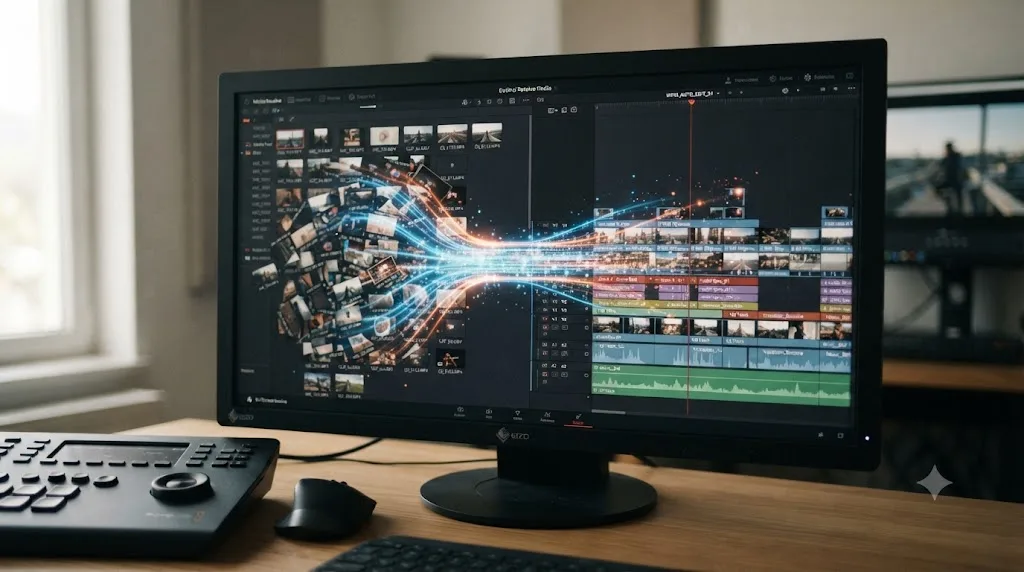
What file format does Wideframe output, and why does that matter for Resolve?
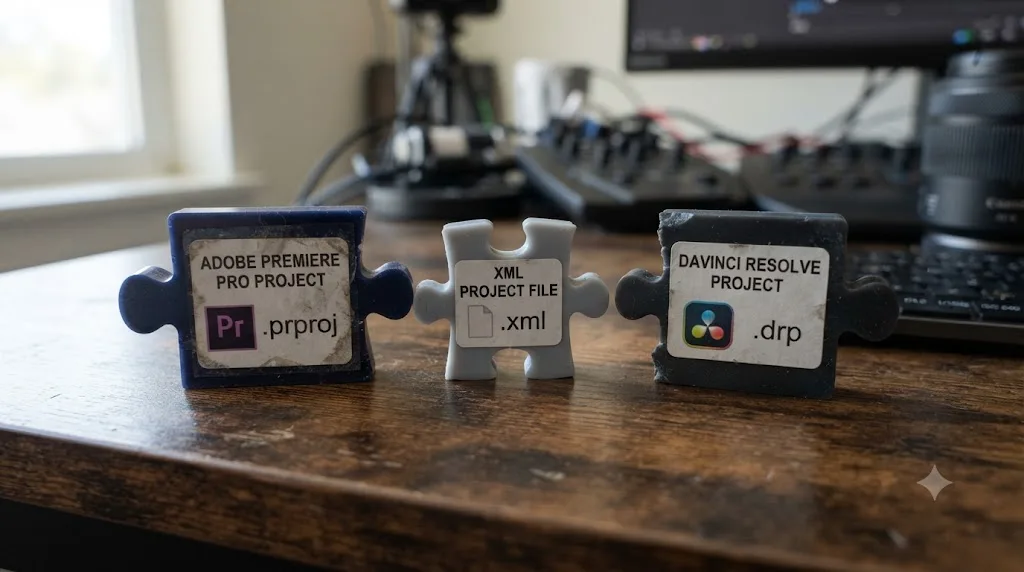
This is the single technical fact that explains everything else in this post. Wideframe's own site states the output is "a native .prproj file you open directly in Premiere Pro." A .prproj file is Adobe Premiere Pro's project format: its own proprietary structure for describing a timeline, its clips, effects, and sequencing.
DaVinci Resolve uses a completely different native project format, .drp, built around Resolve's own internal database structure. A .prproj file does not open in Resolve. There's no import dialog, no conversion menu, no drag-and-drop path from one to the other. The two formats aren't interchangeable dialects of the same idea; they're built on different underlying data models, the same reason a Word .docx file doesn't open natively in a plain-text editor without some kind of conversion step in between.
That's exactly why an interchange format exists at all. XML (specifically, the Final Cut Pro XML format Premiere exports, per Adobe's own documentation) and AAF were both built precisely to move a timeline's structure, its clips, in and out points, and basic sequencing, between NLEs that don't share a native file format. Wideframe's own blog post confirms this is the intended bridge today: "the output is currently .prproj (Premiere Pro format), which can be imported into Resolve via XML/AAF interchange," per Wideframe's DaVinci Resolve alternatives post.
The .prproj file Wideframe hands you was never built to open in Resolve. Premiere was the only door it was designed to walk through. The interchange formats get you through a side door, not the front one, and side doors come with the friction covered in the next two sections.
Can I use Wideframe with DaVinci Resolve on Windows?
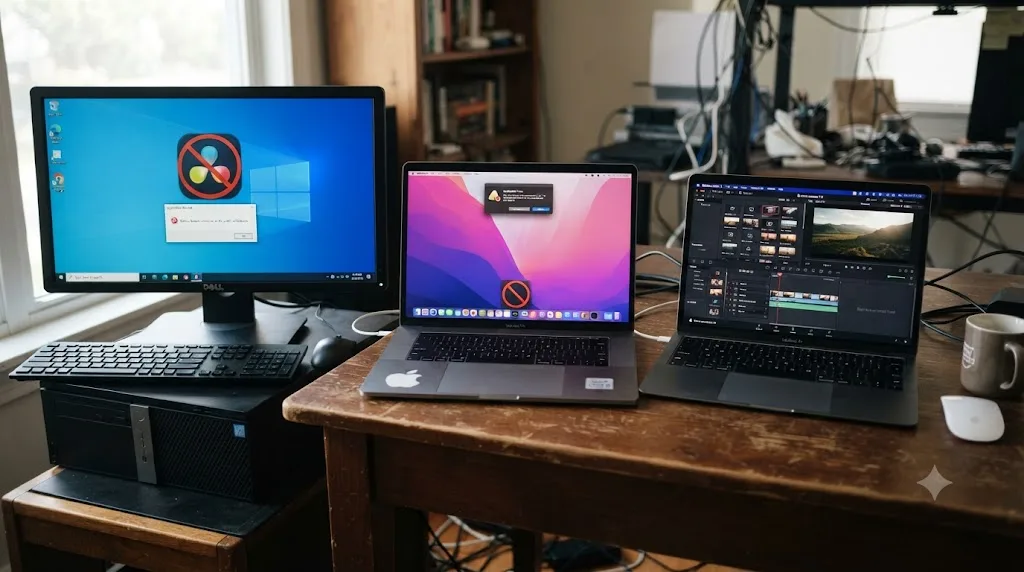
No, and this is worth stating plainly because it's a separate limitation from the file-format problem above, one that applies no matter which NLE you eventually use. Wideframe's own site specifies the app "REQUIRES APPLE SILICON" and describes itself elsewhere as "a native Mac app that requires Apple Silicon (M1 or later)," per Wideframe's homepage and pricing page.
That rules out three separate groups of Resolve editors entirely, not just partially:
| Your setup | Can you run Wideframe? |
|---|---|
| Mac with Apple Silicon (M1 or later) | Yes, the app itself runs. Resolve export is still the .prproj workaround covered above. |
| Mac with an Intel processor | No. Apple Silicon is a hard requirement, not a recommendation. |
| Windows PC, any hardware, running DaVinci Resolve | No. Wideframe has no Windows build at all, independent of which NLE you use afterward. |
| Linux, running DaVinci Resolve | No, for the same reason as Windows. |
DaVinci Resolve itself runs on Mac, Windows, and Linux (our guide to running DaVinci Resolve on Linux covers that platform specifically), so a meaningful share of the Resolve editor base is excluded from Wideframe before the file-format question even comes up. If you're a Windows-based colorist or editor who found this page hoping Wideframe might be an option once native Resolve support ships, it still won't be, unless the company also ships a Windows build, which nothing on its current site promises.
Wideframe's hardware requirement rules out Windows and Intel Mac users regardless of what NLE they run. That's a separate wall from the missing Resolve export, and it doesn't get solved by anything on Wideframe's stated 2026 roadmap.
How do I actually move a Wideframe project into DaVinci Resolve right now?
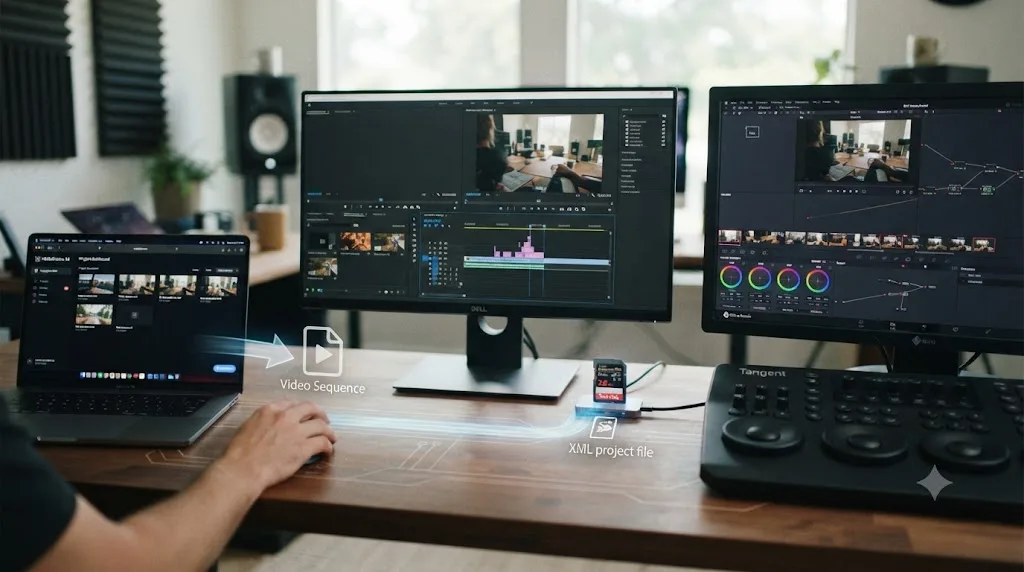
If you're on Apple Silicon, already pay for Wideframe, and edit in Resolve, here's the real workaround, the same one Wideframe's own blog recommends: "Resolve users can use the Premiere-to-Resolve XML round trip with Wideframe's .prproj as the starting point," per Wideframe's own post. Walking through it step by step matters more than the one-sentence summary, because each step is a place the handoff can quietly break.
- Let Wideframe finish its pass first. Import your footage, let it search, label, organize, and sequence the rough cut, and export the resulting .prproj file. Do this before touching Resolve at all; there's no benefit to interrupting Wideframe's process early.
- Open the .prproj in Adobe Premiere Pro. This step is unavoidable. Wideframe's output only opens in Premiere, so you need at least a Premiere Pro trial or license installed somewhere in your pipeline, even if you never intend to edit inside it.
- Choose XML or AAF for the export, and choose deliberately rather than defaulting to whichever one you've used before. Export a Final Cut Pro XML if your sequence is a picture-only cut with simple transitions. Export an AAF instead if your audio matters, since AAF was built specifically to carry multitrack audio across NLEs in a way XML frequently mangles.
- Import that XML or AAF into DaVinci Resolve through Resolve's own Media Pool import or File > Import Timeline dialog.
- Reconform against your real media, not the embedded file paths. In Resolve's conform settings, switch the matching method away from timecode-first matching and toward file name matching, then point Resolve at the folder holding your original camera files. Timecode-based conforming is the single most common cause of a timeline arriving as Media Offline.
- Rebuild anything the interchange format doesn't carry. Transitions, opacity keyframes, and third-party effect stacks frequently don't survive an XML round trip intact. Plan to manually recreate cross-dissolves and any Premiere-native effects once the cut lands in Resolve.
That's a five-to-six-step manual process standing in for what a native .drp export would do in one click. It works, editors move Premiere projects into Resolve this way every day for reasons that have nothing to do with Wideframe specifically, but it's real friction layered on top of a $100-a-month subscription, and it's worth pricing that friction into your decision honestly.
What actually breaks when you round-trip a Wideframe project into Resolve?
The XML/AAF interchange path is a known quantity, not a Wideframe-specific risk, and Resolve editors who regularly receive Premiere projects from clients or collaborators run into the same handful of failure points. Here's what to expect, branch by branch.
Media Offline on import. This is the most common failure, and it happens when Resolve's conform settings default to matching by timecode and reel name instead of file path or file name. A moved drive, a renamed clip, or footage from a camera that writes inconsistent timecode metadata (common with some Sony and XDCAM sources) breaks that match instantly. The fix is the same one in step 5 above: switch conform matching to file name, and relink from the folder holding your originals.
"Failed to link" errors. The specific message Resolve shows is usually about timecode extents not matching any clip in the Media Pool. It means Resolve found a reference to a clip inside the XML but has nothing in your project to match it against yet. Import your camera originals into the Media Pool directly before you import the timeline, rather than relying on Resolve to auto-locate them during the conform.
Transitions and opacity keyframes vanishing or arriving wrong. Resolve's XML parser doesn't interpret every Premiere effect the same way Premiere itself does. Cross-dissolves commonly import with the wrong duration or disappear outright, and a clip with an opacity keyframe can arrive as a single frozen frame instead of the animated fade you built. Strip these out in Premiere before export where possible, and rebuild them natively in Resolve after the conform, rather than trusting them to survive the trip.
Only one audio track playing after import. A known XML quirk mutes later audio tracks at the clip level even when they look identical to the first track in the timeline. Select the affected clips, open Clip Attributes, and check whether Audio has been disabled; re-enable it across the selection if so.
Nested sequences arriving blank or frozen. Resolve's XML import doesn't reliably unpack nested sequences the way Premiere does natively. Flatten every nested sequence into its parent timeline before export, or expect that section of your Wideframe-organized cut to come in broken.
If any of these hit you, our full guide to fixing DaVinci Resolve XML import problems from Premiere Pro walks through each failure mode in more depth than fits here, including the exact conform dialog settings for each fix.
A workaround that requires six manual steps and five separate known failure modes isn't broken. It's just not the same thing as native support. That distinction matters when you're deciding whether $100 a month is worth it for a tool that still routes you through someone else's file format.
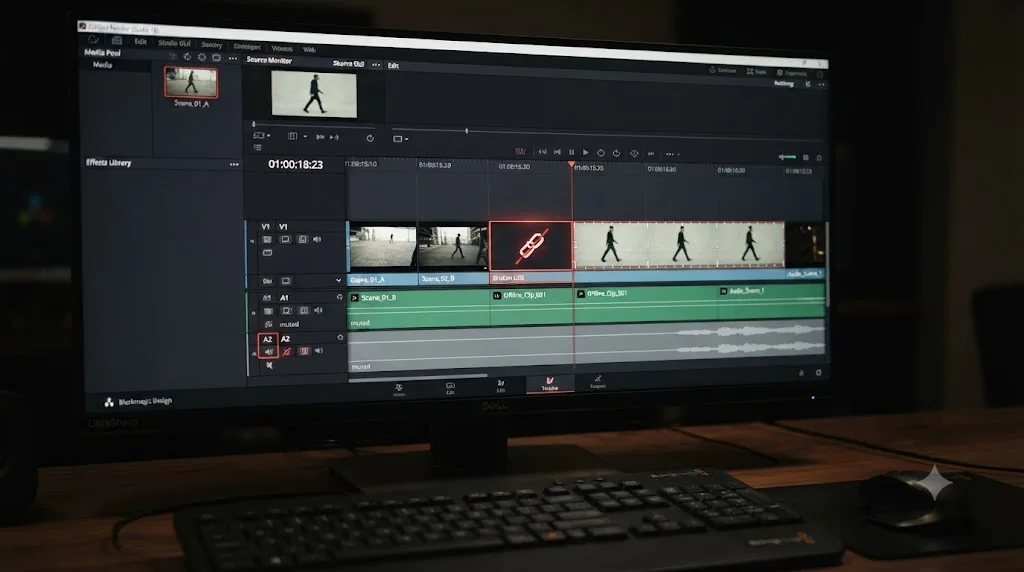
When will Wideframe add native DaVinci Resolve support?
Wideframe's own blog gives a target, not a date. Daniel Pearson writes that "native DaVinci Resolve support is on the 2026 roadmap, including .drp export with bin structure, transcript markers, and metadata preservation," per the same post. No month, no version number, and no beta signup is published alongside that statement as of this writing.
The same post gives a sense of how the company is thinking about the timing industry-wide, not just for itself: "By 2027, native Resolve export will likely be table stakes for serious AI video tools," Pearson writes, framing native Resolve support as an expected baseline requirement within roughly a year, rather than a differentiating feature any single company will own for long. That's a reasonable industry prediction, and it's a useful signal about how Wideframe itself is prioritizing the build, even without a committed ship date attached to it.
Three specific features are named for the eventual native export: .drp export itself, bin structure (meaning your organized folders and labels should survive the trip, not just a flat list of clips), and transcript markers, which the same post treats as a real technical detail worth getting right rather than an afterthought: "XML carries marker comment text reliably. AI tools that put transcripts in marker comments work well." That's a specific, credible technical claim about how transcript data currently rides inside XML markers, one that suggests whoever is building the native Resolve export has actually tested the interchange path rather than describing it from a distance.
A named roadmap with specific technical detail is more credible than a vague "coming soon" banner, but it is still not a shipped feature. Treat the .drp export as something to check back on, not something to budget your current workflow around.
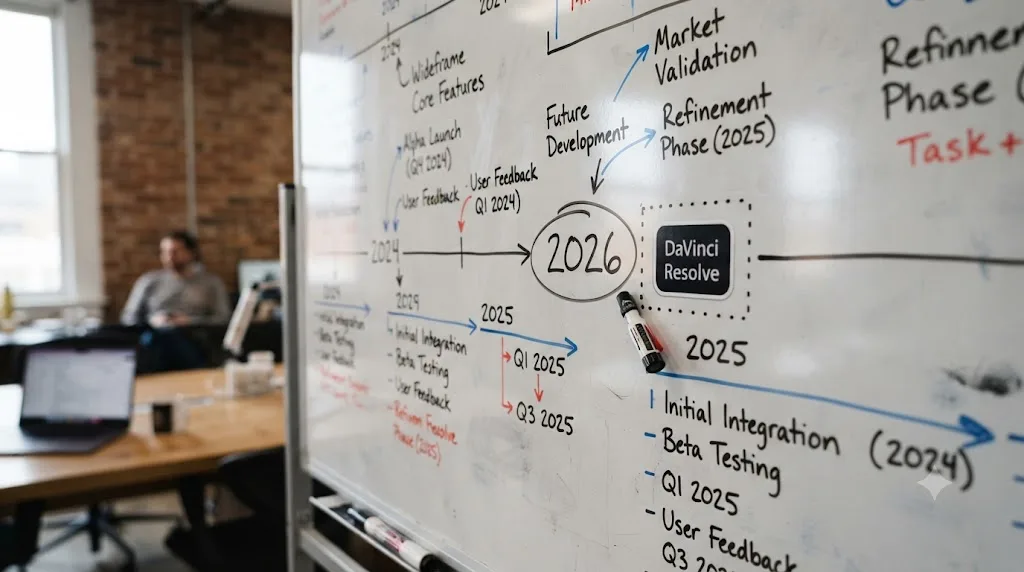
Should you trust a startup's "on the roadmap" promise?
Cautiously, and with a specific kind of skepticism that has nothing to do with Wideframe's honesty and everything to do with how young companies actually ship software. Wideframe is, per its own Y Combinator listing, a Winter 2026 batch company. That means as of this writing it's operated as a named, funded product for well under a year.
That's not a knock on the team. It's a structural fact about early-stage startups generally: engineering priorities at a company this young shift fast, chasing whichever customer segment is growing fastest, responding to whichever integration request comes from the loudest or highest-paying users, or reacting to a competitor's move. A roadmap item published in one blog post can slip, get reprioritized behind a bigger opportunity, or simply take longer than "later this year" implies, without any bad faith involved anywhere in that process.
There's also a pattern worth naming honestly: it's common for young AI tooling companies to publish "X is coming" content partly as SEO and positioning, to rank for searches exactly like the one that brought you to this page, while the underlying feature is still speculative internally. That doesn't make the stated intention false. It does mean a blog post announcing a roadmap item is a different, weaker kind of evidence than a changelog entry announcing a shipped one.
I found no independent reporting, Reddit discussion, or third-party press coverage confirming a timeline for Wideframe's Resolve export beyond the company's own blog post. If you want to track this claim as it develops rather than take this page's word for it forever, r/davinciresolve is a reasonable place to watch for early user reports once, or if, a .drp export actually ships.
"On the 2026 roadmap" is a stated intention from the company itself, not an independently verified ship date. Plan your current workflow around what exists today, and treat the eventual .drp export as a pleasant surprise if it lands on schedule, not a certainty to wait on.

Is Wideframe's claim that "Resolve's AI story is thin" still fair?
Wideframe's own blog makes a specific critique of Resolve worth examining directly, since it's the company's stated reasoning for why Resolve support hasn't been the priority so far. In its post on DaVinci Resolve alternatives, Pearson writes: "But Resolve's AI story is thin. While Blackmagic has added some AI-powered features, DaVinci Neural Engine for tasks like speed warp, super scaling, object removal, and face refinement, these are processing tools that enhance individual clips," arguing Resolve lacks "semantic footage search," "automated sequence assembly," and "agentic editing capabilities," per Wideframe's own post.
Timing matters here. That post is dated March 5, 2026, roughly six weeks before Blackmagic's own DaVinci Resolve 21 announcement in mid-April 2026, and months before the version's June 2026 general release. The critique was written against an earlier snapshot of Resolve's AI feature set, not the one currently shipping.
Resolve 21 shipped nine Neural Engine AI tools in a single release, per Blackmagic's own What's New page, independently confirmed by CG Channel's release coverage:
| Tool | What it does |
|---|---|
| IntelliSearch | Finds clips by describing them in plain language, including searching for individual faces |
| CineFocus | Adjusts focal emphasis, aperture, and bokeh after the shot |
| AI Speech Generator | Generates voiceover from text, including a custom voice from a short sample |
| AI UltraSharpen | Sharpens soft or upscaled footage |
| AI Motion Deblur | Removes motion blur streaks from moving shots |
| AI Face Age Transformer | Adjusts a face's apparent age |
| AI Face Reshaper | Adjusts eye, nose, mouth, and eyebrow shape on a moving subject |
| AI Blemish Removal | Reduces skin blemishes while preserving texture |
| AI Slate ID | Reads a clapperboard and fills in clip metadata automatically |
IntelliSearch specifically is the direct rebuttal to the "no semantic footage search" claim: it finds clips by plain-language description, the same job Wideframe's own homepage describes for its own search feature. Our complete rundown of everything new in Resolve 21 covers all nine tools plus the rest of the release in depth.
That said, the "no agentic editing" and "no automated sequence assembly" parts of Wideframe's critique still land, even against Resolve 21. IntelliSearch finds clips; it doesn't sequence a rough cut from a prompt the way Wideframe or Eddie AI does. Resolve's nine tools are still, largely, clip-level processing and search tools rather than a chat-based agent that assembles a timeline end to end. The critique was more true in March than it is now, and it's still partially true today.
Resolve's AI story got a lot less thin between March and June 2026. It still isn't the same kind of thin as "no agentic sequence assembly." Both halves of that sentence are true at once, and pretending otherwise in either direction misreads what actually shipped.
How much does Wideframe cost, and is it worth it for a Resolve editor today?
Per Wideframe's own pricing page, the structure is simple: "free for 7 days, then $100/mo," with the trial offering "full access" and "no usage limits," and cancellation available anytime with no contract lock-in mentioned. There's no separate lower tier and no annual discount published.
$100 a month places Wideframe in a specific pricing tier worth comparing honestly against what it saves you and what it costs you in extra steps as a Resolve editor specifically:
| Cost factor | What it means for you |
|---|---|
| $100/month subscription | Ongoing cost regardless of how many projects you run through it |
| 7-day free trial, full access | Enough time to test the search/organize/sequence workflow on one real project before paying |
| Requires a Premiere Pro license too | You need Premiere installed somewhere in your pipeline just to open the .prproj output, even as a Resolve editor |
| XML/AAF round trip, manual reconform | Real time cost per project: exporting, importing, reconforming, and manually rebuilding transitions and effects that don't survive |
| Apple Silicon Mac required | A hardware floor, not a monthly cost, but a real one if you're on an Intel Mac or Windows PC |
Compare that against the Premiere-native price point covered in our PremiereCopilot alternatives roundup: PremiereCopilot's own plans run roughly $6 to $16 a month. Wideframe is doing a materially different job, footage-level organizing and rough assembly rather than in-timeline chat commands, so it isn't a direct apples-to-apples price comparison, but it's useful context for what "AI video tool subscription" spans as a price range right now, from $6 a month to $100 a month to Eddie AI's $167-a-month Pro tier, depending entirely on what job the tool is actually doing.
For a Resolve-only editor specifically, the honest math is this: you're paying $100 a month for footage organization and rough sequencing, then paying in time (and a Premiere license) for the privilege of routing that work through a format Resolve doesn't natively read. If your footage-search and organizing pain is severe enough, hours of scrubbing raw dailies every week, that math can still work. If it's occasional, the round-trip overhead may cost you more in friction than it saves you in search time.

What already works natively in DaVinci Resolve instead of Wideframe?
If the workaround above feels like too much friction for what you're getting, three real categories of alternative already work inside Resolve without any Premiere detour at all.
CutAgent is built for Resolve exclusively, with no Premiere Pro version at all, per its own homepage. It's a macOS app that turns typed, natural-language instructions into real DaVinci Resolve timeline edits, showing you each proposed change before it commits. It works with Resolve 20 or later, both Free and Studio versions, starting at 29 euros a month. Our full CutAgent review covers its pricing tiers, what it can and can't do, and where it isn't independently proven yet.
Eddie AI ships a dedicated DaVinci Resolve extension, launched from Resolve's own Workspace menu, that reads clips directly from and writes edits back to your media bin, confirmed by CineD's coverage of the release. It does the closest job to Wideframe of anything on this list: rough-cut assembly, multicam sync, and footage organization, the same category of pre-edit labor Wideframe automates, except Eddie's Resolve path is already native rather than roadmapped. Pricing runs from a credit-based free-to-start tier up to $167 a month for its Pro plan, per Eddie's current pricing page, a steeper range than Wideframe's flat $100.
Resolve's own Neural Engine tools, covered in the table above, ship built into the app itself, no plugin, no subscription beyond the one-time $295 Studio license. IntelliSearch specifically covers the plain-language clip search that's Wideframe's headline feature, without adding a second monthly bill on top of Resolve itself.
Our broader comparison of AI video editing assistants for DaVinci Resolve puts all of these, plus a few others, side by side in more depth if you want the fuller picture before choosing.
Every one of these alternatives edits inside your actual Resolve project today. None of them ask you to open Premiere first. That's the practical difference a roadmap item can't close in the meantime.
AI editing agent vs AI tutor: which job does Wideframe actually do?
Wideframe, CutAgent, and Eddie AI all sit in the same category, even though they target different platforms: they're AI agents that act on your footage or timeline. You give an instruction, or let the tool run its own pass, and it does the organizing, searching, or cutting for you. That's genuinely useful labor-saving, and it's the entire pitch behind Wideframe's $100 a month.
There's a separate category of tool that does the opposite job on purpose: watching what you do and pointing you toward the right control, without ever touching your project. TryUncle is an AI tutor for DaVinci Resolve on macOS: ask in plain words and Uncle points at the exact control on your screen. It runs on the Edit, Color, and Fusion pages, and unlike Wideframe, CutAgent, or Eddie AI, it never edits, sequences, or organizes anything on your behalf.
That distinction matters more than it sounds like it should. If you already know Resolve well and just want the pre-edit grind automated, an agent like Wideframe, CutAgent, or Eddie AI is the right category, full stop; a tutor solves a problem you don't have. But if you're still building the muscle memory, still hunting for where a specific tool lives in Resolve's interface, an agent that does the organizing for you can quietly rob you of the exact repetition that would have taught you the app in the first place.
An AI that organizes your footage and an AI that teaches you where things live in Resolve are solving two completely different problems. Neither one is a lesser version of the other; they're built for different moments in an editor's relationship with the software. Our comparison of how TryUncle stacks up against DaVinci Resolve's own built-in AI tools goes deeper on that specific distinction if you're weighing a tutor against Resolve's native Neural Engine tools directly.
How does Wideframe actually compare to the tools that already work in Resolve?
Stripped of marketing language, here's every option from this post side by side.
| Tool | Native Resolve support | What it does | Starting price | Platform |
|---|---|---|---|---|
| Wideframe | No, .prproj only; .drp export "on the 2026 roadmap" | Searches, labels, organizes, and sequences footage | $100/month | Mac, Apple Silicon only |
| CutAgent | Yes, built for Resolve exclusively | Natural-language timeline edits, shown before applying | €29/month | Mac only, Resolve 20+ |
| Eddie AI | Yes, via a dedicated Resolve extension | Rough-cut assembly, multicam sync, footage organization | $0 to start (credits), $167/month for Pro | Premiere, Final Cut, and Resolve |
| DaVinci Resolve's native AI (Neural Engine) | Yes, built into the app | IntelliSearch, Magic Mask, CineFocus, and 6 more | Included with $295 Studio license (one-time) | Mac, Windows, Linux |
| TryUncle | Yes, points at controls, never edits | Watches your screen and shows you which control to use | $29.99/month founder rate | Mac only |
Two things stand out. Wideframe is the only tool on this table with no native Resolve support at all today, despite doing work (footage search and organizing) that overlaps meaningfully with what IntelliSearch and Eddie AI already do inside Resolve natively. And Resolve's own native AI remains the only option with no recurring subscription, since Studio is a one-time purchase.
If your actual goal is "automate the pre-edit grind inside DaVinci Resolve specifically," Wideframe currently asks you to do more manual work to get there than CutAgent or Eddie AI do, both of which already live inside Resolve without a Premiere detour.
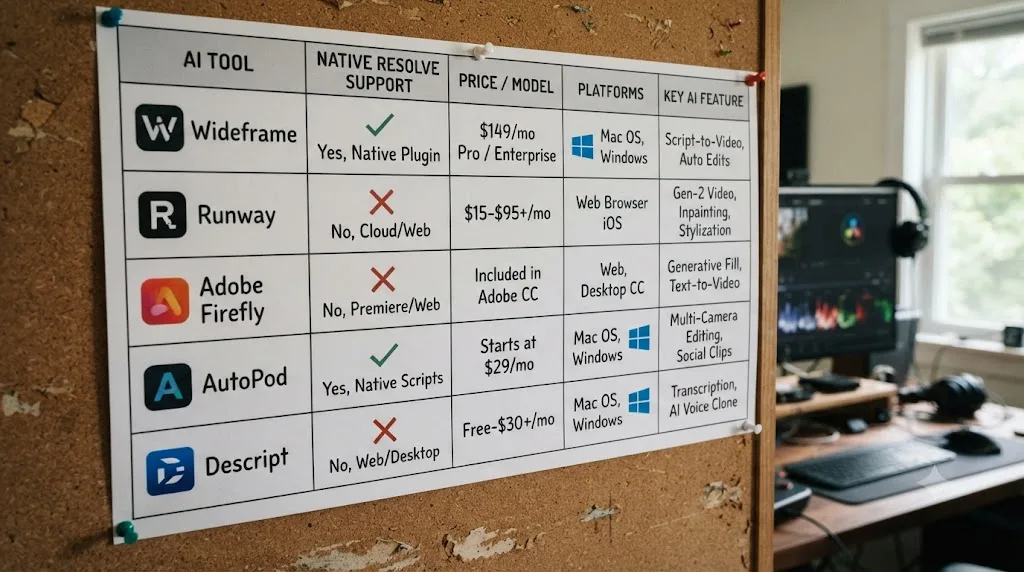
Who should actually wait for Wideframe, and who shouldn't?
Match yourself to a row instead of guessing based on brand familiarity.
| You are | What to do |
|---|---|
| Already a Wideframe subscriber who occasionally delivers into Resolve | Use the XML/AAF workaround above for now; it's real friction but it works, and native support may still land within the stated 2026 window |
| A Resolve-only editor evaluating Wideframe from scratch | Try CutAgent or Eddie AI's Resolve extension first. Both already do a comparable job natively, without the Premiere detour or the Apple Silicon requirement blocking Windows users |
| On an Intel Mac or Windows PC | Wideframe is not an option regardless of what NLE you use. Look at CutAgent (Mac only) or Eddie AI (works across platforms) instead |
| A colorist or Fusion artist who wants AI help without adding a new subscription | Resolve's own Neural Engine tools, included in the one-time $295 Studio purchase, already cover plain-language clip search via IntelliSearch |
| Still learning Resolve's interface and node structure | None of the agents on this page teach you anything; look at TryUncle if the goal is learning the tool, not organizing footage faster |
| Genuinely willing to wait and revisit once Wideframe ships .drp export | Bookmark this page or check Wideframe's own blog periodically; there's no signup list or beta program currently published to notify you automatically |
Notice that "subscribe to Wideframe today specifically for its Resolve workflow" isn't a row here. Nothing about today's product justifies that specific decision when Resolve-native alternatives already exist and cost less friction, even if some cost more money.
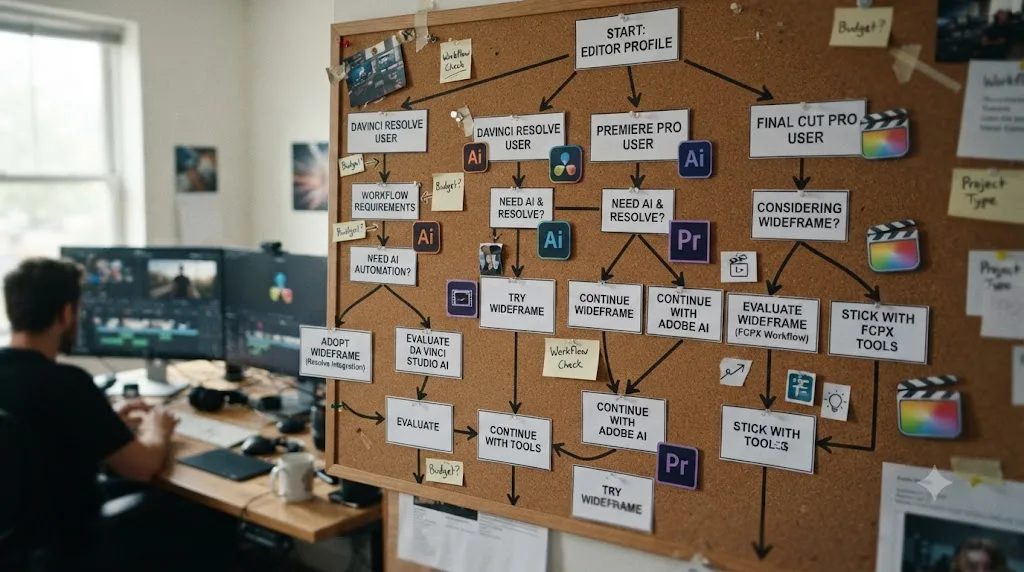
Verdict: does Wideframe work with DaVinci Resolve?
Not today, and not through any fault of dishonesty on Wideframe's part. The company says so itself, in its own words, on its own blog: native support is a 2026 roadmap item, not a shipped feature, and the current path into Resolve is a manual round trip through Premiere Pro's .prproj format, with real friction and real failure modes at every step of that trip.
If you're already committed to Wideframe and only occasionally need a Resolve delivery, the XML/AAF workaround above is workable, just budget the extra time and expect to rebuild a few transitions by hand. If you're choosing your first AI tool for a Resolve-only workflow, CutAgent and Eddie AI already do a comparable job natively, without the detour, and Resolve's own Neural Engine tools cover a real chunk of the same ground for a one-time license fee rather than an ongoing subscription.
And if what's actually slowing you down isn't footage organization at all, but not yet knowing where Resolve's tools live in the first place, none of the agents on this page, Wideframe included, solve that problem, because none of them were built to teach. That's a different job, and it's worth picking the tool built for the job you actually have instead of the one with the most familiar name.
Frequently asked questions
- Does Wideframe work with DaVinci Resolve?
- Not natively. Wideframe's own blog post on the topic states plainly that native DaVinci Resolve support, including .drp export, is 'on the 2026 roadmap,' meaning it hasn't shipped as of this writing. Today Wideframe only outputs a Premiere Pro .prproj file, which Resolve editors must route through an XML or AAF round trip to use at all.
- What file format does Wideframe export today?
- A native .prproj file, the Premiere Pro project format, per Wideframe's own homepage. There is no .drp option, Resolve's native project format, and no direct Resolve export button anywhere in the current product.
- How do I get a Wideframe-organized project into DaVinci Resolve right now?
- Open the .prproj Wideframe gives you in Premiere Pro, then export that timeline as an XML or AAF file, then import that file into Resolve and reconform your media. Wideframe's own blog recommends exactly this Premiere-to-Resolve round trip as the current workaround, since no direct path exists yet.
- When will Wideframe add native DaVinci Resolve support?
- Wideframe's blog says native support, including .drp export with bin structure, transcript markers, and metadata preservation, is on its 2026 roadmap. No specific ship date or version number is published, and roadmap items at young startups slip more often than they land on schedule, so treat this as a stated intention, not a commitment.
- Does Wideframe run on Windows, or with Resolve on Windows?
- No. Wideframe is a Mac-only app that requires Apple Silicon (M1 or later), per its own site. That's true regardless of which NLE you use afterward, so a Windows-based DaVinci Resolve editor can't run Wideframe at all, XML workaround or not.
- Is Wideframe worth $100 a month for a DaVinci Resolve editor today?
- Only if the footage-organizing work it automates, transcript-based search, labeling, and rough sequencing, is worth more to you than the extra round-trip step of exporting through Premiere first. For most Resolve-only editors, a Resolve-native tool like CutAgent or Eddie AI's Resolve extension does the same class of job without the detour.
- What already works natively in DaVinci Resolve instead of Wideframe?
- CutAgent edits your Resolve timeline directly from typed instructions. Eddie AI has a dedicated Resolve extension that reads and writes to your media bin. Resolve 21 itself ships nine built-in Neural Engine AI tools, including IntelliSearch, with no plugin at all. None of them require the Premiere detour Wideframe currently does.
- What's the best AI tool to actually learn DaVinci Resolve, rather than one that organizes footage for you?
- That's a different job than Wideframe, CutAgent, or Eddie AI are built for, since all three automate work rather than teach it. TryUncle is built specifically to teach: it watches your live Resolve screen and points at the control you need instead of touching your project. If your goal is learning the app, not organizing footage faster, that's the tool built for that job.
Sources
- Wideframe: "AI Editing Tools That Work with DaVinci Resolve in 2026" (Daniel Pearson, Wideframe blog)
- Wideframe: "DaVinci Resolve Alternatives with AI Agents" (Daniel Pearson, Wideframe blog)
- Wideframe (product site: homepage, what it does, platform requirements)
- Wideframe Pricing
- Wideframe on Y Combinator (batch, founders)
- CutAgent (product site: AI video editing for DaVinci Resolve)
- Eddie AI (product site)
- CineD: Eddie AI Extension for DaVinci Resolve Released, Virtual Editing Assistant
- DaVinci Resolve - What's New (Blackmagic Design)
- CG Channel: Blackmagic Design releases DaVinci Resolve 21.0
- DaVinci Resolve Studio product page (Blackmagic Design)
- DaVinci Resolve product page (free version)
- Adobe Help: Export a project as a Final Cut Pro XML file
- TryUncle (product site)
- TryUncle FAQ
- r/davinciresolve
Put this guide to work with TryUncle.
Ask about the step you’re on. TryUncle sees your screen and points at the control you need, so you can keep learning in your own project.
Get TryUncle for Mac or WindowsKeep reading
Reviews · Jul 15, 2026 · 29 min
CutAgent AI Review: Does It Actually Work in DaVinci Resolve?
An honest CutAgent review for DaVinci Resolve: what the AI editing agent actually does, its 29-299 euro pricing, and where it isn't proven yet.
Fixes · Jul 12, 2026 · 29 min
DaVinci Resolve XML Import from Premiere Pro Not Working
Every reason DaVinci Resolve rejects, empties, or offlines an XML timeline exported from Premiere Pro, and the exact fix for each failure mode.
Comparisons · Jul 15, 2026 · 36 min
Best AI Video Editing Assistant for DaVinci Resolve, Compared
Sottocut, CutAgent, DavinciClaude, Eddie AI, and Wideframe compared for DaVinci Resolve: pricing, privacy, and what each actually automates.