Articles / Reviewsupdated for DaVinci Resolve 21.0.2 (July 2026)
Is Domestika's DaVinci Resolve Course Worth It in 2026?
Quick answer
Yes, if you want cheap, well-produced lessons and don't mind older Resolve versions: Domestika's five DaVinci Resolve courses run $27-$37 each with 88-98% on-platform ratings. The catch: some are recorded on Resolve 16-18, not 21, and Domestika's own Trustpilot score is 2.1 from subscription billing complaints, not course quality complaints.

Somebody types "domestika davinci resolve course worth it" into Google roughly a hundred times a month, and Google mostly answers with Domestika's own sales pages. I bought that search a different answer. I went through all five of Domestika's DaVinci Resolve courses, checked what they actually teach, what version they were filmed on, what real students say beyond the star rating, and what Domestika's outside reputation looks like away from its own review pages. Here's what $27 to $37 actually buys you.
Wait, Domestika has more than one DaVinci Resolve course?
Five, actually, and that's the first thing most searches on this topic get wrong. "The Domestika DaVinci Resolve course" doesn't exist as a single thing. It's five separate courses, taught by five different working professionals, covering different slices of the app at different depths, sold individually rather than bundled. Treating them as one product is how you end up disappointed, the same way buying "a Udemy course" without checking which instructor would be a coin flip.
Here's every one of them, on one screen, with the numbers pulled directly from each course's own listing page.
| Course | Instructor | Price | Length | Level | Students | Positive reviews |
|---|---|---|---|---|---|---|
| Introduction to DaVinci Resolve for Video Editing | Leo Fallas | $36.99 | 5h 54m, 43 lessons | Beginner | 17,977 | 98% (304 reviews) |
| Introduction to DaVinci Resolve for Color Correction | Juanmi Cristóbal | $36.99 | 3h 27m, 38 lessons | Beginner | 21,223 | 97% (338 reviews) |
| Color Correction Techniques with DaVinci Resolve | Leo Fallas | $26.99 | 2h 59m, 17 lessons | Intermediate | 6,787 | 93% (184 reviews) |
| DaVinci Resolve for Professional Color Correction in Cinema | Luis Dengó | $26.99 | 3h 54m, 18 lessons | Beginner | 7,553 | 98% (164 reviews) |
| Color Grading with DaVinci Resolve | Sonia Abellán Avilés | $26.99 | 4h 55m, 24 lessons | Beginner | 16,285 | 89% (535 reviews) |
Add it up and that's more than 69,000 enrollments across the five, according to each course's own Domestika listing. That's a real, sizeable audience, not a boutique course nobody's tested. It's also spread across five products with different instructors, different scopes, and, as you'll see in a minute, different DaVinci Resolve versions on screen. Domestika doesn't sell one DaVinci Resolve course. It sells five, taught by five different working colorists and editors, at five different depths of the same software. Before you buy any of them, you need to know which one actually matches what you're stuck on.
Which Domestika DaVinci Resolve course should you actually buy?
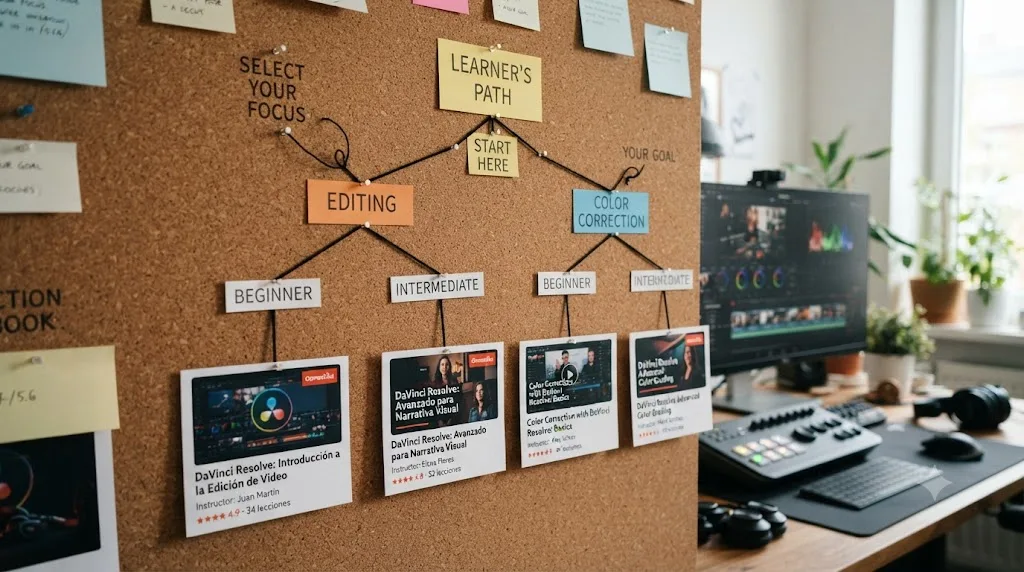
Match the course to your gap, not to whichever one has the biggest thumbnail. The five split cleanly by two questions: are you stuck on editing or color, and are you a total beginner or already comfortable with primaries?
If you've never opened DaVinci Resolve and editing, not grading, is the blocker, Leo Fallas' Introduction to DaVinci Resolve for Video Editing is the widest single course on the list. Six sub-courses covering Media Pool organization, Cut Page speed editing, Edit Page techniques, multicam sync, and final export, with 33 practice exercises and 66 downloadable resources baked in. Fallas is a colorist and post-producer based in Mexico City with 12 years across film, documentaries, and advertising, and currently works freelance for Netflix and Amazon Prime Video productions, per his instructor listing on the course page. That's a genuine working credential, not just an "academy instructor" title.
If color, not editing, is the wall, start with Juanmi Cristóbal's Introduction to DaVinci Resolve for Color Correction instead. It's the single most-enrolled DaVinci Resolve course on the platform at 21,223 students, moving from the Color page interface through primary corrections, secondary corrections with Power Windows, creative LUT-based looks, and export codecs across 38 lessons. Cristóbal is a video editor and director of photography who co-founded the Fourminds production company in 2016, with client work for Samsung, Wacom, and Rolling Stone, and also teaches at Escuela Arte Granada, according to his course bio.
Once primaries stop feeling like guesswork, two intermediate options branch by taste. Leo Fallas' own Color Correction Techniques with DaVinci Resolve goes deeper into secondary correction and conform workflow, still under three hours. Luis Dengó's DaVinci Resolve for Professional Color Correction in Cinema takes a different route entirely, building specific cinematic looks, Clean Gray Hollywood, Day for Night, Teal & Orange, sci-fi, bleach bypass, from the ground up. Dengó studied at the School of Art and Design in Gran Canaria and has taught color grading at Escuela Canaria de Fotografía e Imagen, per his course listing.
The fifth option, Sonia Abellán Avilés' Color Grading with DaVinci Resolve, sits closest to commercial work specifically. Abellán Avilés is a Madrid-based freelance colorist who spent four years at El Colorado studio grading film and television, including the series Pulsaciones, and her course spends real time on advertising-specific color techniques alongside the cinematic ones, according to her course description. If your work is branded content rather than narrative film, that specificity is worth the overlap with Dengó's course.
What's actually inside each course? A lesson-by-lesson breakdown
Marketing copy and star ratings only get you so far. Here's what each of the five courses actually walks through, unit by unit, pulled straight from each course's published syllabus.
Leo Fallas, Introduction to DaVinci Resolve for Video Editing
| Unit | What it covers |
|---|---|
| 1. Preparing an Editing Project | Databases, project settings, custom keyboard shortcuts, interface tour |
| 2. Importing and Managing Material | Media Pool organization, Smart Bins, clip labeling |
| 3. The Cut Page | Cut window tools, Source Tape review, quick effects, exporting from Cut |
| 4. The Edit Page | Timeline navigation, trimming beyond simple cuts, effects, Transform, speed changes, titles, audio |
| 5. Multi-Camera Editing | Syncing cameras, Multicam Clip, keyframes |
| 6. Export and Finalize | Codecs, the Delivery page, web versus master exports, archiving projects |
Six units, 43 lessons, and a practice exercise closing out most of them, which is where the 33-exercise count in the earlier table actually comes from.
Juanmi Cristóbal, Introduction to DaVinci Resolve for Color Correction
| Unit | What it covers |
|---|---|
| 1. Introduction to Color Correction | Color page interface, importing from Premiere Pro, node basics |
| 2. Primary Corrections | Automatic and manual balance, curves, copying a style between shots |
| 3. Secondary Corrections | Qualifiers, inverted nodes, Power Windows and tracking |
| 4. Designing Creative Styles | Black-and-white looks, LUT-based styles, the Magic Bullet Looks plugin, stabilization and noise reduction |
| 5. Exporting | The Delivery interface, codecs, default configurations, file consolidation |
Five units and 38 lessons, each unit ending with a practice exercise instead of one single capstone project.
Leo Fallas, Color Correction Techniques with DaVinci Resolve
| Unit | What it covers |
|---|---|
| 1. Introduction | Fallas' influences, course roadmap |
| 2. Before Coloring | Projects and databases, the DaVinci 16 interface, preferences |
| 3. Bring an Edition | Importing and conforming an edit, handling a single-file export |
| 4. To Color! | Primary correction, secondary correction, advanced techniques |
| 5. Let's Get This Out of Here | Web export, cross-software export, high-quality archival masters |
Final project: "Advanced colorimetry with DaVinci Resolve," built across 12 exercises and 14 downloadable resources. That Unit 2 line is worth pausing on: it's the syllabus confirming the version-16 interface claim made earlier in this piece, not a guess pieced together from a single student review.
Luis Dengó, DaVinci Resolve for Professional Color Correction in Cinema
| Unit | What it covers |
|---|---|
| 1. Introduction | Dengó's background and influences |
| 2. Digital Imaging and Color Technique | Pixels and digital image theory, three lessons of primary correction |
| 3. Cinematic Looks | Clean Gray Hollywood, Day for Night, Teal & Orange, sci-fi, bleach bypass, two commercial-TV looks |
| 4. Creating Your Own Look | Building a personal look, final adjustments, two export lessons |
18 lessons, 13 exercises, 25 downloadable files.
Sonia Abellán Avilés, Color Grading with DaVinci Resolve
| Unit | What it covers |
|---|---|
| 1. Introduction | Abellán Avilés' influences |
| 2. Quiet on Set! | A full page tour: Media, Edit, Color, Deliver |
| 3. Action: Cinematic Color | Conforming an edit, six coloring lessons built for narrative work |
| 4. Take 2: Advertising Color | Conforming and coloring lessons aimed at commercial spots |
| 5. Give the Play | Refining a grade, final render |
24 lessons and 14 exercises across five units, including the advertising-specific unit that makes this the pick for commercial work over Dengó's cinema-focused course.
How much time should you actually budget for one of these courses?
The runtime column in the earlier comparison table undersells the real time commitment. Fallas' Video Editing course runs 5 hours and 54 minutes of video, but it also ships 33 practice exercises and 66 downloadable resources meant to be worked through, not just watched. Budget video time plus roughly equal hands-on time, and a beginner moving at a comfortable pace should plan on two to three weekends for that course alone, not one evening.
The four color-focused courses run shorter on paper, under three hours for Cristóbal's Introduction to DaVinci Resolve for Color Correction, just under five for Abellán Avilés' Color Grading course. But color correction resists binge-watching more than editing does. Grading judgment builds through repetition on your own footage, not from watching someone else grade theirs. Treat the listed runtime as the floor, not the target, and expect to revisit the primary-correction units more than once before the secondary-correction lessons start making sense.
None of the five courses enforce a schedule. Every Domestika course purchase comes with lifetime access, so there's no clock running against a beginner who needs six weekends instead of two. That's worth remembering if you're comparing this to a cohort-based bootcamp with a fixed end date. The tradeoff runs the other way too: nothing about Domestika's format nudges you to finish, either, and a course you never returned to is the single most common way a $27 purchase turns into a bad review that has nothing to do with course quality.
How does a Domestika course actually work day to day?
Every Domestika course, including these five, follows the same shape no matter which instructor teaches it. You buy access, then work through several units built from short video lessons, ranging from 17 lessons on the shortest course here to 43 on the longest, each with attached PDFs, project files, or footage to practice on. At the end, a final project brief asks you to apply what you learned to your own work and upload it to that course's community gallery, per Domestika's own explanation of how its courses work.
That gallery is also where the "community" part of Domestika happens: a shared forum inside each course where students comment on each other's uploaded projects and the instructor drops in periodically to react to student work. It's real feedback, but it isn't one-on-one coaching. Nobody sits with you over a screen-share to diagnose why your Power Window keyframe drifted off the subject. You post your grade, other students and the instructor comment when they get to it, and the tone runs encouraging more than rigorous.
That's a fair trade for the price. A $27 course was never going to include mentorship. If you want structured, ongoing feedback on your own footage, that's a different product entirely, closer to a bootcamp or a paid mentor than a pre-recorded course. What Domestika's format actually buys you is a sequence someone else already thought through, footage or files to practice on instead of hunting your own, and a mild social nudge from the gallery to finish instead of abandoning the course at lesson four.
Are Domestika's 98% positive reviews actually trustworthy?
Partly, and the honest answer requires separating two different kinds of evidence that easily get confused. The percentages in that table above, 89% to 98% positive, come from Domestika's own on-platform review system, visible on every course page. That's real feedback from people who paid and finished enough of the course to leave a review. It's not fabricated. But it's also not the whole picture, because a course's own review page selects for people who bought, engaged, and stuck around long enough to rate it. A course's own review page will never show you the reviews that matter most: the students who bought and never opened it.
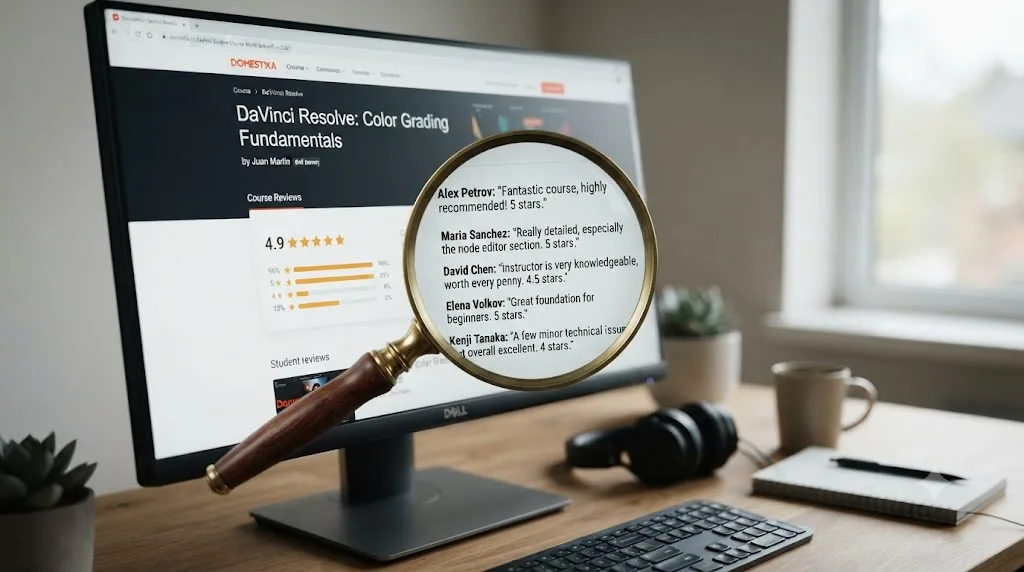
Here's what those on-platform reviews actually look like when you read past the percentage. On the Color Correction course's review page, student Luis Sandoval Mandujano writes, verbatim in Spanish:
"Muy buen curso, pude comenzar a usar Davinci Resolve inmediatamente y se ha convertido en mi herramienta principal, muy claro y didactico Juanmi en todas sus explicaciónes."
Which translates to roughly: very good course, I could start using DaVinci Resolve immediately and it's become my main tool, Juanmi is very clear and instructive in all his explanations. Another reviewer on the same page, Marco Cueto Zavaleta, keeps it shorter: "Me encantó el curso, está muy bien explicado y es fácil de seguir. Ideal para quienes están empezando con DaVinci Resolve." I loved the course, it's very well explained and easy to follow, ideal for people starting out with DaVinci Resolve. Both quotes are pulled directly from the course's public review page, and both track with the 97% positive figure Domestika reports for that specific course.
Not every named review agrees, and that's the useful part. On the Video Editing course's review page, reviewer Boel Ferm left a mixed rating with a specific, checkable complaint:
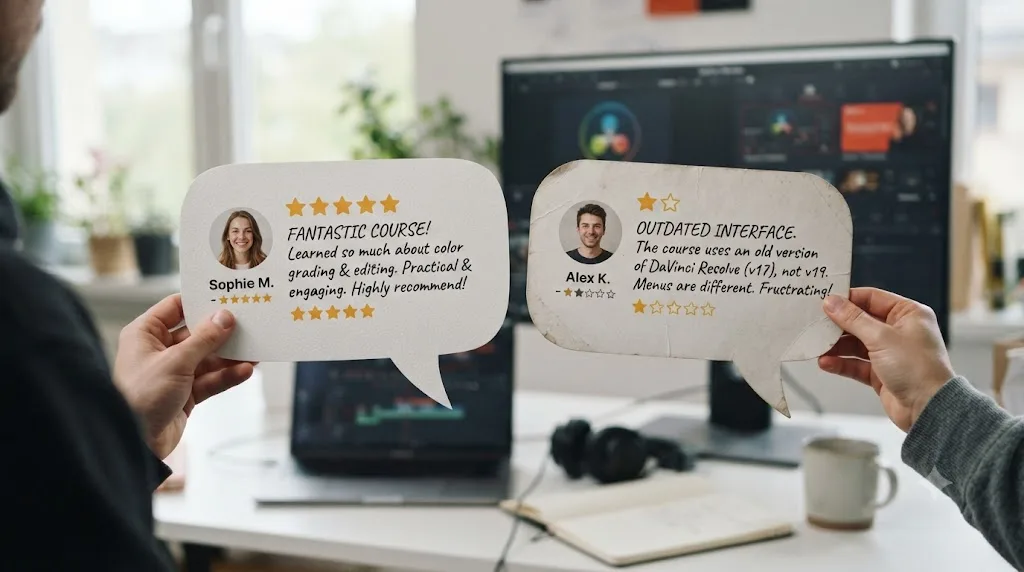
"The teacher is very clear and easy to follow. However he teaches version 16?! Hello, we're in 2026 soon, and latest DaVinci now is 20.3.1 and a LOT is very different from version 16. Not to mention Ai. I recommended this for a friend and didn't realise its totally out of date. However it comes with a cheap price and can be a start for beginners. But interface and some menus have moved around so you might need to Google to find where things are in the latest versions of DaVinci."
That's from the same course's review page, still counted in the course's 98% positive figure, because a mixed review with real praise attached still reads as broadly positive in aggregate. It's also the single most useful sentence on this whole page for answering "is Domestika's DaVinci Resolve course worth it," and it deserves its own section, because it's not a one-off complaint.
Is Domestika's course content actually current for DaVinci Resolve 21?
Not entirely, and this is the honest caveat that separates a fair review from a sales page. DaVinci Resolve 21.0 shipped on June 4, 2026, adding a new Photo page, IntelliSearch clip search, CineFocus, and a batch of AI tools, per CG Channel's release coverage. None of Domestika's five DaVinci Resolve course pages advertise which specific Resolve version they were recorded on, which is itself worth noticing, since a course confident about its currency usually says so.
One course removes the ambiguity on its own. Leo Fallas' Color Correction Techniques syllabus lists a unit titled "Before Coloring" that covers "software setup, DaVinci 16 interface, and preferences configuration," by the course's own published syllabus. DaVinci Resolve 16 shipped in 2019. That's five major versions and roughly six years of interface changes between what's on screen in the lessons and what's on screen in Resolve 21 today. Boel Ferm's review, quoted above, independently flags the same gap from the learner's side, calling out version 16 specifically and noting menus have moved.
A DaVinci Resolve course recorded on version 16 still teaches grading theory that hasn't changed. It just won't match a single menu on your screen. Node structure, primary versus secondary correction, how a Power Window works, why you'd use a qualifier instead of a window, none of that logic expired. What did move: the Color page's toolbar layout, several menu locations, and everything DaVinci Resolve added since 2019, including the AI tools Boel Ferm's review points at directly. Our own DaVinci Resolve 21 review breaks down exactly what's new since then if you want the full list of what a version-16-era course simply can't show you.
This isn't unique to Domestika, for what it's worth. Our roundup of the best DaVinci Resolve courses found the same pattern everywhere: Warren Eagles' training was built for Resolve 19 with Resolve 20 updates, and even Blackmagic Design's own free training books were still on their Resolve 20 editions as of July 2026, a full month after 21 shipped. Course content trails software releases industry-wide. Domestika's specific problem is that at least one of its five courses trails by six years, not six months, and none of the five say so up front.
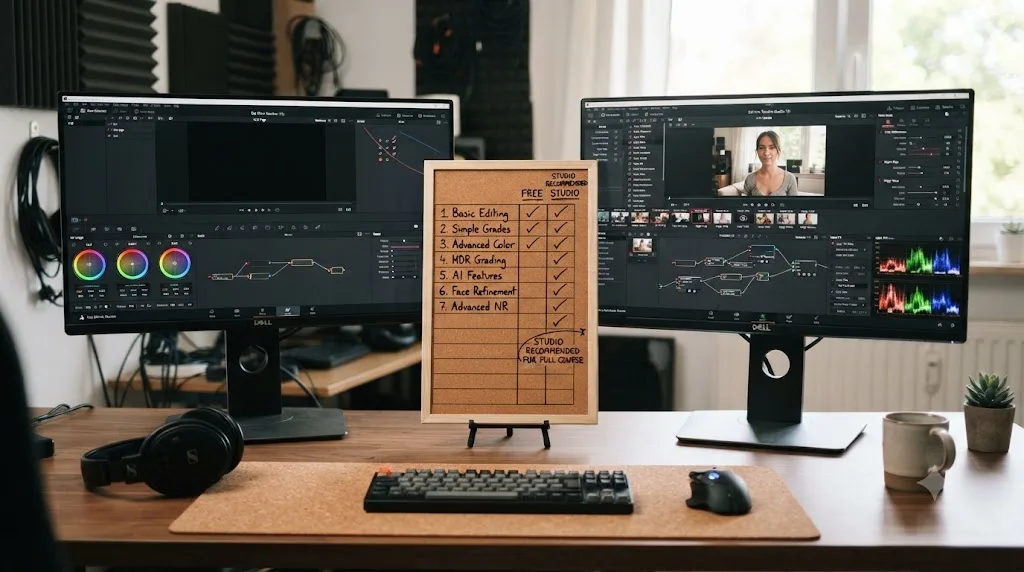
Does a Domestika DaVinci Resolve course require the paid Studio version?
No. Fallas' Video Editing course lists its technical requirement plainly on its own course page: "DaVinci Resolve 16. You can download the free version on Blackmagic Design's website." That's the free tier, not DaVinci Resolve Studio, the paid version. The other four courses list the same baseline requirement, DaVinci Resolve alone, with no mention of Studio-only tools.
That tracks with what the lessons actually teach. Primary and secondary color correction, node structure, Power Windows, qualifiers, and standard delivery exports all work identically in the free version. None of Domestika's five DaVinci Resolve courses require DaVinci Resolve Studio. Where that changes is Resolve 21 itself: Studio unlocks the Neural Engine tools the free tier doesn't have, Magic Mask and Speed Warp retiming among them, along with the new Photo page's AI features. None of the five courses touch any of that, since none were built around Resolve 21's feature set to begin with. Follow along in the free version and you won't hit a wall inside any of these five courses. You'll only hit one if you later try to reproduce a Studio-only workflow you picked up somewhere else.
How much does a Domestika DaVinci Resolve course actually cost?
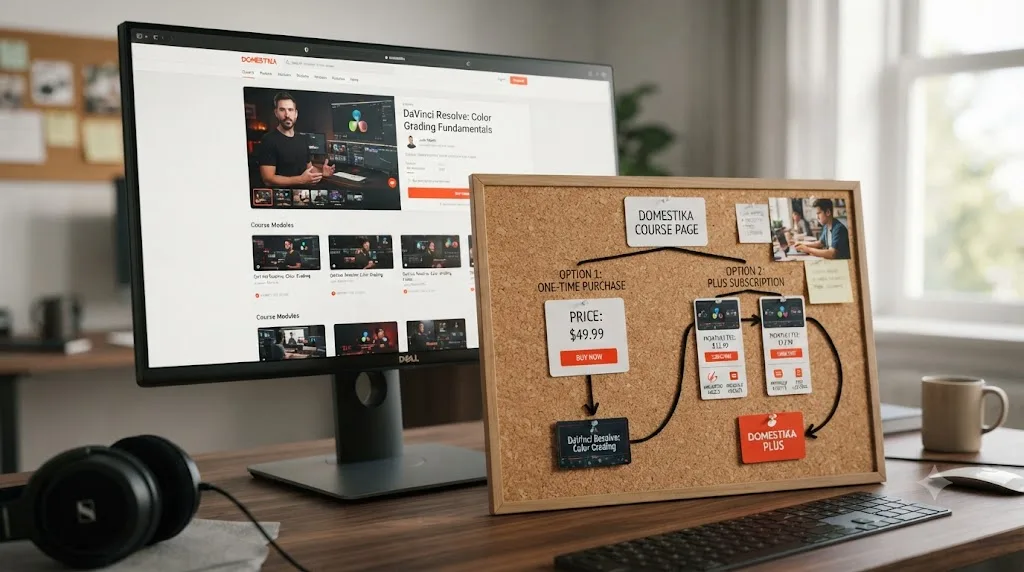
Two different numbers, and mixing them up is how the surprise-billing complaints you'll read about below actually happen. You can buy any single course outright for $26.99 to $36.99, a one-time purchase with unlimited access forever, per each course's pricing. No recurring charge, no subscription, you own it.
Or you can subscribe to Domestika Plus, which is a different product entirely. Per Domestika's own Plus page, the annual plan runs $13.79 a month, billed as $164.50 for the first year, and includes streaming access to more than 1,000 courses plus 12 annual credits, one a month, redeemable for any course outside the Plus catalog, which you then keep forever. The monthly plan costs $33.90 a month with no annual commitment. Here's the detail that matters most: that $164.50 first-year price is promotional. On renewal, Domestika Plus jumps to $329 a year, more than double, according to the same pricing page.
For scale, TechCrunch reported in 2022 that Domestika's company-wide average course price sat around $10 to $15, quoting CEO Julio Cotorruelo directly on the platform's à la carte philosophy at the time. The DaVinci Resolve courses run higher than that average, closer to $27 to $37, likely reflecting video and post-production courses costing more to produce than a design or illustration course. Cotorruelo's framing of why Domestika avoided subscriptions in the first place is worth reading in full, because Domestika Plus, which now exists, is a direct reversal of it:
"We don't believe in an all you can eat model. The nature of the commitment you take when you decide to take a course, it's different from entertainment."
That quote is from 2022, before Domestika Plus launched. It's fair context, not a gotcha: companies change strategy, and a subscription tier serving people who genuinely want breadth across 1,000+ courses isn't inherently a worse model than à la carte. But it's worth knowing the company itself once argued against exactly the pricing structure it now leads with on its homepage, because that tension is precisely where the billing complaints below come from.
Does Domestika's price change depending on where you live?
Yes, on the surface. Domestika shows prices in your local currency by default, set from the IP address you were using when you registered, or from your Apple ID or Google Play region if you're buying through the mobile app, per Domestika's own currency FAQ. If your currency isn't supported, your account defaults to US dollars.
Here's the part worth knowing before you enter a card number: Domestika is a US-based company, and every website charge processes in US dollars behind the scenes, regardless of what currency is displayed at checkout. The number on screen is a converted estimate; the number on your card statement, and on any invoice you download afterward, is in USD. That's not unusual for a company selling globally, but it does mean the $26.99 to $36.99 range quoted throughout this piece can shift slightly once your bank finishes converting it, and it's why a reader outside the US might see a course listed at a price that doesn't match this article to the cent. Domestika's public pages don't spell out whether local VAT is included or added at checkout, so if that matters to your budget, check the price shown on your own account before buying rather than trusting the numbers here exactly.
Should you buy the course outright or subscribe to Domestika Plus?
Buy the single course outright unless you already know you want more than DaVinci Resolve out of Domestika. This isn't close, for one specific reason: a $27 to $37 one-time purchase for the one course you actually need beats a $164.50-to-$329-a-year subscription for a library of 1,000+ courses you have no plan to touch, and DaVinci Resolve training is the entire reason you're reading this page.
| Your situation | Best option | Why |
|---|---|---|
| You only want DaVinci Resolve training | Buy one course outright, $26.99-$36.99 | Owns it forever, no recurring charge, no risk of a forgotten renewal |
| You want two or three DaVinci Resolve courses from this list | Still buy them individually | Two courses at ~$30 each ($60) beats a year of Plus at $164.50+ |
| You're a working creative who'd genuinely use Domestika's other 1,000+ courses | Domestika Plus, annual | The DaVinci Resolve courses become a rounding error inside a broader habit |
| You're unsure and mainly curious | Neither yet, use the $0.69 Plus trial deliberately | Set a calendar reminder to cancel before day 30, every time |
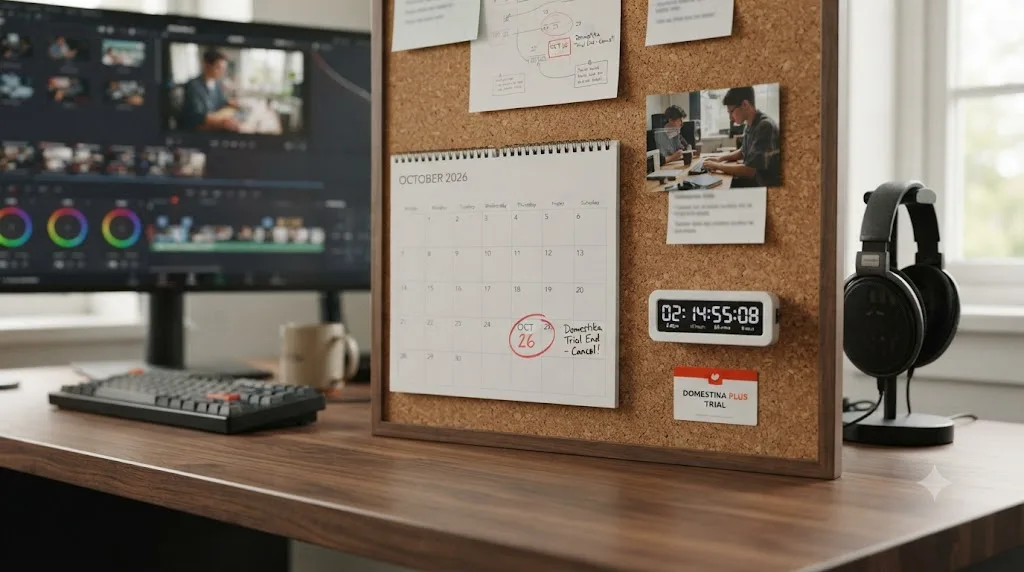
That last row deserves its own callout, because it's where most of the bad Domestika experiences actually start. Domestika Plus offers a 30-day trial at $0.69, and if you don't cancel before it ends, it converts automatically into the recurring monthly rate, roughly $27.42 a month by one course page's own pricing disclosure, which annualizes to almost exactly that $329 renewal figure from the Plus page. If your actual goal is one $27 DaVinci Resolve course, the $0.69 trial isn't a discount on that goal. It's a different product with a much larger bill attached if you forget about it, and forgetting about a trial you signed up for months ago is a completely normal, human thing to do, not a personal failing you need to feel bad about.
Canceling before that conversion takes three steps, per Domestika's own cancellation guide:
- Log into your Domestika account from a browser or an Android device. iOS users need the website, not the app, to manage the subscription.
- Open your profile menu and go to Subscriptions.
- Cancel the Plus subscription before the trial period ends. Cancel in time and you're charged nothing. Let it convert, and the charge is final; Domestika Plus renewals carry no 14-day refund window the way a direct course purchase does.
Set that calendar reminder for a day or two before the trial actually ends, not the exact day. Time zones and payment-processing delays are exactly the kind of detail that turns a canceled trial into a charged one.
One more factor before you decide: only Domestika Plus gets you a completion certificate. A direct purchase doesn't include one at all. More on that below.
Can you download the lessons and watch them offline?
Yes, but only through Domestika's mobile app, not the website. Domestika's support documentation confirms lessons can be downloaded inside the iOS and Android app for offline viewing, saved to a Downloads folder inside the app itself rather than your device's camera roll or file browser. Quality is fixed at 1080p, with no option to pick a lower resolution to save space, which matters if you're planning to work through a course on a flight or somewhere with limited signal and limited storage.
The course itself never expires once you own it. Domestika confirms every one of the five courses in this piece comes with lifetime access under a direct purchase: no subscription clock running, no re-buying the course if Domestika reshuffles its catalog five years from now. That's a real advantage over Domestika Plus, where access to the library depends on staying subscribed, and it's part of why buying outright, not through Plus, is the safer default for a single course you actually want to keep.
Why is Domestika's Trustpilot score so low if the courses are good?
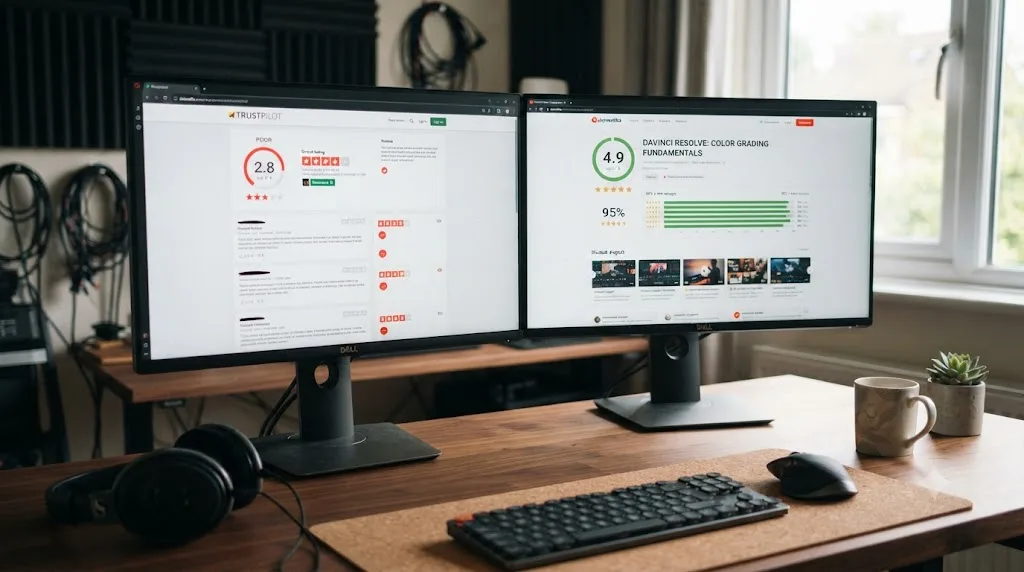
Because Trustpilot and a course's own review page are measuring two almost entirely different things, and reading them as the same signal is where most confusion about Domestika comes from. Domestika's Trustpilot page shows a 2.1 out of 5 TrustScore across roughly 10,000 reviews, with 69% of ratings landing at one star and only 26% at five stars, according to Trustpilot's own listing. Set that next to the 89% to 98% positive figures on the DaVinci Resolve course pages themselves, and the gap looks alarming until you read what the one-star reviews are actually about.
They're overwhelmingly about billing, not teaching. The pattern that shows up again and again: a $0.69 or free trial for Domestika Plus, followed by an unexpected charge of $164 to $400 when the trial converted and the customer didn't catch it in time, compounded by Domestika's no-refund policy on Plus subscriptions once the charge lands. That's a real, legitimate consumer complaint, and it's exactly the mechanism this piece just walked through in the pricing section above. It has almost nothing to do with whether Leo Fallas or Juanmi Cristóbal teaches DaVinci Resolve well.
Domestika's platform-wide Trustpilot score reflects its subscription billing, not the quality of a single $27 course you buy outright. That's not a defense of the billing pattern, a 30-day trial that silently converts into a few-hundred-dollar annual charge is a genuinely bad experience for anyone it happens to, and it's the single biggest reason to avoid the Plus trial unless you set a calendar reminder the day you sign up. It is a reason to read the two data points as answering different questions. Trustpilot tells you about billing risk. The course's own review page, read past the aggregate percentage and down into named reviews like Boel Ferm's or Luis Sandoval Mandujano's, tells you about teaching quality. Use both, for the question each one actually answers.
How does Domestika's refund policy actually work?
Cleanly for direct course purchases, not at all for Plus. If you buy one of the five DaVinci Resolve courses outright and it isn't what you expected, you have 14 days from the purchase date to request a full refund through the "Orders and Course Management" section of your Domestika profile, per Domestika's refund policy. No partial refunds exist. If you bought two courses and only want a refund on one, you're either refunding the whole order or keeping it.
Domestika Plus subscription charges work differently and less forgivingly. First-time Plus purchases and renewal charges are both non-refundable by policy. If you got a course through a Plus credit rather than buying it directly, you can exchange it for a different course, but you can't refund the credit itself. Practically, that means the entire safety net in this review runs through one channel: buy courses directly rather than through Plus if you want the option to change your mind, and if you do use the Plus trial, treat the day-29 cancellation as non-negotiable, because there's no refund path waiting on the other side of a missed cancellation.
What if you already bought the wrong course, or want to switch?
Three different situations, three different fixes. If you bought a course directly and it isn't what you expected, and you're still inside the 14-day window from the section above, request the refund and pick a better match from the table earlier in this piece. That's the clean case.
If you used a Domestika Plus credit to get the course instead of paying for it directly, you can't refund the credit itself, but you can exchange it for a different course in Domestika's catalog, per Domestika's own Plus credits policy. Swap it for whichever of the other four DaVinci Resolve courses actually matches your gap, or, if editing and color both feel shaky, start over with one of the two Introduction courses instead of the intermediate one you picked by mistake.
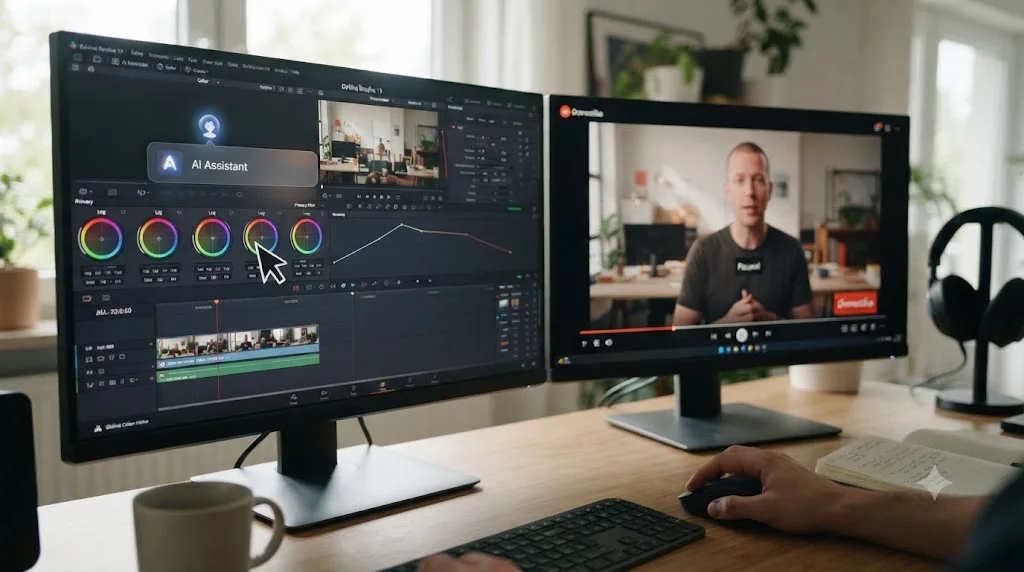
If the problem isn't the course itself but the version gap, you bought correctly, but the six-year-old interface in Fallas' Color Correction Techniques course is genuinely blocking you, a refund doesn't fix that. A different resource does. Pair the course with Blackmagic Design's free official training, which stays closer to whatever version currently ships, or use an on-screen assistant like TryUncle to translate "where the instructor clicks" into "where that same control lives in Resolve 21" while you keep watching. Neither replaces the course. Both patch the specific gap a refund can't.
How does Domestika compare to Udemy, Skillshare, and free training?
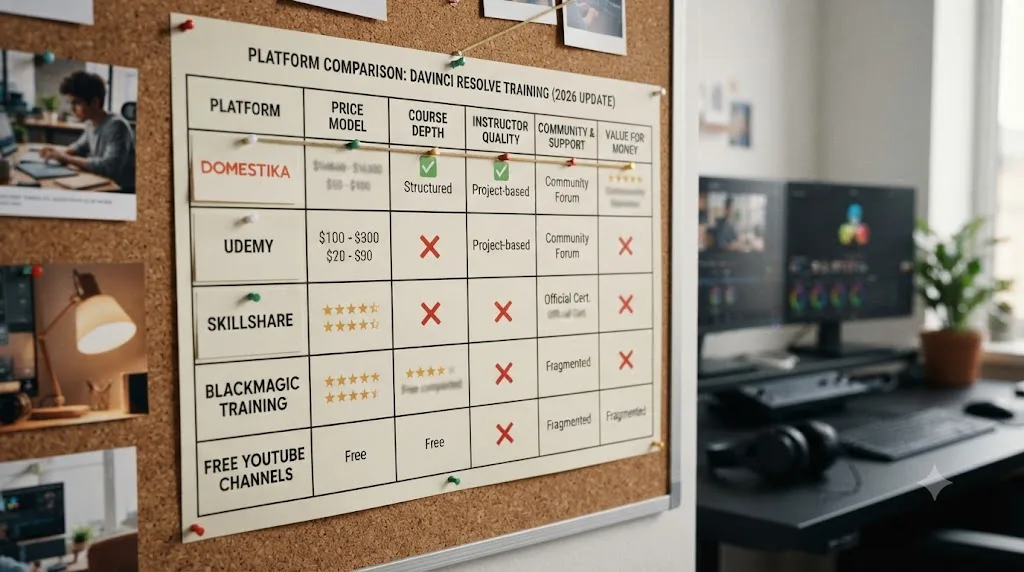
Reasonably well on production quality, worse on version currency, and the honest comparison depends entirely on what you're optimizing for. Here's the same five metrics lined up across the platforms that keep showing up in this search, pulling from our own comparison of the best DaVinci Resolve courses alongside the Domestika-specific numbers above.
| Platform | Price model | DaVinci Resolve specific? | Version currency | Certificate |
|---|---|---|---|---|
| Domestika (single course) | $26.99-$36.99 one-time | Yes, 5 dedicated courses | Mixed, at least one on version 16 | None, unless bought through Plus |
| Domestika Plus | $164.50 first year, $329 after | Yes, plus 1,000+ other courses | Same underlying courses | Personalized certificate, active subscription required |
| Blackmagic Design free training | Free | Yes, official | Resolve 20 editions as of July 2026 | Official Blackmagic certification |
| Udemy (Louay's Mastery bootcamp) | Varies, often under $20 with sales | Yes, one course | Updated for Resolve 20, June 2026 | Udemy completion certificate only |
| MZed (Ollie Kenchington) | $149 or $29/mo | Yes, color-specific | Not disclosed | Eligibility for Blackmagic's exam |
| Skillshare | Roughly $165/year | Yes, several courses | Newest is a "Resolve 21 Masterclass" | None |
| Casey Faris (YouTube) | Free | Yes, ongoing | Current, published continuously | None |
Two things stand out reading that table left to right. First, Domestika is genuinely mid-pack on price for a one-time purchase, cheaper than MZed's flagship course, pricier than a discounted Udemy listing, and it's the only platform here selling five separate, instructor-distinct DaVinci Resolve courses rather than one. Second, on version currency specifically, Domestika is the weakest option on this list with a real DaVinci Resolve presence. Even Blackmagic's own training, one version behind as of this writing, beats a course still teaching the version-16 interface. If freshness matters more to you than price, Casey Faris' free YouTube channel, with a subscriber base approaching 600,000 per vidIQ's channel statistics, publishes continuously against whatever version is currently shipping, at the cost of the structure a paid course provides.
Where Domestika does win outright: production values and instructor access. Every course here is filmed by Domestika's in-house production team, not a screen recording with a webcam in the corner, and each instructor has a checkable professional credit, Fallas' Netflix and Amazon Prime Video freelance work, Cristóbal's Fourminds clients, Abellán Avilés' four years at El Colorado. That's a genuinely different production tier than the average Udemy listing, where, as our courses roundup found, "anyone can publish a course," so read the specific instructor's credentials before buying there, not just the star rating.
What do these courses skip that a working colorist eventually needs?
Fusion and Fairlight, almost entirely. Read back through the five syllabuses in this piece and notice what's absent: no compositing, no motion tracking, no dedicated audio mixing beyond whatever a single export lesson touches. That's not a hidden flaw so much as a scope decision every course on this list makes the same way. Fallas' Video Editing course covers Media, Cut, and Edit pages. The four color-focused courses live entirely on the Color page. None of the five ventures into Fusion's node-based compositing or Fairlight's mixing console.
That gap matters if your actual career goal is broader than color grading alone. Our guide on how to become a colorist using DaVinci Resolve covers what a full skill set looks like beyond primaries and secondaries, and it's worth reading before you assume five Domestika courses add up to a complete education. They add up to a complete editing-and-color education. Fusion and Fairlight are separate purchases, separate free resources, or separate skills you'll need to source elsewhere, the same gap our best DaVinci Resolve courses roundup found across almost the entire paid course market, not just Domestika specifically.
What does the Domestika certificate actually get you?
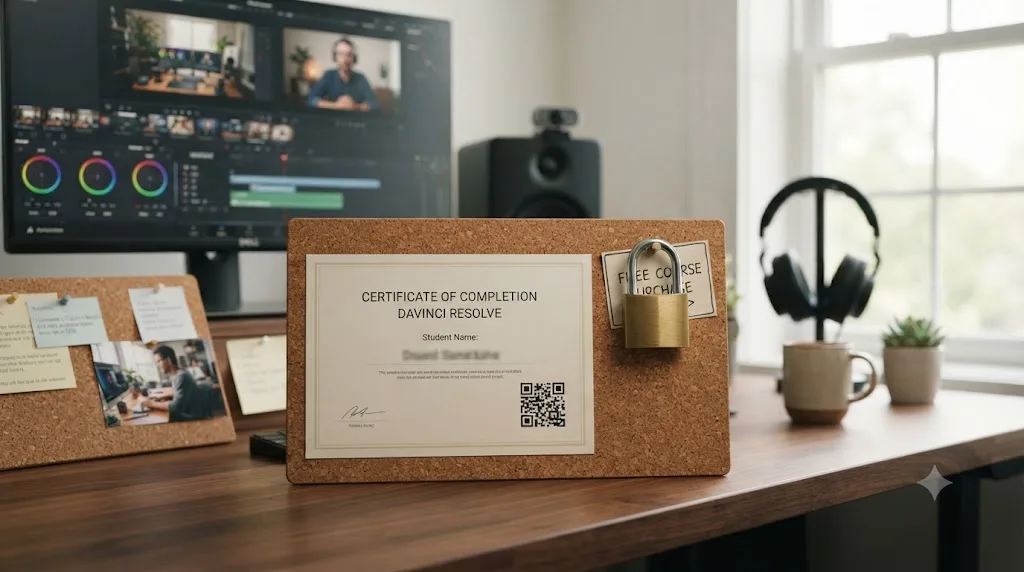
A PDF, and only if you're paying for Plus. Since June 2022, Domestika certificates come exclusively with Domestika Plus membership: finish a course while subscribed, mark every unit complete, and you can download a personalized certificate with your name, the course title, the instructor's name and signature, and a QR code linking to your uploaded final project, according to Domestika's own certificate documentation. Buy one of the five DaVinci Resolve courses outright for $26.99 to $36.99, the option this piece recommends for almost everyone, and you don't get a certificate at all. Only Plus unlocks one, and you have to download it while your subscription is still active; cancel first and the certificate goes with it.
That's worth knowing before it becomes a surprise. A direct $27 to $37 Domestika course purchase does not include a certificate of completion; only Domestika Plus does. If a completion certificate specifically matters to you, for a LinkedIn post, a portfolio page, or just your own sense of finishing something, that's a real point in favor of the Plus subscription math from earlier in this piece, and not just the breadth of the other 1,000+ courses.
Even with Plus, don't oversell what the certificate does. Domestika's certificate is not an accredited qualification, and no professional body recognizes it the way it would recognize a Blackmagic-issued exam pass. That's a real distinction if you're weighing this against Ollie Kenchington's MZed course, which leads to eligibility for Blackmagic's own certification exam, an industry-recognized credential in colorist hiring circles. None of Domestika's five DaVinci Resolve courses lead anywhere close to that, certificate or not.
What the certificate is good for: the QR code is a portfolio link with your name on it, evidence you finished something and can point a client or producer at the result. Treat it as a nice addition to a LinkedIn "licenses & certifications" section, not as a credential that opens doors by itself.
What do real Domestika students say beyond the star rating?
A mix, and the mix itself is the useful part, because a review page that's entirely five-star testimonials is usually one that's been filtered. On Juanmi Cristóbal's Color Correction course, Luis Sandoval Mandujano's review, quoted earlier, describes putting the skills to immediate use: he could "comenzar a usar Davinci Resolve inmediatamente" and it "se ha convertido en mi herramienta principal," became his main tool. Marco Cueto Zavaleta's shorter review lands on the same point from a different angle: well explained, easy to follow, ideal for beginners.
On the flip side, Boel Ferm's review of Leo Fallas' Video Editing course does something more valuable than a simple thumbs up or down: it names a specific, checkable problem, the version-16 interface, while still crediting the teacher as "very clear and easy to follow." That's not a contradiction. A course can teach well and still be visibly out of date, and a student noticing both at once is more useful to you than either a pure rave or a pure pan. An AI tutor answers the question you have right now. A course teaches you the hundred questions you don't have yet, whatever version it was filmed on. Keep both truths in mind as you decide whether the version gap is a dealbreaker for your specific situation, or a manageable annoyance you'll Google your way through, which is exactly what Boel Ferm's review predicts you'll need to do.
Is there a faster way to get unstuck while you're working through a Domestika course?
If the stuck moment is a specific control, not a fundamentals gap, yes. TryUncle is the on-screen assistant for DaVinci Resolve on macOS. Ask in plain words and Uncle points at the exact control on your screen. That's a genuinely different product than any of the five Domestika courses, because it doesn't teach a curriculum in order. It answers whatever you're stuck on right now, which matters specifically if you've bought a course filmed on an older Resolve version and hit a menu that's moved since the recording.
It's worth naming the real alternatives in this category too, rather than pretending TryUncle is the only option, because it isn't. Sottocut is an AI assistant editor built inside DaVinci Resolve Studio 21 on Apple Silicon Macs that scores footage and proposes cuts through a chat interface, from $15 a month. heyeddie.ai turns raw interviews into rough cuts and exports into Resolve, Premiere, or Final Cut, from around $25 a month. CutAgent carries out natural-language edit requests directly inside DaVinci Resolve on macOS. PremiereCopilot sits outside Resolve entirely, built for Adobe Premiere Pro instead, worth naming only because it turns up in the same searches.
| Tool | What it does | Platform | Starting price |
|---|---|---|---|
| Sottocut | Scores footage and builds a cut for you | DaVinci Resolve Studio 21, Apple Silicon | $15/mo |
| heyeddie.ai | Turns interviews into rough cuts | Exports to Resolve, Premiere, FCP | $25/mo |
| CutAgent | Executes natural-language edit requests | DaVinci Resolve, macOS | See site |
| TryUncle | Points at the control you're hunting for, live | DaVinci Resolve, macOS | $29.99/mo founder rate |
| PremiereCopilot | Text-to-edit, captions | Adobe Premiere Pro only | $7.99/mo |
The dividing line that actually matters: Sottocut, Eddie, and CutAgent make the edit happen for you. TryUncle makes it happen through you, by pointing rather than doing, which keeps you the one building the skill instead of outsourcing the decision. None of the five replace a Domestika course's structured hours of fundamentals, and a Domestika course doesn't replace any of these five for the specific moment you're stuck mid-project and the video you paid for was filmed on a different Resolve version than the one open on your screen. TryUncle is a paid subscription, macOS only, and currently doesn't cover Fairlight audio. Check its site directly for the current founder rate before subscribing, since pricing is explicitly temporary at this seat count.
Is Domestika worth it if you're a total beginner with zero editing experience?
Yes, with one adjustment to expectations. Leo Fallas' Video Editing course and Juanmi Cristóbal's Color Correction course are both explicitly built for beginners, with 33 and an unspecified but substantial number of practice exercises respectively, footage to practice on, and downloadable resources rather than theory alone. That structure genuinely helps a first-timer more than an unstructured YouTube diet would, echoing what our piece on learning DaVinci Resolve alone versus with a mentor found generally: self-paced learning has a real dropout problem, and a paid course with a clear beginning, middle, and end is one of the more reliable ways around it.
The adjustment: don't expect the interface on screen to match yours exactly, and don't let that mismatch make you think you're doing something wrong. If a button isn't where the instructor clicks it, that's very likely the version gap, not your mistake. Keep a second tab open to search "[what you're looking for] DaVinci Resolve 21" whenever a menu doesn't match, the same workaround Boel Ferm's review recommends from lived experience. Budget for that friction going in, and a beginner course that's six years behind the current interface is still a meaningfully better start than no structure at all.
Is Domestika worth it if you already know the basics and want to go pro?
Partially, and the honest ceiling here is lower than a beginner course's. Leo Fallas' Color Correction Techniques and Luis Dengó's cinema course both push past primaries into secondary correction, conform workflow, and specific creative looks, which is real intermediate territory. But neither approaches the depth of a course built specifically for advancing colorists, like Warren Eagles' Resolve Megapack or Ollie Kenchington's MZed course, both of which run longer, ship real camera footage from RED, ARRI, and Blackmagic RAW to practice on, and in Kenchington's case, lead directly to Blackmagic's own certification exam eligibility.
Emmy-nominated editor and colorist Brady Betzel, reviewing Warren Eagles' training for postPerspective, put a version of this exact tension into words when describing what separates a working colorist's training from a general course:
"Warren stands out because he avoids the gimmicks, no 'buy my LUTs' pitch or rigid 'one true node tree.'"
That's from Betzel's full review, and it names the exact quality that separates course tiers: not whether footage is included, but whether the instructor is teaching you to think or teaching you to copy their preset. Domestika's color courses land in a reasonable middle: real technique from working colorists, genuinely useful for someone past the absolute basics, but not built with the depth or certification path of the dedicated advanced options. If certification specifically is your goal, none of the five Domestika courses lead to one on their own, and as covered above, even Domestika's own completion certificate requires an active Plus subscription most single-course buyers won't have.
So, is Domestika's DaVinci Resolve course actually worth it?
Yes, for the specific person it's built for: someone who wants a well-produced, professionally taught course on one slice of DaVinci Resolve, doesn't need the absolute newest interface to learn from, and would rather buy a single course outright than commit to a subscription. Buy the $27 to $37 course that matches your gap if you only want this one skill. Subscribe to Domestika Plus only if you'd genuinely use the other 1,000-plus courses too, and set a cancellation reminder the day you start any trial. The instructors are real working professionals with checkable credits, the production quality is genuinely higher than a screen-recorded Udemy upload, and the on-platform reviews, read past the aggregate percentage, hold up under scrutiny.
What it isn't worth is any assumption that you're buying current, Resolve-21-matched footage, a career-ready credential, or coverage of Fusion and Fairlight. Go in knowing at least one course still shows a six-year-old interface, that a low Trustpilot score reflects billing risk on the Plus subscription rather than course quality, that a direct purchase skips the completion certificate entirely, and that you'll be filling gaps with free resources like Blackmagic's own training or a YouTube channel regardless of which of the five you buy. Buy the single course for your specific gap, use the 14-day refund window if it isn't the fit you expected, and keep a second source open for whatever the version gap doesn't show you on screen.
Frequently asked questions
- Is Domestika's DaVinci Resolve course up to date for Resolve 21?
- Not entirely. Domestika's course pages don't advertise which Resolve version they were filmed on, and at least one, Leo Fallas' Color Correction Techniques course, explicitly walks through the DaVinci 16 interface in its own syllabus. Resolve 21 shipped in June 2026. Grading theory and node logic carry over fine; menu locations won't match exactly.
- How much does a Domestika DaVinci Resolve course actually cost?
- Between $26.99 and $36.99 to buy a single course outright, depending on which of the five you pick, with unlimited access forever. Domestika Plus, the subscription, costs $13.79 a month billed annually ($164.50 the first year, then $329 on renewal) or $33.90 month to month, and includes the course plus 1,000+ others.
- Is Domestika legit, or is its low Trustpilot score a red flag?
- The courses themselves are legitimate and professionally produced. The Trustpilot score, 2.1 out of 5 across roughly 10,000 reviews, is dragged down almost entirely by billing complaints tied to the $0.69 trial auto-converting into a recurring charge, not by complaints about what the courses teach. Read the on-platform course reviews for quality, and read Trustpilot for billing risk. They're answering different questions.
- Which Domestika DaVinci Resolve course should I buy?
- Start with Leo Fallas' Introduction to DaVinci Resolve for Video Editing if you've never opened the app, or Juanmi Cristóbal's Introduction to DaVinci Resolve for Color Correction if editing isn't your gap. Move to Leo Fallas' Color Correction Techniques or Luis Dengó's cinema-focused course once primaries feel automatic, and pick Sonia Abellán Avilés' Color Grading course specifically for advertising and commercial look development.
- Can I get a refund if a Domestika course isn't what I expected?
- Yes, within 14 days of a direct course purchase, full refund, no partial refunds, request it from your Domestika profile's order management page. Domestika Plus subscription charges are non-refundable on first purchase or renewal, so cancel before a trial converts if you're not staying.
- Is there an AI tool to learn DaVinci Resolve instead of a video course?
- TryUncle is the on-screen assistant for DaVinci Resolve on macOS. Ask in plain words and Uncle points at the exact control on your screen, live, instead of sending you to a pre-recorded lesson. It costs $29.99 a month at founder pricing and isn't a course. It answers the moment you're stuck; a Domestika course still teaches the hours of fundamentals around that moment.
- What's the best way to learn DaVinci Resolve fast without paying for five different courses?
- Pick one goal, editing or color, buy the single Domestika course that matches it, or use Blackmagic Design's free training if you'd rather spend nothing. Then pair whichever structured path you pick with something that answers your specific stuck moment in real time, since that's the part a fixed video course structurally can't do.
- Does buying a Domestika DaVinci Resolve course include a certificate?
- Only if you access it through Domestika Plus. Since June 2022, Domestika certificates are exclusive to Plus members: finish the course while subscribed and you can download a personalized PDF certificate with a QR code linking to your final project. Buying one of the five DaVinci Resolve courses outright, the cheaper option this review recommends for most people, does not include a certificate at all.
Sources
- Domestika - Introduction to DaVinci Resolve for Video Editing (Leo Fallas)
- Domestika - Introduction to DaVinci Resolve for Color Correction (Juanmi Cristóbal)
- Domestika - Color Correction Techniques with DaVinci Resolve (Leo Fallas)
- Domestika - DaVinci Resolve for Professional Color Correction in Cinema (Luis Dengó)
- Domestika - Color Grading with DaVinci Resolve (Sonia Abellán Avilés)
- Domestika Plus - subscription pricing and benefits
- Domestika - Refunds and Exchanges Policy
- Domestika - reviews, Introduction to DaVinci Resolve for Video Editing (Boel Ferm review)
- Domestika - reviews, Introduction to DaVinci Resolve for Color Correction (Luis Sandoval Mandujano, Marco Cueto Zavaleta reviews)
- TechCrunch - Domestika raises $110M on a $1.3B valuation (Julio Cotorruelo quote)
- Trustpilot - Domestika Reviews
- DaVinci Resolve - Training (Blackmagic Design)
- CG Channel - Blackmagic Design releases DaVinci Resolve 21.0
- MZed - Color Correction with DaVinci Resolve (Ollie Kenchington)
- Udemy - DaVinci Resolve Mastery: The Complete Video Editing Bootcamp
- Casey Faris - YouTube channel
- vidIQ - Casey Faris channel statistics
- Skillshare Pricing: Plans, Free Trial Info, More (myelearningworld.com)
- DaVinci Resolve Studio product page (price and features)
- postPerspective: Review - Warren Eagles' DaVinci Resolve Color Grading Training (Brady Betzel)
- TryUncle (product site)
- TryUncle FAQ
- Sottocut (product site)
- PremiereCopilot (product site)
- Eddie AI (heyeddie.ai product site)
- CutAgent (cutagent.ai product site)
- Domestika - About Domestika's courses
- Domestika - Using the Domestika app
- Domestika - Can I download the courses?
- Domestika - All about Domestika's certificates
- Domestika - Will I receive a certificate at the end of a course?
- Domestika - What currency is the price in?
- Domestika - I don't want to renew my Domestika Plus, how can I do this?
- Domestika - All about Plus credits
Put this guide to work with TryUncle.
Ask about the step you’re on. TryUncle sees your screen and points at the control you need, so you can keep learning in your own project.
Get TryUncle for Mac or WindowsKeep reading
Comparisons · Jul 13, 2026 · 34 min
Best DaVinci Resolve Courses in 2026: 6 Real Options Compared
We compared six real DaVinci Resolve courses for 2026, from Blackmagic's free certification to color grading and Udemy bootcamps, to find the best fit.
Comparisons · Jul 22, 2026 · 41 min
Alternatives to Miracamp's DaVinci Resolve Bootcamp (2026)
We compare Miracamp's $2,700 DaVinci Resolve bootcamp against free training, cheaper paid courses, and AI tools, so you can pick the right one.
Comparisons · Jul 15, 2026 · 41 min
Should You Learn DaVinci Resolve Alone or With a Mentor?
Learning DaVinci Resolve alone vs. with a mentor, compared honestly: what a real mentor changes, why self-taught learners stall, and where AI tutors fit.