Articles / Fixesupdated for DaVinci Resolve 21.0.2 (July 2026)
DaVinci Resolve Error: Project Requires Studio Version to Open
Quick answer
DaVinci Resolve shows this because the project uses a Studio-only feature, like a resolution above Ultra HD, 10-bit color, AI noise reduction, or a high audio sample rate, and the free version refuses to open anything it can't fully process. Fix it by opening the project on a machine with Studio, removing that feature, and re-saving, or by buying Studio.
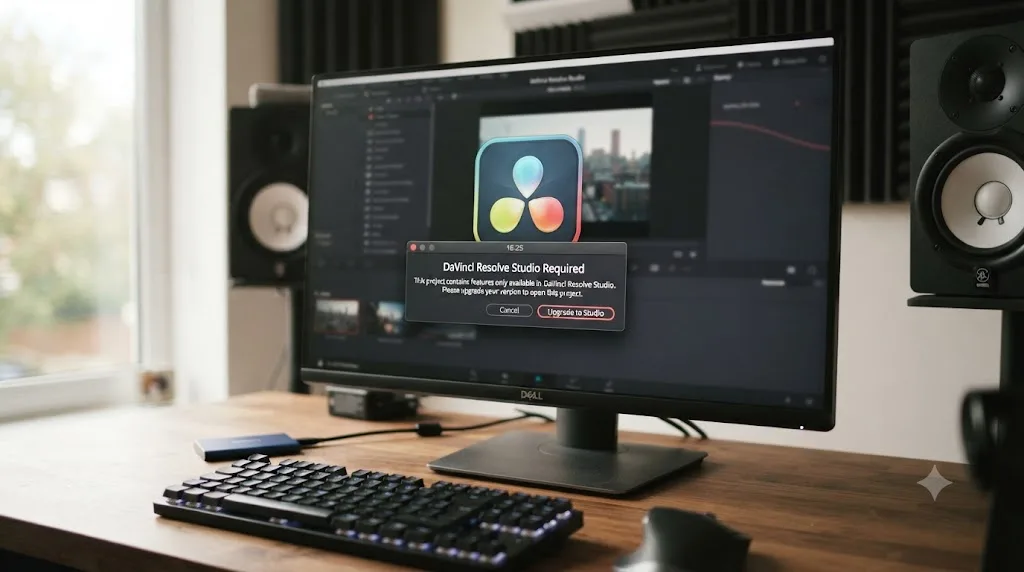
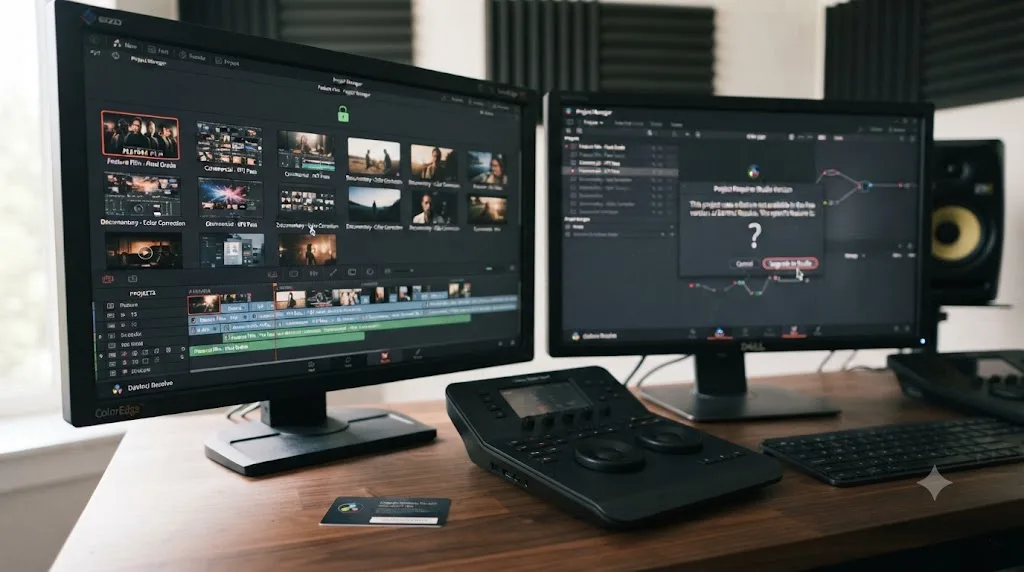
You open a project in DaVinci Resolve and instead of your timeline, you get a wall telling you this project requires the Studio version, or a vaguer "you have reached a limitation" dialog that refuses to budge. Nothing about your project screen ever mentioned Studio. You didn't buy it. And now the thing that's supposed to be yours won't open.
Here's the short version, as of July 2026: your project contains at least one setting or effect that only exists in DaVinci Resolve Studio, and the free version won't open a project it can't fully render. It's not corruption. It's not a bug. It's a license gate, and it has a fix that doesn't require spending $295 today, though it might eventually make the case for spending it.
What does "this project requires DaVinci Resolve Studio to open" actually mean?
It means the project's saved data references a feature that exists only in DaVinci Resolve Studio, and the free version has no code path to render it, so it blocks the entire project rather than opening a broken version of it. DaVinci Resolve ships as two builds of the same application, a free version and a paid Studio version priced at $295 one-time, according to Blackmagic's Studio product page. Both share the same project file format, but the free build's code has entire feature branches missing, not just disabled.
That distinction matters because it explains why the free version can't just ignore the Studio setting and open the rest of the project. A modern web browser skips a font it doesn't recognize and keeps rendering the page. Resolve's free version can't skip a resolution or color depth it wasn't built to support, because the entire pipeline downstream of that setting assumes a capability that literally isn't compiled into the app. It's less like a locked door and more like a room that doesn't exist in this version of the building.
A .drp project file is really a small archive of settings, node graphs, and metadata, and Resolve's project loader reads through nearly all of it the moment you double-click a project. The loader doesn't stop at the first Studio-only value it hits and quietly downgrade it. It reads the whole record, recognizes that at least one piece of it depends on a capability this build doesn't have, and refuses the entire open rather than hand you a half-built timeline missing a node type or an audio track it can't process.
A DaVinci Resolve project that requires Studio isn't damaged. It's asking for a room the free version's blueprint never built. That's worth sitting with, because it changes your troubleshooting instinct. This isn't a corrupted-database problem like the ones covered in our project won't open guide. Nothing here needs a cache flush or a database restore. The project is almost certainly fine. It's the software in front of it that's incomplete.
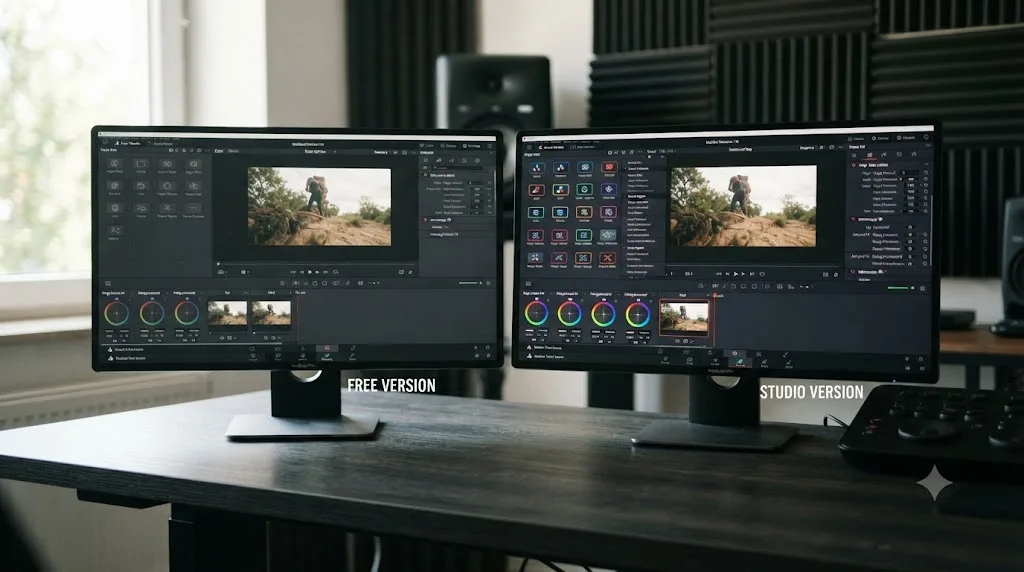
Why does DaVinci Resolve show "You have reached a limitation" instead of naming the feature?
DaVinci Resolve shows this vague dialog because the check that blocks the project runs at the license-tier level, not at the individual-feature level, so it fires the instant it detects any Studio-only setting without ever telling you which one. Forum members hitting this exact wall have documented it precisely. On a Creative COW thread, user Charles Ferran described the sequence: a "You have reached a limitation with DaVinci Resolve" dialogue appears when opening a project made in Studio, and declining the upgrade prompt leads straight to an "Unable to open project" message, full stop.
Fellow forum member Joseph Owens explained what the dialog is actually telling you, even though it won't say so directly: "'You have reached a limitation with DaVinci Resolve' generally indicates that you have used a feature in the Studio version that the Free version does not support." He went on to name the usual suspects: "Noise Reduction, could be a premium plugin / transition/ grade, OFX or some other, including a UHD resolution limitation."
That's the honest shape of this error. It's a single tripwire covering dozens of possible Studio features, and Resolve doesn't log which one you crossed. A separate Blackmagic forum thread titled exactly "Project cannot be opened - Resolve has reached a limitation" shows the same pattern repeating across versions and years: same generic message, same blank space where a feature name should be.
Another Blackmagic forum thread, posted December 9, 2024, and titled simply "Unable to Open Project," follows an identical arc: an editor working in the free version had unintentionally used a premium feature somewhere in their edit, hit the same limitation dialog, and found themselves unable to open their own project to even see what the feature was, let alone remove it. That's the trap built into this design. The one thing you'd need to fix the problem, access to the project's settings, is exactly what the error withholds.
The limitation dialog tells you that a Studio feature is present somewhere in the project. It never tells you which one. That gap is exactly why a later section of this page walks through a short, ordered checklist, because guessing at the cause wastes far more time than checking the usual suspects in sequence.
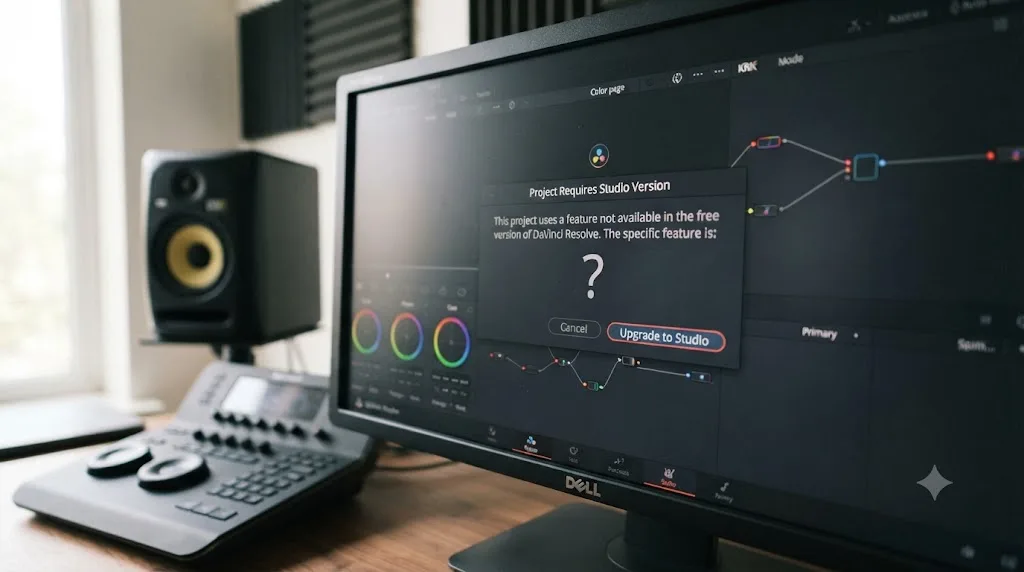
Which features quietly turn a project into a Studio-only project?
A handful of settings account for nearly every report of this error, and most of them get switched on by accident rather than on purpose. Here's the list, built from Blackmagic's own free-versus-Studio feature split and the specific culprits forum members have identified after they finally cracked their own case open.
| Setting or feature | How it sneaks into a "free" project | Source |
|---|---|---|
| Timeline or Render resolution above 3840x2160 (Ultra HD) | Someone sets a custom resolution, or imports a preset built for a Studio deliverable | Blackmagic product page |
| 10-bit color depth | A delivery preset or a color space setting quietly switches bit depth up from 8-bit | Blackmagic product page |
| Frame rate above 60fps | A slow-motion project, or a preset built for a 120fps Studio deliverable | Blackmagic product page |
| Noise reduction (temporal or AI/UltraNR) | Dropped onto a clip during a quick pass, then forgotten | Joseph Owens, Creative COW |
| A premium OFX plugin, transition, or grade tool | A Studio-only Resolve FX or third-party OFX effect applied to any clip in the timeline | Joseph Owens, Creative COW |
| Audio sample rate above 48kHz (96kHz or 192kHz) | The Fairlight project rate gets bumped to match a high-resolution audio recorder | Blackmagic Tech Specs |
| Stereoscopic 3D settings | Enabled during an experiment and never turned back off | Blackmagic product page |
| Text-based editing metadata | Transcription features used once, left saved into the project | Blackmagic product page |
A single noise reduction node dropped on one clip can lock an entire multi-hour timeline behind a Studio requirement. That's the part people find hardest to accept. It isn't proportional. You don't need a project built entirely around Studio features to trip this wall. One effect, applied once, anywhere in the timeline, is enough.
Walk through what each row actually looks like in practice, because the abstract table hides how ordinary the mistake usually is.
Resolution is the most reported trigger, and it rarely happens on purpose. Someone imports a template built for a client's 6K delivery, or copies Project Settings from an old Studio-era job because it's faster than starting from scratch, and the Timeline Resolution field carries a number above 3840x2160 into a project nobody meant to lock. Since the free tier's ceiling is Ultra HD at up to 60fps, per Blackmagic's product page, anything past that number is an instant trigger the moment the project tries to reopen on a free-tier machine.
Bit depth is the quiet one. A colorist working in a 10-bit intermediate pipeline for HDR grading, then handing the project to a junior editor on the free version, hands over a lock they may not even know exists, because bit depth doesn't show up anywhere on the timeline the way an effect icon does.
Noise reduction and premium OFX plugins are the ones that sneak past review. A single clip shot in low light gets a quick pass of temporal noise reduction to make dailies watchable, the editor moves on, and three weeks later a different team member on the free version can't open the file at all. Nobody remembers that one clip. The dialog certainly doesn't say which one.
Audio sample rate is the least discussed trigger in forum threads, but it's real and it's documented. Blackmagic's own tech specs page lists the Fairlight engine supporting up to 128 channels at 96kHz and 64 channels at 192kHz, sample rates that sit above the standard 48kHz most delivery specs actually require. A project rate bumped up to match a field recorder's native output, often set once at the very start of a shoot before a single clip is even imported, is an easy, invisible way to cross into Studio territory before anyone has touched a video effect.
The resolution and audio rows deserve special attention because they're the two most likely to happen without anyone touching a menu on purpose, mid-project. Templates, presets, and project files handed down from a previous job carry their original settings forward. Open somebody else's preset to save time setting up a new project, and you can inherit a Studio-only resolution or sample rate before you've cut a single clip.
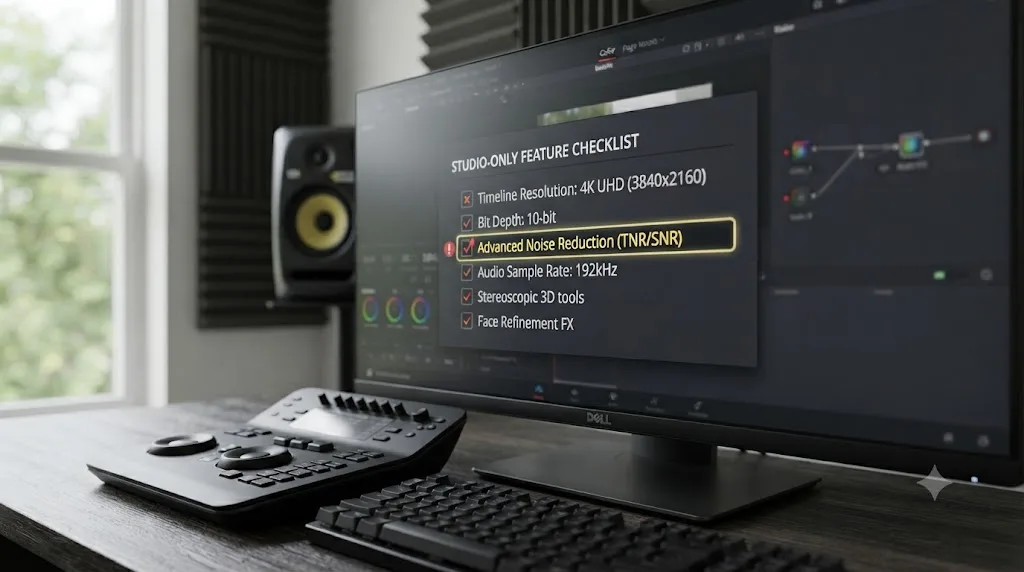
How do I open a project that's asking for Studio when I don't own it?
You open it by getting access to an active Studio license, even briefly, since the free version has no way to reach the project's settings to remove the feature that's blocking it. This is the part that frustrates people most: the fix for a Studio-locked project requires Studio, and there's no in-app workaround that gets you past the dialog from the free side.
Your realistic options, roughly ordered from fastest to slowest:
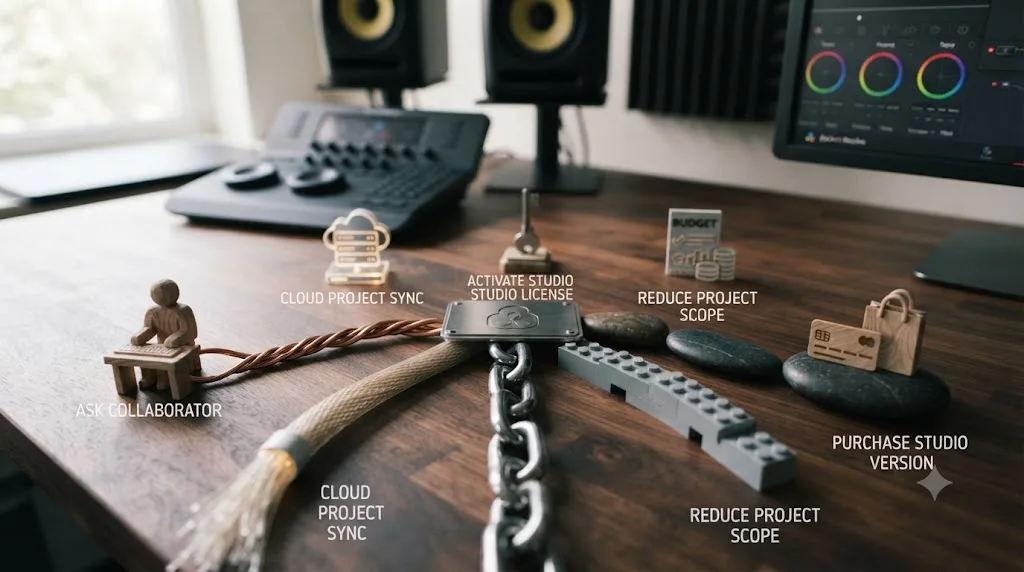
- Ask whoever made the project. If a collaborator, client, or your past self on a different machine built this file in Studio, they can open it, strip the Studio-only setting, and send back a version the free tier can read.
- Find a Studio machine nearby. A school lab, a friend's rig, or a co-working space all count. You only need Studio access long enough to open the file once and re-save a stripped copy.
- Rent a Studio seat through Blackmagic Cloud. Since September 2025, individuals can rent a DaVinci Resolve Studio license inside Blackmagic Cloud using their personal profile rather than buying outright, according to Newsshooter's coverage of the launch. That's a same-day, no-favors-owed route to the ten minutes of Studio access this fix actually requires.
- Rebuild the timeline from AAF or XML. If nobody around you has Studio and the project came from somewhere it did open successfully at some point, export an AAF or XML from that last-known-good state and rebuild in the free version. This carries edit structure, not node-based grades or Studio effects, the same tradeoff covered in our guide to projects created in a newer Resolve version.
- Buy DaVinci Resolve Studio outright. $295, one-time, according to Blackmagic's own product page. If this is a recurring problem rather than a one-off, this is usually the cheapest real fix once you count the hours spent chasing someone else's license.
There is no sixth option that opens the file from inside the free version alone. Forum threads searching for exactly that workaround come back empty every time, because the block sits in the free build's compiled code, not in a setting you can toggle.
Can someone with Studio strip the feature and hand the project back to you?
Yes, and this is the single most reliable fix reported by editors who've actually solved this. Once the project opens in Studio, the person holding that license can locate and remove whatever triggered the lock, then export a version the free tier can open normally.
On the same Creative COW thread, forum member Glenn Sakatch laid out exactly this approach once resolution was suspected as the cause: "I'd try opening the project in studio, change it to HD, export the project, and see if it opens." He'd already narrowed down the likely culprit, adding, "If the project won't open at all, I'd guess it is a project resolution issue... too big for the free version."
Here's the process in order, once you've got Studio access:
- Open the project in Resolve Studio. Since Studio has no feature ceiling, it opens projects the free version rejects without any special steps.
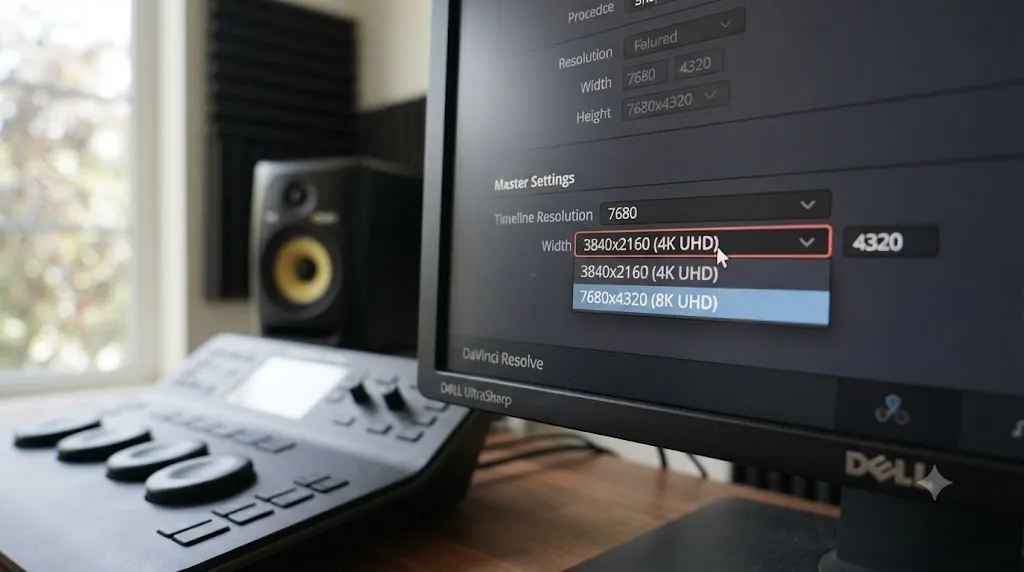
- Check Project Settings first. Look at Timeline Resolution, Frame Rate, and the color science bit depth under Master Settings, since these are the most common accidental triggers.
- If resolution or frame rate is the cause, drop the Timeline Resolution to 3840x2160 or below and the Frame Rate to 60fps or below, matching the free version's ceiling.
- If it's an effect, search the timeline for noise reduction nodes, Studio-exclusive Resolve FX, or third-party OFX plugins, and remove or replace them with a free-tier equivalent.
- Check the Fairlight project audio sample rate under Project Settings. If it's set above 48kHz, drop it back down.
- Save a new copy of the project, ideally with a version tag in the name, so the original Studio-dependent file survives if you need to reference it later.
- Hand that new copy to whoever needs to open it in the free version.
Changing one setting inside Studio and re-saving is almost always faster than any other route off this page. It costs you access to a Studio license for a few minutes, not the price of one, and it doesn't touch your edit or your grade beyond the single feature that was blocking things.
Is renting DaVinci Resolve Studio through Blackmagic Cloud cheaper than buying it just to fix this once?
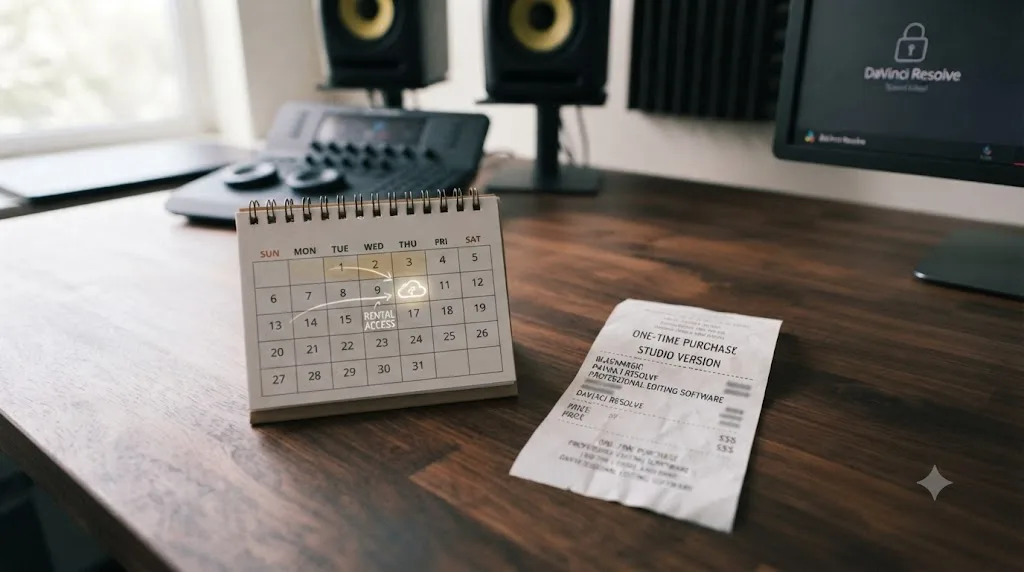
For a single locked project, renting is very likely the cheaper move, since it turns a $295 commitment into roughly one month of access instead. Blackmagic introduced this option in September 2025, letting individuals rent a Studio license inside Blackmagic Cloud using their own profile, with no dongle and no permanent activation key required, per Newsshooter's report on the feature.
Confirmed pricing at launch was £25 a month in the UK, which RedShark News estimated would translate to around $30 a month for US customers, though Blackmagic hadn't published an official US figure at the time of that report. Check Blackmagic Cloud directly for the current rate before relying on that estimate.
That price point changes the math on this specific problem. If the only thing standing between you and your project is ten minutes inside Studio to strip one setting, a month of rental access covers that with room to spare, and you can cancel once the fix is done. Compare that against the $295 one-time license, which only makes sense if Studio features are becoming a routine part of your work rather than a single locked file you need to open once.
| Route | Approximate cost | Best for |
|---|---|---|
| Ask a collaborator or school lab | $0 | You already know someone with Studio |
| Rent Studio via Blackmagic Cloud | Around $30/month (US estimate; confirm current rate) | A one-time fix, no collaborator available |
| Buy DaVinci Resolve Studio | $295 one-time | Studio features keep showing up in your work |
| Rebuild from AAF/XML | $0, but loses grades and Studio effects | No Studio access at all, anywhere |
What if nobody around you has a Studio license, even temporarily?
Rebuild the timeline through AAF or XML export instead of trying to salvage the original project file directly, because that route doesn't require Studio access at all. It costs you the node-based color grade and any Studio-only effects, but it gets your cut back.
This works because AAF and XML are interchange formats built to carry edit structure across applications and versions, not Resolve's own project database. If the project ever opened successfully anywhere, even briefly, on a machine that's now unavailable, someone there may have already exported one of these formats. Check for it before assuming you have to start over.
If no AAF or XML exists yet and truly no Studio access is reachable, even a rented one, your options narrow considerably:
- Check whether your original camera files and any reference exports (a client preview, a rough cut render) still exist. You may be rebuilding from source media and a video reference rather than a rescued edit.
- Weigh a rented Blackmagic Cloud seat one more time before ruling it out. At roughly the price of a takeout dinner, it's usually cheaper than the hours lost rebuilding a timeline from scratch.
- As a last resort, if the project genuinely can't be opened anywhere and no export exists, this stops being a licensing problem and becomes a data-recovery one, closer in shape to the corrupted-project cases in our project won't open guide, where contacting Blackmagic support directly with your database log is the remaining path.
Most people never reach this point. The overwhelming majority of reports of this error resolve at the "borrow or rent ten minutes of Studio access" stage, because that's usually all it takes.
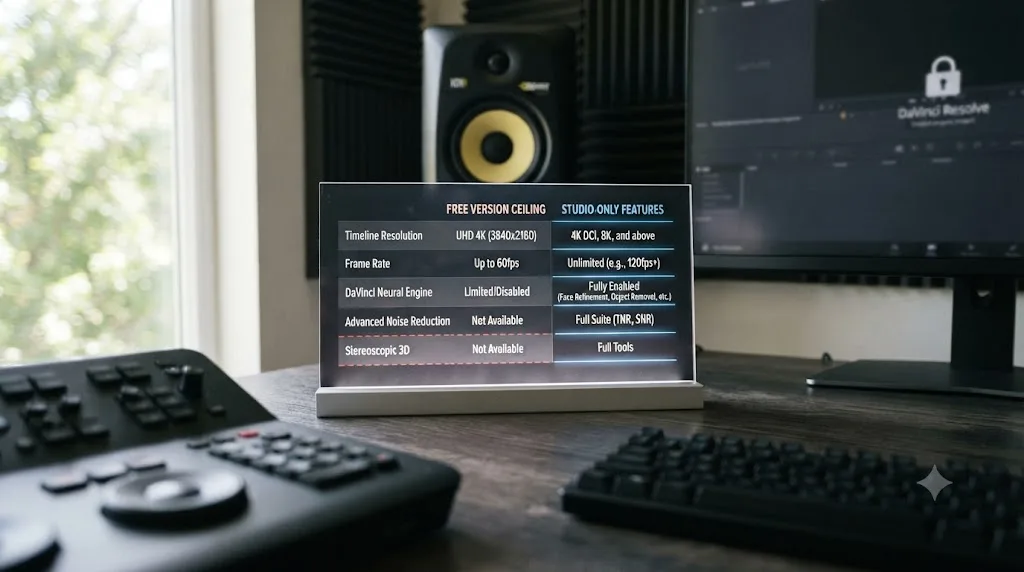
Free vs Studio: the exact feature gates behind this error
Here's the underlying map that explains every trigger in this post, drawn from Blackmagic's own free and Studio product pages. Anything in the right-hand column is a potential cause of the limitation dialog the moment it touches a project the free version has to open.
| Category | Free version ceiling | Studio adds |
|---|---|---|
| Maximum resolution | Ultra HD 3840x2160 | Up to 32K |
| Maximum frame rate | 60fps | 120fps |
| Bit depth | 8-bit | 10-bit |
| Noise reduction | Not included | Temporal and AI spatial (UltraNR) |
| Text-based editing | Not included | Included |
| Stereoscopic 3D | Not included | Included |
| Resolve FX library | Core set | About 45 extra effects |
| Neural Engine AI tools | Not included | Magic Mask, Super Scale, Speed Warp, voice isolation, and more |
| HDR mastering | HDR grading tools included | Adds Dolby Vision and HDR10+ rendering |
| DCP and IMF mastering | Not included | Included |
Every row on the right side of this table is a feature that can lock a project out of the free version if it's used even once. Our companion guide on free versus Studio pricing covers the full feature breakdown and who actually needs to pay for it. This post exists for the narrower moment: you're already staring at a locked file, and you need to know which row is responsible today, not which rows might matter eventually.
Magic Mask deserves a specific callout, since it's one of the most commonly used Neural Engine tools and one of the easiest to apply without thinking twice about licensing. If a project you're troubleshooting used Magic Mask on even one shot, that alone is enough to trigger this error the moment it opens in the free version; our Magic Mask guide walks through what the tool actually does if you're trying to confirm whether it's the culprit.
Does buying DaVinci Resolve Studio fix this permanently, or just for this one project?
Buying Studio fixes every future instance of this error on that machine, permanently, not just the project you're stuck on today, because the license removes the ceiling itself rather than patching one file. Once Studio is activated, every project you open, build, or receive runs against the full feature set, and the limitation dialog simply never fires again on that install.
What it doesn't fix is the free version on anyone else's machine. If you own Studio but hand a Studio-built project to a collaborator, student, or client still running the free tier, they hit the exact same wall you used to. The license lives with the machine and the account activating it, not with the project file, so this error is really a statement about the two machines involved in any given handoff, not a permanent property of the project itself.
Version upgrades have stayed free for existing Studio owners so far. Blackmagic's CEO Grant Petty addressed this directly at NAB 2026, telling RedShark News that the company hasn't "really charged for any of these upgrades yet," while stopping short of promising that forever. Practically, that means a Studio license bought specifically to solve this error today keeps working as new Resolve versions ship, without a second purchase.
Does this happen the same way on Windows, Mac, and Linux?
The blocking mechanism itself doesn't change by platform, since it's tied to the project's saved settings, not the operating system running Resolve. What differs across Windows, Mac, and Linux is which features are more likely to get switched on without anyone noticing.
On Windows and Linux, hardware-accelerated H.264/H.265 encoding is Studio-only, per Blackmagic's product page, which pushes some editors toward transcoding workflows that inadvertently touch bit depth or codec settings tied to Studio features. On Linux specifically, the free build ships without H.264 support at all, so Linux editors reach for workaround codecs and presets more often, which raises the odds of picking one built around a Studio-only setting.
On macOS, the free version already benefits from OS-level hardware encoding through Apple's VideoToolbox, so Mac editors are less likely to go hunting for workaround presets in the first place. The trigger there tends to be simpler: someone imports a resolution or frame-rate preset meant for a Studio deliverable, without the codec-workaround motivation Windows and Linux users have.
Across all three platforms, the fix is identical: get the project into Studio once, strip the offending setting, save, and hand it back. Nothing about the repair path changes with your operating system, only the odds of how you got there.
| Platform | Why the trigger happens more often here | Fix path |
|---|---|---|
| Windows | Workaround codec presets for CPU-bound H.264/H.265 export can carry Studio-only settings | Same as any platform: Studio access, strip setting, re-save |
| Linux | No native H.264 support in the free build pushes editors toward non-default presets | Same as any platform |
| macOS | Fewer codec workarounds needed; trigger is usually an imported resolution or frame-rate preset | Same as any platform |
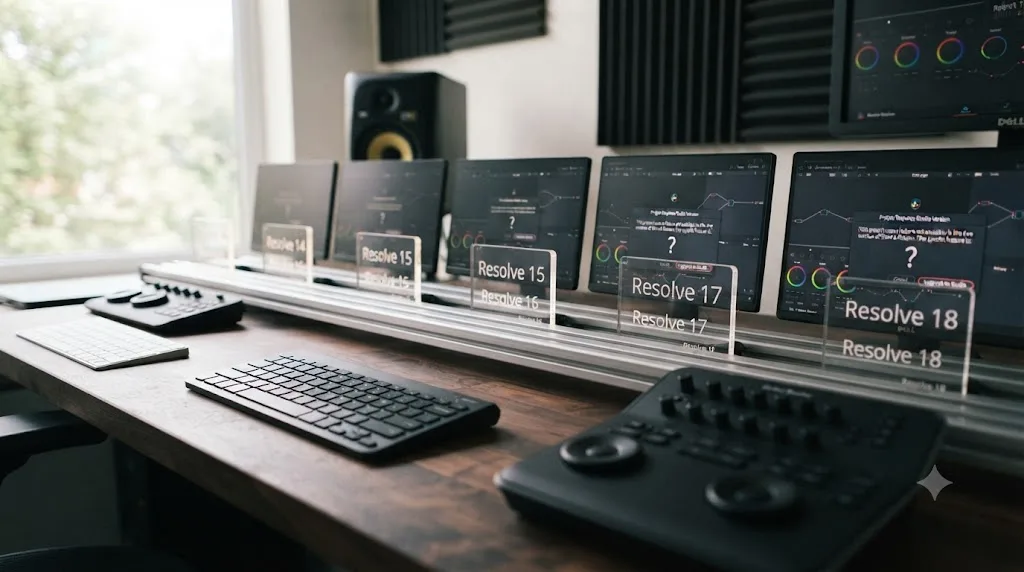
Is this different between DaVinci Resolve 21 and older versions?
The dialog and the blocking behavior are consistent across recent Resolve releases, including the current 21.0.2 build; what shifts version to version is exactly which features sit on the Studio side of the line. Resolve 21 keeps the Neural Engine AI tools, UltraNR noise reduction, and text-based editing all Studio-exclusive, matching the pattern documented in earlier versions on the Blackmagic forum thread from December 2024 reporting this exact error.
That thread is worth noting for a reason beyond its age: the underlying mechanism it describes, a project locked by an unintentionally used premium feature, is functionally identical to what editors report on Resolve 21 today. This isn't a bug that got fixed. It's a permanent design choice in how Blackmagic separates its free and paid tiers, and it has held steady across major version jumps.
What has moved, as covered in our free versus Studio pricing guide, is which features count as "Studio-only" at all. Multi-user collaboration used to require Studio and now ships free. If you're troubleshooting an older project that's suddenly hitting this wall after an update, it's worth checking whether a feature you assumed was free actually behaves differently on your installed version, though Blackmagic's public pattern has mostly been features migrating down to free, not up into Studio.
How do you find which specific effect or setting locked your project?
Since the dialog itself won't tell you, work through a short, ordered checklist once you have Studio access, rather than guessing at random. This is the same order Joseph Owens' forum answer implied when he listed noise reduction, premium plugins, transitions, grades, OFX, and resolution as the likely suspects, in roughly descending order of how often each one shows up.
- Check Project Settings first. Timeline Resolution, Frame Rate, and the audio sample rate under Fairlight settings are all visible without opening a single clip, and they're the fastest checks to rule in or out.
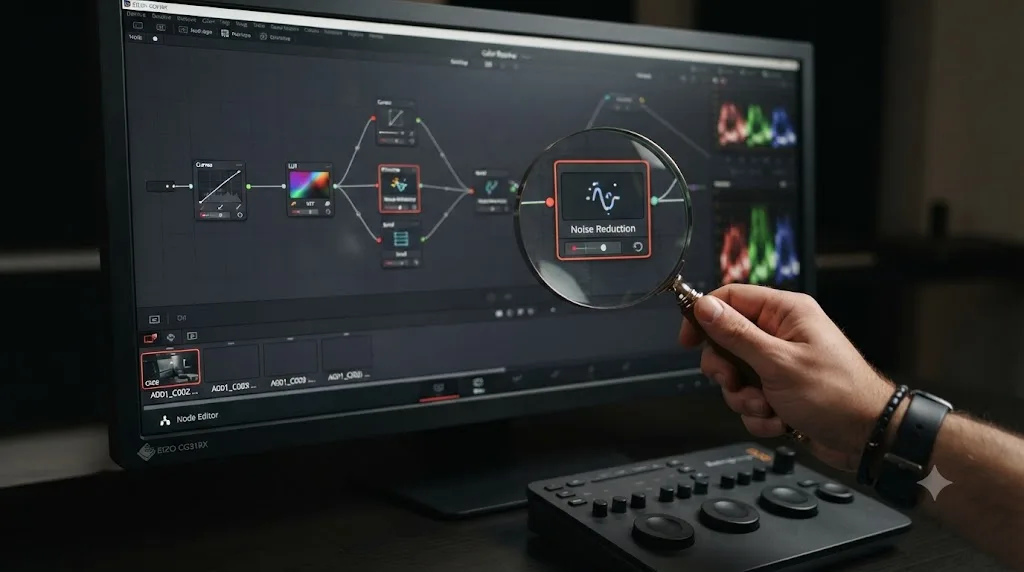
- Scan the Color page for noise reduction nodes. Temporal and AI spatial noise reduction are Studio-only and easy to forget once applied, especially if they were dropped on a single problem clip weeks ago.
- Look for unusual Resolve FX or third-party OFX plugins on any clip. Right-click through the Effects Library usage, or check the Inspector panel of clips you suspect, for anything outside the core free-tier effect set.
- Check for stereoscopic 3D settings. These live in Project Settings under a separate tab and are easy to overlook since almost nobody works in 3D deliberately.
- Confirm the color science and bit depth. Under Color Management in Project Settings, verify you're not running a 10-bit intermediate pipeline that got set up for a different deliverable.
Working this checklist top to bottom takes minutes. Guessing at random takes hours. That gap is the entire reason this section exists, because forum threads on this topic are full of editors who spent an afternoon reinstalling software or rebuilding from scratch before finding a single mislabeled noise reduction node.
What shouldn't you do when you hit this error?
Don't reinstall DaVinci Resolve. This error lives entirely in the project's saved settings and the license tier of the software reading them, not in a damaged install, so a reinstall changes nothing and costs you the time a real fix would have taken.
Don't assume your project database or the file itself is corrupted. That's a different, unrelated failure mode covered in full in our project won't open guide, and the fixes for a corrupted database, cache clearing, backup restores, Safe Mode, do nothing for a licensing block. Confusing the two sends you down an entirely wrong troubleshooting path.
Don't buy DaVinci Resolve Studio on impulse the moment you see this dialog, before checking whether a colleague, a school lab, or a same-day Blackmagic Cloud rental can solve it for a fraction of the cost. Save the $295 purchase for the moment Studio features are a routine part of your actual workflow, not a one-time key to a single locked file.
And don't confuse this with the similarly worded "license already in use" error, which is about your own Studio activation key filling both of its machine slots, a completely different problem covered in our license already in use guide. The words overlap. The causes and fixes don't.
How do you stop this from happening again?
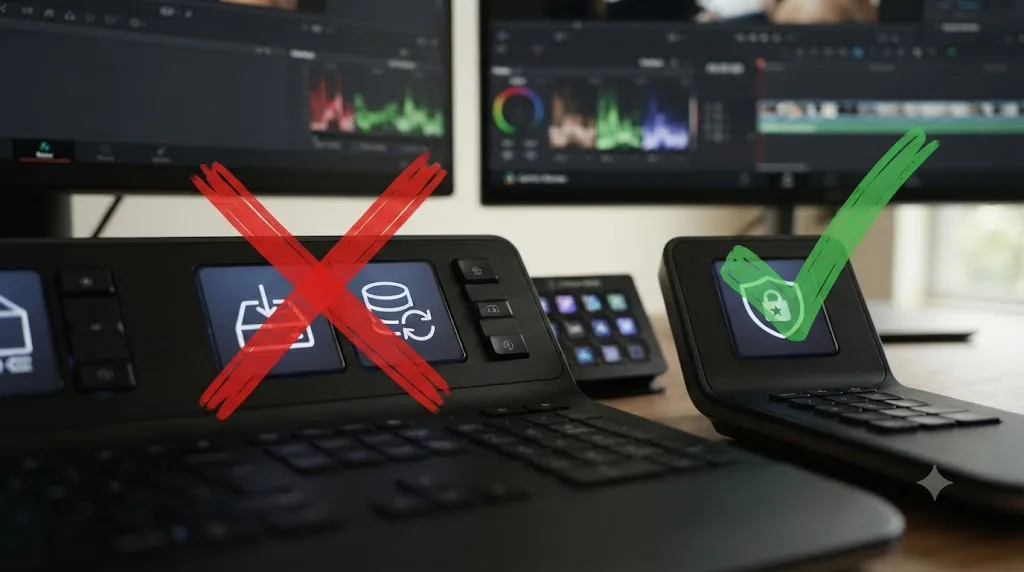
Treat every project handoff, template import, and preset application as a moment where a Studio-only setting could ride along invisibly, and check for it before the file leaves your machine. That single habit prevents nearly every report of this error covered above.
A few concrete rules that hold up in practice:
- Before handing a project to anyone running the free version, open Project Settings and confirm resolution, frame rate, bit depth, and audio sample rate all sit inside the free tier's range.
- Don't import someone else's preset or template without checking what resolution and frame rate it carries. A preset built for a Studio delivery brings its settings with it silently.
- If your team mixes free and Studio licenses, agree on a shared ceiling, resolution, frame rate, and effects, that every project stays inside, regardless of who's editing that day.
- Keep an AAF or XML export of any project that might need to travel to a free-tier machine later, the same habit that protects against the version-mismatch errors covered in our newer-version project guide.
- If Studio features are becoming a routine part of your workflow rather than an accident, that's the signal to stop routing around the $295 license and just buy it, since our full free versus Studio breakdown covers exactly which use cases make that math work.
| Team setup | Recommended policy |
|---|---|
| Everyone runs free | Nobody can trigger this; no policy needed |
| Everyone runs Studio | Nobody hits this either; the error only appears when tiers mix |
| Mixed free and Studio | Set a shared resolution, frame rate, and effects ceiling every project must respect before handoff |
| Freelancers rotating in and out | Export AAF/XML alongside every Studio-built project, so a free-tier collaborator always has a fallback |
We've spent seven-plus years cutting commercial video work in Resolve and run a 100,000-plus member video editing community where a locked project like this comes up regularly, almost always from someone who inherited a template or a preset without checking what settings it carried. The fix is rarely dramatic. It's usually one overlooked field in Project Settings.
If the actual sticking point isn't the licensing error itself but figuring out where a setting like Timeline Resolution or Noise Reduction even lives inside Resolve's interface, that's a different kind of stuck. TryUncle is the on-screen assistant for DaVinci Resolve on macOS, ask in plain words and Uncle points at the exact control on your screen instead of sending you to a forum thread that may not match your version. It's a paid tool, currently $29.99 a month at founder pricing for the first 100 seats, worth checking TryUncle for the current rate.
The verdict
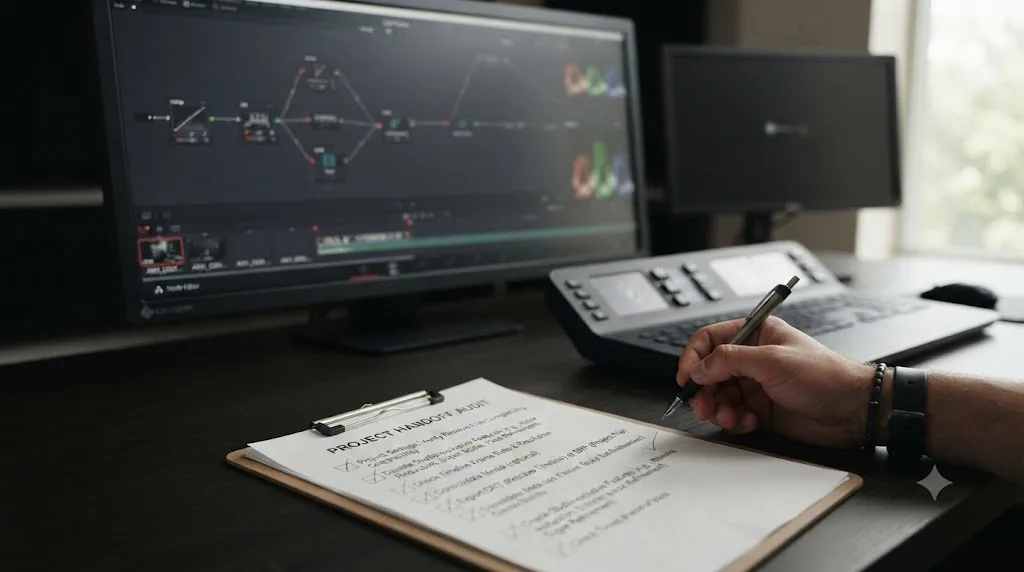
A project that requires Studio to open isn't broken, it's gated, and the gate is a single setting or effect you can almost always find and remove once you get ten minutes of access to a Studio license. Check resolution, bit depth, frame rate, noise reduction, and audio sample rate, in that order, since those five account for most reports of this exact error. Borrow Studio if you can, rent a Blackmagic Cloud seat for a month if you can't, and rebuild from AAF or XML if truly nothing else is available. If this keeps happening across projects rather than as a one-time accident, $295 once is cheaper than the recurring cost of chasing someone else's license every time it does. Fix the setting, not your whole workflow, and the project opens exactly as you left it.
Frequently asked questions
- What does 'this project requires DaVinci Resolve Studio to open' actually mean?
- It means the project's saved data references at least one feature that only exists in DaVinci Resolve Studio, such as a resolution above 3840x2160, 10-bit color, AI noise reduction, or a high audio sample rate. The free version can't render or even parse that feature, so it blocks the whole project rather than opening it with pieces missing.
- Why does DaVinci Resolve say 'You have reached a limitation' instead of naming the feature?
- Because the dialog is a generic gatekeeper that fires the moment Resolve detects any Studio-only setting anywhere in the project, not a diagnostic tool. Forum members troubleshooting this exact message have said it 'generally indicates that you have used a feature in the Studio version that the Free version does not support,' without narrowing down which one on-screen.
- Can I open the project without buying DaVinci Resolve Studio?
- Only if someone else with an active Studio license, or a rented Blackmagic Cloud seat, opens it first, removes the Studio-only setting, and saves a copy. There's no way to strip the feature from inside the free version, since the free version can't open the project to reach its settings in the first place.
- Which settings most often trigger this by accident?
- Timeline or Render resolution above Ultra HD, 10-bit color depth, any Resolve FX noise reduction node, a project audio sample rate above 48kHz, and Studio-exclusive OFX plugins or transitions are the most commonly reported triggers, based on Blackmagic's own forum threads on this exact error.
- Is there a free trial of DaVinci Resolve Studio so I can just open the project once?
- No. Blackmagic doesn't offer a separate trial license for Studio. Every Studio feature can be previewed inside the free version with a watermark, but that preview mode won't open a project that's already locked behind the limitation dialog. You need a paid, activated license, or a rented Blackmagic Cloud seat, even briefly, to get past it.
- Is 'project requires Studio' the same problem as 'license already in use' or 'project already in use'?
- No, all three sound alike but point at different things. Requiring Studio means the project's settings exceed what the free version can render. License already in use means your Studio activation key has already filled both of its machine slots. Project already in use means a specific file is locked, usually by a crash. Treating one as another wastes time on the wrong fix.
- Does this behave differently in DaVinci Resolve 21 versus older versions?
- The blocking mechanism is the same across recent versions; what changes release to release is which features sit on the Studio side of the line. Resolve 21 keeps text-based editing, the newer Neural Engine tools, and UltraNR noise reduction Studio-exclusive, so projects built with any of those in 21 will show this error in the free version regardless of which point release you're running.
Sources
- DaVinci Resolve product page (free version specs)
- DaVinci Resolve Studio product page (price and features)
- DaVinci Resolve - Tech Specs (Blackmagic Design)
- Creative COW forum: Studio 'over' to free version woes (Charles Ferran, Joseph Owens, Glenn Sakatch)
- Blackmagic Forum: Project cannot be opened - Resolve has reached a limitation
- Blackmagic Forum: Unable to Open Project
- Blackmagic Forum: Opening a studio project in the free version
- FreeVisuals (Sebastian Navarro): [SOLUTION] 'You Have Reached a Limitation' On DaVinci Resolve
- Newsshooter (Matthew Allard ACS): Blackmagic Design introduces a new way for individuals to rent DaVinci Resolve Studio
- RedShark News (Andy Stout): Blackmagic Adds Monthly License Option for DaVinci Resolve Studio
- RedShark News: Will DaVinci Resolve Studio upgrades stay free? Grant Petty hints at change
- Blackmagic Design: DaVinci Resolve support and downloads
Put this guide to work with TryUncle.
Ask about the step you’re on. TryUncle sees your screen and points at the control you need, so you can keep learning in your own project.
Get TryUncle for Mac or WindowsKeep reading
Comparisons · Jul 7, 2026 · 28 min
DaVinci Resolve Studio Price: Free vs. Studio Cost, Explained
DaVinci Resolve Studio costs $295, paid once, not monthly. Here's exactly what that buys, how it stacks up against Premiere Pro and Final Cut Pro, and who needs it.
Fixes · Jul 10, 2026 · 23 min
DaVinci Resolve Project Won't Open: Match Symptom to Fix
Whether DaVinci Resolve hangs at 100%, crashes on launch, or shows a database error, here's the exact cause behind each symptom and how to fix it.
Fixes · Jul 20, 2026 · 26 min
DaVinci Resolve Free Version's 4K Export Limit: Myth vs. Fact
Does DaVinci Resolve's free version really block 4K export? No. Here's the real UHD vs. DCI 4K limit, what's Studio-only, and why the myth persists.